
Baseus NGTD020202
Manuale d'uso per cuffie wireless Baseus Bowie D05
Model: NGTD020202
1. Introduzione
Thank you for choosing the Baseus Bowie D05 Wireless Headphones. This manual provides detailed instructions on how to set up, operate, maintain, and troubleshoot your new headphones. Please read this manual carefully before use to ensure optimal performance and longevity of your device.
2. Ciò chì hè in a scatula
À u mumentu di u disimballu, assicuratevi chì tutti l'articuli seguenti sianu presenti:
- Cuffie sans fil Baseus Bowie D05
- Cavo di carica USB-A à USB-C
- Cavo audio da 3.5 mm
- Manuale d'usu
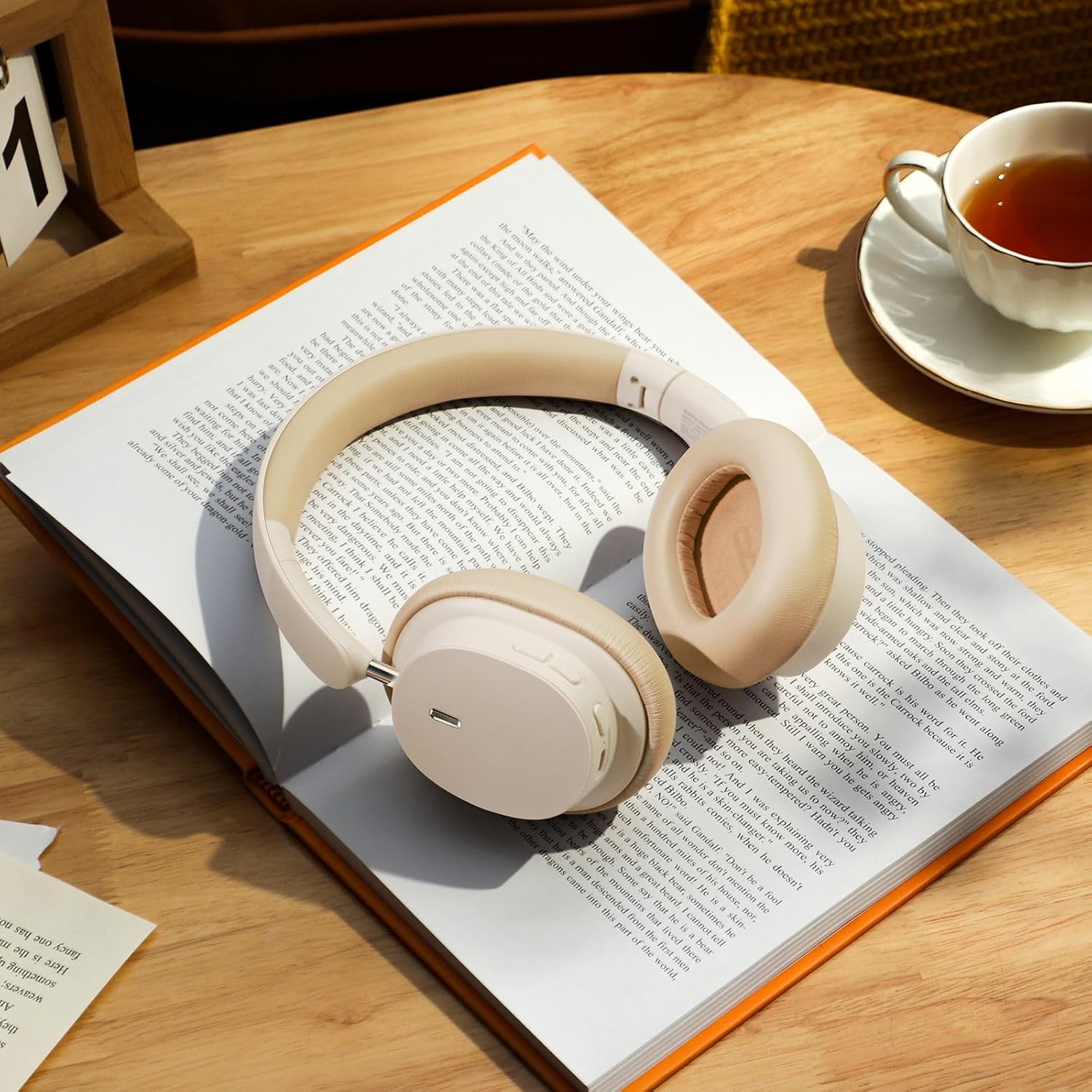
Image: The Baseus Bowie D05 headphones shown alongside their USB-C charging cable and 3.5mm audio cable, illustrating the complete package contents.
3. Produttu Finituview
Familiarize yourself with the various parts and controls of your Baseus Bowie D05 headphones:
- Pulsante di accensione/multifunzione: Used for powering on/off, play/pause, answering/ending calls, and activating voice assistant.
- Pulsante Volume Up: Aumenta u vulume, appughjà longu per a prossima traccia.
- Pulsante Volume Down: Diminuisce u vulume, appughjà longu per a traccia precedente.
- Portu di carica USB-C: Per carica l'auriculare.
- Jack audio da 3.5 mm: Per cunnessione cablata.
- Indicatore LED: Shows power, charging, and pairing status.
- Micrufonu: Per chjamate è cumandamenti vocali.

Imagine: Un dettagliu view of the left earcup of the Baseus Bowie D05 headphones, highlighting the location of the control buttons (volume up/down, multi-function) and the charging/audio ports.
4. Setup
4.1 Caricamentu di l'auricolari
- Connect the USB-C end of the charging cable to the headphone's charging port.
- Connect the USB-A end to a USB power adapter (5V/1A recommended) or a computer's USB port.
- The LED indicator will show red during charging and turn off or blue when fully charged.
- Una carica cumpleta dura di solitu circa 1.5-2 ore.
4.2 Accoppiamentu Bluetooth
- Assicuratevi chì l'auricolari sianu cumpletamente cariche.
- Press and hold the Power/Multi-function button for 3-5 seconds until the LED indicator flashes blue and red alternately, indicating pairing mode.
- Nant'à u vostru apparechju (smartphone, tableta, urdinatore), attivate Bluetooth.
- Cerca "Baseus Bowie D05" in the list of available Bluetooth devices.
- Select "Baseus Bowie D05" to connect. Once connected, the LED indicator will flash blue slowly or turn off.
4.3 Cunnessione cablata (opzionale)
Pudete aduprà l'auricolari cù u cavu audio di 3.5 mm inclusu quandu a batteria hè bassa o per i dispositivi senza cunnessione Bluetooth.
- Inserite una estremità di u cavu audio di 3.5 mm in a presa audio di 3.5 mm di l'auricolari.
- Inserite l'altra estremità in a presa di uscita audio di u vostru dispositivu.
- Note: Controls on the headphones may not function in wired mode.
5. Operating Instructions
5.1 Power On/Off
- Power On: Appughjà è tene premutu u buttone Power/Multifunction per 3 secondi.
- Spegnimentu: Appughjà è tene premutu u buttone Power/Multifunction per 5 secondi.
5.2 Riproduzione musicale
- Play/Pause: Short press the Power/Multi-function button.
- Aument du volume : Appughjà brevemente u buttone Volume Up.
- Volume Imbruglia: Appughjà brevemente u buttone Volume Down.
- Prussima pista: Appughjà longu u buttone Volume Up.
- Pista Precedente: Appughjà longu u buttone Volume Down.
5.3 Gestione di e chjame
- Rispondi / Finisce a chjama: Short press the Power/Multi-function button.
- Reject Call: Long press the Power/Multi-function button for 2 seconds.
5.4 Cunnessione Multi-Dispositivi
The Baseus Bowie D05 headphones support simultaneous connection to two devices, allowing seamless switching between them.
- Connect the headphones to the first device via Bluetooth as described in section 4.2.
- Disconnect the headphones from the first device (do not unpair).
- Connect the headphones to the second device via Bluetooth.
- Reconnect the headphones to the first device from its Bluetooth settings. The headphones should now be connected to both devices.
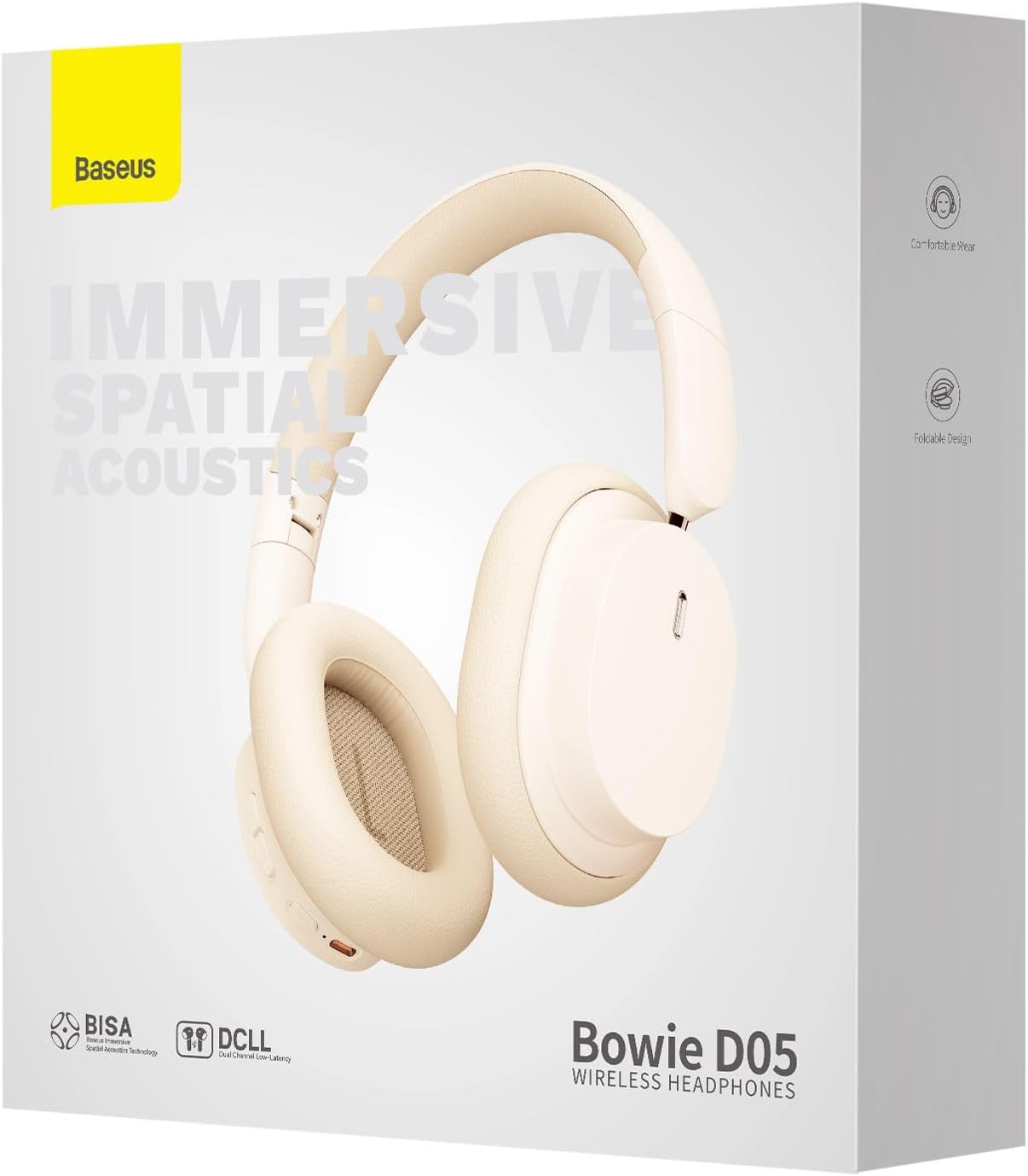
Image: The Baseus Bowie D05 headphones are depicted wirelessly connected to both a smartphone and a tablet, demonstrating their multi-device connectivity feature.
6. Mantenimentu
Per assicurà a longevità è e prestazioni ottimali di e vostre cuffie, seguitate queste linee guida di manutenzione:
- Pulizia: Aduprate un pannu dolce, asciuttu è senza pelu per pulisce l'auricolari. Ùn aduprate micca detergenti abrasivi, alcolu o solventi chimichi.
- Conservazione: Quandu ùn sò micca in usu, cunservate l'auricolari in un locu frescu è asciuttu, luntanu da a luce diretta di u sole è da temperature estreme.
- Evita l'umidità: Tenite l'auricolari luntanu da l'acqua è da l'umidità eccessiva.
- Maneggiate cù cura: Evitate di fà cascà o di sottumette l'auricolari à impatti forti.
7. Risoluzione di prublemi
If you encounter any issues with your Baseus Bowie D05 headphones, please refer to the following common problems and solutions:
| Prublemu | Soluzione Possibile |
|---|---|
| L'auricolari ùn s'accendenu micca. | Assicuratevi chì l'auricolari sianu cumpletamente cariche. Cunnetteli à una fonte di alimentazione è pruvate torna. |
| Ùn si pò micca accoppià cù u dispusitivu. | Ensure headphones are in pairing mode (flashing blue/red). Turn off and on Bluetooth on your device. Clear previous Bluetooth connections on your device. Move headphones closer to the device. |
| Nisun sonu o un vulume bassu. | Check headphone and device volume levels. Ensure headphones are properly connected. Try playing different audio. If using wired connection, ensure cable is fully inserted. |
| Scarsa qualità di sonu. | Move closer to your device to avoid interference. Avoid obstacles between headphones and device. Try disconnecting and reconnecting. |
| L'auricolari si disconnettenu spessu. | Ensure headphones are fully charged. Keep within Bluetooth range (typically 10 meters). Avoid strong electromagnetic interference. |
Sè u prublema persiste dopu avè pruvatu ste suluzioni, cuntattate l'assistenza clienti.
8. Specificazioni
Detailed technical specifications for the Baseus Bowie D05 Wireless Headphones:
- Nome di mudellu: NGTD020202
- Marca: Baseus
- Tecnulugia di cunnessione: Wireless (Bluetooth)
- Tecnulugia di cumunicazione wireless: Bluetooth
- Posizionamentu di l'orechja: Over Ear
- Fattore di forma: Over Ear
- Tipu di driver audio: Driver dinamicu
- Dimensione di unità di driver: 40 mm
- Durata di a batteria: Up to 70 hours of audio playback (at 70% volume)
- Portu di carica: USB-C
- Jack audio: Jack da 3.5 mm
- Materiale: Plastica
- Pesu di l'articulu: Circa 209 grammi (7.37 ounces)
- Culore: Creamy-White (as per product title, though spec says Black)
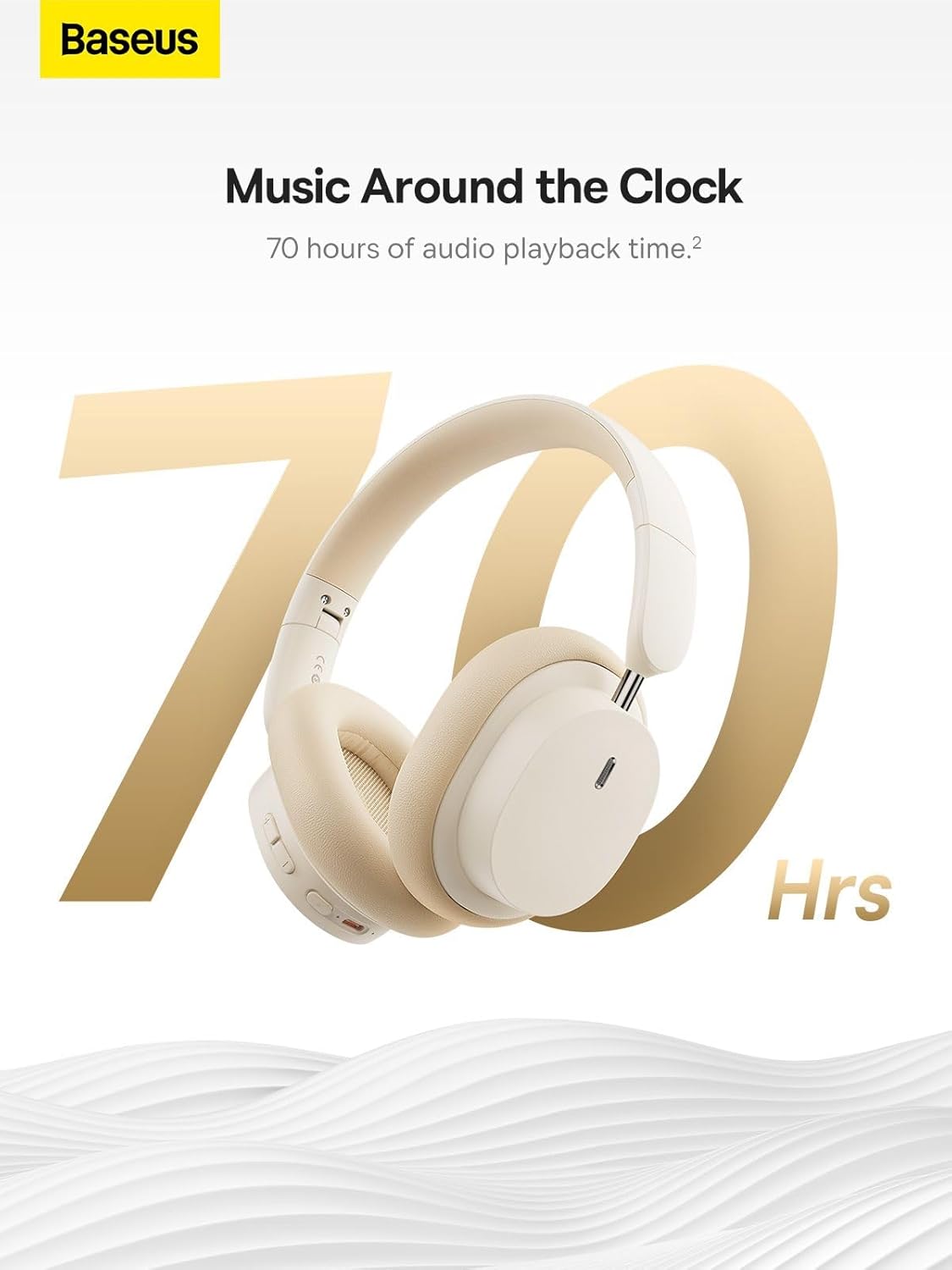
Image: The Baseus Bowie D05 headphones are featured with a prominent '70 Hrs' graphic, highlighting their extended audio playback time on a single charge.

Image: Two individuals are shown comfortably wearing the Baseus Bowie D05 headphones, emphasizing their lightweight design with the text 'Only 209g' for extended listening sessions.

Image: A visual representation of a 40mm large driver unit, illustrating its capability to deliver detailed high-end and fuller low-end audio performance.
9. Garanzia è Support
9.1 Garanzia infurmazione
Baseus products are covered by a limited warranty from the date of purchase. Please refer to the warranty card included in your product packaging or visit the official Baseus websitu per i termini è e cundizioni di garanzia dettagliate.
9.2 Assistenza Clienti
For technical assistance, troubleshooting, or warranty claims, please contact Baseus customer support through the following channels:
- Ufficiale Websitu: Visit the Baseus official websitu per FAQ, risorse di supportu è moduli di cuntattu.
- Supportu per email: Riferitevi à l'imballu di u vostru pruduttu o à l'infurmazioni ufficiali websitu per l'indirizzu email di l'assistenza clienti.
- Rivenditore Autorizatu: Contact the retailer from whom you purchased the product for assistance.
Ask a question about this manual
Ask about setup, troubleshooting, compatibility, parts, safety, or missing instructions. Manuals+ will review the question and use this page’s manual context to help answer it.