
1. Introduzione
This manual provides detailed instructions for the installation, operation, and maintenance of your VECHTEL 9-inch Android Car Stereo. This unit is designed specifically for Chrysler Town & Country (2001-2007) and Dodge Caravan (2001-2007) models, offering an integrated multimedia and navigation experience.
Leghjite attentamente stu manuale prima di l'installazione è di l'usu per assicurà un funziunamentu currettu è per evità danni à l'unità o à u vostru veiculu.
2. Informazioni di sicurezza
- Do not attempt to operate the unit while driving. Distracted driving can lead to accidents.
- Assicuratevi chì tutti i fili sianu cunnessi currettamente per impedisce cortocircuiti o danni elettrici.
- Cunsultate un prufessiunale per l'installazione sè ùn site micca sicuru di qualchì passu.
- Mantene l'unità luntanu da l'acqua è da l'umidità eccessiva.
- Do not disassemble the unit. This will void the warranty.
3. Cuntenutu di u pacchettu
Verificate chì tutti l'articuli elencati quì sottu sò inclusi in u vostru pacchettu:
- 1x VECHTEL Car Stereo Unit
- 1x Power Cable Harness (Plug and Play)
- 1x Antenna GPS
- 1x Camera posteriore
- 1x Cavu di a camera posteriore
- 1x Cavu RCA
- 2x Cavi USB
- 1x External Microphone
- 1x Installation Tool Kit
- 1x Manuale d'utilizatore
4. Setup è Installazione
This section guides you through the physical installation of the car stereo and initial setup steps.
4.1 Compatibilità di i veiculi
This unit is designed for a direct fit in:
- Dodge Caravan: 2001, 2002, 2003, 2004, 2005, 2006, 2007
- Chrysler Town & Country: 2001, 2002, 2003, 2004, 2005, 2006, 2007
The included wiring harness is plug-and-play, eliminating the need for modifications to the car's power wires.
4.2 Passi di stallazione
- Disconnect Battery: Prima di principià, scollegate u terminal negativu di a batteria di u vostru veiculu per impedisce cortocircuiti elettrichi.
- Eliminate a vechja unità principale: Carefully remove the existing car stereo from your dashboard. Use the provided installation tools if necessary.
- Cunnette u cablaggio: Connect the VECHTEL power cable harness to your vehicle's factory wiring harness. Ensure all connections are secure.
- Cunnette l'antenna GPS: Muntate l'antenna GPS in un locu cù una vista chjara view di u celu (per esempiu, nantu à u cruscottu o sottu à u parabrisa) è cunnettelu à l'unità.
- Cunnette i cavi USB: Route the USB cables to a convenient location (e.g., glove compartment) and connect them to the unit.
- Cunnette u microfonu esternu: Connect the external microphone and route it to a suitable position for clear voice pickup (e.g., near the sun visor).
- Rear Camera Installation (Optional but Recommended):
- Mount the rear camera at the back of your vehicle, ensuring a clear view.
- Connect the camera's video cable to the "CAM IN" port on the stereo unit.
- Connect the camera's power wire to your vehicle's reverse light power source.
- Cunnessioni di prova: Before fully reassembling the dashboard, reconnect the car battery and turn on the ignition to test the unit's basic functions (power, audio, touchscreen).
- Secure Unit and Reassemble: Once tested, secure the VECHTEL stereo in the dashboard opening and reassemble all removed panels.

Image: Comparison of the car dashboard before and after installing the VECHTEL 9-inch Android Car Stereo. The new unit seamlessly integrates into the vehicle's console.
5. Operating Instructions
This section covers the main functions and features of your VECHTEL Android Car Stereo.
5.1 Funzionamentu di basa
- Accensione / spegnimentu: Press and hold the power button (usually on the front panel) to turn the unit on or off. A short press typically mutes/unmutes audio.
- Controlu di u voluminu: Ajustate u vulume cù i buttoni fisichi o i cuntrolli in schermu.
- Interfaccia touchscreen: Navigate through menus and applications by tapping, swiping, and pinching on the 9-inch IPS HD touchscreen.
- Pantalla di casa: The customizable home screen allows you to arrange frequently used applications.
CarPlay senza filu 5.2 è Android Auto
Connect your smartphone for seamless integration of navigation, music, calls, and messaging.
- Cunnessione wireless:
- Assicuratevi chì Bluetooth sia attivatu nant'à u vostru smartphone è nant'à u stereo di a vittura.
- Accoppiate u vostru telefunu cù l'autoradio via Bluetooth.
- Once paired, open the CarPlay or Android Auto application on the stereo. Your phone should automatically connect.
- Cunnessione cablata:
- Connect your smartphone to one of the USB ports using a high-quality USB cable.
- The unit will prompt you to launch CarPlay or Android Auto.
- Controlu di voce: Aduprate Siri (per CarPlay) o Google Assistant (per Android Auto) per un funziunamentu senza mani.
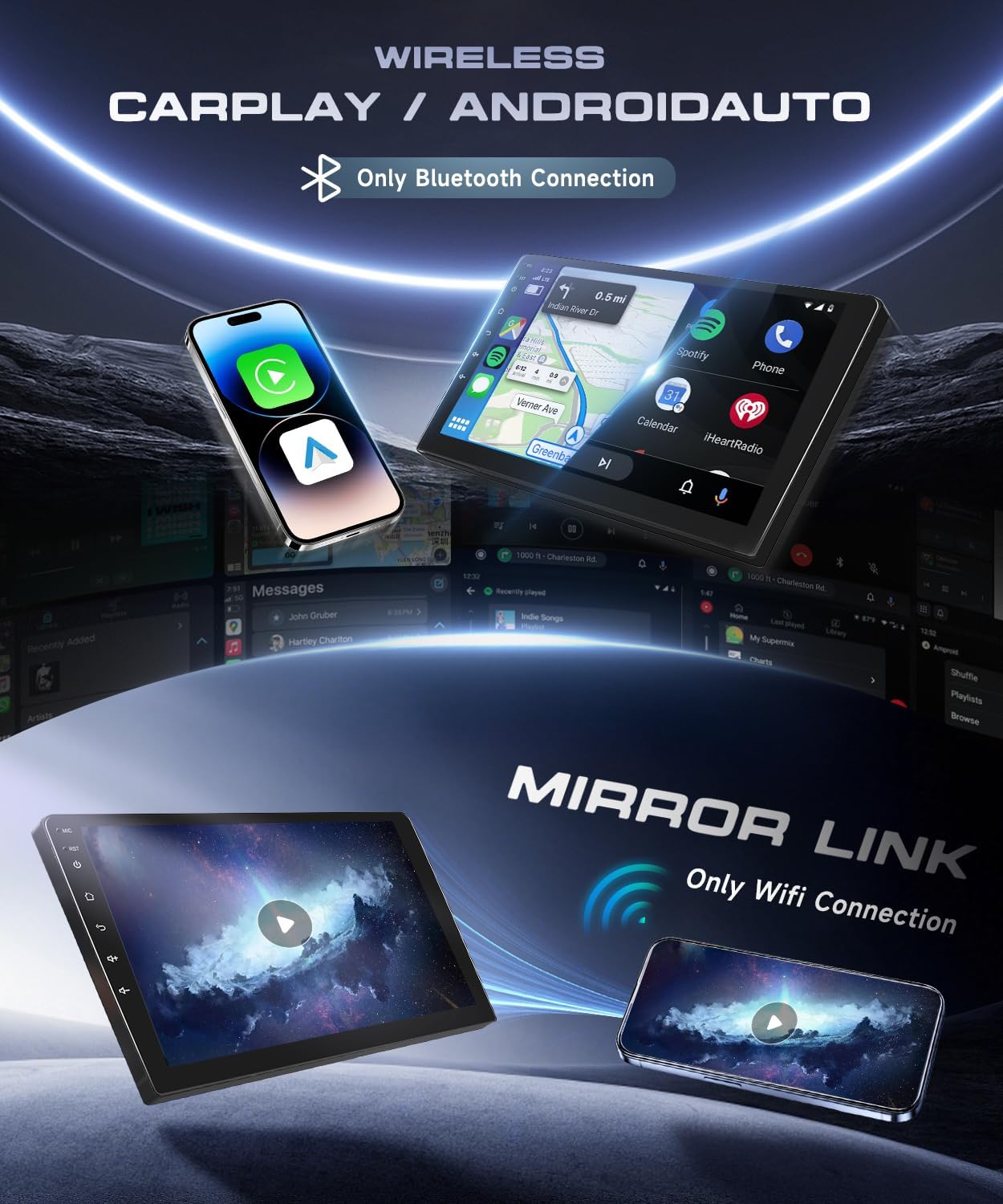
Image: Demonstrates the wireless CarPlay and Android Auto features, displaying smartphone integration for navigation, music, and calls. Also highlights the Mirror Link function for screen mirroring.
5.3 Navigazione GPS
The unit supports both online and offline navigation. Pre-installed maps may be available, or you can download your preferred navigation apps from the Google Play Store.
- Navigazione in linea: Requires a Wi-Fi connection (via hotspot or built-in Wi-Fi) to access real-time traffic and map updates.
- Navigazione fora di linea: Scaricate e carte per a vostra regione per aduprà a navigazione senza una cunnessione internet.

Image: Illustrates the GPS navigation capabilities, showing a map with route details and icons for popular navigation applications. The image also highlights the Wi-Fi function, enabling access to online content.
5.4 Bluetooth 5.0
Connect your phone via Bluetooth for hands-free calling, music streaming, and file trasferimentu.
- Accoppiamentu: Go to the Bluetooth settings on the stereo, enable Bluetooth on your phone, and select the stereo's name to pair.
- Chjama senza mani: Make and receive calls directly from the stereo interface.
- Streaming Audio: Ascoltà musica da u vostru telefunu attraversu l'altoparlanti di a vittura.
Radio 5.5 FM/RDS
Accede à e stazioni radio lucali cù una ricezione chjara è informazioni RDS (Radio Data System).
- Scanning: Use the auto-scan function to find and save available radio stations.
- RDS: Mostra l'infurmazioni di a stazione, i tituli di e canzone è altri dati induve dispunibili.
5.6 Cuntrollu di u Volante (SWC)
The unit supports your vehicle's existing steering wheel controls for safe and convenient operation.
- Cunfigurazione: Access the SWC settings in the unit's menu to map your steering wheel buttons to specific functions (e.g., volume, track skip, mode).
5.7 Camera di retromarcia
When the vehicle is put into reverse gear, the display automatically switches to the rear camera view, furnisce assistenza di parcheghju.
- Visione notturna: The included camera features night vision for clear images in low-light conditions.
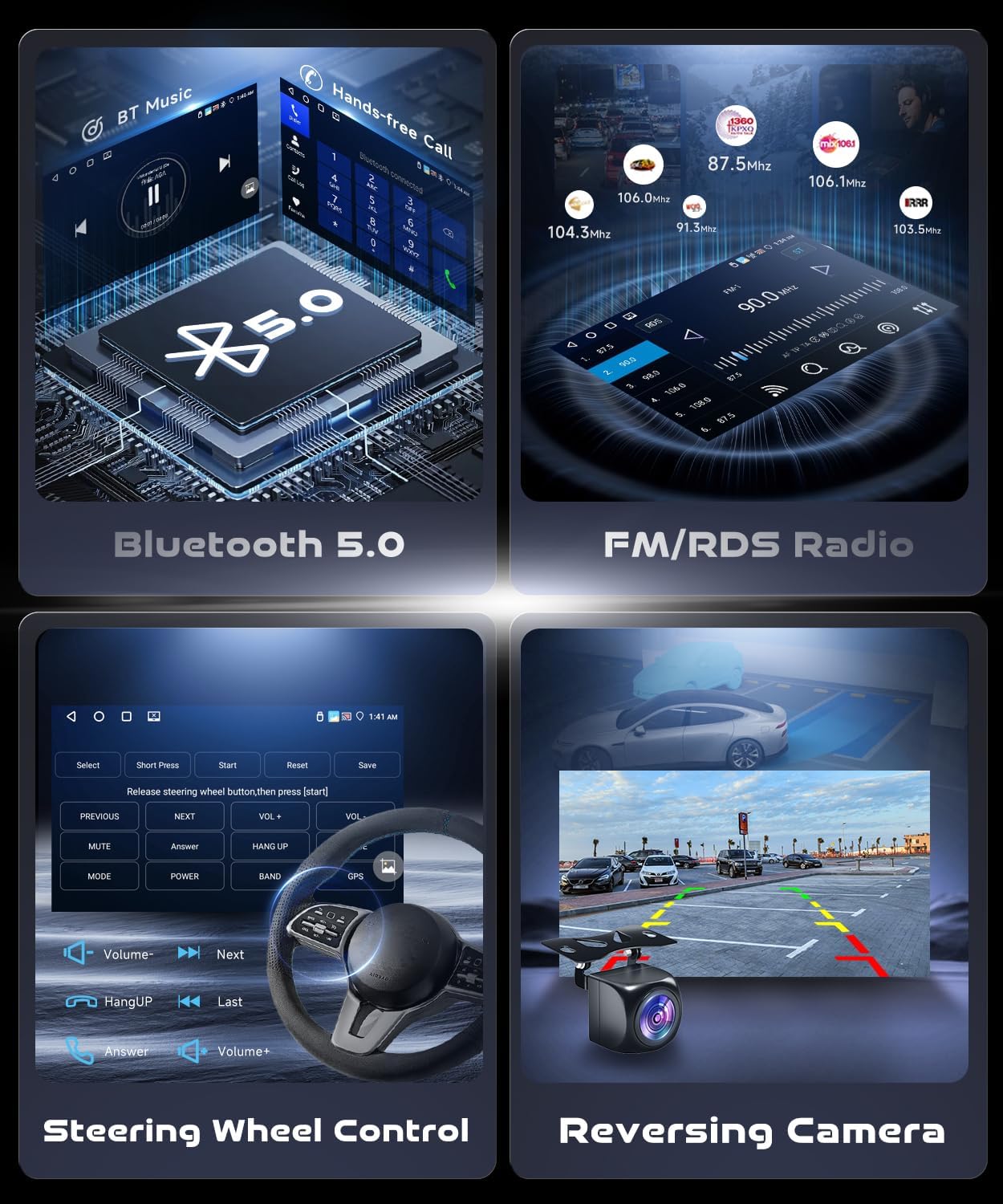
Image: Displays key operational features including Bluetooth 5.0 for music and calls, FM/RDS radio, customizable steering wheel controls, and the clear view from the reversing camera with parking guidelines.
5.8 DSP (Processore di sonu digitale)
The integrated DSP with a 32-band equalizer allows for precise audio customization to suit your preferences and vehicle acoustics.
- Equalizzatore: Adjust frequency bands to enhance bass, treble, and mid-range.
- Pruduzione Subwoofer: Surtita dedicata per cunnette un subwoofer esternu.
6. Mantenimentu
Una manutenzione adatta assicura a longevità è e prestazioni ottimali di u vostru stereo di vittura.
- Pulizia di u screnu: Aduprate un pannu dolce è senza pelu per pulisce u schermu tattile. Ùn aduprate micca detergenti abrasivi o solventi.
- Actualizazioni di u software: Periodically check for software updates to ensure the best performance and access to new features. Updates can usually be found on the manufacturer's website or through the unit's system settings if connected to Wi-Fi.
- Evite temperature estreme: Ùn espone micca l'unità à u calore o à u fretu estremu per periodi prolungati.
7. Risoluzione di prublemi
Questa sezione tratta di prublemi cumuni chì pudete scuntrà.
| Prublemu | Causa Possibile | Soluzione |
|---|---|---|
| L'unità ùn si accende micca. | Cunnessione elettrica allentata, fusibile bruciatu, prublema di batteria di u veiculu. | Verificate e cunnessione di i cavi di alimentazione. Ispettate i fusibili di u veiculu. Assicuratevi chì a batteria di a vittura sia carica. |
| Nisun sonu. | Volume muted, incorrect audio source, speaker wiring issue. | Check volume level and mute status. Select correct audio source. Verify speaker connections. |
| U signale GPS hè debule o indisponibile. | Antenna GPS installata in modu incorrectu o ostruita. | Assicuratevi chì l'antenna GPS abbia una visibilità chjara view di u celu. Verificate a cunnessione di l'antenna. |
| CarPlay/Android Auto ùn si cunnetta micca. | Bluetooth/Wi-Fi off, incorrect pairing, faulty USB cable, phone software issue. | Ensure Bluetooth/Wi-Fi is on. Re-pair device. Try a different USB cable. Restart phone and stereo. |
| A camera posteriore ùn si mostra micca. | Camera power or video cable loose, reverse light signal issue. | Check camera connections. Ensure camera power is correctly wired to reverse light. |
| U schermu tattile ùn risponde micca o hè imprecisu. | Software glitch, screen protector interference, physical damage. | Restart the unit. Remove any screen protectors. If issue persists, contact support. |
If you encounter issues not listed here, or if the suggested solutions do not resolve the problem, please contact VECHTEL customer support.
8. Specificazioni
| Marca: | VECHTEL |
| Sistema Operativu: | Android 13 (8-core CPU) |
| Memoria: | 2GB RAM + 64GB ROM |
| Dimensione di visualizazione: | 9 inch |
| Tipu di visualizazione: | Touchscreen IPS |
| Risoluzione di a visualizazione: | 1280 x 720 |
| Versione Bluetooth: | 5.0 |
| Potenza di output: | 4 x 45 W |
| Funzioni speciali: | Wireless CarPlay, Wireless Android Auto, GPS, Wi-Fi, DSP (32-band EQ), Mirror Link, FM/RDS Radio, Steering Wheel Control Support, Rear Camera Input |
| Veiculi cumpatibili: | Chrysler Town & Country (2001-2007), Dodge Caravan (2001-2007) |
| Température de fonctionnement : | -20 ℃ à 75 ℃ |
| Formati audio: | APE/FLAC/WAV/MP3/WMA ecc. |
| Formati Video: | MKV/RMVB/AVI/MP4/MDV ecc. |

Image: Highlights the 9-inch HD touchscreen with 1280x720 resolution, illustrating the display quality and core system specifications like RAM, ROM, and Android version.
9. Garanzia è Support
VECHTEL products are designed for reliability and performance. For warranty information, please refer to the documentation included with your purchase or contact our customer support.
Assistenza Clienti: If you encounter any issues, including compatibility concerns (e.g., wiring or fitment), please contact us directly through Amazon. Provide your car's model year and a photo of the center console for assistance. Our support team can help identify the correct dashboard kit or wiring harness if needed.
For the latest support information and FAQs, please visit the official VECHTEL website (if available, otherwise refer to Amazon seller page).