1. Introduzione
Grazie per l'acquistuasing the Portable Mini Projector. This device is designed to provide a versatile and immersive viewing experience, supporting high-definition decoding and various connectivity options for both indoor and outdoor use. Please read this manual thoroughly before operating the projector to ensure proper use and to maximize its performance and lifespan.
2. Informazioni di sicurezza
To prevent fire, electric shock, or damage to the projector, please observe the following safety precautions:
- Ùn bluccate micca l'aperture di ventilazione. Assicuratevi un flussu d'aria adeguatu intornu à u pruiettore.
- Do not expose the projector to rain or moisture. Keep it away from water sources.
- Aduprate solu l'adattatore di alimentazione furnitu cù u pruiettore.
- Evitari guardà direttamente in u lente projector quandu u lamp is on, as the bright light can cause eye strain or damage.
- Ùn pruvate micca di smuntà o mudificà u pruiettore. Cunfidate tutta a manutenzione à persunale qualificatu.
- Pone u pruiettore nantu à una superficia stabile è piana per impedisce ch'ellu caschi.
- Keep the projector away from direct sunlight, heat sources, and extreme temperatures.
3. Cuntenutu di u pacchettu
Verificate u cuntenutu di u pacchettu quandu apre a scatula:
- Miniprojector portatile
- Adattatore di putenza
- Control remoto (batterie micca incluse)
- Cavu HDMI
- Manuale d'usu
4. Caratteristiche è cumpunenti di u pruduttu
Familiarize yourself with the projector's key features and components:
- Lenti di proiezione: Emits the image onto the screen or surface.
- Anellu di Focus: Ajusta a chiarezza di l'imagine prughjettata.
- Porti Input: HDMI, USB, AV, Memory Card slot for various device connections.
- Speaker integratu: Fornisce output audio.
- Griglie di ventilazione: Per a dissipazione di u calore.
- Pulsante di putenza: Accende/spegne u proiettore.
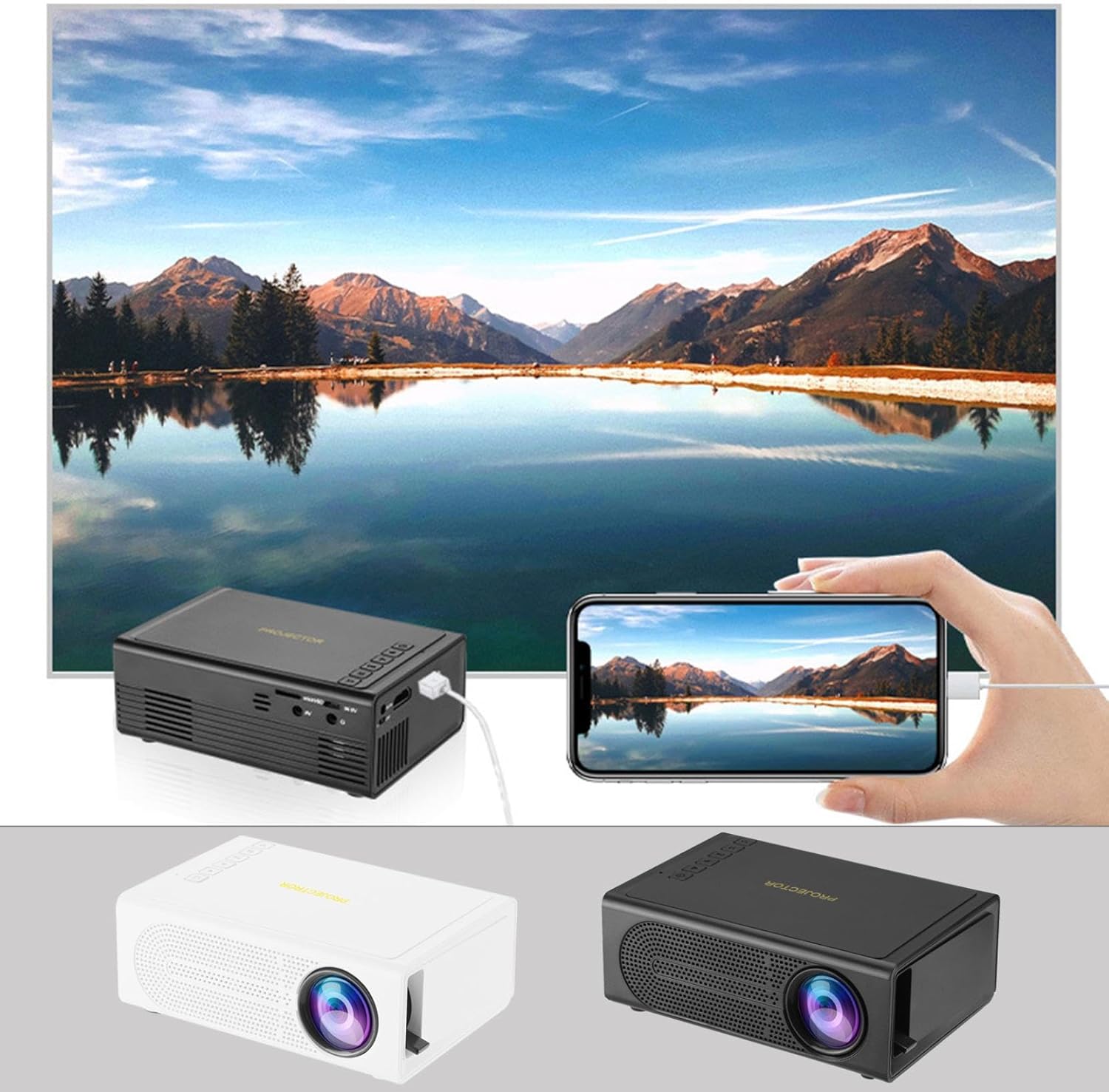
Image: The Portable Mini Projector in use, demonstrating its ability to mirror a smartphone screen onto a large display. Both black and white color options of the projector are shown.

Image: Physical dimensions of the projector, indicating its compact size.
5. Setup
- Cunnessione di putenza: Connect the supplied power adapter to the projector's power input port and then plug it into a power outlet.
- Placement: Pone u pruiettore nantu à una superficia stabile è piana. Per una qualità ottimale viewPosiziunate u pruiettore perpendicularmente à a superficia di pruiezione (muru o schermu).
- Power On: Pulsà u buttone di putenza nantu à u projector o u telecomando per accende u dispusitivu.
- Ajustamentu di Focus: Once powered on, rotate the focus ring on the projector until the projected image appears clear and sharp.
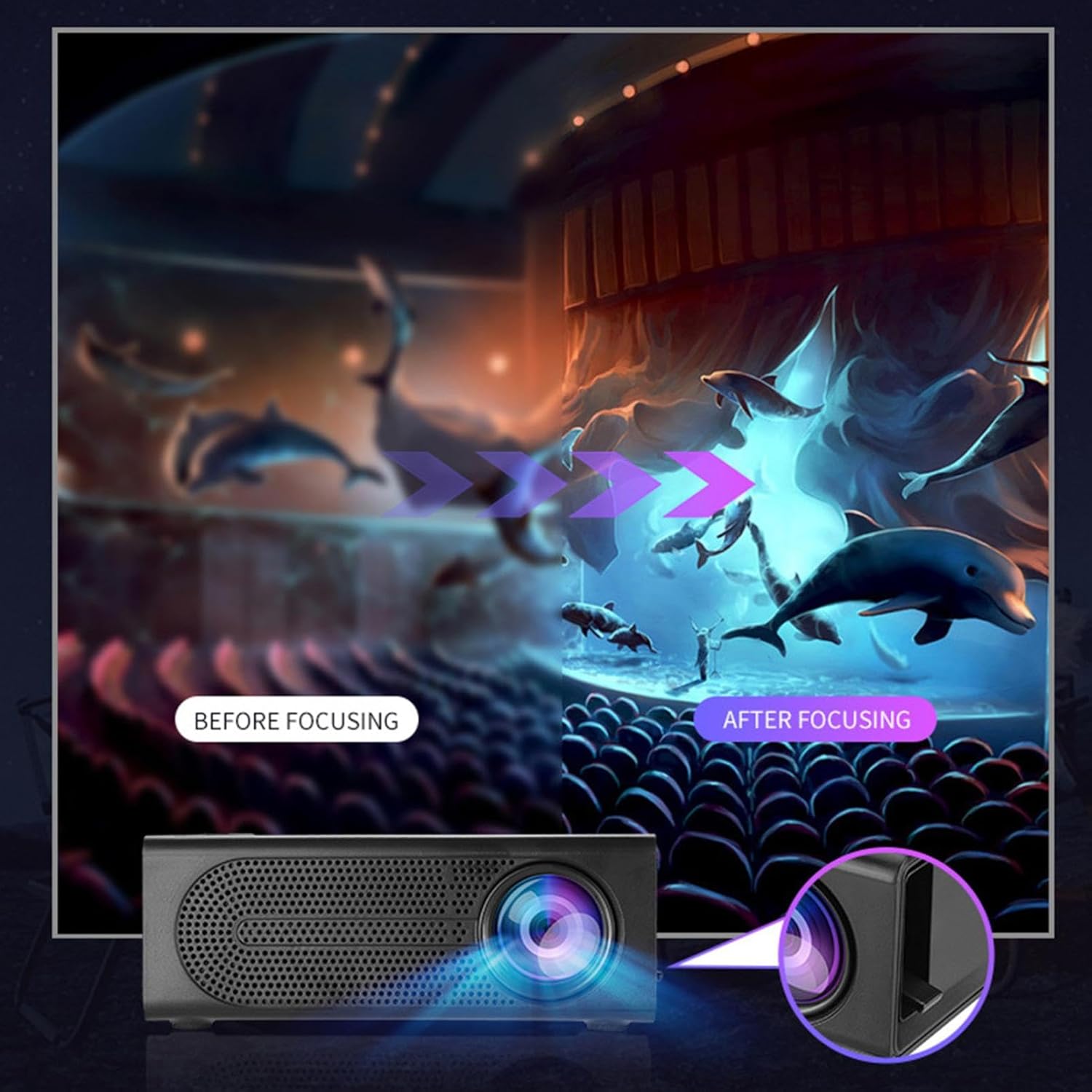
Image: Visual demonstration of focus adjustment, showing the difference between a blurry and a sharp image.
6. Operating Instructions
6.1 Dispositivi di cunnessione
The projector supports various input sources. Select the appropriate input mode from the projector's menu after connecting your device.
- HDMI: Connect laptops, gaming consoles, DVD players, or other HDMI-enabled devices using an HDMI cable.
- USB: Inserite una chiavetta USB per ghjucà i media files direttamente.
- DI: Use an AV cable to connect older devices like VCRs or some set-top boxes.
- Carta di memoria: Insert a compatible memory card to view ritratti o video.
- Smartphone/Tablet: For wired phone same screen playback, connect your smartphone or tablet via a compatible cable (e.g., USB to Lightning/USB-C for screen mirroring, if supported by your device and the projector).

Image: Connectivity diagram illustrating the wide range of devices compatible with the projector.
6.2 Adjusting Projection Size
The projector can project images ranging from 32 to 100 inches. The projection size is determined by the distance between the projector and the projection surface. Move the projector closer to the surface for a smaller image, and further away for a larger image.
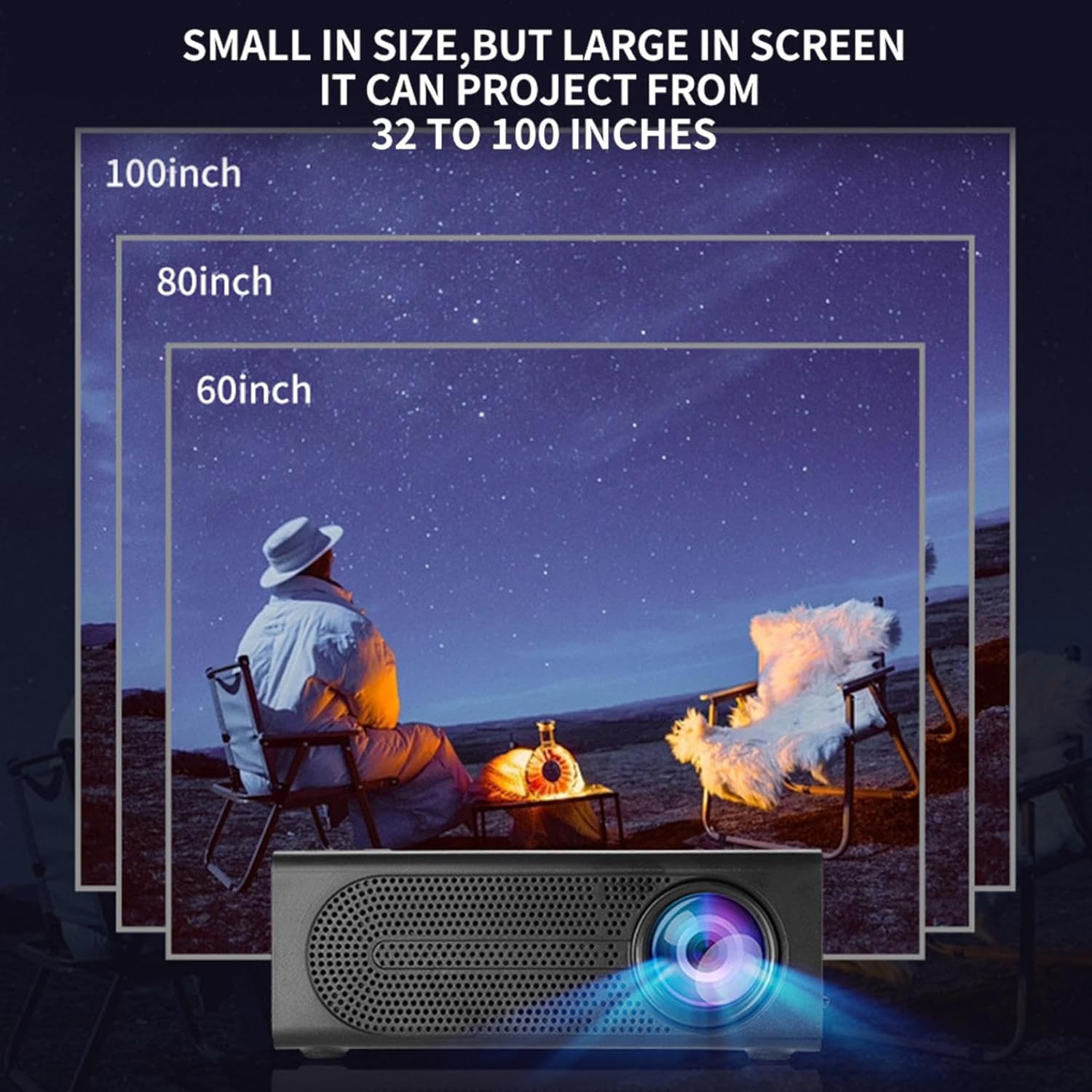
Image: Illustration of various projection sizes achievable with the projector, from 32 to 100 inches.
6.3 Scenari d'usu
This projector is suitable for a variety of environments and uses:
- Parent-child interaction: Enjoy movies or educational content with family.
- Outdoor cinema: Set up a movie night in your backyard.
- Bedroom projection: Watch content comfortably from your bed.
- Living room cinema: Transform your living space into a home theater.

Image: Examples of diverse usage scenarios for the projector, from indoor home theater to outdoor entertainment.

Image: Depiction of family entertainment using the projector, alongside a technical diagram explaining the benefit of diffuse reflection for eye comfort compared to direct-ray light from a TV.
7. Mantenimentu
Una manutenzione adatta assicura a longevità è e prestazioni ottimali di u vostru proiettore:
- Pulizia di lenti: Aduprate un pannu dolce è senza pelu specificamente cuncipitu per lenti ottiche per asciugà delicatamente a lente di u proiettore. Ùn aduprate micca detergenti abrasivi o forza eccessiva.
- Rimozione di polvere: Regularly clean the ventilation grilles with a soft brush or compressed air to prevent dust buildup, which can affect cooling and performance.
- Conservazione: Quandu ùn hè micca adupratu per periodi prolungati, cunservate u pruiettore in un locu frescu è asciuttu, luntanu da a luce diretta di u sole è da temperature estreme.
- Spegni bè: Spegne sempre u pruiettore cù u buttone d'accensione è lasciallu raffreddà prima di scollegallu o spustallu.
8. Risoluzione di prublemi
Sè avete prublemi cù u vostru pruiettore, riferitevi à i seguenti prublemi è suluzioni cumuni:
| Prublemu | Causa Possibile | Soluzione |
|---|---|---|
| Nisuna imagine prughjettata | Power not connected; Input source not selected; Lens cap on. | Ensure power is connected and unit is on; Select correct input source; Remove lens cap. |
| L'immagine hè sfocata | Focus micca aghjustatu; Pruiettore troppu vicinu/luntanu da u schermu. | Ajustà l'anellu di messa à focu; Ajustà a distanza di pruiezione. |
| Nisun sonu | Volume too low; Audio cable not connected; Muted. | Increase volume; Check audio connections; Unmute projector/source device. |
| U cuntrollu remoto ùn funziona micca | Batterie morte / inserite in modu incorrectu; Ostruzione trà u telecomandu è u pruiettore. | Rimpiazzà e batterie; Assicuratevi chì a linea di vista versu u ricevitore IR sia libera. |
Sè u prublema persiste dopu avè pruvatu ste suluzioni, cuntattate l'assistenza clienti.
9. Specificazioni
- Tipu di pruduttu: Miniprojector portatile
- Marca: Generic
- Dispositivi cumpatibili: Laptop, Gaming Console, Tablet, Camera, Smartphone
- Rapportu di cuntrastu di l'imagine: Altu
- Dimensione di proiezzione: 32 à 100 inch
- Decodificazione Video: H.264, H.265
- Connettività: HDMI, USB, AV, Memory Card
- Dimensioni: Approximately 5in (L) x 3.2in (W) x 1.9in (H) / 12.7cm (L) x 8.15cm (W) x 4.85cm (H)
10. Garanzia è Support
This product comes with a standard manufacturer's warranty. Please refer to the warranty card included in your package for specific terms and conditions. For technical support, troubleshooting assistance, or warranty claims, please contact the retailer or manufacturer's customer service department.
Cuntattu di assistenza à i clienti: Please refer to retailer or manufacturer websitu per i dati di cuntattu.