
1. Introduzione
The BAOFENG UV-32 is a powerful, multi-band amateur two-way radio designed for reliable long-range communication and advanced field operation. This manual provides detailed instructions for the proper setup, operation, and maintenance of your UV-32 radio, ensuring optimal performance and user safety. Please read this manual thoroughly before using the device.
2. Produttu Finituview è Funzioni chjave
The BAOFENG UV-32 Ham Radio integrates several advanced features to enhance your communication experience:
- Programmazione di l'applicazione Bluetooth: Configure frequencies, channels, and parameters wirelessly via a smartphone app, eliminating the need for a programming cable.
- Built-in GPS Positioning & Location Sharing: Utilize dual-mode GPS/Beidou for real-time latitude, longitude, altitude, and direction. Share or request location information with other radios.
- 10W High Power Dual Band Communication: Offers adjustable high/mid/low power settings up to 10 watts, covering VHF 136-174 MHz and UHF 400-520 MHz for extended range and signal quality.
- Advanced Scanning & Wireless Frequency Copy: Quickly scan active signals and CTCSS/DCS codes. The one-touch frequency copy function allows for rapid cloning of frequencies in the field.
- Type-C Fast Charging & Long Battery Life: Equipped with a large-capacity Li-ion battery and dual charging options (Type-C direct charge or charging dock). Provides up to 18 hours of runtime.
- Ricche caratteristiche: Includes NOAA weather alerts, FM radio, VOX voice-activated transmission, emergency alarm, encryption, dual watch, and automatic keypad lock.
- Large Color Display & 1000-Channel Storage: Features a 2.0-inch full-color screen and a full keypad for intuitive operation. Store up to 1000 channels across 10 zones with editable names.

The image showcases the BAOFENG UV-32 radio alongside a list of its powerful functions, such as numerical and analog compatibility, U/V dual frequency band, TDMA dual time slot, 2.0-inch screen, full keypad, digital monitoring, GPS positioning, and 10-hour recording.
3. Cuntenutu di u pacchettu
Upon unpacking your BAOFENG UV-32, please verify that all standard components are present:
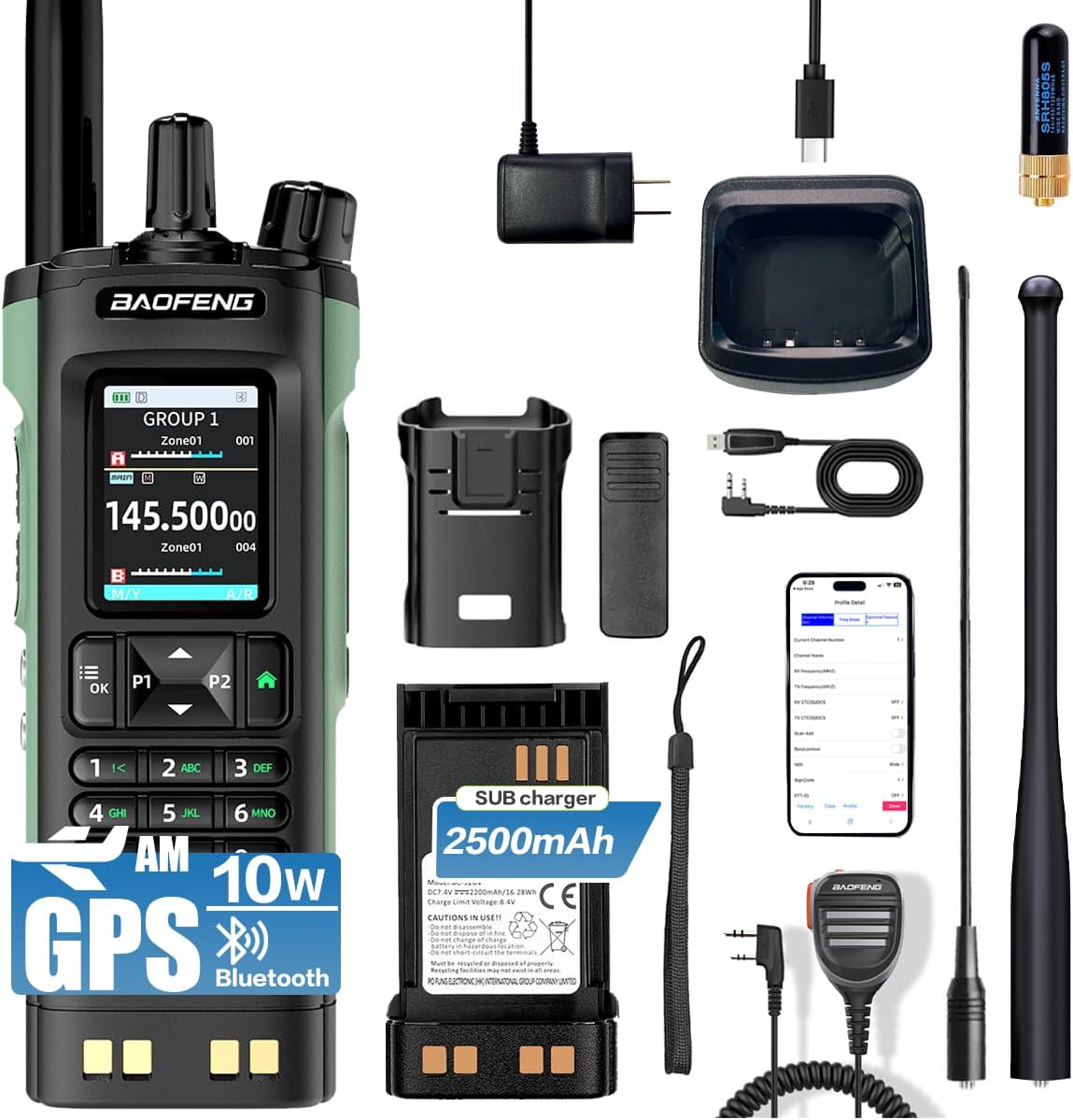
- Unità Radio BAOFENG UV-32
- Batteria Li-ion
- Antenna
- Caricatore di scrivania cù adattatore CA
- Clip per cintura
- Cintura di manu
- Manuale d'usu
4. Setup
4.1 Installazione di batterie
- Allineate u pacchettu di batterie cù e scanalature nantu à u spinu di a radio.
- Fate scorrere u pacchettu di batterie versu l'altu finu à chì si sente un clic in modu sicuru.
- Per caccià la, appughjà u linguettu di sganciu di a batteria (di solitu in fondu à a batteria) è fà scorrere a batteria versu u bassu.
4.2 Attaccu di l'antenna
- Avvitate l'antenna in u cunnettore in cima à a radio girandula in sensu orariu finu à ch'ella sia bè inserita. Ùn stringhjite micca troppu.
- Ensure the antenna is properly attached for optimal signal reception and transmission.
4.3 Carica iniziale
Before first use, fully charge the battery. The UV-32 supports two charging methods:
- Carica diretta di tipu C: Connect a Type-C USB cable directly to the radio's charging port.
- Dock di ricarica: Place the radio (with battery installed) into the provided desktop charging dock. Ensure the charging indicator light illuminates.
Una carica cumpleta dura di solitu parechje ore. L'indicatore di carica cambierà di culore o si spegnerà quandu a carica hè cumpleta.

This image highlights the Type-C charging interface of the BAOFENG UV-32 radio, demonstrating its modern and convenient charging capabilities. A wireless charging pad is also visible, suggesting versatile charging options.
4.4 Programmazione di l'applicazione Bluetooth
The BAOFENG UV-32 can be programmed wirelessly via a smartphone application:
- Download the official BAOFENG programming app from your smartphone's app store.
- Ensure Bluetooth is enabled on your smartphone and the UV-32 radio.
- Open the app and follow the on-screen instructions to search for and connect to your UV-32 radio.
- Once connected, you can read and write frequencies, set channels, and configure various radio parameters directly from your phone.
The image shows the BAOFENG UV-32 radio next to a smartphone screen, illustrating the Bluetooth app programming feature. The app allows for wireless frequency and channel configuration.
5. Operating Instructions
5.1 Accensione/Spegnimentu è Ajustamentu di u Volume
- Power On: Rotate the Power/Volume knob clockwise until you hear a click. The display will illuminate.
- Spegnimentu: Girate u buttone di Accensione/Volume in sensu antiorariu finu à sente un clic.
- Ajuste di u voluminu: Girate u buttone Power/Volume in sensu orariu per aumentà u vulume è in sensu antiorariu per diminuiscelu.
5.2 Selezzione di canali è frequenza
The UV-32 features a 2.0-inch full-color display and a full keypad for easy navigation:

Un detallatu view of the BAOFENG UV-32 radio's 2.0-inch full-color screen and comprehensive keypad. The screen displays frequency information and menu options, while the keypad provides intuitive control.
- Modu di canali: Use the keypad to directly enter a channel number or use the UP/DOWN arrow buttons to scroll through stored channels.
- Modu di frequenza (VFO): Enter frequencies directly using the numeric keypad.
- Dual Watch: Press the dedicated dual watch button (if available) or navigate through the menu to enable monitoring of two frequencies simultaneously.
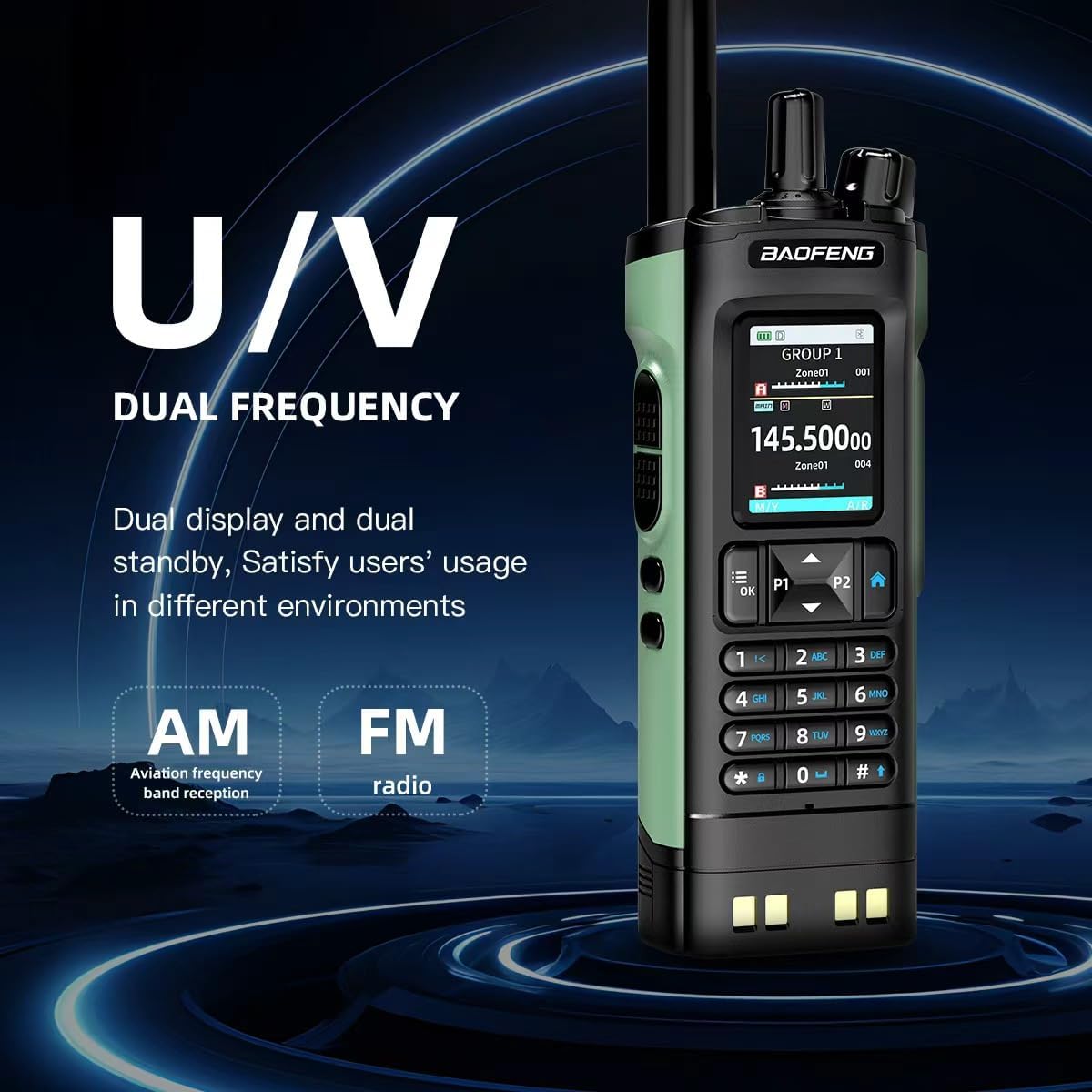
This image emphasizes the BAOFENG UV-32's dual-frequency capability (UHF/VHF) and its support for AM aviation frequency band reception and FM radio, offering versatile communication and entertainment options.
5.3 Transmit and Receive
- Riceve: When a signal is detected on the selected frequency/channel, the radio will automatically open the squelch and output audio.
- Trasmissione: Press and hold the Push-To-Talk (PTT) button on the side of the radio. Speak clearly into the microphone. Release the PTT button to return to receive mode.
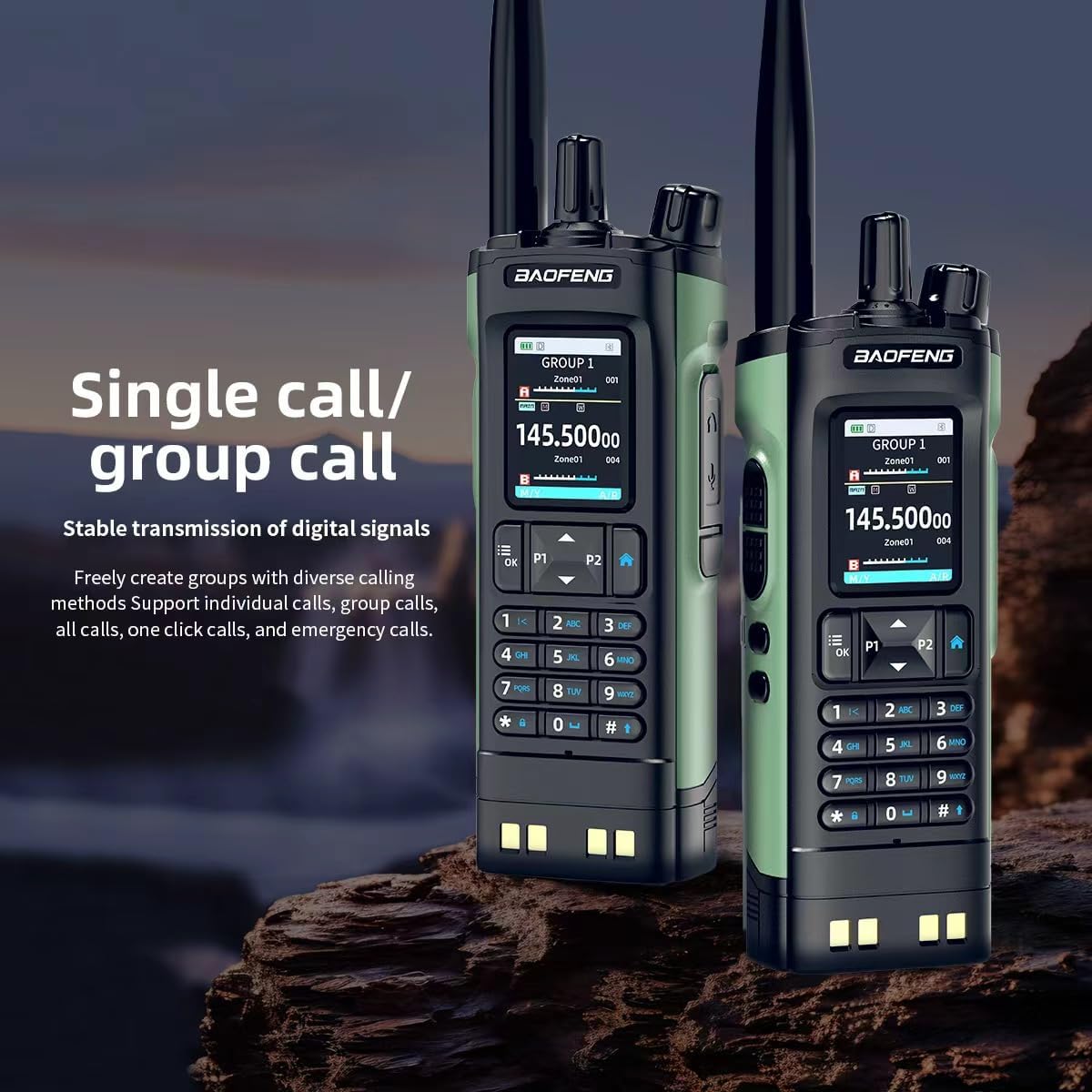
The image features two BAOFENG UV-32 radios, both showing 'GROUP 1' on their displays. This illustrates the radio's capability for both individual and group calls, ensuring stable digital signal transmission.
5.4 Funzionalità GPS
The UV-32 features built-in GPS/Beidou positioning:
- Accede à u menù GPS per view your current latitude, longitude, altitude, and direction.
- Use the location sharing feature to transmit your coordinates to other compatible radios or request their location.
5.5 Copia di frequenza senza filu
Per copià rapidamente una frequenza da un'altra radio:
- Activate the one-touch frequency copy function (refer to your radio's menu for specific steps).
- Place the UV-32 near the transmitting radio. The UV-32 will scan and copy the active frequency and CTCSS/DCS codes.
5.6 NOAA Weather Alert and FM Radio
- Alerta Meteo NOAA: Enable this feature through the menu to receive real-time weather alerts from NOAA broadcasts.
- Radio FM: Activate the built-in FM broadcast receiver to listen to commercial FM radio stations.
5.7 Funzione VOX (Trasmissione attivata da a voce)
The VOX function allows for hands-free transmission:
- Enable VOX through the radio's menu and adjust the sensitivity level.
- When VOX is active, the radio will automatically transmit when it detects your voice, without needing to press the PTT button.
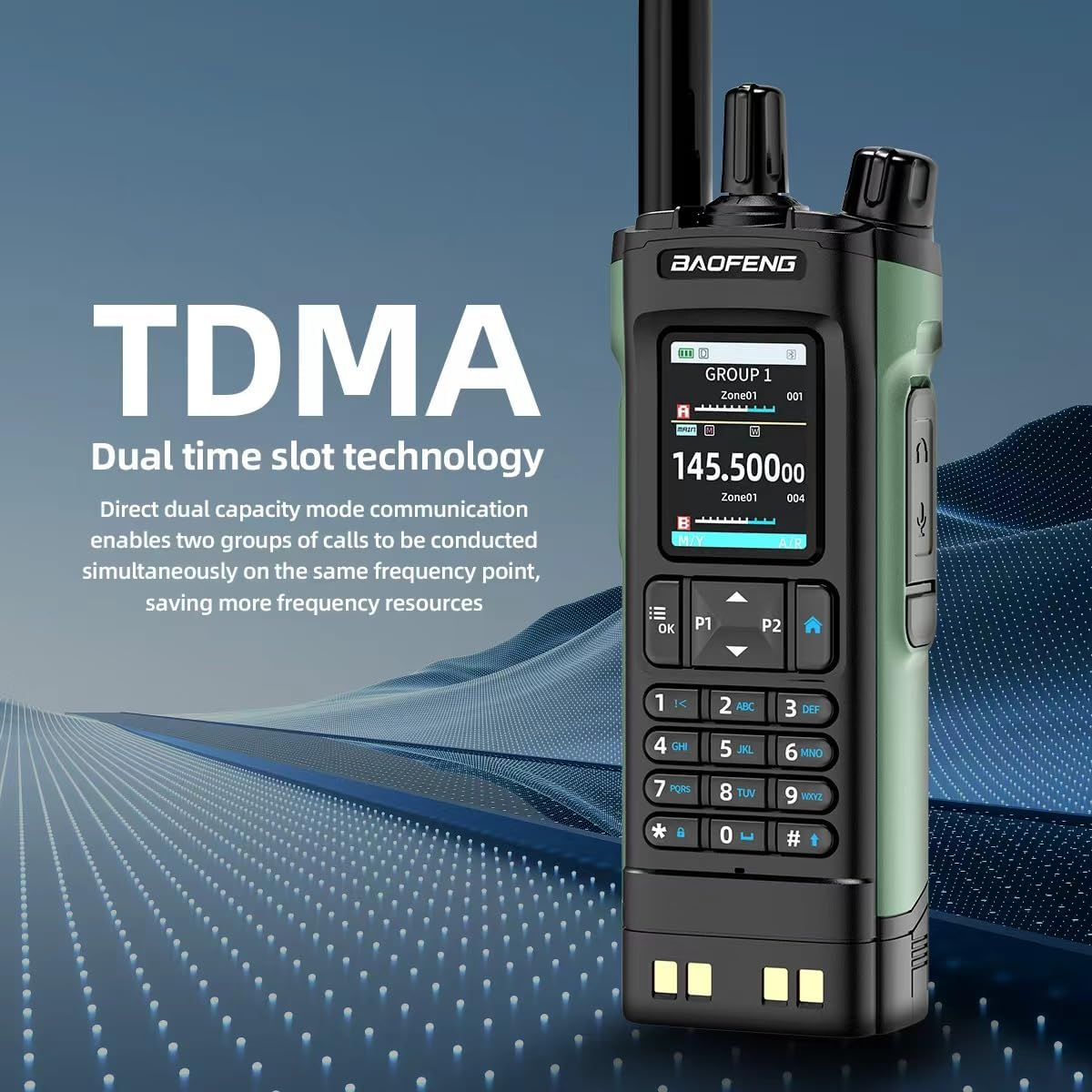
This image explains the TDMA (Time Division Multiple Access) dual time slot technology of the BAOFENG UV-32 radio, which allows two groups of calls to be conducted simultaneously on the same frequency, optimizing resource usage.
6. Mantenimentu
6.1 Pulizia
- Asciugate a superficia di a radio cù un pannu dolce èamp tela. Ùn aduprate micca chimichi duri o detergenti abrasivi.
- Ensure the charging port and antenna connector are free from dust and debris.
6.2 Cura di a batteria
- Evitate di scaricà cumpletamente a batteria spessu per prolungà a so durata di vita.
- Conservate a radio è a batteria in un locu frescu è asciuttu quandu ùn sò micca in usu per periodi prolungati.
- Ne pas exposer la batterie à des températures extrêmes ou à la lumière directe du soleil.
7. Risoluzione di prublemi
Sè avete prublemi cù u vostru BAOFENG UV-32, riferitevi à i seguenti prublemi è suluzioni cumuni:
- A radio ùn s'accende micca: Ensure the battery is fully charged and correctly installed. Check the Power/Volume knob.
- Ùn pò micca trasmette o riceve: Verificate chì l'antenna sia attaccata bè. Verificate chì site nantu à a frequenza/canale currettu è chì u livellu di squelch ùn sia micca troppu altu. Assicuratevi chì a batteria abbia una carica sufficiente.
- Problemi di carica: Confirm the Type-C cable or charging dock is properly connected and the power source is active. Check for any debris in the charging port.
- Qualità audio scarsa: Adjust the volume. Ensure the antenna is properly connected. Move to an area with better signal reception.
- Bluetooth APP connection failure: Ensure Bluetooth is enabled on both the radio and smartphone. Restart both devices and try reconnecting.
For persistent issues, consult the official BAOFENG websitu o cuntattate l'assistenza clienti.
8. Specificazioni
| Feature | Specificazione |
|---|---|
| Marca | BAOFENG |
| Numero di mudellu | DM32UV |
| Culore | Verde |
| Numero di canali | 1000 |
| Gamma di Frequency | VHF 136-174 MHz, UHF 400-520 MHz |
| Forza di output | Finu à 10W |
| A vita di a batteria | 18 Hours (Average) |
| Protocolu di cunnessione | Bluetooth |
| Mostra | 2.0 inch Full-Color Screen |
| Funzione speciale | Dual Band, GPS, Bluetooth APP Programming, Wireless Frequency Copy, NOAA Weather Alert, VOX |
| Tipu di carica | Type-C, Charging Dock |
9. Garanzia infurmazione
Warranty information for the BAOFENG UV-32 Ham Radio is typically included with your product packaging. Please refer to the documentation provided at the time of purchase for specific terms and conditions, or contact BAOFENG customer support for detailed warranty coverage.
10. Supportu
For further assistance, technical support, or to download the latest software and firmware updates, please visit the official BAOFENG website. You may also contact their customer support team directly using the contact information provided on their websitu o in a ducumentazione di u vostru pruduttu.