1. Introduzione
This manual provides detailed instructions for the proper use and maintenance of your Baseus H08 Immersive Virtual 3D Gaming Headset. Please read this manual thoroughly before using the product to ensure optimal performance and safety. Keep this manual for future reference.
2. Informazioni di sicurezza
- Prutezzione di l'udito: Avoid using the headset at high volume levels for extended periods to prevent hearing damage.
- Cundizioni Ambientali: Ùn espone micca l'auriculare à temperature estreme, umidità o luce diretta di u sole.
- Pulizia: Aduprate un pannu dolce è asciuttu per a pulizia. Evitate i detergenti liquidi o i materiali abrasivi.
- Disunzione: Do not attempt to disassemble or modify the headset. This may void the warranty and cause damage.
- I zitelli: Keep the headset and its accessories out of reach of small children to prevent choking hazards.
3. Cuntenutu di u pacchettu
Verificate chì tutti l'articuli sò presenti in u pacchettu:
- Baseus H08 Immersive Virtual 3D Gaming Headset
- Cavo audio da 3.5 mm
- Custodia di trasportu
- Manuale d'uso (stu documentu)
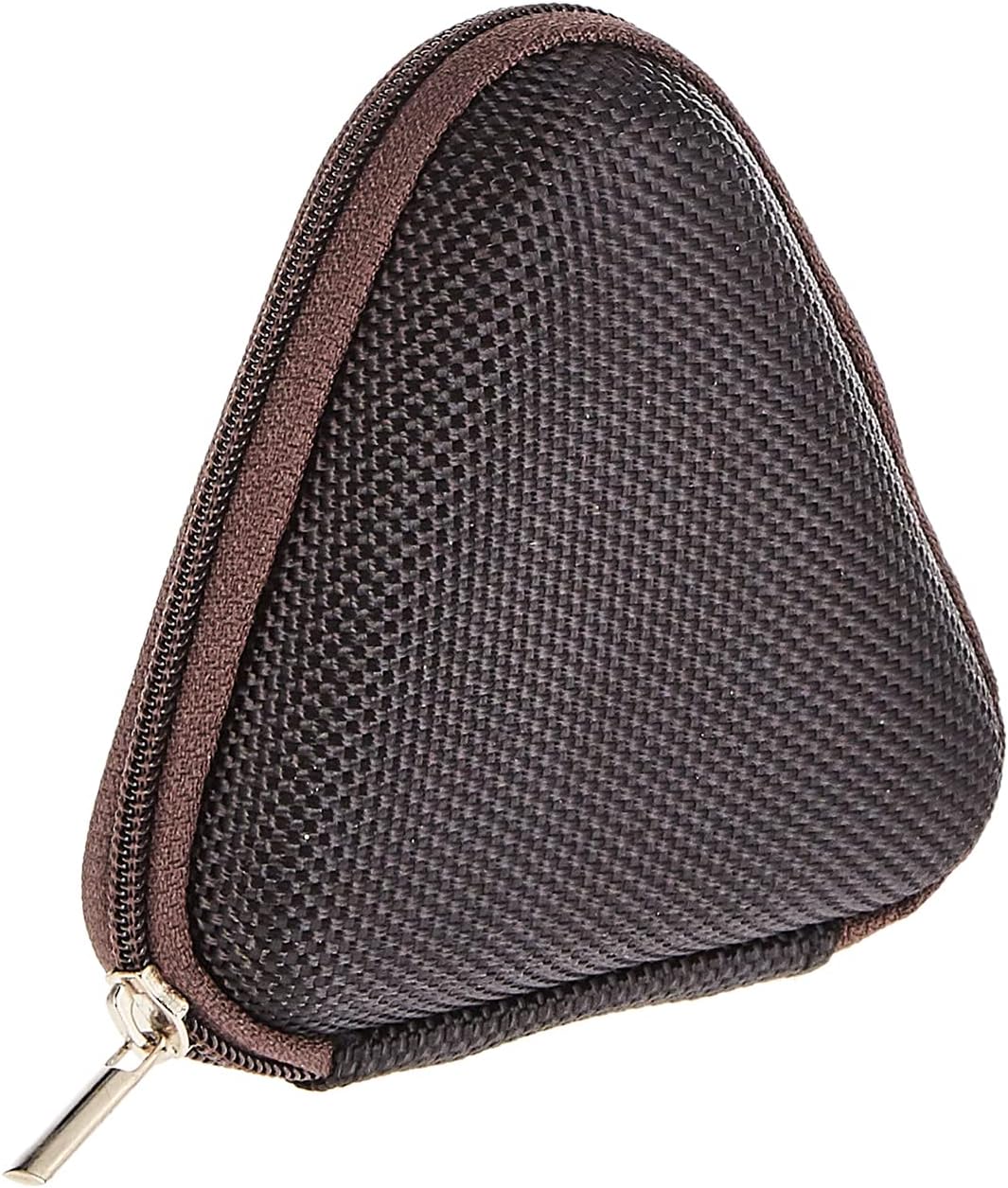
Image: The included triangular carrying case, designed for protecting and transporting the headset.
4. Produttu Finituview
The Baseus H08 headset is designed for an immersive gaming audio experience. It features a comfortable over-ear design and integrated controls.

Image: The Baseus H08 Immersive Virtual 3D Gaming Headset, showcasing u so cuncepimentu è i so cumpunenti.
Cumpunenti:
- Earcups: Padded earcups for comfort and sound isolation.
- Fascia per a testa: Fascia per a testa regulabile per una vestibilità sicura.
- Micrufonu: Integrated microphone for communication.
- Cavu Audio: Detachable 3.5mm audio cable for connection to devices.
- Controlu di u voluminu: In-line or earcup-mounted volume adjustment.
5. Setup
- Imballà: Carefully remove the headset and all accessories from the packaging.
- Cunnette u cavu audio: Insert the 3.5mm audio jack into the corresponding port on your gaming device (PC, console controller, smartphone, etc.). Ensure the connection is secure.
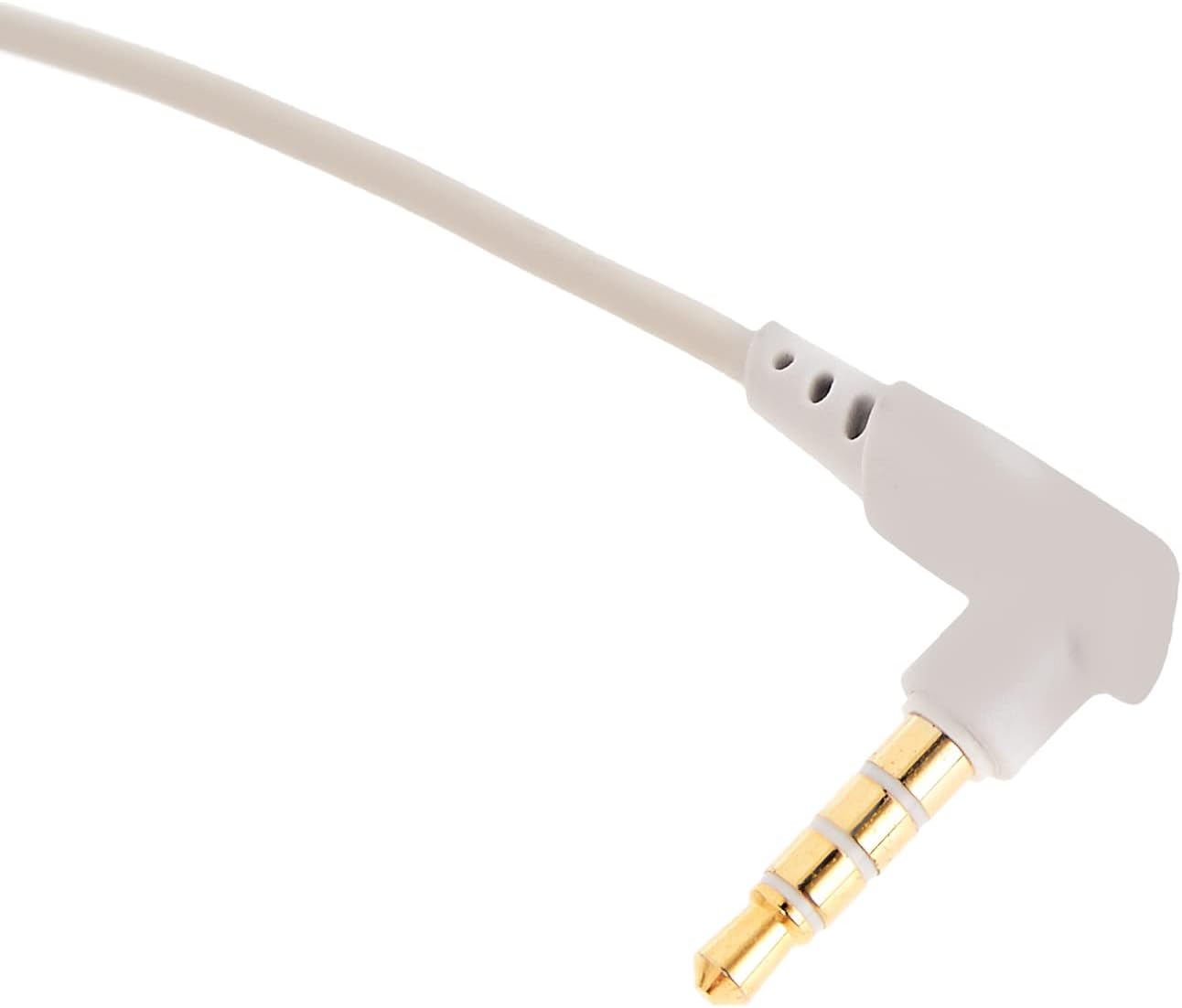
Imagine: Un primu pianu view of the 3.5mm audio jack, used for connecting the headset to compatible devices.
- Aghjustate l'auriculare: Place the headset on your head and adjust the headband for a comfortable and secure fit. Position the earcups over your ears.
- Posizionamentu di u microfonu: If the microphone is adjustable, position it appropriately for clear voice capture, typically near the corner of your mouth.
6. Operating Instructions
- Controlu di u voluminu: Use the integrated volume control (if present on the cable or earcup) to adjust the audio output level. Rotate or slide the control to increase or decrease volume.
- Silenziu di u microfonu: If your headset features a microphone mute switch, use it to toggle the microphone on or off as needed during gameplay or calls.
- Virtual 3D Sound: The headset provides an immersive virtual 3D sound experience. This feature is typically active upon connection and enhances spatial audio cues in compatible games. No specific activation is usually required unless indicated by your device's audio settings.
7. Mantenimentu
- Pulizia: Wipe the headset with a soft, dry, lint-free cloth. Do not use harsh chemicals, cleaning solvents, or strong detergents.
- Conservazione: When not in use, store the headset in its carrying case to protect it from dust, scratches, and physical damage. Keep it in a cool, dry place.
- Cura di u cable: Evitate pieghe strette o tirate eccessivamente u cavu audio per impedisce danni interni.
8. Risoluzione di prublemi
Problemi cumuni è suluzione:
- Nisun sonu:
- Ensure the 3.5mm audio cable is fully plugged into both the headset and your device.
- Check the volume control on the headset and your device to ensure it is not muted or set too low.
- Verify that the correct audio output device is selected in your device's sound settings.
- Qualità di sonu scarsa:
- Verificate per e cunnessione sciolte.
- Pruvate l'auriculare cù un altru dispositivu per escludere un prublema specificu di u dispositivu.
- Assicuratevi chì a fonte audio sia di bona qualità.
- U microfonu ùn funziona micca:
- Assicuratevi chì u microfonu ùn sia micca silenziatu (s'ellu hè applicabile).
- Check your device's sound settings to ensure the headset microphone is selected as the input device.
- Pruvate u microfonu cù un'altra applicazione o dispusitivu.
- Disconfort durante l'usu:
- Adjust the headband and earcup positions for a better fit.
- Take breaks during long gaming sessions.
9. Specificazioni
| Feature | Detail |
|---|---|
| Marca | Baseus |
| Nome di mudellu | NGH08-2G |
| Numeru di mudellu di l'articulu | B012LZLE1U |
| Dimensioni di u produttu | 5 x 3 x 10 cm |
| Pesu di l'articulu | 200 grammi |
| Culore | biancu + grisgiu |
| Tipu di cuntrollu | Volume Control |
| Numero di Articuli | 1 |
| Usi Specifici di u Produttu | Ùn dispunibile |
| Fattore di forma di l'auriculare | Ùn dispunibile |
| Jack per cuffie | Ùn dispunibile |
| Tecnulugia di cunnessione | Ùn dispunibile |
| Tecnulugia di cumunicazione wireless | Ùn dispunibile |
| Cumpunenti inclusi | Ùn dispunibile |
| Fascia d'età (descrizzione) | Ùn dispunibile |
| Materiale | Ùn dispunibile |
10. Garanzia è Support
For warranty information and technical support, please refer to the warranty card included with your product or visit the official Baseus websitu. Pudete ancu cuntattà u rivenditore da quale avete acquistatu u pruduttu per assistenza.
Baseus Ufficiale Websitu: www.baseus.com