1. Introduzione
Thank you for choosing the Volkano Diamond Series USB Powered Speakers. These speakers are designed to provide a convenient and portable audio solution for your computer or other USB-compatible devices. Please read this manual carefully before using the product to ensure proper operation and to maximize its lifespan.
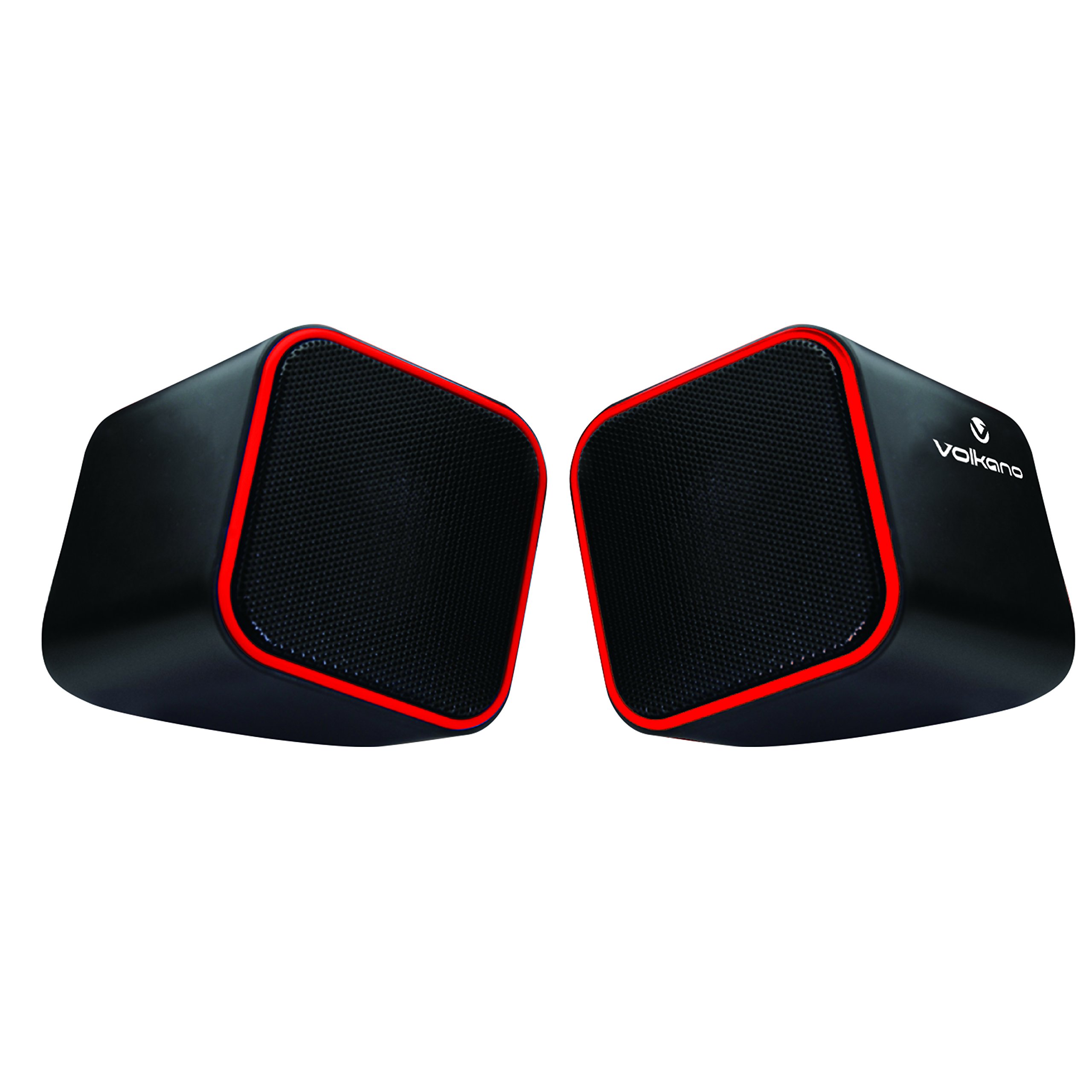
Figure 1: Volkano Diamond Series USB Powered Speakers (Red)
This image displays the Volkano Diamond Series USB Powered Speakers in their red color variant. The speakers feature a compact, cubic design with a mesh grille on the front and a red trim around the edges. The Volkano logo is visible on the side of one speaker.
2. Informazioni di sicurezza
- Do not expose the speakers to water or moisture.
- Avoid extreme temperatures or direct sunlight.
- Do not attempt to disassemble or modify the speakers. This will void the warranty.
- Mantene fora di a portata di i zitelli.
- Pulite solu cù un pannu seccu è suave.
- Ensure proper ventilation around the speakers during use.
3. Cuntenutu di u pacchettu
Verificate u cuntenutu di u pacchettu per assicurà chì tutti l'articuli sò presenti:
- 1 x Volkano Diamond Series USB Powered Speakers (Red)
- 1 x Manuale di istruzioni
4. Produttu Finituview
The Volkano Diamond Series speakers are designed for simplicity and portability. They feature a compact design and are powered directly via USB, eliminating the need for an external power adapter.

Figure 2: Speaker connections (Note: Product color is Red)
Questa imagine mostra a parte posteriore view of the Volkano Diamond Series speakers, highlighting the integrated USB power cable and the 3.5mm audio jack cable. These are the primary connections for both power and audio input.

Figure 3: USB and Audio Cables with Volume Control
This image details the USB power cable, the 3.5mm audio jack, and the inline volume control unit. The volume control allows for easy adjustment of audio output.
5. Setup
Follow these steps to set up your Volkano Diamond Series speakers:
- Cunnette u cable USB: Plug the USB-A connector into an available USB port on your computer, laptop, or a compatible USB power adapter. This provides power to the speakers.
- Cunnette u cavu audio: Plug the 3.5mm audio jack into the headphone or audio output port of your computer, laptop, smartphone, or other audio source.
- Posizione di i parlanti: Place the speakers on a flat, stable surface, ensuring they are positioned for optimal sound delivery.
- Power On: The speakers will power on automatically once the USB cable is connected and receiving power.

Figure 4: Speakers connected to a computer (Note: Product color is Red)
This image illustrates the Volkano Diamond Series speakers positioned next to a computer monitor, demonstrating a typical setup. The cables are connected to the computer, ready for audio playback.
6. Operating Instructions
Once connected, operating your Volkano Diamond Series speakers is straightforward:
- Controlu di u voluminu: Use the inline volume control dial on the cable to adjust the speaker's output volume. Turn the dial clockwise to increase volume and counter-clockwise to decrease it.
- Audio Source Volume: You can also control the volume from your connected audio source (e.g., computer's system volume, media player volume).
- Spegnimentu: To turn off the speakers, simply disconnect the USB power cable from its source.
7. Mantenimentu
Proper maintenance ensures the longevity of your speakers:
- Pulizia: Use a soft, dry, lint-free cloth to wipe the exterior of the speakers. Do not use liquid cleaners, aerosols, or solvents.
- Conservazione: Quandu ùn sò micca aduprati per periodi prolungati, conservate i diffusori in un locu frescu è asciuttu, luntanu da a luce diretta di u sole è da temperature estreme.
- Cura di u cable: Avoid bending or crimping the cables excessively to prevent internal damage.
8. Risoluzione di prublemi
Sè avete prublemi cù i vostri altoparlanti, riferitevi à i seguenti prublemi è suluzioni cumuni:
| Prublemu | Causa Possibile | Soluzione |
|---|---|---|
| Nisun sonu da i parlanti. |
|
|
| U sonu hè distortu o pocu chjaru. |
|
|
| Speakers not recognized by computer. |
|
|
9. Specificazioni
| Feature | Detail |
|---|---|
| Nome di mudellu | Serie di diamanti |
| Numeru di mudellu di l'articulu | VB-702-RED |
| Culore | Rossu |
| Tipu di parlante | Multimedia |
| Tecnulugia di cunnessione | USB |
| Fonte d'energia | Corded Electric (alimentatu USB) |
| Potenza massima di output di Speaker | 6 Watt |
| Modu Output Audio | Stereo |
| Size Speaker | 2 inch |
| Dimensioni di u produttu | 15D x 15W x 15H centimetri |
| Materiale | Plastica |
| Funzione speciale | Portable |
| Usi cunsigliati | Per i lettori di musica |
10. Garanzia infurmazione
The Volkano Diamond Series USB Powered Speakers come with a Garanzia limitata di 1 annu da u fabricatore. Questa garanzia copre i difetti di materiali è di fabricazione in cundizioni d'usu nurmale. Per piacè cunservate a vostra prova d'acquistu per e richieste di garanzia.
For extended coverage, Volkano offers an additional 12-Month extension upon product registration, totaling 24 Months of coverage. Visit the official Volkano websitu per i dettagli di registrazione.
11. Assistenza Clienti
Should you have any questions, require assistance, or need to make a warranty claim, please contact Volkano customer support. Your satisfaction is important to us.
- Supportu in ligna: Visit the official Volkano Page for assistance and to message us directly.
- Registrazione di Garanzia: Register your product to extend your warranty coverage.
Note: Specific contact details (e.g., phone number, email) are typically found on the official brand websitu o imballaggio di u pruduttu.


