Introduzione
This manual provides detailed instructions for the setup, operation, and maintenance of your 808 Singsation Karaoke Microphone. Please read this manual thoroughly before using the device to ensure proper function and to maximize your experience.
Product Overview
Cumpunenti
- Singsation Karaoke Microphone with integrated wireless Bluetooth speaker
- USB charging cable (not explicitly listed but implied for battery-powered device)
Funzioni chjave
- All-in-one karaoke system
- Wireless Bluetooth connectivity for audio streaming
- Speaker integratu
- LED light effects (14 distinct patterns)
- Voice effects (5 fun effects)
- Sound effects (6 distinct sound effects)
- Eccu di cuntrollu
- Finu à 6 ore di ghjocu in una sola carica
- Compatible with various karaoke music websites and applications
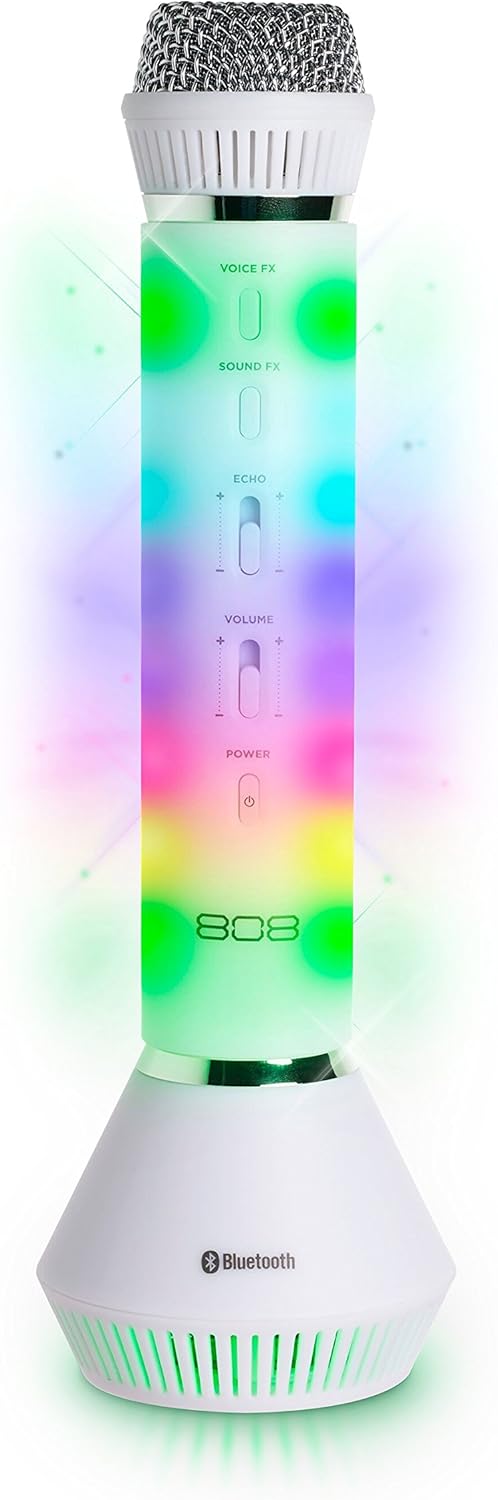
Figura 1: Fronte view of the 808 Singsation Karaoke Microphone, showcasing its controls and vibrant LED lighting.
Istituisci
Caricà u Micrufonu
- Locate the charging port on the microphone.
- Connect the provided USB charging cable to the microphone and a compatible USB power source (e.g., computer USB port, USB wall adapter).
- A luce indicatrice di carica s'illuminerà durante a carica è si spegnerà quandu hè cumpletamente carica.
- A full charge provides approximately 6 hours of operation.
Abbinamentu Bluetooth
- Press and hold the Power button on the microphone until the LED lights activate and a pairing tone is heard. The microphone will enter Bluetooth pairing mode.
- On your audio device (smartphone, tablet, computer), navigate to the Bluetooth settings.
- Cerca available devices and select "Singsation" from the list.
- Once paired, a confirmation tone will sound, and the microphone's LED lights may change pattern.
- You can now stream music wirelessly from your device to the Singsation microphone.
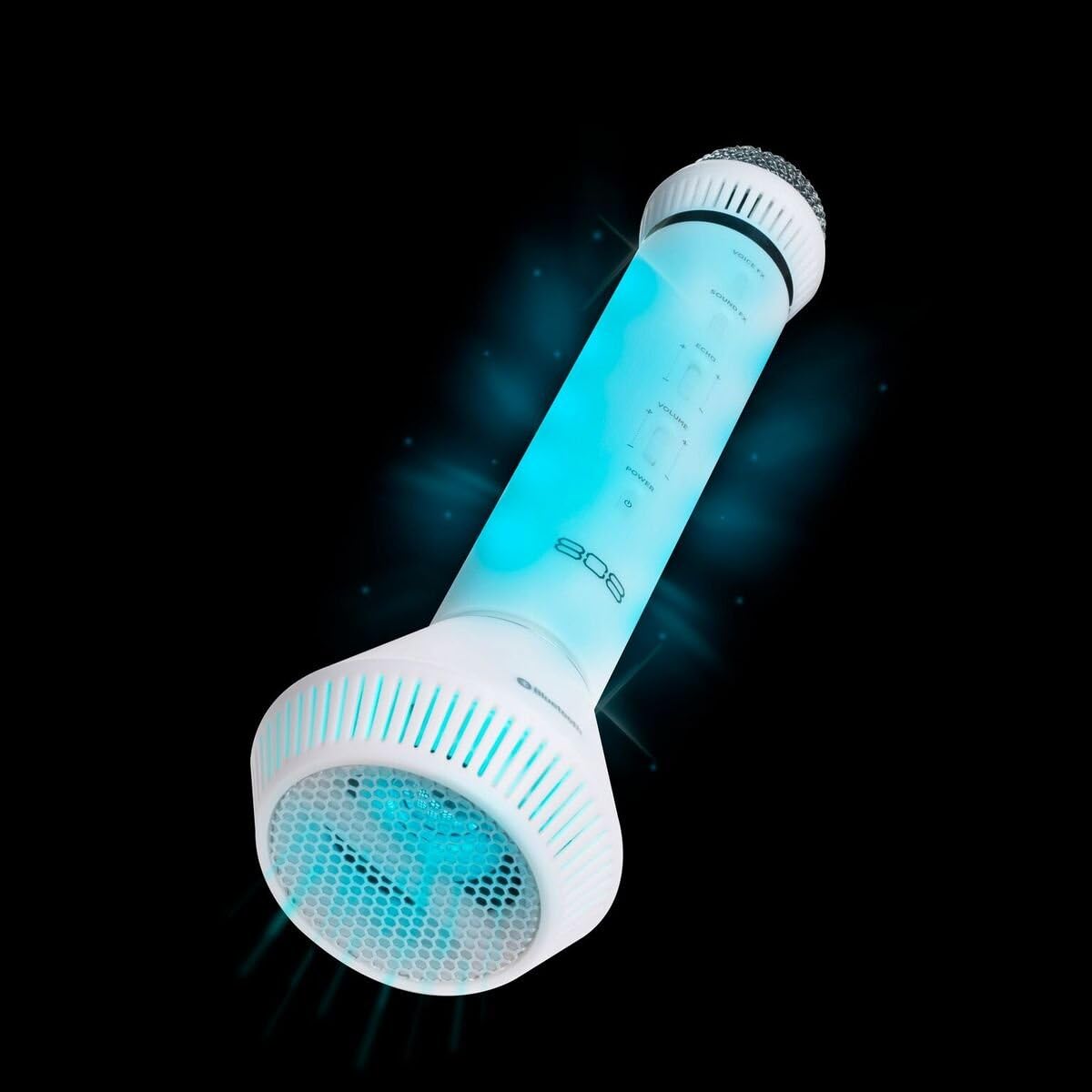
Figura 2: Angulata view of the microphone, highlighting its integrated speaker and Bluetooth logo.
Istruzzioni di funziunamentu
Power On/Off
- Appughjà è tene premutu putenza button to turn the microphone on or off.
Volume Control
- Aduprà u Volume slider on the microphone to adjust the overall sound output.
- Additional volume control can be managed via your connected Bluetooth device.
Voice Effects (Voice FX)
- Press u Voice FX button to cycle through the available voice effects. There are 5 distinct voice effects.
Sound Effects (Sound FX)
- Press u SoundFX button to activate various sound effects. There are 6 distinct sound effects.
Cuntrollu Echo
- Aduprà u Ecu slider to adjust the intensity of the echo effect on your voice.
Effetti di luce LED
- The microphone features 14 different LED light patterns that activate automatically.
- Specific controls for cycling through or disabling light effects are not detailed in the product information, suggesting automatic operation.
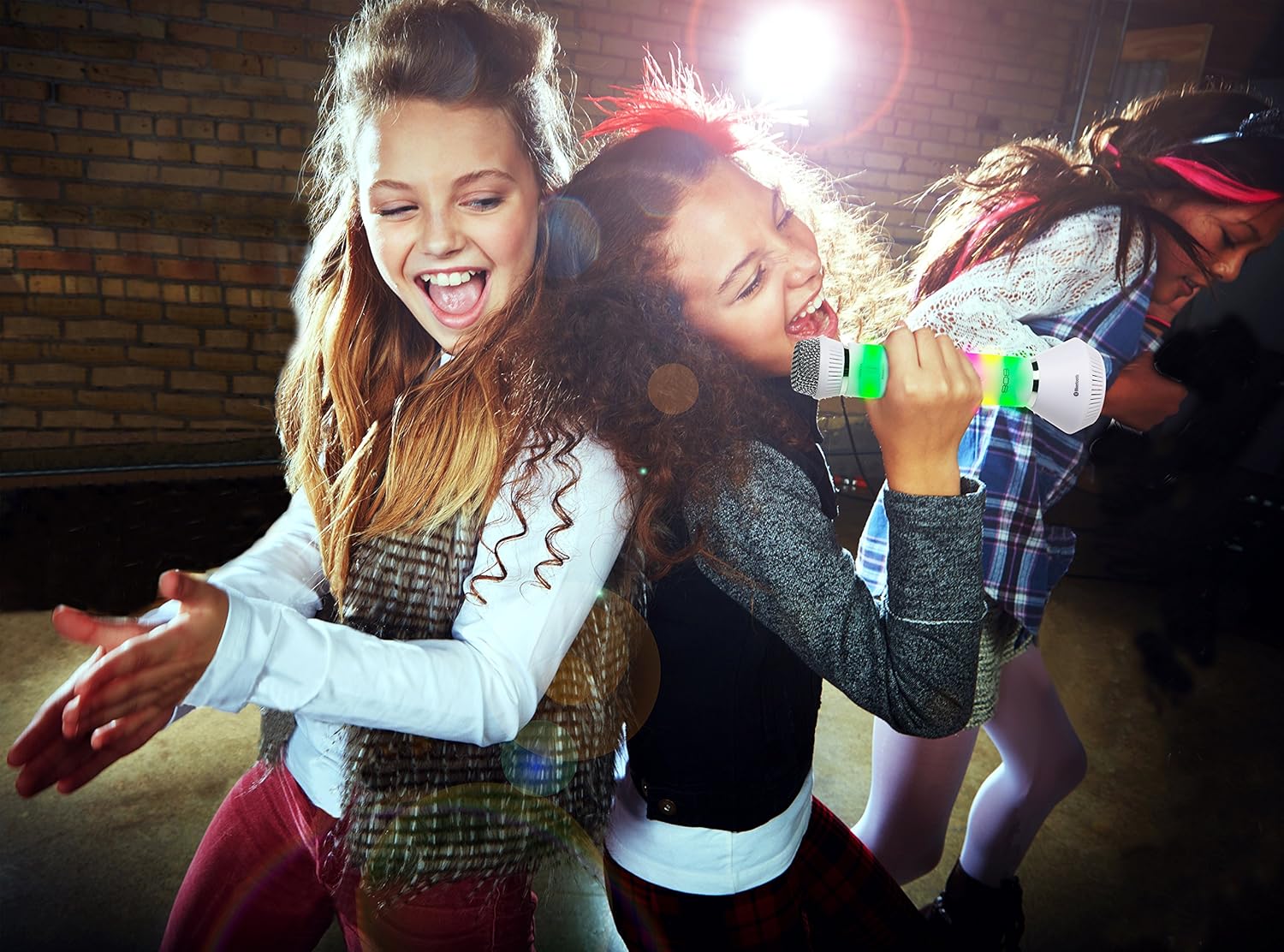
Figure 3: Users enjoying the Singsation Karaoke Microphone, demonstrating its use in a social setting.
Mantenimentu
Pulizia
- Wipe the microphone's exterior with a soft, dry cloth.
- Ùn aduprate micca detergenti abrasivi o solventi.
- Avoid exposing the microphone to excessive moisture.
Storage
- Conservate u microfonu in un locu frescu è asciuttu, luntanu da a luce diretta di u sole è da temperature estreme.
Risoluzione di prublemi
Nisun putere
- Ensure the microphone is fully charged. Connect it to a power source using the USB cable.
- Verify the power button is pressed and held sufficiently to turn the device on.
Ùn si pò micca accoppià via Bluetooth
- Ensure the microphone is in pairing mode (LEDs flashing, pairing tone).
- Make sure Bluetooth is enabled on your audio device.
- Move the microphone closer to your audio device.
- Turn off and restart both the microphone and your audio device, then attempt pairing again.
- If previously paired, try unpairing and re-pairing the device.
No Sound from Microphone or Speaker
- Check the microphone's volume slider and ensure it is not set to minimum.
- Adjust the volume on your connected Bluetooth device.
- Ensure the microphone is properly paired and connected to your audio device.
- Confirm that the music source on your device is playing.
Specificazioni
| Feature | Detail |
|---|---|
| Pesu di l'articulu | 1.6 once |
| Dimensioni di u produttu | 3.54 x 4.33 x 12.2 inch |
| Numeru di mudellu di l'articulu | 4334207539 |
| Data Prima Disponibile | 16 ottobre 2017 |
| Culore | Argentu |
| Dispositivi compatibles | Computer persunale, Smartphone |
| Tipu di cunnessu | Jack di 3.5 mm, USB |
| Conte di parlante | 1 |
| Tipu di batterie | Lithium Ion |
| Fonte d'energia | Alimentatu à batteria |
| Funzione speciale | Wireless |
Informazioni di sicurezza
Alerta di u Consumatore: A maiò parte di l'utilizatori ùn anu micca bisognu di una licenza per uperà stu sistema di microfonu wireless. Tuttavia, u funziunamentu di stu sistema di microfonu senza licenza hè sottumessu à certe restrizioni: u sistema ùn pò micca causà interferenza dannosa; deve operare à un livellu bassu di putenza (micca più di 50 milliwatts); è ùn hà micca prutezzione da l'interferenza ricevuta da qualsiasi altru dispusitivu.
Always handle the device with care. Avoid dropping or subjecting it to strong impacts. Keep out of reach of small children.
Video di u produttu sopraview
Video: Un overview of the 808 Singsation Karaoke Microphone, demonstrating its features including LED lights, voice effects, and wireless connectivity. This video highlights how the microphone functions as an all-in-one karaoke system.
Garanzia è Supportu
Per infurmazioni nantu à a garanzia o l'assistenza tecnica, vi pregu di cunsultà u situ ufficiale di u fabricatore. websitu o cuntattate u so serviziu clienti. Cunservate a vostra ricevuta d'acquistu per e richieste di garanzia.


