Introduzione
Grazie per l'acquistuasing the OttLite Creative Curve LED Desk Lamp. Questu lamp is designed to provide clear, natural daylight illumination for various tasks, including reading, crafting, and office work. It features four brightness levels, a flexible neck for adjustable lighting, and a convenient USB charging port. Please read this manual thoroughly before use to ensure proper operation and maintenance.
Istruzzioni di sicurità
- Assicuratevi sempre di lamp hè piazzatu nantu à una superficia stabile è piana per impedisce u ribaltamentu.
- Ùn espone micca u lamp à l'acqua o à l'umidità eccessiva.
- Use only the provided power adapter. Using an incorrect adapter may damage the lamp o ponenu un risicu per a sicurità.
- Ùn pruvate micca di disassemble o mudificà u lampAffidate tutta a manutenzione à persunale qualificatu.
- Mantene u lamp luntanu da e fonti di calore è di a luce diretta di u sole.
- Scollegate u lamp da a presa di corrente prima di pulisce o quandu ùn hè micca in usu per periodi prolungati.
- Avoid looking directly into the LED light source for prolonged periods, as it may cause eye strain.
Cuntenutu di u pacchettu
Verificate u pacchettu per i seguenti elementi:
- OttLite Creative Curve LED Desk Lamp (Model A30WGC)
- Adattatore di putenza
- Manuale d'istruzzioni (stu documentu)
Istituisci
- Sbattite u Lamp: Eliminate cù cura tutti i cumpunenti da l'imballu.
- Posizionate a Lamp: Pone u lamp on a stable, flat surface where you intend to use it. Ensure the base (5.25 inches) has adequate space.
- Connect Power: Insert the power adapter plug into the power input port located on the back of the lamp basa. Inserite l'altra estremità di l'adattatore di corrente in una presa elettrica standard.
- Aghjustate l'altezza: The flexible neck allows you to adjust the lamp's height from 11.25 inches to 23.75 inches. Position the light head to your desired angle for optimal illumination.

Istruzzioni di funziunamentu
Accensione/spegnimentu è aghjustamentu di luminosità
U lamp presenta cuntrolli sensibili à u toccu per un funziunamentu faciule.
- Per accende: Lightly touch the power icon on the lamp basa. U lamp will turn on at the lowest brightness setting.
- Per aghjustà a luminosità: Continue to lightly touch the power icon to cycle through the four available brightness levels.
- Per Spegne: After cycling through all four brightness levels, touch the power icon one more time to turn the lamp off.
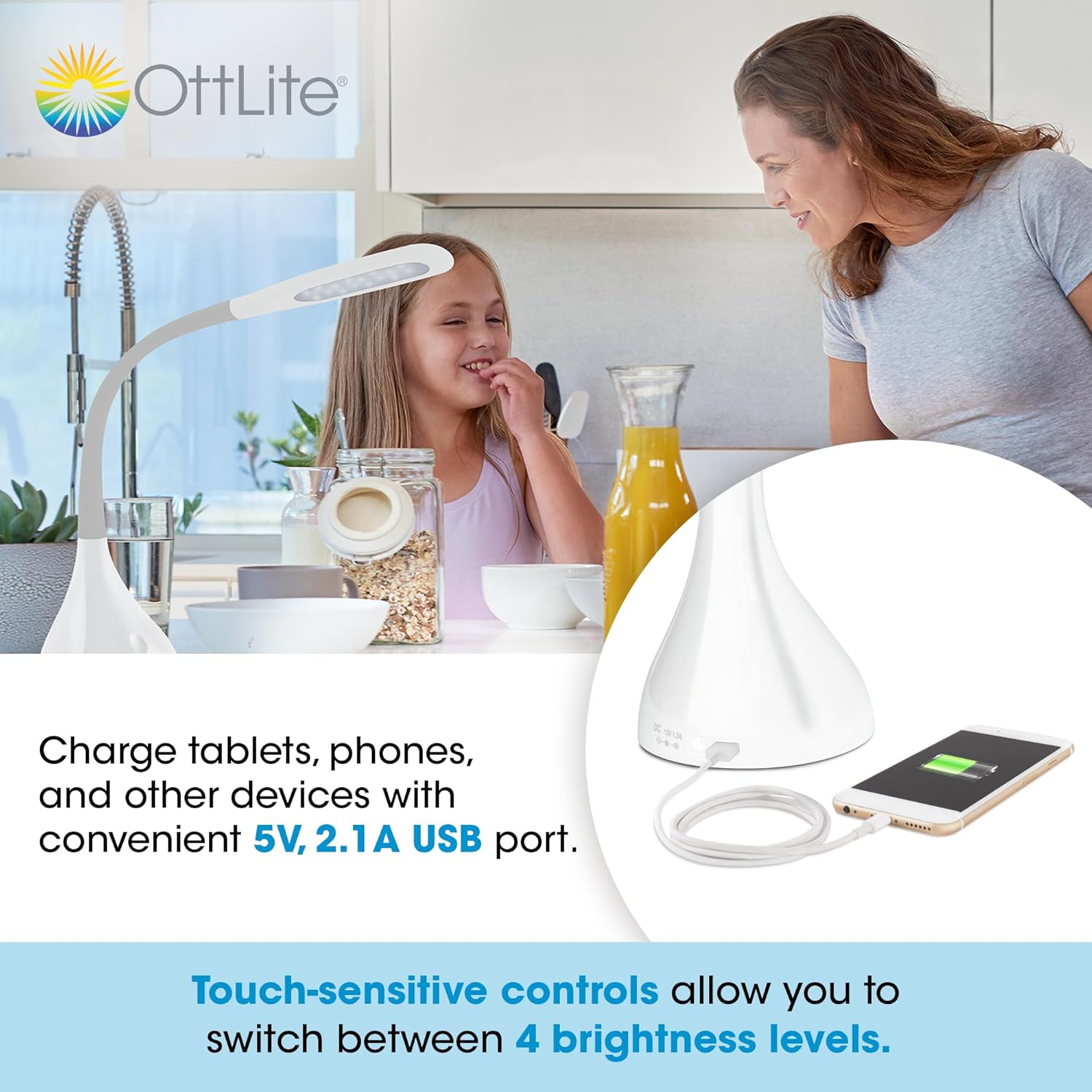
Utilizà u portu di carica USB
U lamp is equipped with a 5V, 2.1A USB charging port located on the base, allowing you to charge compatible devices such as smartphones and tablets.
- Cunnessu Dispositivu: Plug your device's USB charging cable into the USB port on the lamp basa.
- Carica: Your device will begin charging automatically. The USB port functions whether the lamp light is on or off, as long as the lamp is plugged into a power outlet.
Optimal Lighting for Tasks
The OttLite Creative Curve LED Desk Lamp is designed to deliver natural daylight indoors, which helps reduce eyestrain and allows you to see fine print and colors clearly and comfortably with low glare.


Mantenimentu
- Pulizia: Assicuratevi chì lamp is unplugged before cleaning. Use a soft, dry cloth to wipe the lamp's surfaces. Do not use abrasive cleaners or solvents, as they may damage the finish.
- Durata di vita LED: The energy-efficient LEDs in this lamp are designed to last up to 40,000 hours under normal use, requiring no replacement.
Risoluzione di prublemi
| Prublemu | Causa Possibile | Soluzione |
|---|---|---|
| Lamp ùn accende micca. | Not plugged in, power outlet issue, or power adapter fault. | Assicurarsi chì l'adattatore di alimentazione hè saldamente inseritu in i dui lamp and a working electrical outlet. Try a different outlet. |
| U portu di carica USB ùn funziona micca. | Lamp not powered, device cable issue, or device incompatibility. | Assicuratevi chì lamp is plugged into a power outlet. Try a different USB cable or device to confirm the issue is not with the cable or device. |
| A luce tremola o hè incoerente. | Unstable power connection or internal component issue. | Check all power connections. If the problem persists, discontinue use and contact customer support. |
Specificazioni
- Mudellu: A30WGC
- Produttore: Ottlight Technologies
- Dimensioni (L x W x H): 13.34 x 13.34 x 28.58 cm (5.25 x 5.25 x 11.25 inch)
- Altezza Regolabile: 11.25 - 23.75 pollici
- Pesu: 1.4 kg (3.09 lbs)
- Fonte di luce: LED integratu
- Livelli di luminosità: 4
- Lumens massimi: Finu à 375 lumens
- Portu di Ricarica USB: 5V, 2.1A
- Materiale di basa: Gomma
- Tipu di Finitura: Liscia
Garanzia è Supportu
This OttLite product is covered by a limited warranty. For detailed warranty information, please refer to the warranty card included with your purchase or visit the official OttLite websitu. Sè avete qualchì prublema o avete bisognu d'assistenza tecnica, cuntattate l'assistenza clienti OttLite per mezu di i so canali ufficiali.
OttLite Ufficiale Websitu: www.ottlite.com


