Introduzione
The Oculus Quest is an all-in-one virtual reality gaming system designed for immersive experiences without the need for a PC or external sensors. This manual provides essential information for setting up, operating, maintaining, and troubleshooting your Oculus Quest headset and controllers.
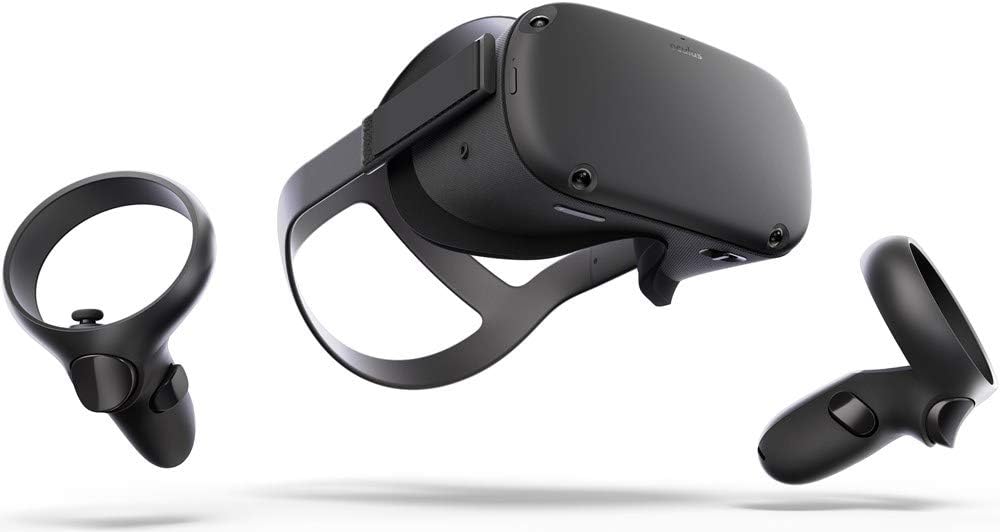
Image: The Oculus Quest headset and its two accompanying Touch controllers, showcasing u so design elegante.
Chì ci hè in u Box
Your Oculus Quest package includes the following components:
- Oculus Quest Headset (128GB)
- Oculus Touch Controllers (2)
- Cavu di carica USB-C
- Adattatore di putenza
- AA Batteries (2, for controllers)
- Lunettes Spacer
Image: All included components of the Oculus Quest system, neatly arranged for inspection.
Istituisci
- Caricà l'auriculare: Connect the USB-C charging cable to the headset and the power adapter, then plug it into a wall outlet. The LED indicator on the headset will show charging status.
- Insert Batteries into Controllers: Open the battery compartment on each Oculus Touch controller and insert the provided AA batteries, ensuring correct polarity.
- Cunfigurazione iniziale via l'app mobile: Download the Oculus mobile app on your smartphone. Follow the on-screen instructions to pair your headset, connect to Wi-Fi, and create or log in with your Facebook account.
- Ajustà l'adattamentu di l'auriculare: Place the headset on your head. Adjust the top strap and side straps for a snug yet comfortable fit. Ensure the display is clear and centered. If you wear glasses, insert the included glasses spacer before wearing the headset.
- Set Up Guardian System: The Guardian system helps you define your play space and avoid obstacles. Follow the prompts in VR to draw your boundary. You can choose between Stationary (sitting/standing in one spot) or Roomscale (moving around a larger area).
Istruzzioni di funziunamentu
Utilizendu l'auriculare
- Accensione / spegnimentu: Press and hold the power button on the side of the headset for a few seconds to turn it on or off.
- Navigating the Home Environment: Once powered on, you will enter the Oculus Home environment. Use your Touch controllers to interact with menus, launch applications, and browse content.
- Adjusting IPD: The Interpupillary Distance (IPD) slider at the bottom of the headset allows you to adjust the lens spacing to match your eye distance for optimal clarity.
Usendu i cuntrolli tattili
The Oculus Touch controllers provide intuitive interaction within VR. Each controller features:
- Stick analogicu: Per u muvimentu è a navigazione.
- Buttuni di a faccia (A/B/X/Y): Per l'azzioni in ghjocu è e selezioni di menu.
- Pulsante Trigger: Typically used for grabbing or firing.
- Grip Button: For gripping objects.
- Oculus Button: Press to open the universal menu or recenter your view.
- Pulsante di menu: Used for in-app menus.
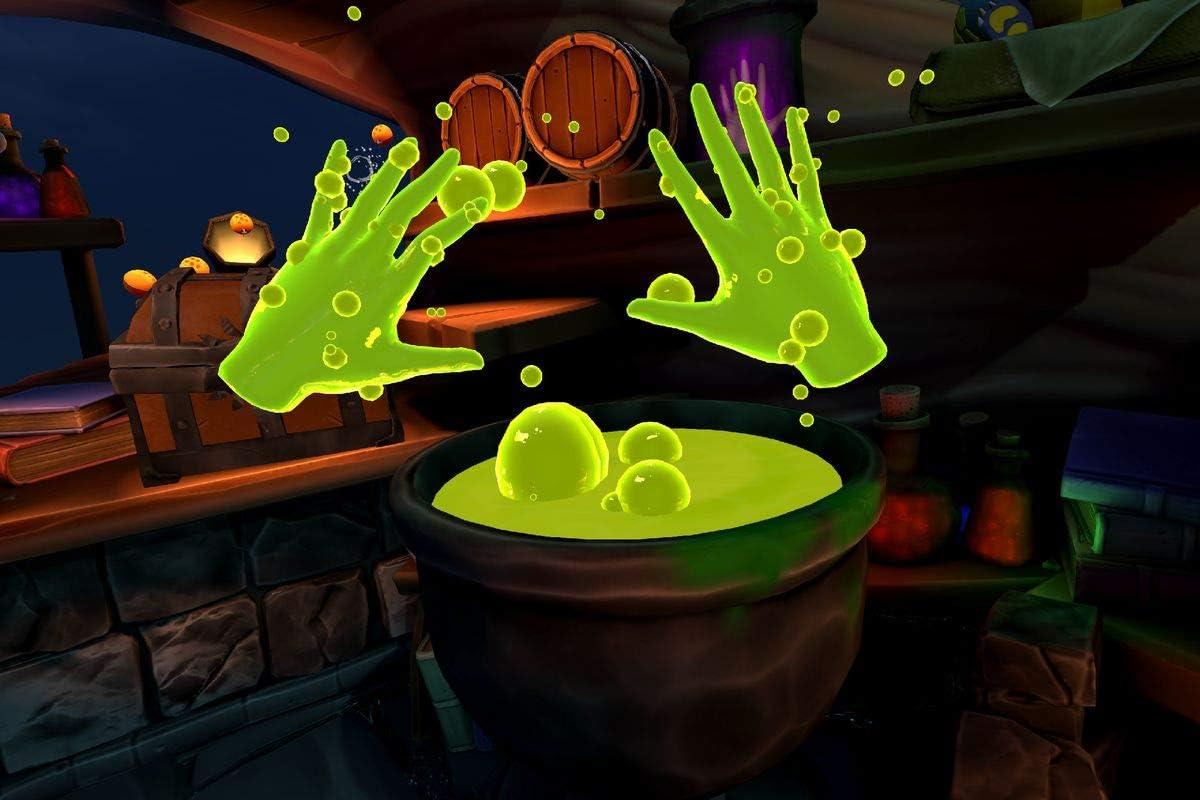
Image: A user demonstrating the proper way to wear the Oculus Quest headset and hold the Touch controllers during gameplay.
Imagine: Un example of in-game interaction, showing virtual hands with glowing effects above a cauldron, demonstrating the immersive experience.
Mantenimentu
- Pulizia di lenti: Use a dry microfiber cloth specifically designed for lenses. Wipe gently from the center outwards in a circular motion. Do not use liquid cleaners, alcohol, or abrasive cloths.
- Pulizia di l'auriculare è di i cuntrolli: Aduprà un seccu o pocu damp non-abrasive cloth. Avoid getting moisture into any openings.
- Conservazione: Store your Oculus Quest in a cool, dry place away from direct sunlight. Prolonged exposure to sunlight can damage the lenses and display.
- Cura di a batteria: Per una durata ottimale di a batteria, evitate di scaricà cumpletamente l'auriculare spessu. Caricatelu regularmente.
Risoluzione di prublemi
| Prublemu | Soluzione Possibile |
|---|---|
| L'auriculare ùn si accende micca | Ensure the headset is fully charged. Press and hold the power button for at least 10 seconds for a hard reset. |
| Controllers not pairing/tracking | Check controller batteries. Re-pair controllers via the Oculus mobile app. Ensure your play space has adequate lighting. |
| Blurry vision/display | Adjust the headset's fit and IPD slider. Clean the lenses with a microfiber cloth. |
| Guardian system issues | Redraw your Guardian boundary. Ensure your play space is well-lit and free of reflective surfaces. |
| Problemi audio | Check volume settings in VR. Ensure headphones (if used) are properly connected. |
Specificazioni
- Nome di mudellu: 301-00171-01
- Conservazione: 128 GB
- Dimensioni: 14.7 x 9.1 x 5 inch
- Pesu di l'articulu: 1.1 liri
- Connettività: Bluetooth, WiFi
- Sistema Operativu: Basatu in Android
- Cumpunenti inclusi: Headset, 2 Touch Controllers, USB-C Cable, Power Adapter, 2 AA Batteries, Glasses Spacer
- Produttore: Oculus (Brand: Meta)
- Prima dispunibule: 10 di ghjennaghju di u 2019
Garanzia è Supportu
For detailed warranty information and customer support, please refer to the official Meta (Oculus) websitu o cuntattate direttamente u so serviziu clienti. Conservate a vostra prova d'acquistu per e richieste di garanzia.
Online resources and FAQs are available to assist with common queries and advanced usage tips.


