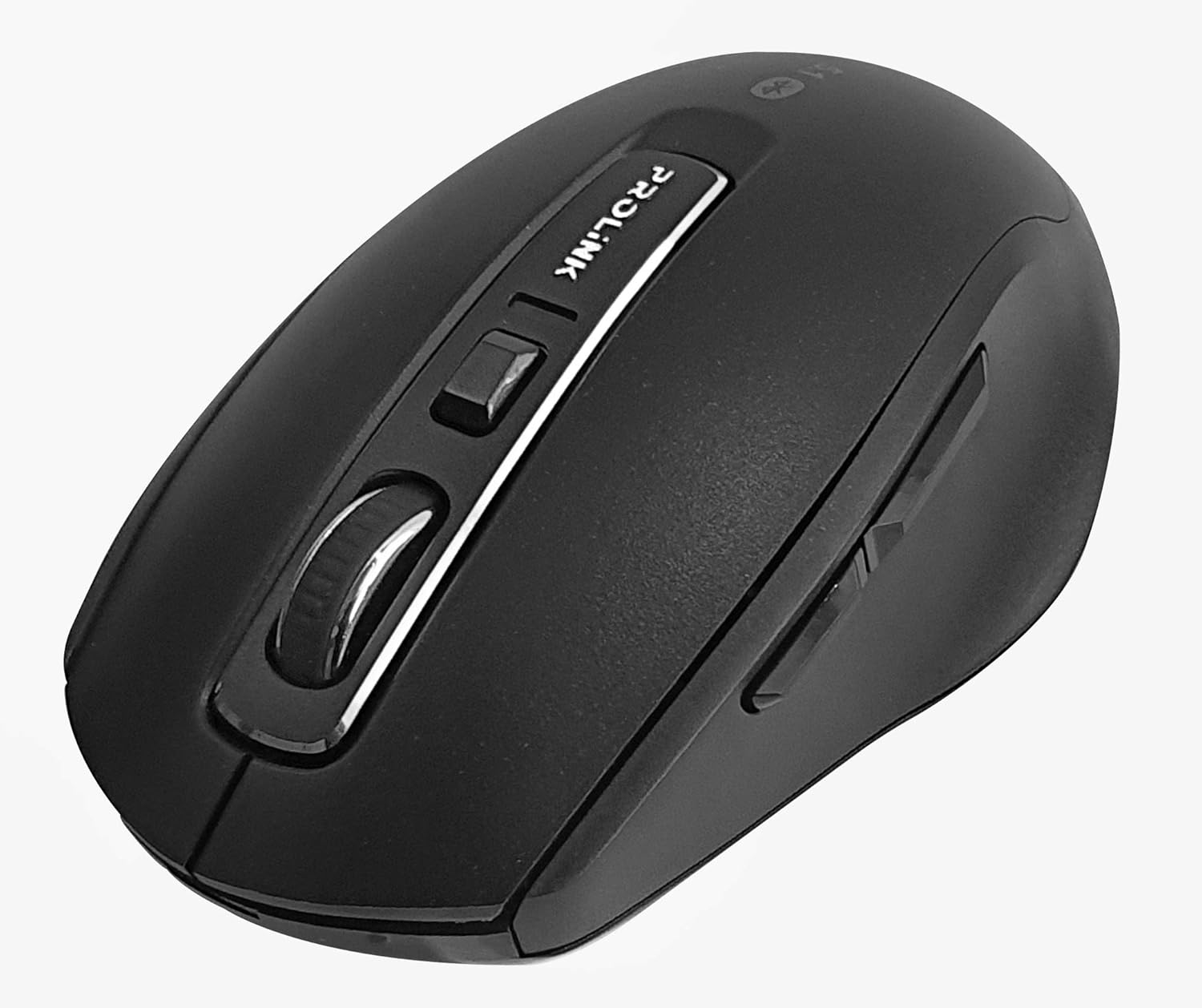
Imagine: Da cima à fondu view of the Prolink PMB8502 Bluetooth Wireless Optical Mouse.
1. Introduzione è Overview
The Prolink PMB8502 Bluetooth Mouse is designed for seamless wireless control of your desktop, laptop, or tablet. It features Bluetooth 5.2 connectivity, an ergonomic design, and adjustable DPI settings for personalized comfort and precision. This manual provides detailed instructions for setup, operation, maintenance, and troubleshooting.
Funzioni chjave:
- Bluetooth 5.2 connectivity (backward compatible with 5.1/5.0/4.2/4.1/4.0)
- Up to 27 months battery life (based on supplied batteries)
- DPI regolabile: 800/1200/1600
- 6-button design including back and forward buttons
- Disegnu ergonomicu per un usu còmode
- Operating range of up to 10 meters

Image: Prolink PMB8502 mouse highlighting its Bluetooth 5.2, battery life, DPI, and range features.
2. Cuntenutu di u pacchettu
- Prolink PMB8502 Bluetooth Wireless Optical Mouse
- 1 x AA Battery (pre-installed or included separately)
- Manuale d'uso (stu documentu)
3. Setup Instructions
3.1. Installazione di batterie
- Truvate u coperchiu di u compartimentu di a batteria sottu à u mouse.
- Fate scorrere o alzate delicatamente u coperchio per apre u scompartimentu.
- Inserite una batteria AA, assicurendu chì i terminali pusitivi (+) è negativi (-) sianu allineati currettamente cù i marchi in l'internu di u compartimentu.
- Rimpiazzate u coperchiu di u compartimentu di a batteria finu à ch'ellu si sente un clic in modu sicuru.
3.2. Abbinamentu Bluetooth
Before pairing, ensure your device (computer, laptop, tablet) has Bluetooth enabled.
- Accendete u mouse cù l'interruttore On/Off situatu sottu.
- Press and hold the Bluetooth 'Connect' button (usually located near the On/Off switch or within the battery compartment) for 3-5 seconds until the LED indicator on the mouse begins to flash, indicating it is in pairing mode.
- In u vostru dispositivu, andate à i paràmetri Bluetooth.
- Cerca new devices. The mouse should appear as "Prolink PMB8502" or similar.
- Select the mouse from the list to complete the pairing process. The LED indicator on the mouse will stop flashing and remain solid for a few seconds, then turn off, indicating a successful connection.

Image: Front view of the Prolink PMB8502 mouse, showing its ergonomic shape.
4. Operating Instructions
4.1. Funzioni di u buttone
- Buttone di cliccà sinistro: Selezzione è attivazione standard.
- Buttone di cliccà drittu: Accede à i menu cuntestuali.
- Rotella di scorrimentu: Scrolls documents è web pagine verticalmente. Pò ancu esse premutu per a funzionalità di cliccà cù u buttone centrale.
- Buttone di regulazione DPI: Located below the scroll wheel. Press to cycle through DPI settings (800/1200/1600).
- Pulsante avanti: Naviga in avanti in web navigatori o file esploratori.
- Pulsante Back: Naviga in daretu in web navigatori o file esploratori.
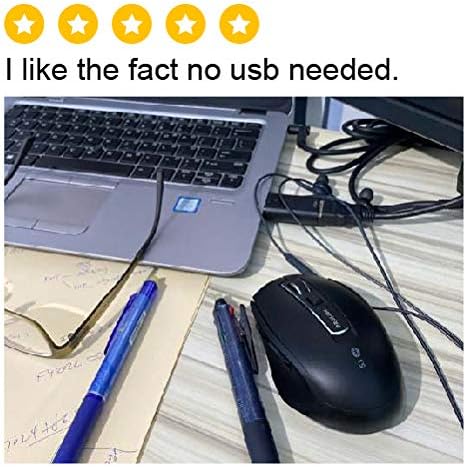
Imagine: Latu view of the Prolink PMB8502 mouse, illustrating the placement of the back and forward navigation buttons.
4.2. Ajustamentu DPI
The mouse offers three DPI (Dots Per Inch) settings: 800, 1200, and 1600. Press the DPI button located below the scroll wheel to switch between these sensitivities. A higher DPI setting results in faster cursor movement across the screen.
4.3. Gestione di l'energia
- Interruttore On/Off: To conserve battery life, turn off the mouse using the switch on its underside when not in use for extended periods.
- Modu di sonnu automaticu: The mouse automatically enters a sleep mode after more than 10 minutes of inactivity. To wake it up, simply move the mouse or click any button.
5. Mantenimentu
5.1. Pulizia
Per pulisce u mouse, aduprate un pannu dolce, asciuttu è senza pelu. Per a sporcizia ostinata, asciugate leggermente.ampen the cloth with water or a mild cleaning solution. Avoid using harsh chemicals, abrasive cleaners, or spraying liquids directly onto the mouse.
5.2. Sustituzione di batterie
When the mouse performance degrades or the LED indicator suggests low battery, replace the AA battery following the steps in Section 3.1. Dispose of used batteries responsibly according to local regulations.
6. Risoluzione di prublemi
- Mouse not connecting or erratic movement:
- Assicuratevi chì u mouse hè attivatu.
- Verificate u nivellu di a bateria è rimpiazzate se necessariu.
- Assicuratevi chì Bluetooth hè attivatu nantu à u vostru dispositivu.
- Try re-pairing the mouse with your device (refer to Section 3.2).
- Avvicinate u mouse à u vostru dispositivu per escludere prublemi di distanza.
- Assicuratevi chì ùn ci sianu altri signali wireless forti chì interferiscenu cù a cunnessione Bluetooth.
- Cursor not moving smoothly:
- Pulite u sensore otticu situatu sottu à u mouse.
- Aduprate u mouse nantu à una superficia pulita è micca riflettente.
- Adjust the DPI setting to a level that suits your preference.
- I buttoni chì ùn rispundenu micca:
- Verificate u livellu di a bateria.
- Ensure the mouse is properly connected via Bluetooth.
- Riavviate u vostru urdinatore o dispusitivu.
7. Specificazioni
| Feature | Detail |
|---|---|
| Bottoni | 6 |
| Sensore | otticu |
| Risoluzione DPI | 800/1200/1600 DPI |
| Interfaccia | Bluetooth 5.2 (backward compatible with Bluetooth 5.1/5.0/4.2/4.1/4.0) |
| Tariffa di rapportu USB | 125 Hz |
| FPS | 2400 volte / sec |
| Umidità operativa | 30% UR - 95% UR |
| Temperature di funziunamentu | -20°C - +60°C |
| Sistema upirativu | Windows 7 / 10 / 11, Mac OS 10.2 above |
| Dimensioni (L x W x H) | 108 mm x 66.7 mm x 40.2 mm |
| Pesu | 69.2g (solu pruduttu) |
| Tipu di batterie | 1 x Batteria AA |

Image: Graphic displaying the technical specifications of the Prolink PMB8502 mouse.
8. Garanzia è Support
The Prolink PMB8502 Bluetooth Wireless Optical Mouse typically comes with a 3 anni di garanzia from the date of purchase. Please refer to your purchase receipt or the official Prolink website for specific warranty terms and conditions applicable in your region.
For technical support, troubleshooting assistance, or warranty claims, please visit the official Prolink website or contact their customer service department. Contact information can usually be found on the product packaging or the Prolink official websitu.
Risorse in linea:

Image: Prolink PMB8502 mouse with a "3 Year Warranty" label, indicating product assurance.


