1. Introduzione
Welcome to the user manual for your new Taurus Homeland Laser Robot Vacuum Cleaner. This intelligent cleaning device is designed to provide efficient and thorough cleaning for your home, utilizing advanced ElegantLaser technology for precise navigation and mapping. Please read this manual carefully before using the product to ensure proper operation, maintenance, and safety.
Informazioni di sicurezza
Sempre aderite à e seguenti linee di sicurezza:
- Do not allow children to operate the robot vacuum cleaner.
- Ensure the charging base is placed on a flat, stable surface against a wall, with no obstacles within 1 meter in front and 0.5 meters on either side.
- Mantene u robot luntanu da l'acqua o da superfici bagnate per impedisce scosse elettriche.
- Do not use the robot to clean liquids, burning objects, or large, sharp debris.
- Regularly check and clean the brushes and sensors to maintain optimal performance.
- Aduprate solu l'adattatore di corrente è a basa di carica originali furniti cù u pruduttu.
- Sè u cavu d'alimentazione hè dannighjatu, deve esse rimpiazzatu da u fabricatore o da un agente di serviziu qualificatu.
2. Produttu Finituview
Familiarize yourself with the components of your Taurus Homeland Laser Robot Vacuum Cleaner.
Cuntenutu di u pacchettu
- Taurus Homeland Laser Robot Vacuum Cleaner
- Base di carica
- Adattatore di putenza
- Control remoto
- Spazzole laterali (2 coppie)
- Spazzola principale
- Polvere
- Serbatoiu d'acqua cù pannu di mop
- Strumentu di pulizia
- Manuale d'usu
Cumpunenti di u robot


3. Setup
Disimballaggio è piazzamentu iniziale
- Eliminate cù cura tutti i cumpunenti da l'imballu.
- Choose a suitable location for the charging base. It should be placed against a wall on a hard, level surface. Ensure there are no obstacles within 1 meter (3.3 feet) in front of the base and 0.5 meters (1.6 feet) on either side to allow the robot to dock easily.
- Connect the power adapter to the charging base and plug it into a wall outlet. Ensure the indicator light on the charging base illuminates.
Installazione di Spazzole Laterali
Turn the robot over. Align the side brushes with the corresponding slots (L and R) on the bottom of the robot and press them down until they click into place.
Carica iniziale
Place the robot onto the charging base, ensuring the charging contacts on the robot align with those on the base. The robot will begin charging automatically. For first-time use, it is recommended to fully charge the robot before its initial cleaning cycle (approximately 4-5 hours).
Cunfigurazione di l'app è cunnessione Wi-Fi
To unlock the full potential of your robot, download the dedicated mobile application.

- Cerca the 'Taurus Homeland' app in your smartphone's app store (Google Play Store for Android or Apple App Store for iOS).
- Scaricate è installate l'app.
- Follow the in-app instructions to create an account and connect your robot vacuum cleaner to your home Wi-Fi network. Ensure your Wi-Fi network is 2.4GHz.
- Once connected, you can control the robot, schedule cleanings, and view cleaning maps from your smartphone.
4. Operating Instructions
Accensione / Off
- Power On: Press and hold the power button on the robot or the remote control until the indicator lights illuminate.
- Spegnimentu: Press and hold the power button on the robot or the remote control until the indicator lights turn off.
Principià un ciclu di pulizia
Press the power button on the robot or the 'Clean' button on the remote control/app to start an automatic cleaning cycle. The robot will begin mapping and cleaning your home using its ElegantLaser navigation.


Modi di pulizia
The robot offers 10 different cleaning modes, accessible via the remote control or the mobile app:
- Auto: Standard cleaning mode, the robot intelligently navigates and cleans the entire area.
- Select Room: Clean specific rooms identified on the app's map.
- Perimetru: Pulisce longu i muri è i bordi di i mobili.
- Spirale: Pulisce una zona cuncintrata in un mudellu a spirale.
- Manuale: Control the robot's movement manually using the remote control or app.
- Ritorna à a casa: Robot returns to the charging base.
- Potenza massima: Increases suction power for deeper cleaning.
- Restricted Zone: Define areas on the app map that the robot should avoid.
- Restricted Wall: Create virtual walls on the app map to block off areas.
- Pulizia spot: Pulisce intensamente una piccula zona specifica.
Utilizendu l'Applicazione Mobile
The app provides comprehensive control and customization options:

- Cartografia: The robot creates a real-time map of your home, which is displayed in the app.
- Zone Restriction: Draw virtual boundaries or no-go zones on the map to prevent the robot from entering certain areas.
- Pianificazione: Impostate prugrammi di pulizia ghjurnali o settimanali per a pulizia automatizata.
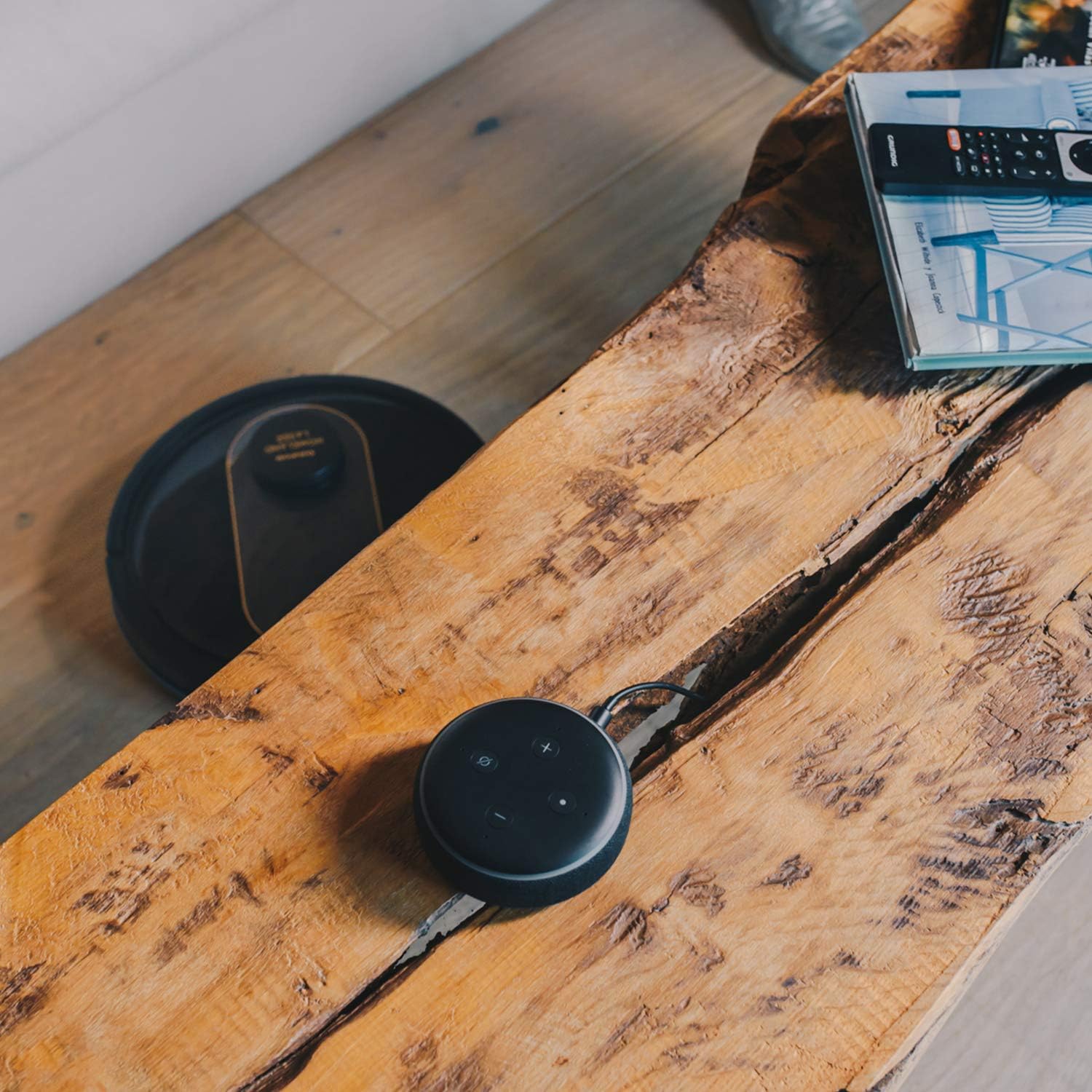
- Controlu di voce: Compatible with Alexa and Google Assistant for convenient voice commands (e.g., "Alexa, start cleaning").
Funzione Mopping
To use the mopping function, fill the water tank with clean water and attach the mop cloth. Insert the water tank into the robot. The robot will then vacuum and mop simultaneously. Do not use detergents or harsh chemicals in the water tank.
5. Mantenimentu
Una manutenzione regulare assicura prestazioni ottimali è allunga a durata di vita di u vostru aspiratore robot.
Svuotà u Dustbin
The dustbin should be emptied after each cleaning cycle or when the 'dustbin full' indicator (if available) illuminates. Press the dustbin release button, pull out the dustbin, open its lid, and discard the debris.
Pulizia di u filtru
The HEPA filter should be cleaned weekly. Remove the filter from the dustbin and tap it gently over a trash can to remove dust. Do not wash the HEPA filter with water; if it becomes heavily soiled, replace it.
Spazzole di pulizia
- Spazzola principale: Remove the main brush cover and lift out the main brush. Use the provided cleaning tool to remove hair and debris tangled around the brush. Clean the brush compartment.
- Spazzole laterali: Periodically check the side brushes for tangled hair or debris. If necessary, remove them and clean them. Replace worn or damaged side brushes.
Pulizia di i Sensori è di i Cuntatti di Carica
Wipe the cliff sensors (located on the bottom of the robot), wall sensors (on the front bumper), and charging contacts (on the robot and charging base) with a clean, dry cloth. This ensures proper navigation and charging.
Pulizia di u Serbatu d'Acqua è di u Pannu di Mop
After mopping, empty any remaining water from the tank. Remove the mop cloth and wash it thoroughly. Allow both the tank and cloth to air dry completely before reassembling.
6. Risoluzione di prublemi
Sè avete prublemi cù u vostru aspiratore robot, cunsultate i seguenti prublemi è suluzioni cumuni:
| Prublemu | Causa Possibile | Soluzione |
|---|---|---|
| U robot ùn s'accende micca. | Batteria bassa; U buttone d'accensione ùn hè micca premutu currettamente. | Place robot on charging base; Press and hold power button for a few seconds. |
| U robot ùn si carica micca. | I cuntatti di carica sò sporchi; L'adattatore di corrente ùn hè micca cunnessu. | Pulite i cuntatti di carica nantu à u robot è a basa; Assicuratevi chì l'adattatore di corrente sia ben inseritu. |
| U robot si blocca spessu. | Troppu ostaculi; Sensori di scogliera sporchi. | Sguassate l'ostaculi da u percorsu di pulizia; Pulite i sensori di scogliera. |
| Scarsa prestazione di pulizia. | Cestellu di a polvera pienu; Spazzole aggrovigliate; Filtru intasatu. | Empty dustbin; Clean main and side brushes; Clean or replace filter. |
| Prublemi di cunnessione di l'app. | Password Wi-Fi sbagliata; Router troppu luntanu; Rete Wi-Fi 5GHz. | Re-enter Wi-Fi password; Move robot closer to router; Ensure 2.4GHz Wi-Fi is used. |
| U robot face un rumore stranu. | Detriti in spazzole o roti; Ostruzione di u ventilatore. | Inspect and clean main brush, side brushes, and wheels; Check for obstructions in the suction path. |
If the problem persists after trying these solutions, please contact Taurus customer support.
7. Specificazioni
Key technical specifications for the Taurus Homeland Laser Robot Vacuum Cleaner:
| Feature | Specificazione |
|---|---|
| Marca | Taurus |
| Nome di mudellu | Homeland Laser |
| Numero di mudellu | 948895000 |
| Culore | Neru/oru |
| Dimensioni (L x W x H) | 32L x 32W x 10H cm (approx. 7.6 cm height for cleaning under furniture) |
| Pesu di l'articulu | 2.7 chilògrammi |
| Voltage | 240 Volts |
| Materiale | Plastica |
| Forza di aspirazione | 1800 PA |
| Tipu di batterie | Lithium-ion |
| A vita di a batteria | Finu à 120 minuti |
| Tipu di filtru | HEPA |
| Connettività | Wi-Fi (2.4GHz), Smartphone App, Alexa & Google Assistant compatible |
| Modi di pulizia | 10 (Auto, Select Room, Perimeter, Spiral, Manual, Return to Home, Max Power, Restricted Zone, Restricted Wall, Spot Cleaning) |
8. Garanzia è Support
Your Taurus Homeland Laser Robot Vacuum Cleaner comes with a manufacturer's warranty. Please refer to the warranty card included in your product packaging for specific terms and conditions, including the warranty period and coverage details.
Assistenza Clienti
For technical assistance, troubleshooting beyond this manual, or warranty claims, please contact Taurus customer support. Contact information can typically be found on the official Taurus websitu o nantu à l'imballu di u vostru pruduttu.
We recommend registering your product on the Taurus websitu per riceve aghjurnamenti è supportu.


