Introduzione
Grazie per l'acquistuasing the DELTACO GAMING Chair, Model GAM-080. This ergonomic gaming chair is designed to provide comfort and support during long gaming sessions, featuring adjustable components and integrated RGB lighting. Please read this manual carefully before assembly and use to ensure proper operation and longevity of your chair.
Informazioni di sicurezza
- Assicuratevi chì tutti i cumpunenti sò fissati in modu sicuru prima di l'usu.
- Ùn stà micca nantu à a sedia.
- Ùn aduprate micca a sedia s'è qualchì parte hè dannighjata o mancante.
- Mantene e mani è e dite luntanu da e parti in muvimentu durante a regulazione.
- This chair is designed for a maximum weight of 120 kg (264 lbs). Exceeding this limit may cause damage or injury.
- The RGB lighting requires a USB power source. Ensure the cable is not pinched or damaged.
Cuntenutu di u pacchettu
Prima di principià u montaggio, verificate chì tutte e parti sò presenti è intatte. Se qualchì parte manca o hè dannighjata, cuntattate l'assistenza clienti.
- Schienale
- Base di Sede
- Braccioli (2)
- Base Star
- rotelle (5)
- Cilindru di Ascensore di Gas
- Copertura di Ascensore di Gas
- Piastra di Meccanismu
- Cuscinu lombare
- Cuscino per poggiatesta
- Ferramenta di montaggio (viti, rondelle, chiave Allen)
- Control remoto RGB
- USB Power Cable for RGB
Setup è Assemblea
Please follow these steps carefully for proper assembly. It is recommended to assemble the chair on a soft, clean surface to prevent damage.
- Attaccà e rote à a basa à stella: Inserite ognuna di e cinque rote in i fori à a fine di a basa à stella finu à ch'elle si bloccanu saldamente in u so postu.
- Inserisce l'elevatore à gas: Pone u cilindru di elevazione à gas in u foru cintrali di a basa à stella. Copritelu cù u coperchiu di l'elevazione à gas.
- Attaccà a piastra di u mecanismu à a basa di u sedile: Align the mechanism plate with the pre-drilled holes on the underside of the seat base. Ensure the front of the mechanism plate faces the front of the seat. Secure with screws.
- Attaccà i braccioli à a basa di u sedile: Secure the armrests to the sides of the seat base using the provided screws. Ensure they are firmly attached.
- Attaccà u schienale à a basa di u sedile: Align the backrest with the mounting brackets on the seat base. Secure with screws.
- Cunnette u sedile à l'elevatore à gas: Pone cù cura u sedile è u schienale assemblati nantu à u cilindru di elevazione à gas, assicurendusi ch'ellu sia centratu è stabile.
- Attach Headrest and Lumbar Cushions: Secure the headrest pillow and lumbar cushion to the chair using their respective straps.

Image: The DELTACO GAMING Chair fully assembled, showcasing its ergonomic design and RGB lighting strips along the edges.
Istruzzioni di funziunamentu
Ajustamentu di l'altezza
To adjust the chair's height, pull the lever located on the right side of the seat upwards. While seated, lift your weight off the chair to raise it, or remain seated to lower it. Release the lever to lock the height.
Reclinazione di u schienale
The backrest can be reclined between 90 and 180 degrees. Pull the recline lever, typically located on the right side of the chair, and lean back or forward to achieve your desired angle. Release the lever to lock the backrest in position.

Image: An illustration demonstrating the chair's ability to recline from an upright position to a nearly flat position, indicated by an orange arrow.
RGB Lighting Operation
The chair features integrated RGB lighting with 332 LED modes. To activate the lighting, connect the chair's USB cable to a 5V USB power source (e.g., a power bank, computer USB port, or USB wall adapter). Use the included remote control to change colors, modes, and brightness.
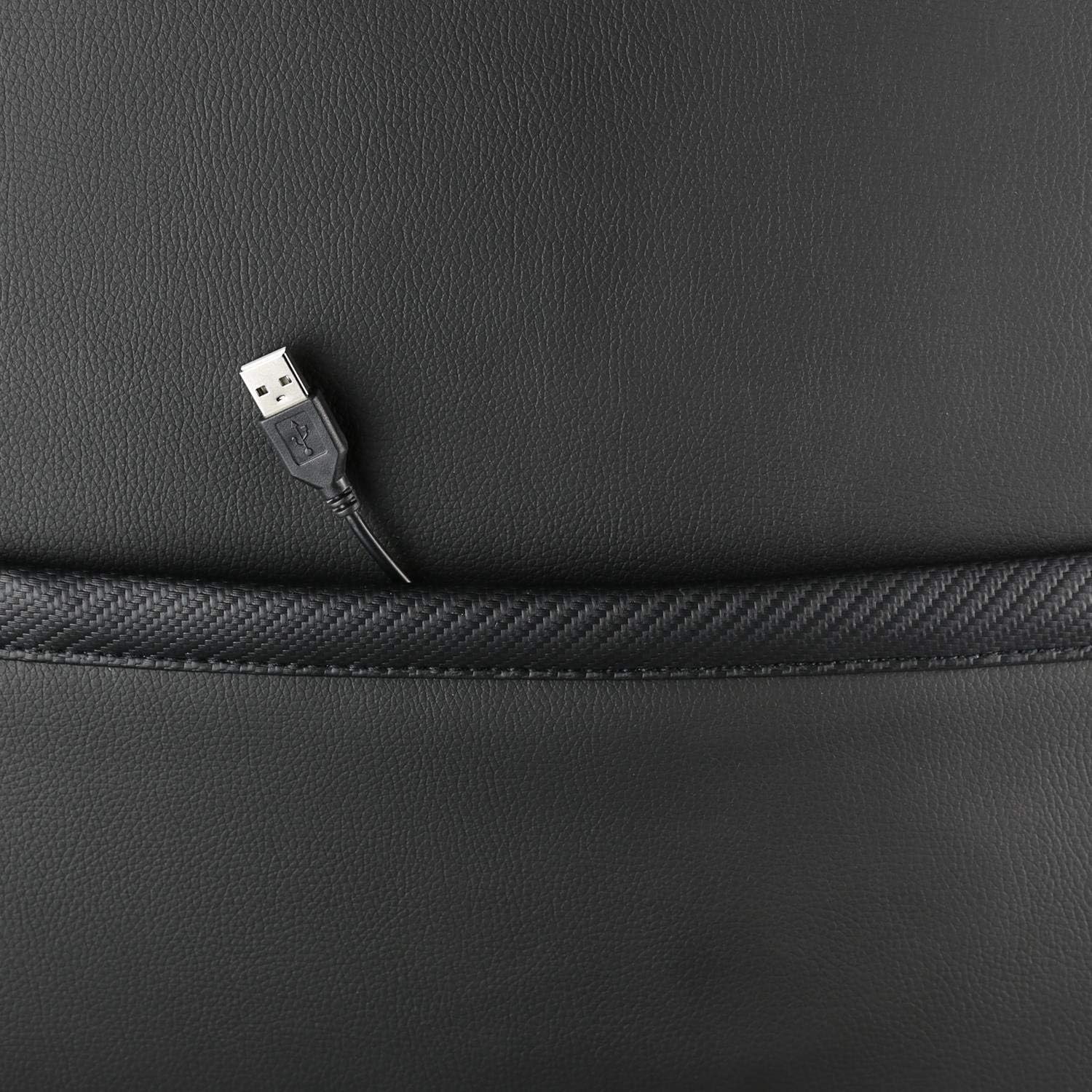
Imagine: Un primu pianu view showing the USB power cable emerging from a pocket on the chair, used to power the RGB lighting.

Imagine: Un sopraview image of the DELTACO GAMING RGB Gaming Chair highlighting features such as remote control for RGB lights, adjustable headrest, included lumbar cushion, and adjustable backrest from 90-180 degrees, along with 332 LED modes.
Mantenimentu è Cura
- Pulizia: Pulisce cù l'annunziuamp cloth. Do not use harsh chemicals or abrasive cleaners, as this may damage the faux leather.
- Ispezione: Verificate periodicamente tutte e viti è i bulloni per assicurassi ch'elli sianu ben stretti. Stringhjiteli di novu se necessariu.
- Conservazione: Store the chair in a cool, dry place away from direct sunlight to prevent material degradation.
- Cavu USB: Ensure the USB power cable for the RGB lighting is not kinked or damaged.
Risoluzione di prublemi
| Prublemu | Causa Possibile | Soluzione |
|---|---|---|
| A sedia ùn si adatta micca à l'altezza. | Malfunzionamentu di u cilindru di elevazione à gas o leva micca attivata. | Assicuratevi chì a leva di regulazione di l'altezza sia tirata cumpletamente. Se u prublema persiste, u pistone à gas pò avè bisognu di esse rimpiazzatu. |
| U schienale ùn si reclina nè si blocca. | U mecanismu di reclinazione hè bluccatu o a leva ùn hè micca attivata. | Check for obstructions around the recline mechanism. Ensure the recline lever is fully engaged. |
| L'illuminazione RGB ùn funziona micca. | USB power not connected, cable damaged, or remote control battery low. | Verify the USB cable is securely connected to a working 5V power source. Check the cable for damage. Replace remote control battery if necessary. |
| Chair is wobbly. | Loose screws or casters not fully inserted. | Tighten all assembly screws. Ensure all casters are fully inserted into the star base. |
Specificazioni
| Feature | Detail |
|---|---|
| Nome di mudellu | GAM-080 |
| Marca | GAMING DELTACO |
| Culore | Neru |
| Materiale | Faux leather, Foam |
| Cunsigliu Massimu di Pesu | 120 chilògrammi (264 lbs) |
| Dimensioni di u produttu (L x W x H) | 22.44 x 26.77 x 57.87 inch |
| Pesu di l'articulu | 46.2 liri |
| Funzioni spiciali | RGB Lighting, Adjustable Backrest (90-180°), Adjustable Height, Lumbar Cushion, Headrest Pillow |
| Power Source for RGB | USB 5V |
Garanzia è Supportu
This DELTACO GAMING Chair (Model GAM-080) comes with a 1-year spare part availability duration within the EU, as per manufacturer specifications.
For technical support, warranty claims, or inquiries regarding spare parts, please contact DELTACO GAMING customer support. Refer to your purchase documentation for specific contact details or visit the official DELTACO GAMING websitu.
Note: Proof of purchase may be required for warranty services.


