1. Introduzione
The Rapoo MT550 is a versatile multi-device wireless mouse designed for enhanced productivity and comfort. This manual provides detailed instructions for setting up, operating, and maintaining your MT550 mouse, ensuring optimal performance across various devices.
E caratteristiche chjave includenu:
- Multi-device connectivity (Bluetooth 3.0, Bluetooth 4.0, and 2.4G wireless)
- Adjustable DPI settings (600/1000/1300/1600)
- Disegnu ergonomicu per un usu còmode
- Long battery life of up to 12 months
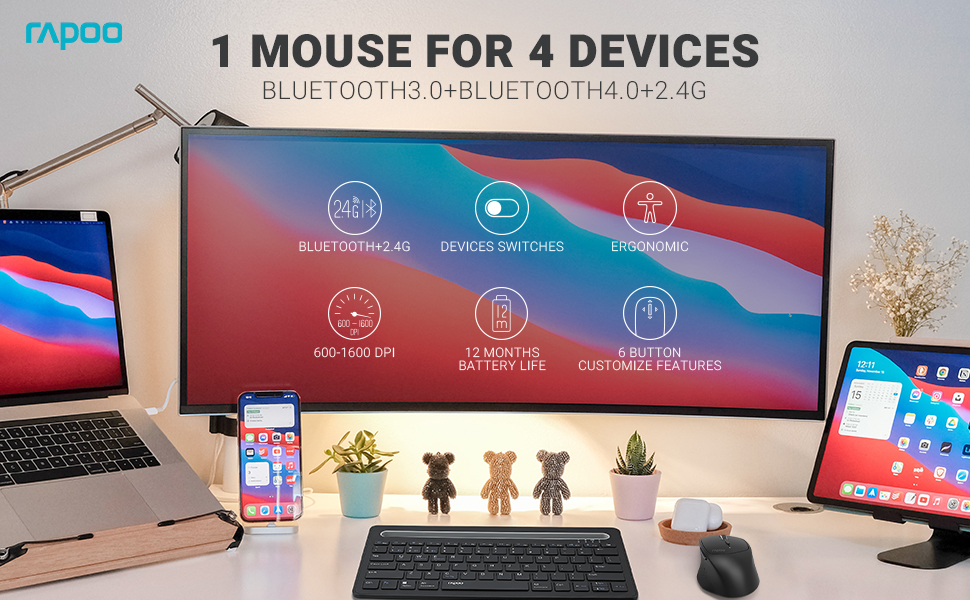
Image: The Rapoo MT550 mouse, highlighting its design for endurance, versatility, and comfort.
2. Setup
2.1. Installazione di batterie
The Rapoo MT550 mouse requires two AA batteries (included). To install:
- Truvate u coperchiu di u compartimentu di a batteria sottu à u mouse.
- Trascinate a tappa aperta.
- Inserite duie batterie AA, assicurendu a polarità curretta (+/-).
- Chiudere a tappa di u compartimentu di a batteria.
2.2. Cunnessione via 2.4G Wireless (Ricevitore USB)
For a 2.4G wireless connection:
- Accendete u mouse cù l'interruttore ON/OFF situatu sottu.
- Locate the USB receiver stored in the battery compartment.
- Inserite u ricevitore USB in un portu USB dispunibule nantu à u vostru urdinatore.
- The mouse should automatically connect. If not, press the device switch button until the indicator for channel 4 (usually indicated by a specific light pattern or number) is active.
2.3. Connecting via Bluetooth
The Rapoo MT550 supports up to three Bluetooth connections. To connect:
- Accendete u mouse cù l'interruttore ON/OFF.
- Short press the device switch button to select a Bluetooth channel (1, 2, or 3). The corresponding indicator light will illuminate.
- Press and hold the Bluetooth pairing button (often located near the device switch button) for approximately 3 seconds until the indicator light for the selected channel starts flashing rapidly. This indicates the mouse is in pairing mode.
- On your device (computer, laptop, tablet, phone), enable Bluetooth and search for new devices.
- Select "Rapoo MT550" from the list of available devices to complete the pairing process.
- Repeat these steps to pair with up to two additional Bluetooth devices on channels 2 and 3.

Image: Labeled diagram of the Rapoo MT550 mouse, indicating the location of the ON/OFF switch, Bluetooth button, device switch button, battery slot, USB receiver, DPI button, scroller, and other buttons.
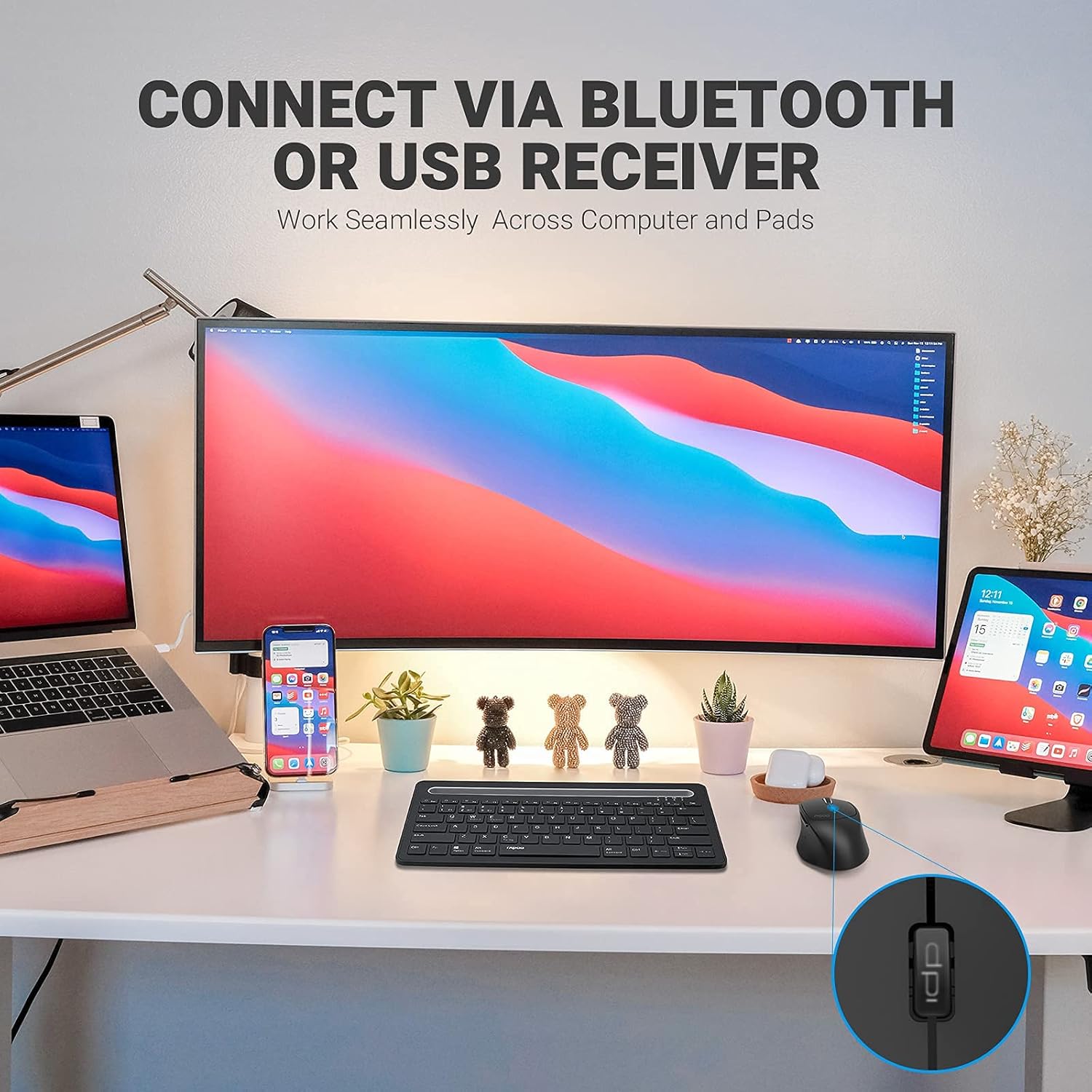
Image: A workstation demonstrating the Rapoo MT550 mouse connecting to multiple devices via Bluetooth or USB receiver.
3. Operating Instructions
3.1. Cambià trà i dispusitivi
Per cambià trà i vostri dispositivi cunnessi:
- Short press the device switch button located on the underside of the mouse.
- Each press will cycle through the connected channels (1, 2, 3 for Bluetooth, 4 for 2.4G USB receiver). The corresponding indicator light will show the active channel.
3.2. Aghjustà DPI (Sensibilità)
The MT550 mouse features four adjustable DPI settings for precise control:
- Press the DPI button, located behind the scroll wheel, to cycle through the available settings: 600, 1000, 1300, and 1600 DPI.
- The indicator light will briefly change to reflect the selected DPI level.

Imagine: Primu pianu view of the DPI button on the Rapoo MT550 mouse, with the indicator light showing the current DPI setting.
3.3. Using Forward/Back Buttons
The two thumb buttons on the side of the mouse provide quick navigation:
- The forward button advances to the next page or folder.
- The back button returns to the previous page or folder.
4. Mantenimentu
4.1. Pulizia
To maintain the appearance and functionality of your mouse:
- Aduprate un pannu dolce è asciuttu per asciugà a superficia di u mouse.
- Evitate l'usu di prudutti chimichi aggressivi, detergenti abrasivi o solventi, postu chì questi ponu dannà a finitura.
4.2. Sustituzione di batterie
When the low battery indicator appears or the mouse becomes unresponsive, it's time to replace the batteries:
- Segui i passi d'installazione di a batteria descritti in a Sezione 2.1.
- Ensure you use two fresh AA batteries and insert them with the correct polarity.
4.3. Storage
When not in use for extended periods, store the mouse in a dry, cool environment away from direct sunlight and extreme temperatures.
5. Risoluzione di prublemi
If you encounter issues with your Rapoo MT550 mouse, refer to the following troubleshooting steps:
5.1. U mouse ùn risponde micca
- Verificate u putere: Ensure the mouse is turned on using the ON/OFF switch.
- Verificate e batterie: Verificate chì e batterie sianu installate currettamente è chì sianu abbastanza cariche. Rimpiazzatele se necessariu.
- 2.4G Receiver: For 2.4G connection, ensure the USB receiver is securely plugged into a working USB port on your computer. Try a different USB port.
- Cunnessione Bluetooth: For Bluetooth, ensure Bluetooth is enabled on your device and the mouse is paired to the correct channel. Try re-pairing the mouse if the connection is lost.
5.2. Cunnessione intermittente o ritardu
- Prossimità: Move the mouse closer to your computer or device to ensure a strong signal.
- Interferenza: Avoid using the mouse near other wireless devices (e.g., Wi-Fi routers, cordless phones) that might cause interference.
- Superficie: Ensure you are using the mouse on a suitable surface. While the MT550 is designed for various surfaces, extreme textures or reflective surfaces can affect tracking.
5.3. DPI micca cambiatu
- Ensure you are pressing the dedicated DPI button, not another button.
- If the issue persists, try turning the mouse off and on again.
6. Specificazioni
| Dimensioni di u produttu | 3.93 x 2.55 x 1.57 inch |
| Pesu di l'articulu | 5.3 once |
| Batterie | 2 batterie AA (incluse) |
| Tecnulugia di cunnessione | Bluetooth (3.0/4.0) and 2.4G Wireless |
| Tecnulugia di rilevazione di u muvimentu | otticu |
| DPI ajustable | 600 / 1000 / 1300 / 1600 |
| Numero di Buttons | 6 (Left, Right, Scroll, DPI, Forward, Back) |
| A vita di a batteria | Finu à 12 mesi (in cundizioni nurmali) |
7. Garanzia è Support
Rapoo provides the following coverage for your MT550 Multi-Device Wireless Mouse:
- Garanzia: 3-year worry-free warranty.
- Politica di ritornu: Garanzia di rimborsu di 180 ghjorni.
For further assistance, technical support, or warranty claims, please visit the official Rapoo websitu o cuntattate u so dipartimentu di serviziu di u cliente.