Introduzione
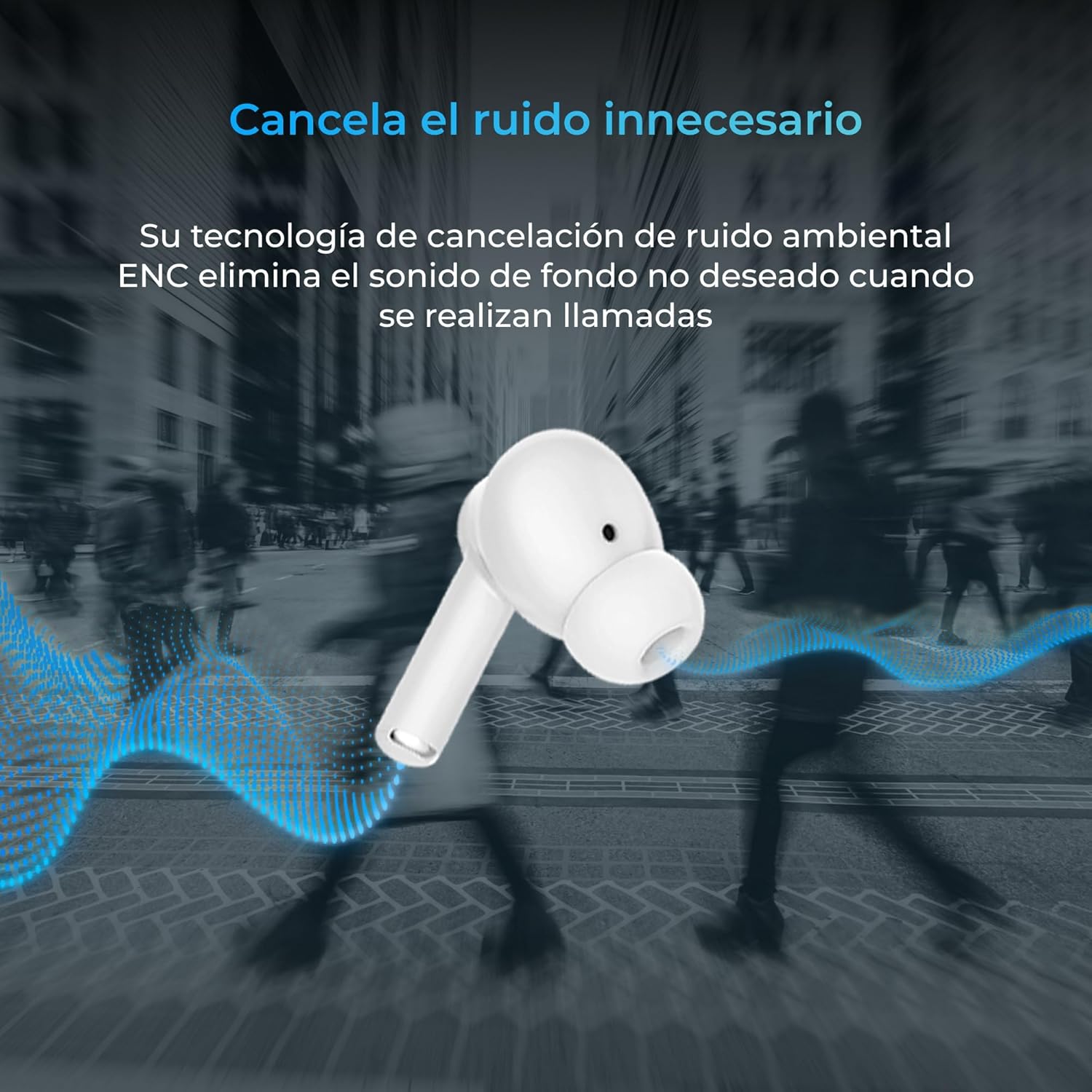
Thank you for choosing the KSIX Orion Wireless Earbuds. These earbuds are designed to provide a superior audio experience with features such as HD calls, Environmental Noise Cancellation (ENC), True Wireless Stereo (TWS), and intuitive touch controls. With up to 15 hours of total battery life and IPX4 water resistance, they are perfect for music, sports, and travel. This manual will guide you through the setup, operation, and maintenance of your new earbuds to ensure optimal performance and longevity.
Product Overview




Istituisci
1. Caricamentu di l'auricolari è di a custodia
Before first use, fully charge your KSIX Orion earbuds and charging case. The case and earbuds can be fully charged in approximately 1 hour. The earbuds provide up to 5 hours of playback, and the charging case provides an additional 10 hours, for a total of 15 hours of autonomy.
- Pone l'auriculare in u casu di carica.
- Cunnette a custodia di carica à una fonte di alimentazione cù un cavu USB-C cumpatibile.
- A luce indicatrice nantu à a custodia mostrerà u statu di carica.
2. Accoppiamentu cù u vostru dispositivu
The KSIX Orion earbuds utilize Bluetooth 5.3 for a stable and uninterrupted connection.
- Ensure the earbuds are in the charging case and the case lid is open, or take them out of the case. They will automatically enter pairing mode.
- Nant'à u vostru smartphone, tableta, o altru dispusitivu cumpatibile cù Bluetooth, andate à i paràmetri Bluetooth.
- Cerca "KSIX Orion" in the list of available devices.
- Select "KSIX Orion" to connect. Once connected, you will hear a confirmation tone, and the earbuds will be ready for use.
- Sè l'accoppiamentu fiasca, rimettite l'auricolari in a custodia, chjude u coperchio, aspettate uni pochi di secondi, poi aprite u coperchio è pruvate torna.
Istruzzioni di funziunamentu
The KSIX Orion earbuds feature intuitive touch controls for easy management of music and calls.
Touch Controls
| Azzione | Auriculare manca | Earbud Right |
|---|---|---|
| Play/Pause Music | Tap unicu | Tap unicu |
| Next Song | Triple tap | Triple tap |
| Canzona Precedente | Doppiu toccu | Doppiu toccu |
| Volume Up | Pressu longu (Destra) | Pressu longu (Destra) |
| Volume Down | Pressu longu (sinistra) | Pressu longu (sinistra) |
| Rispondi / Fine Call | Tap unicu | Tap unicu |
| Reject Call | Pressu longu | Pressu longu |
| Attivà l'Assistente Vocale | Tap è mantene per 2 seconde | Tap è mantene per 2 seconde |
Assistant vocale
The KSIX Orion earbuds are compatible with popular voice assistants such as Siri, Amazon Alexa, and Google Assistant. To activate your preferred voice assistant, use the designated touch control (tap and hold for 2 seconds). You can then issue commands for calls, music control, and more.
Mantenimentu
Proper maintenance ensures the longevity and optimal performance of your KSIX Orion earbuds.
- Pulizia: Regularly clean the earbuds, especially the ear tips and charging contacts, with a soft, dry, lint-free cloth. Do not use abrasive cleaners or solvents.
- Resistenza à l'acqua: The earbuds are IPX4 water resistant, meaning they are protected against splashing water from any direction. They are resistant to sweat and light rain. Do not submerge the earbuds in water or expose them to strong jets of water. Ensure the earbuds are dry before placing them back in the charging case to prevent damage.
- Conservazione: Quandu ùn sò micca in usu, conservate l'auricolari in a so custodia di ricarica per prutegeli da a polvere è da i danni fisichi. Conservate in un locu frescu è asciuttu, luntanu da temperature estreme.
- Cura di a batteria: Per priservà a durata di a batteria, evitate di scaricà cumpletamente l'auricolari è a custodia spessu. Caricateli regularmente, ancu s'elli ùn sò micca in usu custante.
Risoluzione di prublemi
If you encounter issues with your KSIX Orion earbuds, try the following solutions:
| Prublemu | Soluzione Possibile |
|---|---|
| Earbuds ùn sò micca accoppiati |
|
| Nisun sonu da unu o da i dui auricolari |
|
| Earbuds ùn si caricanu micca |
|
| Poor call quality / ENC not working |
|
Specificazioni
| Feature | Detail |
|---|---|
| Numero di mudellu | BXTW09B |
| Marca | KSIX intelligente a vostra tecnulugia |
| Culore | Biancu |
| Tecnulugia di cunnessione | Senza filu (Bluetooth 5.3) |
| Posizionamentu di l'arechja | In-Ear |
| Fattore di forma | In-Ear |
| Insulazione acustica | Annullamentu di u Rumore Ambientale (ENC) |
| Livellu di resistenza à l'acqua | IPX4 (Resistente à l'acqua) |
| Autonomia di a batteria (auricolari) | Finu à 5 ore |
| Autonomia tutale di a batteria (cù a custodia) | Finu à 15 ore |
| Tempu di carica | Circa. 1 ora |
| Gamma di Frequency | 20 Hz - 20,000 Hz |
| Tipu di cuntrollu | Cuntrollu tattile, cuntrollu vocale |
| Dispositivi compatibles | Smartphones, tablets, laptops, desktops, smart speakers |
| Usi cunsigliati | Calls, Music, Sport, Travel |
| Cumpunenti inclusi | Casu di carica wireless |
Garanzia è Supportu
For detailed warranty information and customer support, please refer to the official KSIX website or contact their customer service directly. Information regarding spare parts availability and software update guarantees is not available in this manual.
Per più assistenza, visitate: www.ksix.com


