Introduzione
Thank you for choosing the Laser TWS Earbuds. These true wireless stereo earbuds are designed to provide a high-fidelity audio experience with convenient features such as an LED battery display, intuitive tap controls, and an ergonomic design for comfortable, extended use. The included rechargeable case ensures your earbuds are always ready for use. This manual will guide you through the setup, operation, and maintenance of your new earbuds.
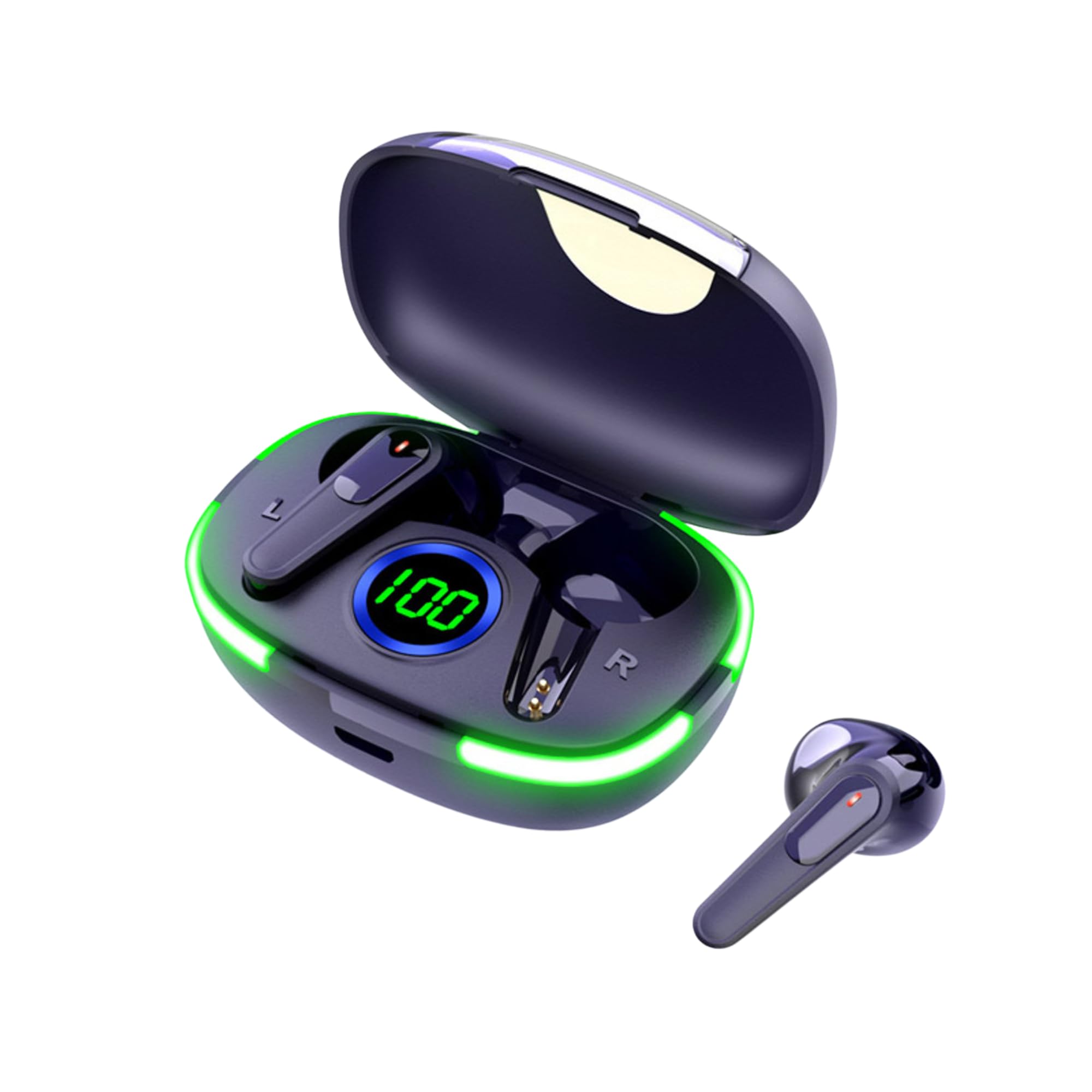
Image: The Laser TWS Earbuds, showcasing the charging case with its LED display and one earbud placed outside the case.
Cuntenutu di u pacchettu
Assicuratevi chì tutti l'articuli sianu presenti in u pacchettu:
- 1 x Pair of Laser TWS Earbuds
- 1 x Charging Case with Battery Display
- 1 x Cavo di ricarica Type-C
- 1 x Manuale d'utilizatore
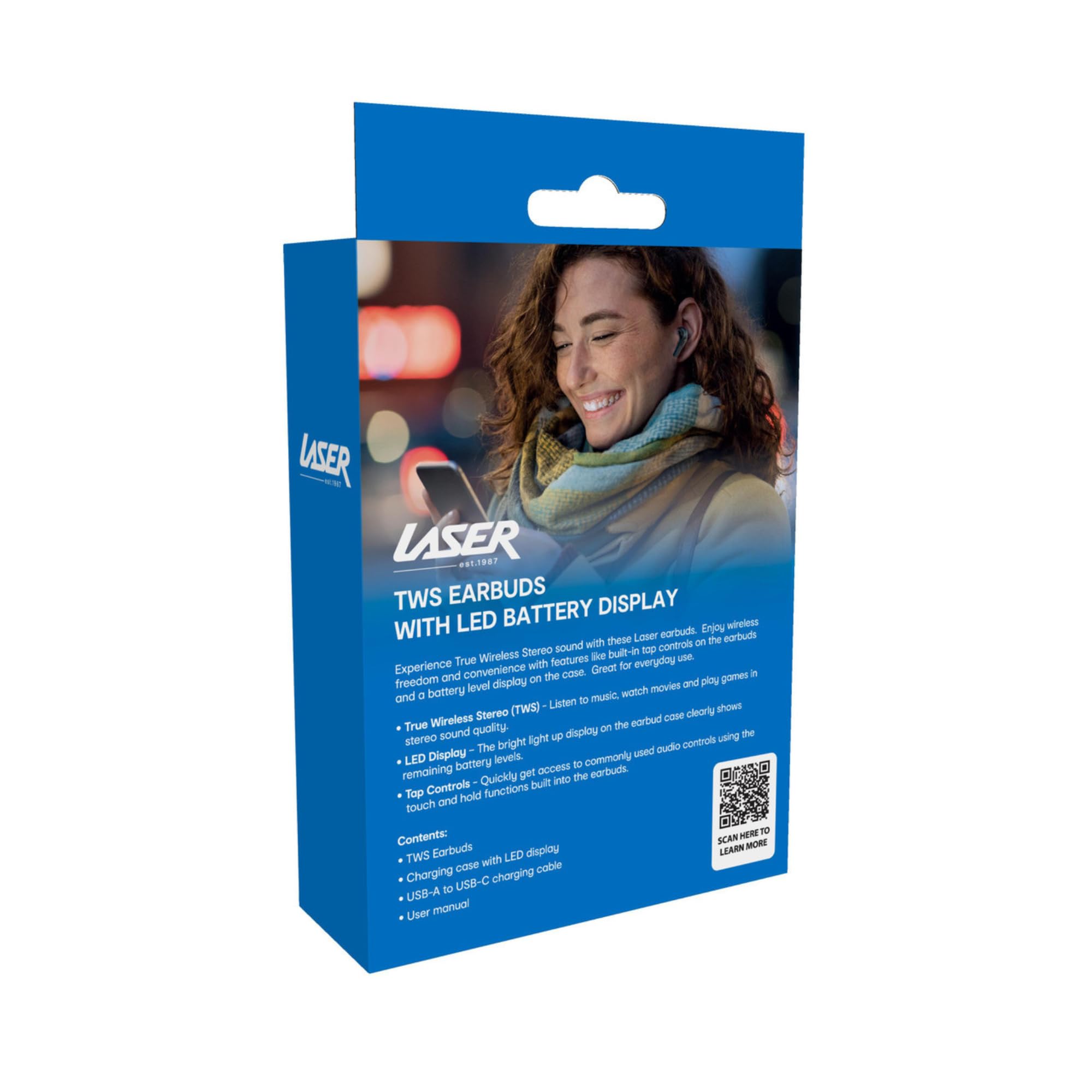
Image: The retail packaging for the Laser TWS Earbuds, indicating contents and features.
Istituisci
1. Caricamentu di l'auricolari è di a custodia
Before first use, fully charge the earbuds and the charging case. The LED display on the case indicates the battery level.
- Cunnette u cavu di carica Type-C furnitu à u portu di carica di a custodia è à una fonte di alimentazione USB.
- The LED display will show the charging progress. A full charge takes approximately 1 hour.
- The earbuds charge automatically when placed inside the charging case. The case can recharge the earbuds up to 3 times on a single charge.

Imagine: Un primu pianu view of the charging case's LED display, showing the battery percentage, indicating the charge level.
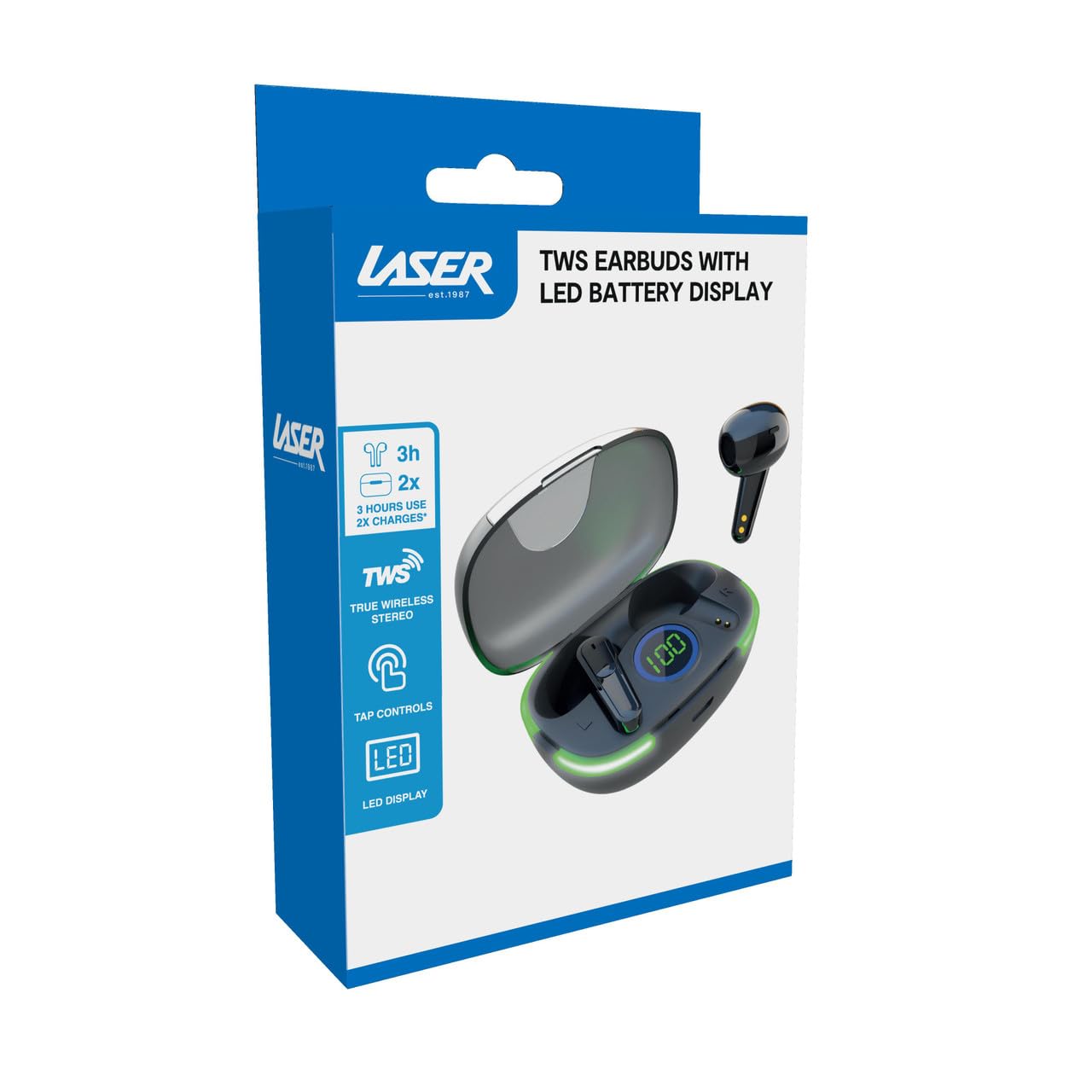
Image: Another close-up of the LED display on the charging case, highlighting the digital battery indicator.
2. Pairing cù un dispusitivu
The earbuds use Bluetooth for wireless connectivity.
- Aprite a custodia di carica. L'auricolari entreranu automaticamente in modalità di accoppiamentu.
- Nant'à u vostru apparechju (smartphone, tableta, laptop), attivate Bluetooth è cercate novi apparechji.
- Select "Laser TWS Earbuds" or "EPS-LT10B-128" from the list of available devices.
- Una volta cunnessi, sentirete un tonu di cunferma, è l'auricolari saranu pronti per l'usu.
- The earbuds support multi-device compatibility, allowing pairing with various devices.
Istruzzioni di funziunamentu
Purtendu l'auriculare
The earbuds are designed for ergonomic comfort and a secure fit. Gently insert each earbud into your ear canal and twist slightly to ensure a snug and comfortable position. This helps optimize sound quality and stability.
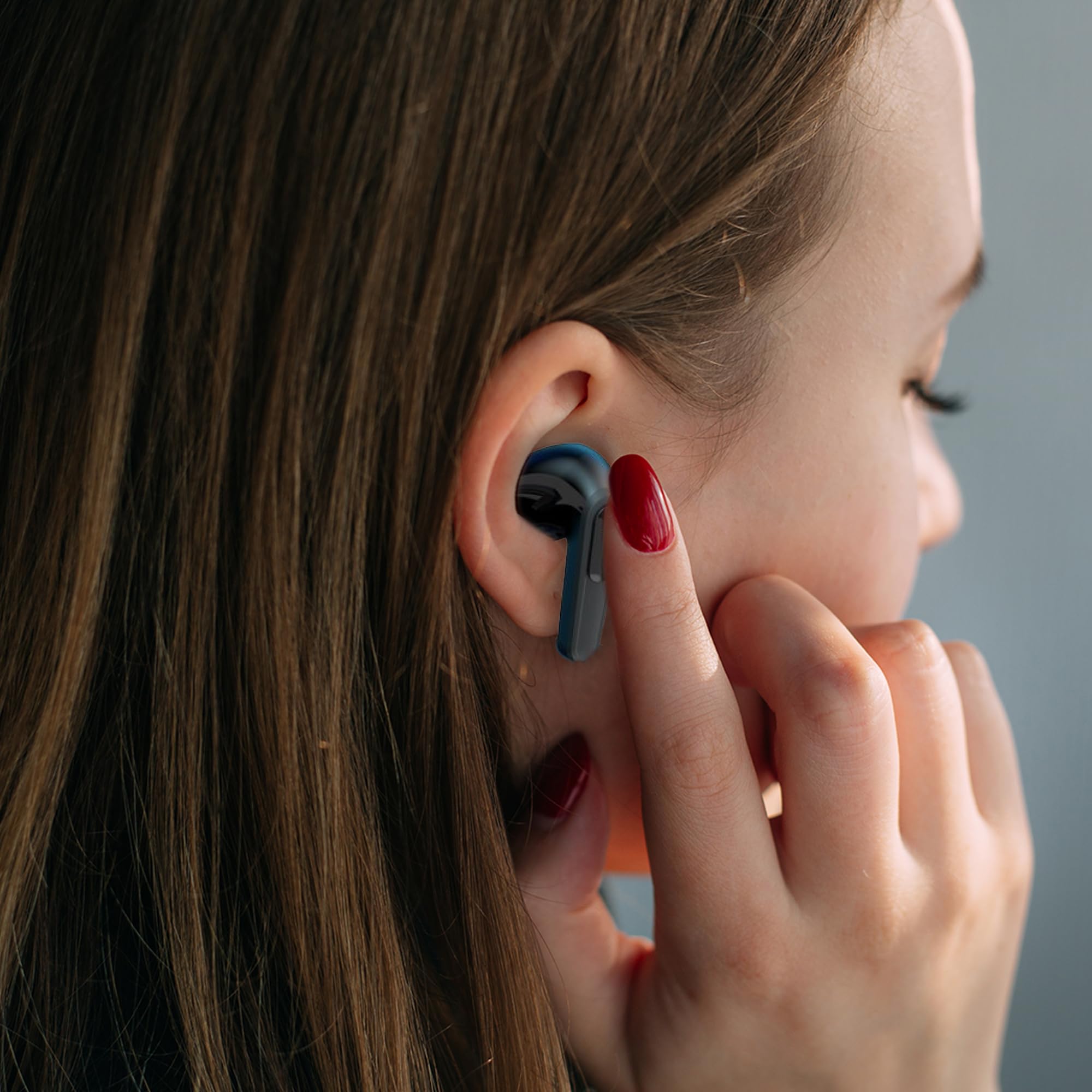
Image: A woman comfortably wearing one of the Laser TWS Earbuds while interacting with her smartphone.
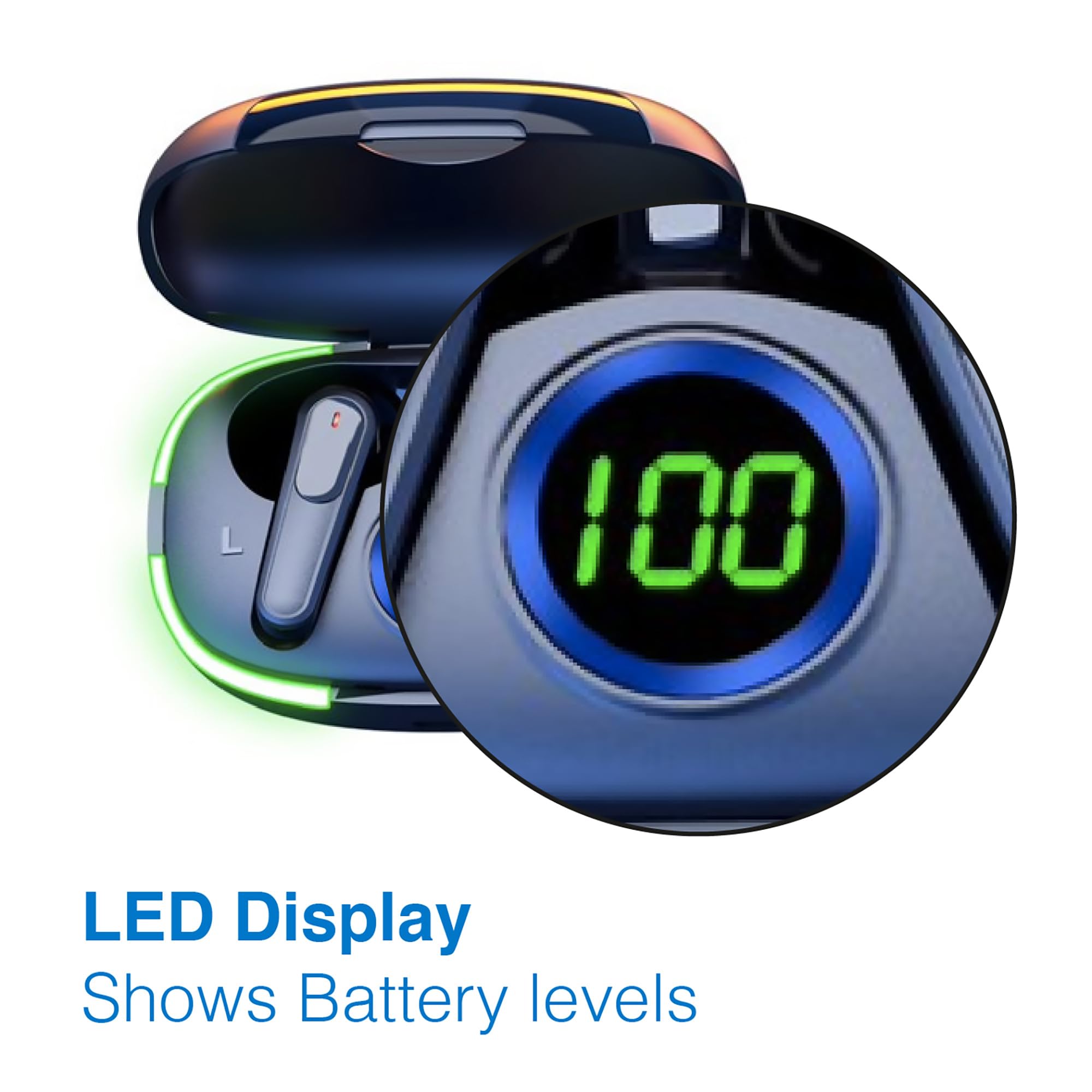
Image: A man walking outdoors, wearing a Laser TWS Earbud, demonstrating the ergonomic design for active use.
True Wireless Stereo Experience
These earbuds provide a true wireless stereo experience, delivering high-fidelity sound with clear channel separation for an immersive audio experience, whether for music, movies, or gaming.
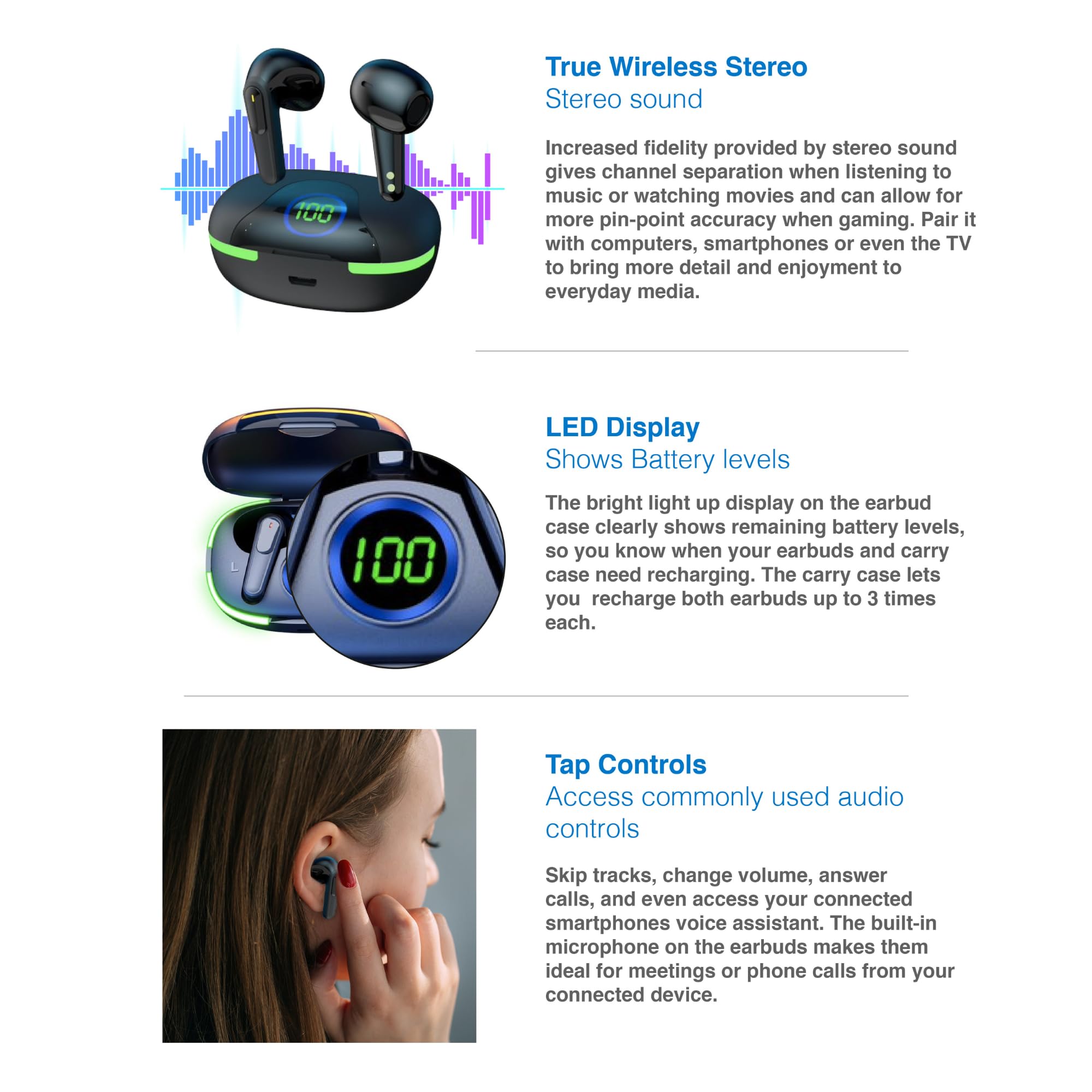
Image: A graphic representation of the True Wireless Stereo feature, showing the earbuds in their case with sound wave visualizations.
Tap Controls
The earbuds feature intuitive tap controls for easy management of audio playback and calls without needing to access your connected device.
| Azzione | Cuntrolla |
|---|---|
| Play/Pause Music | Tap unicu nant'à ogni cuffie |
| Next Track | Doppiu toccu nantu à l'auriculare drittu |
| Pista Precedente | Doppiu toccu nantu à l'auriculare sinistro |
| Rispondi / Fine Call | Tap unicu nant'à ogni cuffie |
| Reject Call | Premete longu nantu à l'auriculare |
| Attivà l'Assistente Vocale (Siri, Google Assistant, Alexa) | Toccate trè volte nantu à unu di i dui auriculari |

Image: A person's hand touching an earbud, illustrating the tap control functionality.
Microfonu integratu
Each earbud includes a built-in microphone, enabling hands-free calls and meetings without needing to switch to your device.
Mantenimentu
- Pulizia: Pulite regularmente l'auricolari è a custodia di ricarica cù un pannu dolce, asciuttu è senza pelu. Evitate l'usu di materiali abrasivi o prudutti chimichi aggressivi.
- Conservazione: Quandu ùn sò micca in usu, conservate l'auricolari in a so custodia di ricarica per prutegeli è manteneli carichi.
- Cura di a batteria: Per prulungà a durata di a batteria, evitate di scaricà cumpletamente l'auricolari è a custodia spessu. Caricateli regularmente, ancu s'elli ùn sò micca in usu custante.
- Resistenza à l'acqua: Questi auricolari ùn sò micca resistenti à l'acqua. Evitate l'esposizione à l'acqua, u sudore o l'umidità elevata.
Risoluzione di prublemi
| Prublemu | Soluzione |
|---|---|
| Earbuds ùn sò micca accoppiati | Ensure earbuds are charged. Turn off and on Bluetooth on your device. Forget the device in Bluetooth settings and re-pair. Place earbuds back in case and take them out again. |
| Nisun sonu da un auricular | Check battery level of both earbuds. Re-pair the earbuds. Try resetting the earbuds (refer to manufacturer's websitu per struzzioni specifiche di reset se necessariu). |
| Casu di carica ùn hè micca carica | Ensure the charging cable is securely connected. Try a different USB power source or cable. |
| Tap controls not responding | Ensure earbuds are properly seated in your ears. Clean the touch sensitive area. Re-pair the earbuds. |
If you encounter persistent issues, please refer to the official Laser support websitu per più assistenza.
Specificazioni
| Feature | Detail |
|---|---|
| Mudellu | EPS-LT10B-128 |
| Tecnulugia di cunnessione | Bluetooth Wireless |
| Controlu di u rumore | Isolamentu di u sonu |
| Autonomia di a batteria (auricolari) | Circa. 3 Ore |
| Tempu di carica | Circa. 1 ora |
| Ricariche di a Custodia di Ricarica | Finu à 3 volte |
| Distanza massima operativa | 10 metri |
| Tipu di cuntrollu | Cuntrollu tattile, cuntrollu vocale |
| Materiale | Plastica |
| Pesu di l'articulu | 30 grammi |
| Dimensioni | 62.2 x 42.5 x 32.6 cm (Prodottu) |
| Livellu di resistenza à l'acqua | Ùn hè resistente à l'acqua |
Garanzia è Supportu
The Laser TWS Earbuds come with a 1 anni di garanzia da a data di compra. Per piacè cunservate a vostra prova di compra per e richieste di garanzia.
For further support, troubleshooting, or warranty information, please visit the official Laser websitu:
You may also contact Laser customer service directly for assistance.


