À propositu di Sta Guida
This user guide is designed to help you navigate the features and functionalities of the Meta Quest 3 virtual reality headset. It provides clear, step-by-step instructions and valuable insights for both beginners and experienced users to enhance their virtual experiences.
The guide covers essential topics from initial setup to advanced operation, maintenance, and troubleshooting, ensuring you can make the most of your Meta Quest 3 device.
Understanding the Meta Quest 3
Explore the core capabilities of the Meta Quest 3 and understand how it differs from previous models. This section highlights important updates and security features to ensure a smooth and secure user experience.
- Overview of Meta Quest 3 hardware and software.
- Comparison with earlier Meta Quest models.
- Essential security protocols and updates.
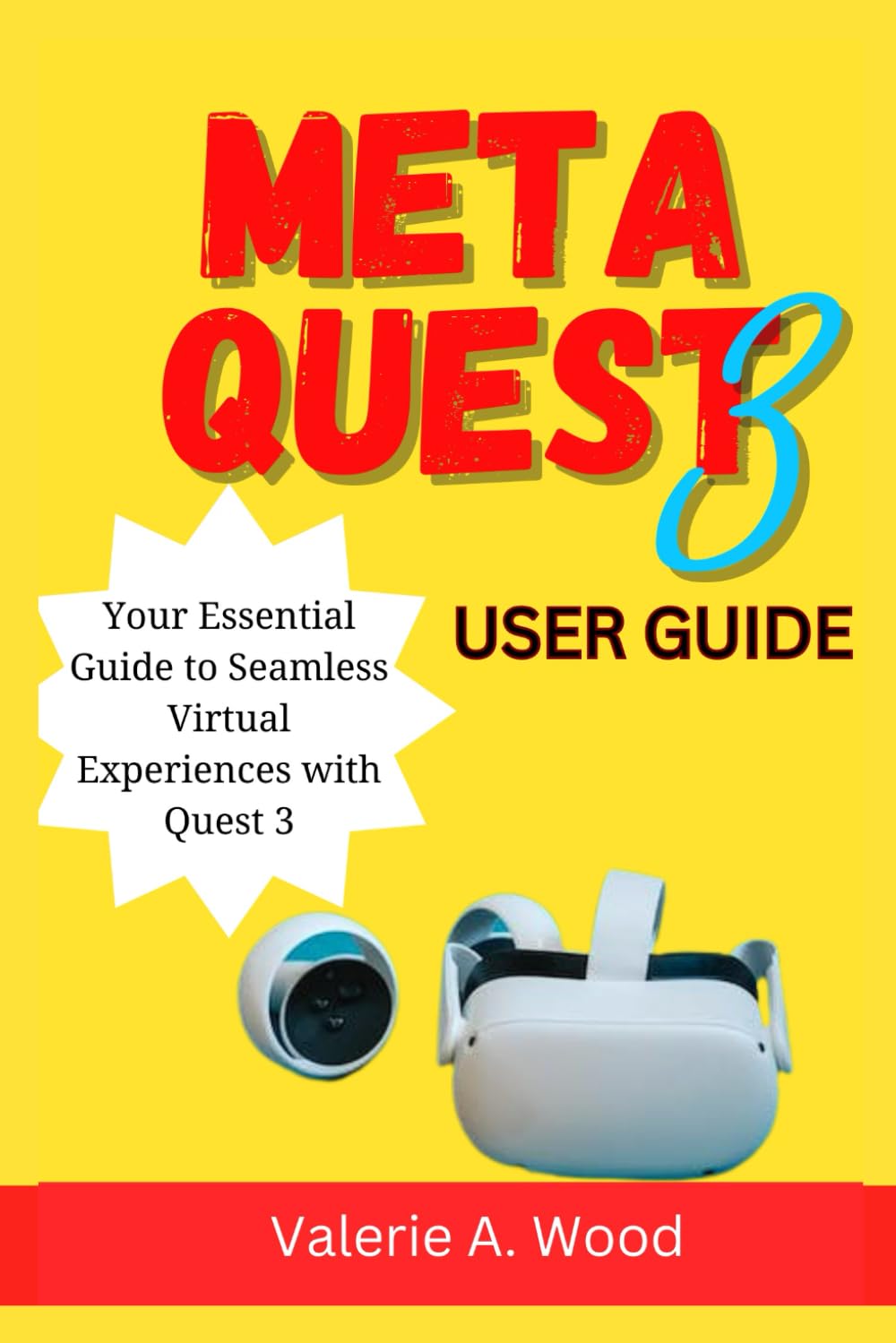
Image: Front cover of the "Meta Quest 3 User Guide" book. This image displays the title and design of the guide, indicating its focus on the Meta Quest 3 virtual reality system.
Configurazione è cunfigurazione
Learn how to properly set up your Meta Quest 3 headset using the instructions provided in this guide. This section walks you through the initial configuration process, including account setup, guardian system, and basic personalization options.
- Unboxing and Physical Setup: Guidance on safely unboxing your device and connecting necessary components.
- Connecting to the Meta Quest App: Instructions for pairing your headset with the companion mobile application.
- Creating Your VR Space with the Guardian System: Steps to define your safe play area to prevent collisions.
- Adjusting Headset Fit and Interpupillary Distance (IPD): Tips for achieving optimal comfort and visual clarity.
Operating Your Meta Quest 3
This section details how to interact with the Meta Quest 3 interface, launch applications, and manage your virtual content. It covers controller functions, hand tracking, and accessing the Meta Quest Store.
- Understanding the Touch Plus Controllers: A breakdown of buttons, triggers, and haptic feedback.
- Utilizing Hand Tracking for Intuitive Interaction: How to use your bare hands to navigate and interact in VR.
- Browsing and Purchasing Content from the Meta Quest Store: Steps to find, download, and buy games and apps.
- Managing Installed Applications and Storage: How to organize and free up space on your device.
Mantenimentu è migliori pratiche
To ensure the longevity and optimal performance of your Meta Quest 3, this guide provides essential maintenance tips. Learn about cleaning, software updates, and battery management.
- Cleaning the Lenses and Headset: Recommended methods and materials for safe cleaning.
- Keeping Software Up-to-Date: Importance of installing the latest firmware for performance and security.
- Battery Charging and Storage Recommendations: Best practices for extending battery life.
- Protecting Against Physical Damage: Advice on safe handling and storage of your headset.
Risoluzione di prublemi cumuni
Encountering an issue? This section offers solutions to common problems users might face with their Meta Quest 3, from connectivity issues to display anomalies.
| Issue | Soluzione potenziale |
|---|---|
| L'auriculare ùn si accende micca | Check battery level, ensure proper charging with the original adapter. |
| Controller not pairing | Ensure controllers have fresh batteries. Re-pair controllers via the Meta Quest app settings. |
| Visione sfocata | Adjust IPD (interpupillary distance) and headset fit. Clean lenses with a microfiber cloth. |
| Guardian system issues | Redefine your play space in a well-lit environment. Clear any obstructions. |

Image: Back cover of the "Meta Quest 3 User Guide" book. This image includes the ISBN barcode and additional publishing details.
Specifications of the Guide
This section provides details about the physical publication of the "Meta Quest 3 User Guide" book.
- ASIN: B0CSB4NTDJ
- Editore: Publicatu indipindentamente
- Data di Publicazione: 13 di ghjennaghju di u 2024
- Lingua: Inglese
- Lunghezza di stampa: 65 pagine
- ISBN-13: 979-8876017888
- Pesu di l'articulu: 5.3 once
- Dimensioni: 6 x 0.15 x 9 inch
Risorse supplementari
For more in-depth support or official product information regarding the Meta Quest 3 headset, please refer to the official Meta Quest website. This guide serves as a supplementary resource to enhance your understanding and usage.


