1. Introduzione
This manual provides essential information for the safe and efficient installation, operation, and maintenance of your Legrand Arteor 572008 Intermediate Switch. Please read this manual thoroughly before installation and keep it for future reference.
The Legrand Arteor 572008 is a 10 Amp, 1-unit intermediate switch designed for controlling lighting circuits and other electrical loads from multiple points. Its modern square design and durable magnesium finish ensure both aesthetic appeal and long-lasting performance.
2. Informazioni di sicurezza
ATTENZIONE: Risicu di scossa elettrica. L'installazione deve esse effettuata da un elettricista qualificatu in cunfurmità cù tutte e norme elettriche lucali è naziunali.
- Scollegate sempre l'alimentazione à l'interruttore automaticu o à a scatula di fusibili prima di installà o di fà a manutenzione di l'interruttore.
- Assicuratevi chì tutti i cunnessione di i fili sianu sicuri è currettamente isolati.
- Ùn superate micca i valori elettrichi specificati (10 Amp).
- Stu pruduttu hè destinatu solu à l'usu interni.
- Mantene fora di a portata di i zitelli.
3. Cuntenutu di u pacchettu
Verificate chì tutti i cumpunenti sò presenti prima di principià l'installazione:
- 1 x Legrand Arteor 572008 Intermediate Switch (10A, 1 Unit, White)
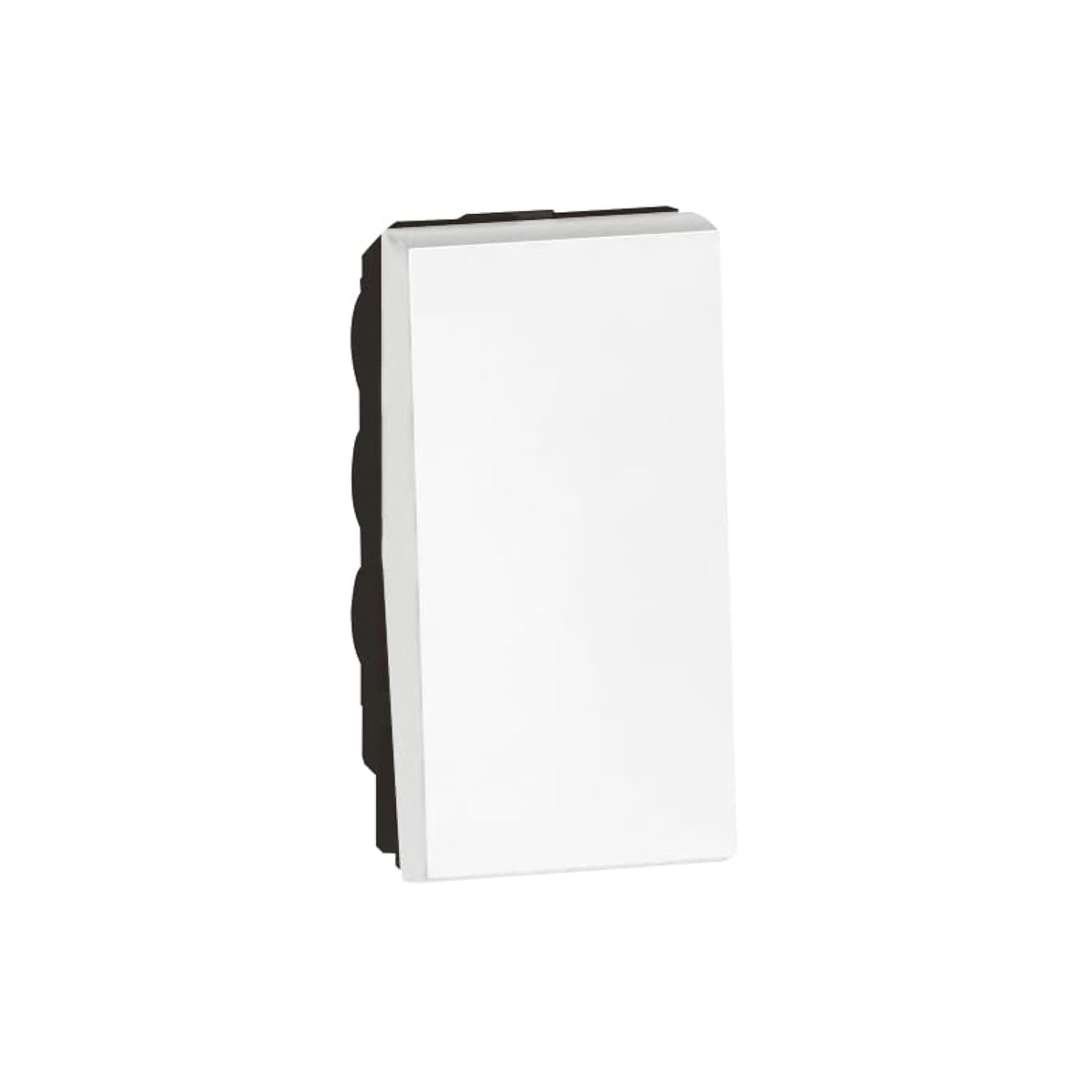
Image 1: Legrand Arteor 572008 Intermediate Switch. This image shows the front view of the white square switch unit.
4. Specificazioni
| Numero di mudellu | 572008 |
| Tipu | Cambia intermediu |
| Valutazione attuale | 10 Amp |
| Numero di unità | 1 unità |
| Dimensioni (L x W x H) | 4.22 x 2.25 x 4.5 cm |
| Pesu | 90 grammi |
| Culore | Biancu |
| Batterie necessarie | Innò |
5. Setup è Installazione
Before you begin, ensure the power supply to the circuit is OFF at the main breaker.
- Preparate a scatula elettrica: Ensure you have a standard single-unit electrical box installed in the wall.
- Identificà u cablaggio: An intermediate switch requires specific wiring. Typically, you will have a live wire (L), a neutral wire (N), and two switched live wires (L1, L2) for multi-point control. Consult a wiring diagram for intermediate switches if unsure.
- Cunnette i fili:
- Connect the incoming live wire to the common terminal (often marked 'L' or 'COM').
- Connect the two traveler wires (from the first two-way switch) to the 'L1' and 'L2' terminals.
- Connect the two outgoing traveler wires (to the second two-way switch) to the remaining 'L1' and 'L2' terminals.
- Assicuratevi chì tutte e cunnessione sò strette è sicure.
- Muntà u Switch: Spinghje cù cura l'interruttore cablatu in a scatula elettrica. Fissallu cù e viti furnite.
- Attaccà a piastra frontale: Snap or screw the decorative faceplate onto the switch mechanism.
- Ripristina l'energia: Turn the power supply back ON at the circuit breaker.
- Funzionalità di prova: Test the switch from all control points to ensure proper operation.
If you are unfamiliar with electrical wiring, it is highly recommended to seek assistance from a certified electrician.
6. Operating Instructions
The Legrand Arteor 572008 Intermediate Switch operates as part of a multi-point lighting control system, typically used with two 2-way switches.
- Accensione / spegnimentu: Press the switch button to toggle the connected lighting circuit ON or OFF.
- Multi-Point Control: This intermediate switch allows you to control the same light(s) from three or more locations when combined with two 2-way switches. Each press of any connected switch will reverse the state of the light(s).
7. Mantenimentu
The Legrand Arteor 572008 Intermediate Switch requires minimal maintenance.
- Pulizia: To clean the switch, wipe it with a soft, dry cloth. Do not use abrasive cleaners, solvents, or excessive moisture, as these can damage the finish or internal components.
- Ispezione: Periodically inspect the switch for any signs of damage, loose connections, or discoloration. If any issues are observed, disconnect power and consult a qualified electrician.
8. Risoluzione di prublemi
| Prublemu | Causa Possibile | Soluzione |
|---|---|---|
| Light does not turn ON/OFF. | Nisuna putenza à u circuitu. Cunnessione cablata libera. Lampadina difettosa. Cablu incorrettu. | Verificate u circuitu. Disconnect power and check all wire connections. Rimpiazzà u bulbu. Verify wiring against a standard intermediate switch diagram. Consult an electrician if needed. |
| Switch feels hot. | Sovraccaricu nant'à u circuitu. Cunnessione libera. | Immediately disconnect power. Reduce the load on the circuit. Disconnect power and check all wire connections. If the problem persists, consult an electrician. |
| L'interruttore ùn risponde micca. | Curpa interna. | Disconnect power and replace the switch. |
For issues not listed here or if solutions do not resolve the problem, contact Legrand customer support or a qualified electrician.
9. Garanzia è Support
Legrand products are manufactured to high standards and are backed by a manufacturer's warranty. For specific warranty details, please refer to the warranty card included with your purchase or visit the official Legrand websitu.
For technical support, replacement parts, or further assistance, please contact Legrand customer service through their official channels. Keep your model number (572008) and purchase date ready when contacting support.
Legrand Ufficiale Websitu: www.legrand.com


