Introduzione
This manual provides detailed instructions for the setup, operation, maintenance, and troubleshooting of your Amazon Basics Pro Series Wireless Noise Cancelling ANC Over Ear Headphones. Please read this manual thoroughly before using the product to ensure proper function and longevity.

Image: The Amazon Basics Pro Series Wireless Noise Cancelling ANC Over Ear Headphone in black, showcasing u so design elegante.
Cuntenutu di u pacchettu
Verificate chì tutti l'articuli sò presenti in u pacchettu:
- Amazon Basics Pro Series Wireless Noise Cancelling ANC Over Ear Headphone
- Cavu di Carica USB Type-C
- Cavu AUX da 3.5 mm
- Manuale d'uso (stu documentu)
Istituisci
1. Carica iniziale
Before first use, fully charge the headphones. Connect the supplied USB Type-C charging cable to the headphone's charging port and the other end to a USB power source (e.g., computer USB port or wall adapter). The LED indicator will show charging status and turn off or change color when fully charged.
A full charge provides up to 74 hours of playback at 50% volume with ANC off, or 34 hours with ANC on.
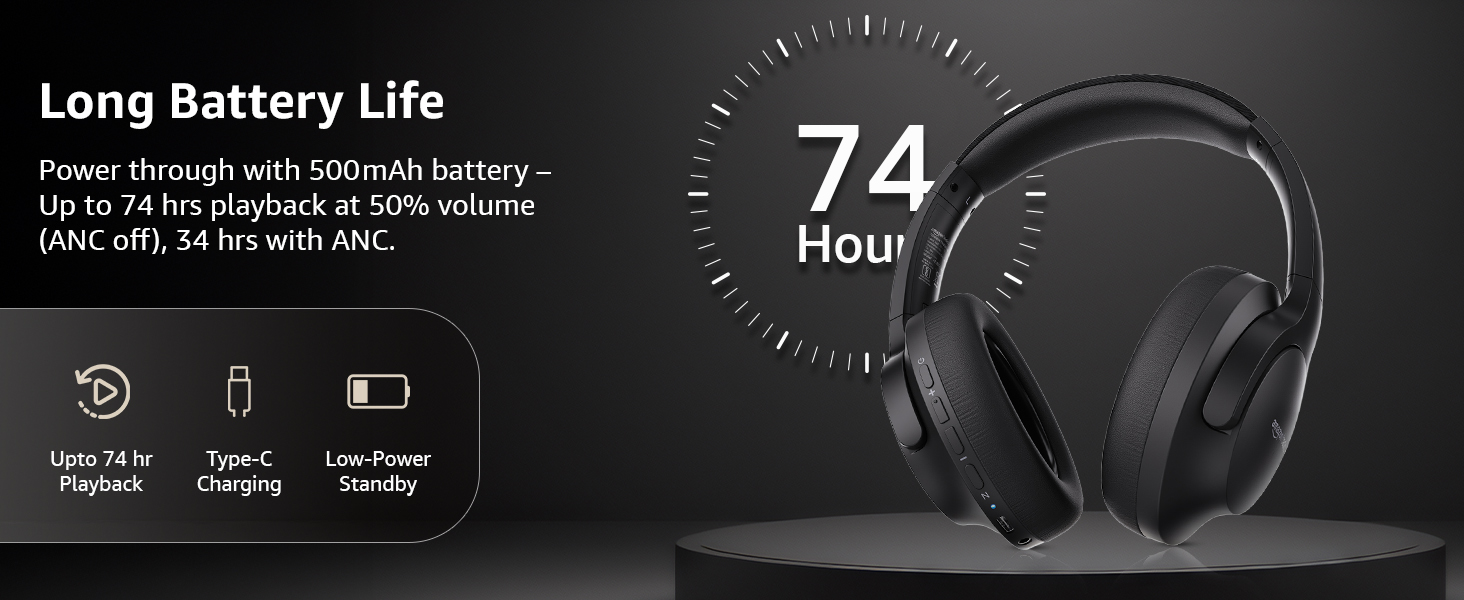
Image: An illustration highlighting the long battery life of the headphones, indicating up to 74 hours of playback.
2. Abbinamentu Bluetooth
- Assicuratevi chì l'auricolari sianu cariche è spente.
- Tenite premutu u buttone di accensione finu à chì l'indicatore LED lampeggi in blu è rossu, chì indica a modalità di accoppiamentu.
- Nant'à u vostru apparechju (smartphone, tableta, laptop), attivate Bluetooth è cercate l'apparechji dispunibili.
- Select "AB-IBT-82ANC" from the list of found devices.
- Once connected, the LED indicator will turn solid blue or flash slowly.
The headphones support dual pairing, allowing connection to two devices simultaneously for seamless switching.

Image: The headphones shown connected to both a smartphone and a laptop, illustrating the multi-pairing capability.
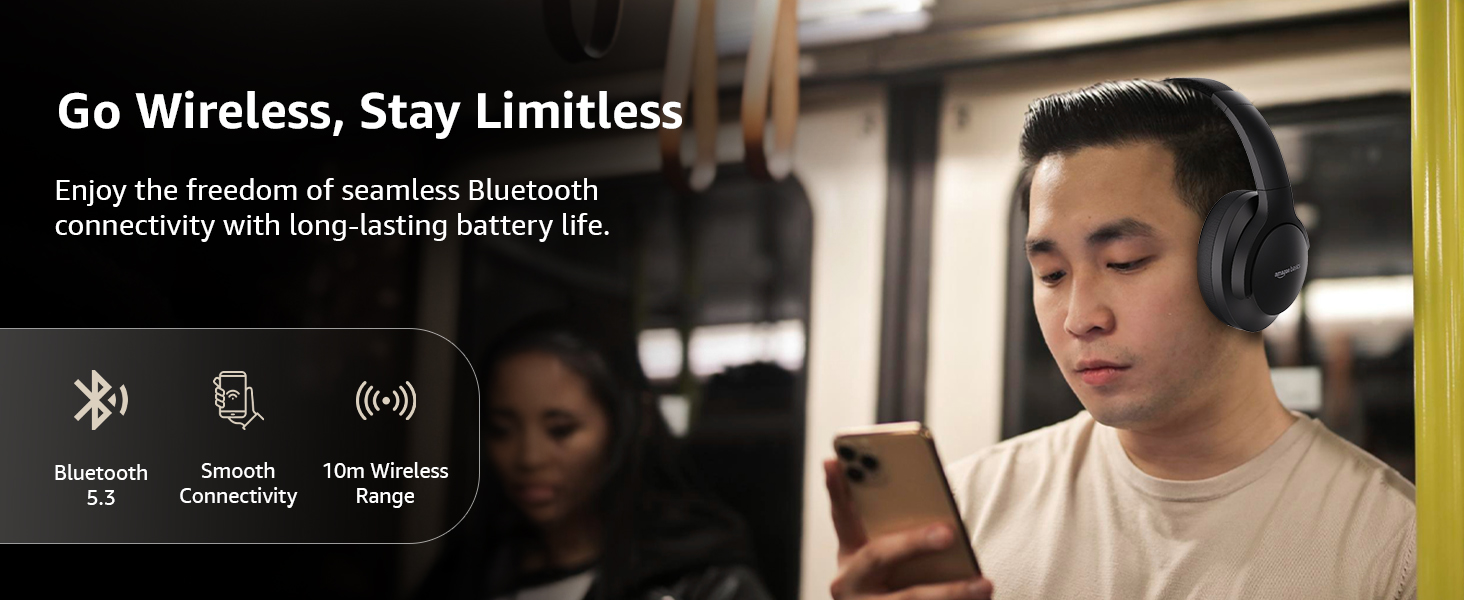
Image: A visual representation of the wireless capabilities, including Bluetooth 5.3 and a 10-meter wireless range.
3. Cunnessione Wired (Mode AUX)
For a wired connection, plug the 3.5mm AUX cable into the headphone's AUX port and the other end into your audio device's 3.5mm jack. This mode does not require battery power.
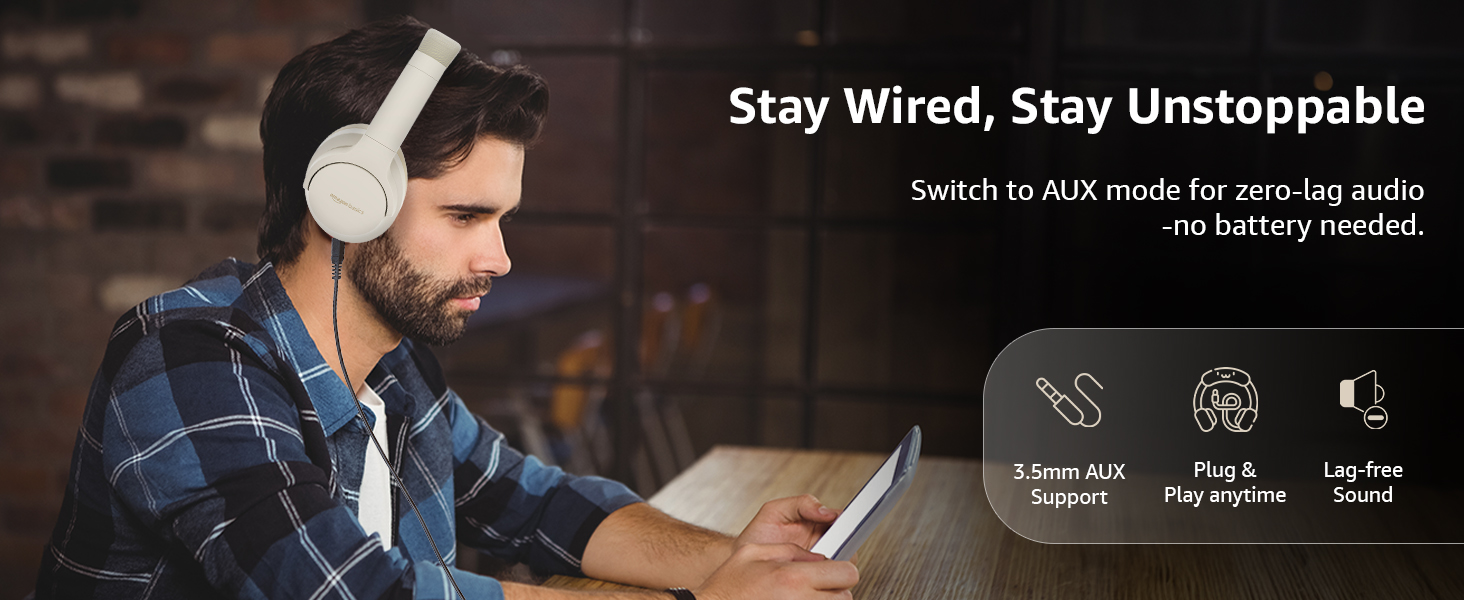
Image: A user demonstrating the wired AUX connection, emphasizing lag-free audio without needing battery power.
Istruzzioni di funziunamentu
1. Power On / Off
- Power On: Mantene premutu u buttone di putenza per circa 3 seconde.
- Spegnimentu: Mantene premutu u buttone di putenza per circa 5 seconde.
2. Accessible Controls
L'auricolari anu cuntrolli intuitivi situati nantu à i padiglioni auricolari:
- Volume Up / Next Track: Appughjà brevemente per aumentà u vulume, appughjà longu per a traccia dopu.
- Volume Down/Traccia Precedente: Appughjà brevemente per calà u vulume, appughjà longu per a traccia precedente.
- Play/Pause/Rispondi à una chjama: Appughjà una volta u buttone multifunzione.
- Chjama finita: Appughjà una volta u buttone multifunzione durante una chjama.
- Reject Call: Long press the multi-function button during an incoming call.
- Attivà l'Assistente Vocale (Siri/Assistente Google): Appughjà duie volte u buttone multifunzione.
- ANC On / Off: Dedicated ANC button to toggle Active Noise Cancellation.
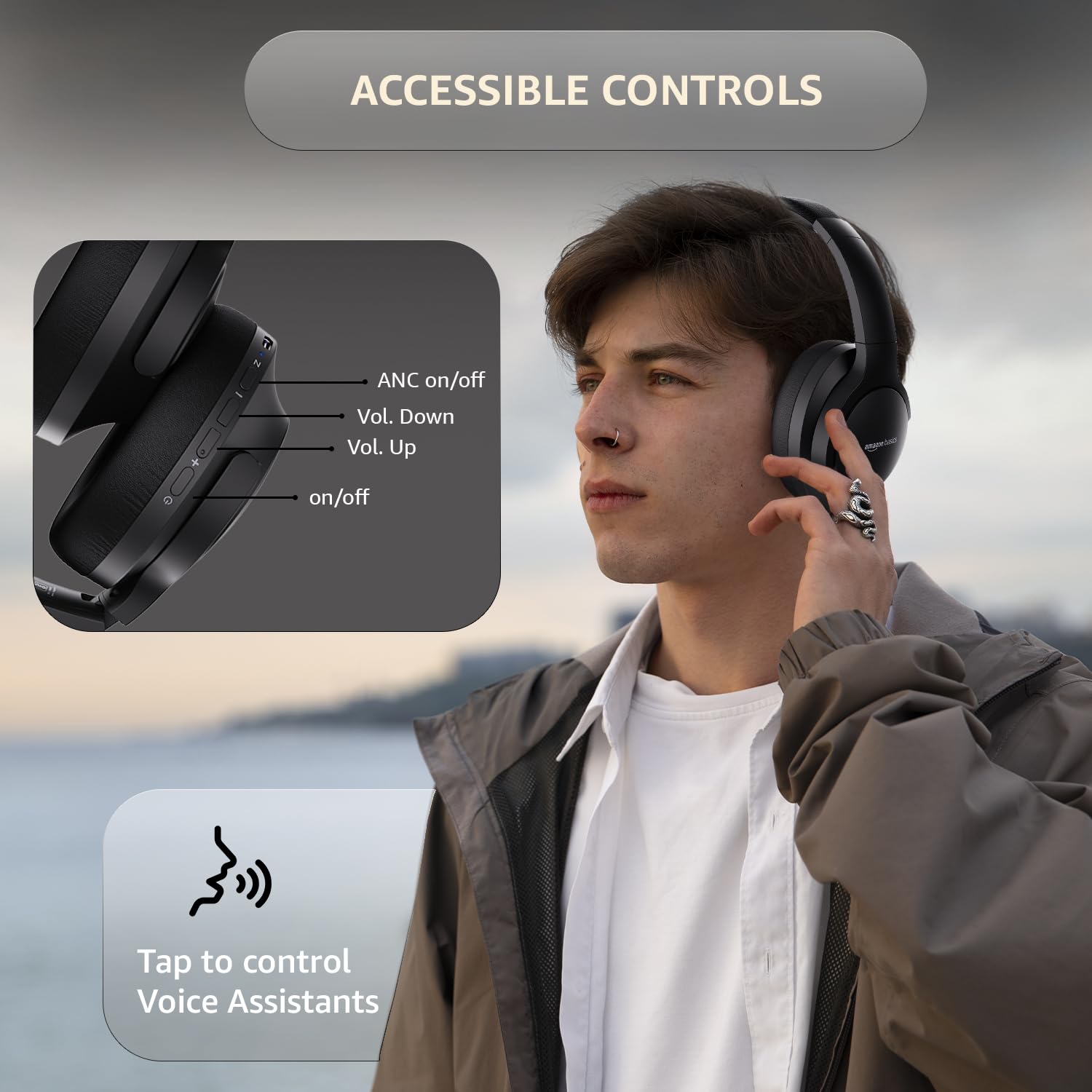
Image: A detailed diagram illustrating the location and function of the accessible controls on the headphone earcup.
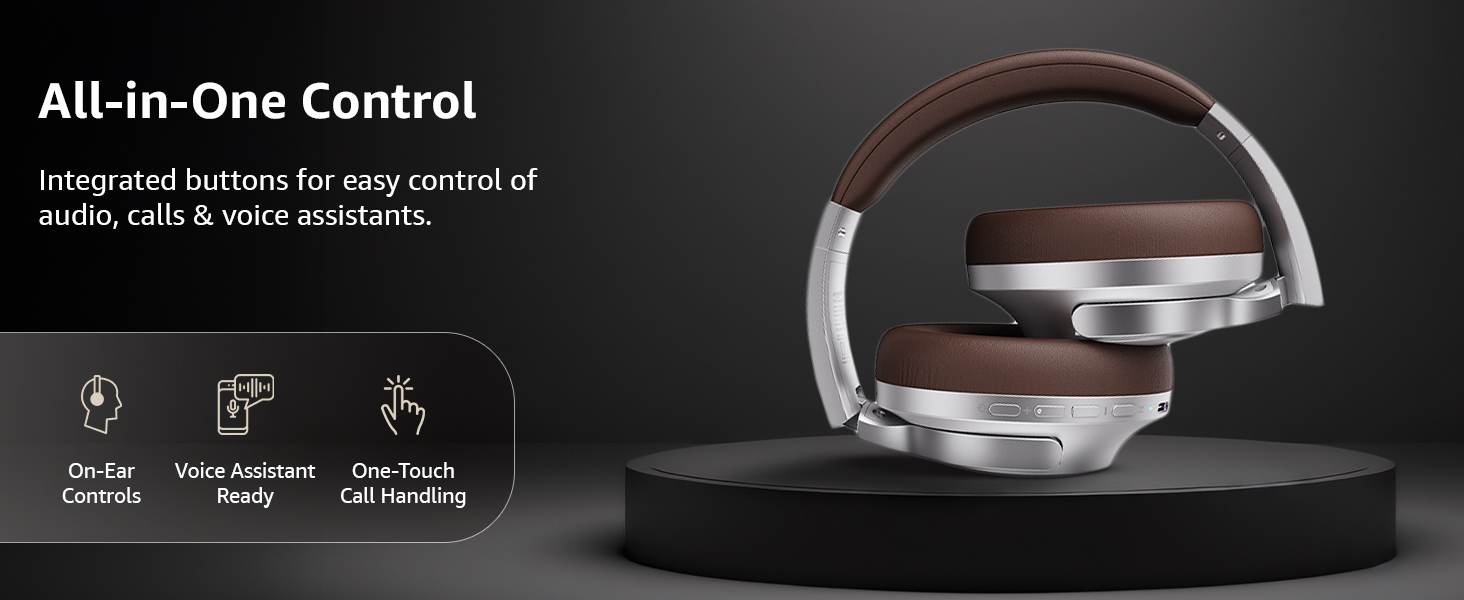
Imagine: Un sopraview of the integrated controls, highlighting ease of use for audio, calls, and voice assistants.
3. Cancellazione attiva di u rumore (ANC)
The Active Noise Cancellation feature reduces ambient noise, providing a more immersive listening experience. Press the dedicated ANC button to activate or deactivate this feature. Note that ANC functionality may slightly reduce overall battery life.

Image: A person wearing the headphones in a public setting, illustrating the effectiveness of Active Noise Cancellation in reducing distractions.
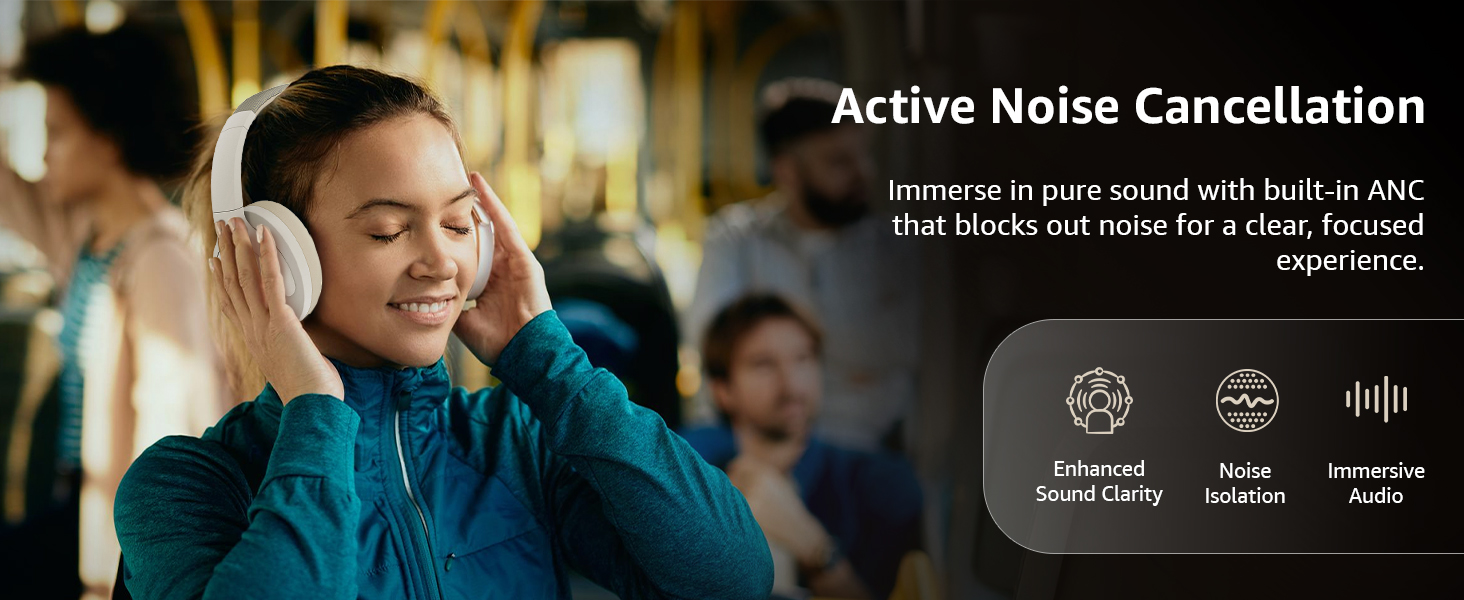
Image: A graphic emphasizing the benefits of Active Noise Cancellation, including enhanced sound clarity and immersive audio.
4. Qualità audio è driver
The headphones are equipped with 40mm drivers, designed to deliver rich bass, clear mids, and precise highs for a balanced audio experience.
Imagine: Un esplosu view diagram illustrating the 40mm drivers, which are responsible for the headphone's sound output.
Mantenimentu
1. Pulizia
- Asciugate l'auricolari cù un pannu dolce, asciuttu è senza pelu.
- Ùn aduprate micca detergenti abrasivi, solventi o spray di pulizia direttamente nantu à l'auricolari.
- Clean the ear cushions gently with a damp un pannu s'ellu hè necessariu, è lasciateli asciugà cumpletamente à l'aria prima di l'usu.
2. Storage
When not in use, store the headphones in a cool, dry place, away from direct sunlight and extreme temperatures. The headphones feature a sleek and foldable design for convenient storage and portability.
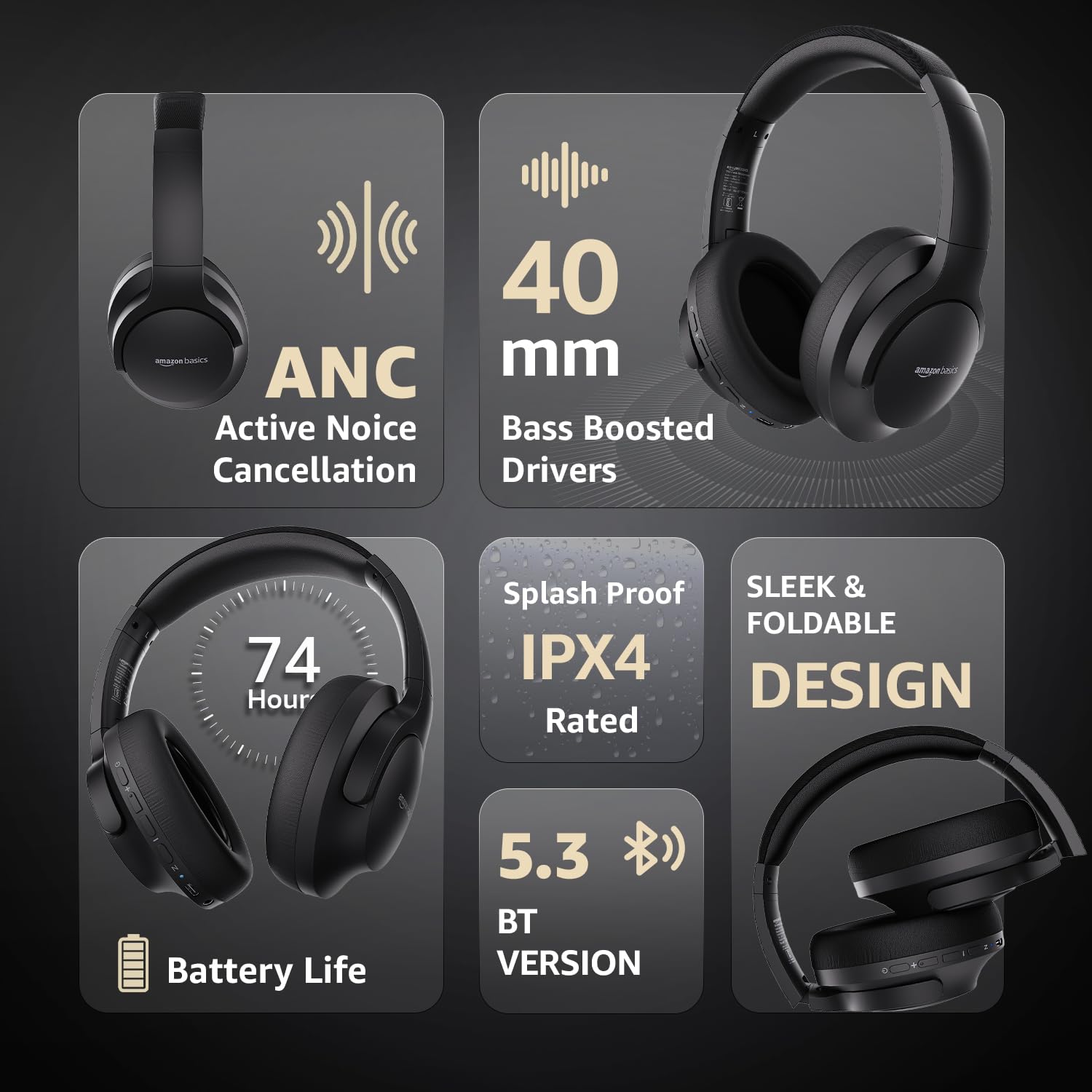
Image: An infographic highlighting key features, including the sleek and foldable design of the headphones for easy storage.
3. Cura di batterie
- Evitate di scaricà cumpletamente a batteria spessu.
- Caricate l'auricolari regularmente, ancu s'elli ùn sò micca aduprati per periodi prolungati, per mantene a salute di a batteria.
- Ùn espone micca a bateria à alte temperature.
Risoluzione di prublemi
| Prublemu | Causa Possibile | Soluzione |
|---|---|---|
| L'auricolari ùn s'accendenu micca. | Batteria bassa. | Charge the headphones fully using the supplied USB Type-C cable. |
| Ùn si pò micca accoppià via Bluetooth. | Cuffie micca in modu di accoppiamentu; Bluetooth di u dispusitivu spento; troppu luntanu da u dispusitivu. | Ensure headphones are in pairing mode (flashing blue/red). Turn Bluetooth on your device. Move headphones closer to the device (within 10m). |
| Nisun sonu. | Vulume troppu bassu; fonte audio sbagliata; cuffie micca cunnesse. | Increase volume on headphones and device. Verify correct audio output on device. Re-pair Bluetooth or check AUX cable connection. |
| L'ANC ùn funziona micca bè. | ANC micca attivatu; rumore ambientale troppu altu. | Appughjà u buttone ANC per attivà. L'ANC hè più efficace contr'à u rumore custante à bassa frequenza. |
Specificazioni
| Feature | Detail |
|---|---|
| Numero di mudellu | AB-IBT-82ANC |
| Tecnulugia di cunnessione | Wireless (Bluetooth 5.3), Wired (3.5mm AUX) |
| Size Driver | 40 mm |
| Capacità batterie | 500 mAh polimeru di litiu |
| Autonomia di a batteria (ANC disattivatu) | Finu à 74 ore (à 50% di u voluminu) |
| Autonomia di a batteria (ANC attivata) | Up to 34 hours (at 100% volume), 62 hours (at 50% volume) |
| Portu di carica | USB Type-C |
| Range Wireless | Finu à 10 metri |
| Valutazione di resistenza à l'acqua | IPX4 (A prova di splash) |
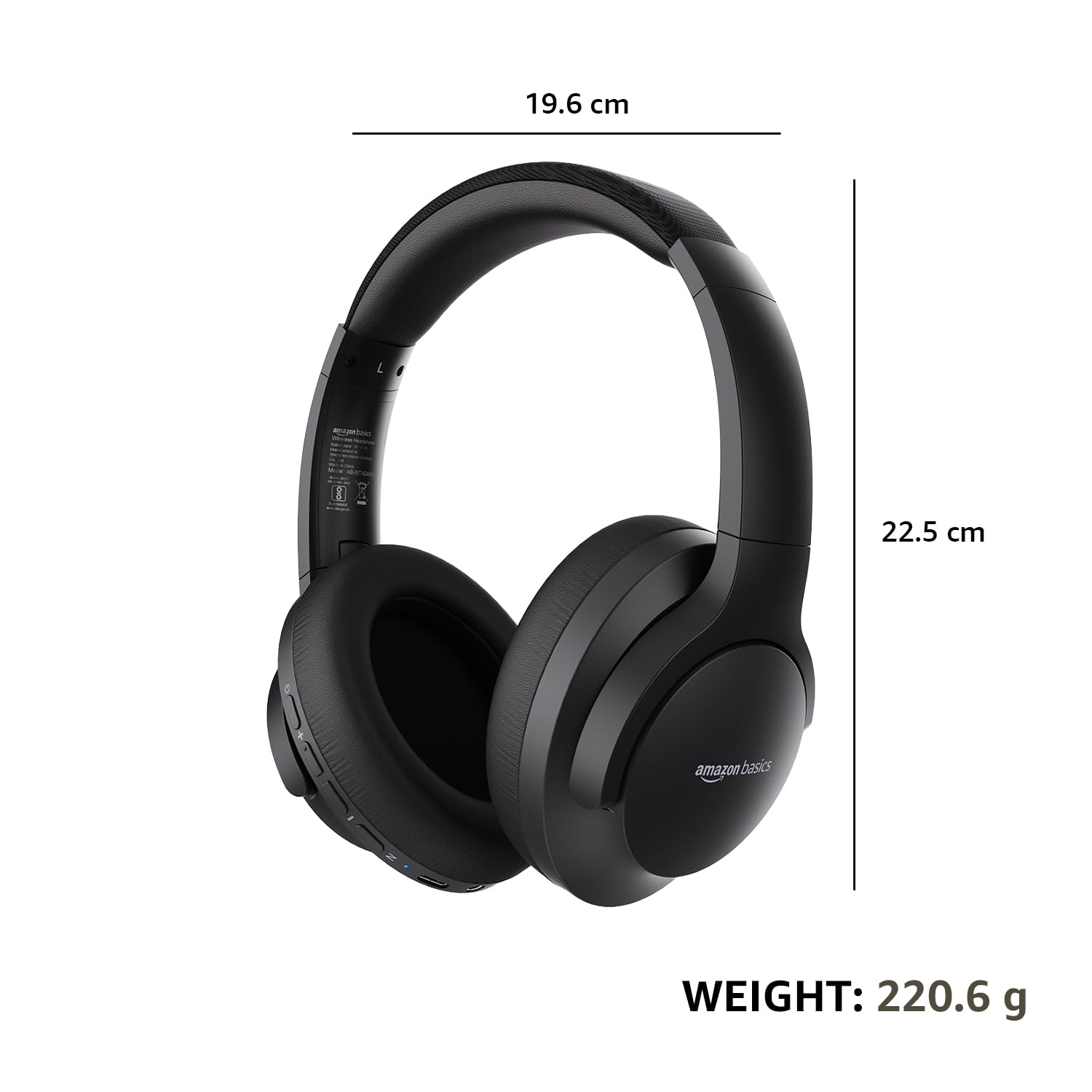
| Dimensioni (Cuffie) | 19.61 x 22.5 x 8.72 cm |
| Pesu (Cuffie) | 220.6 g |
| Materiale | Plastica, Poliuretanu (PU) |
| Dispositivi compatibles | Telefoni cellulari, console di ghjocu, laptop, tablette |

Image: A visual representation of the headphone's dimensions and weight for reference.
Cunfortu è Design
The headphones are designed for extended wear with an over-ear fit, soft ear cushions, and an adjustable headband, ensuring comfort during long listening sessions.

Image: A person wearing the headphones, demonstrating the comfortable over-ear fit.
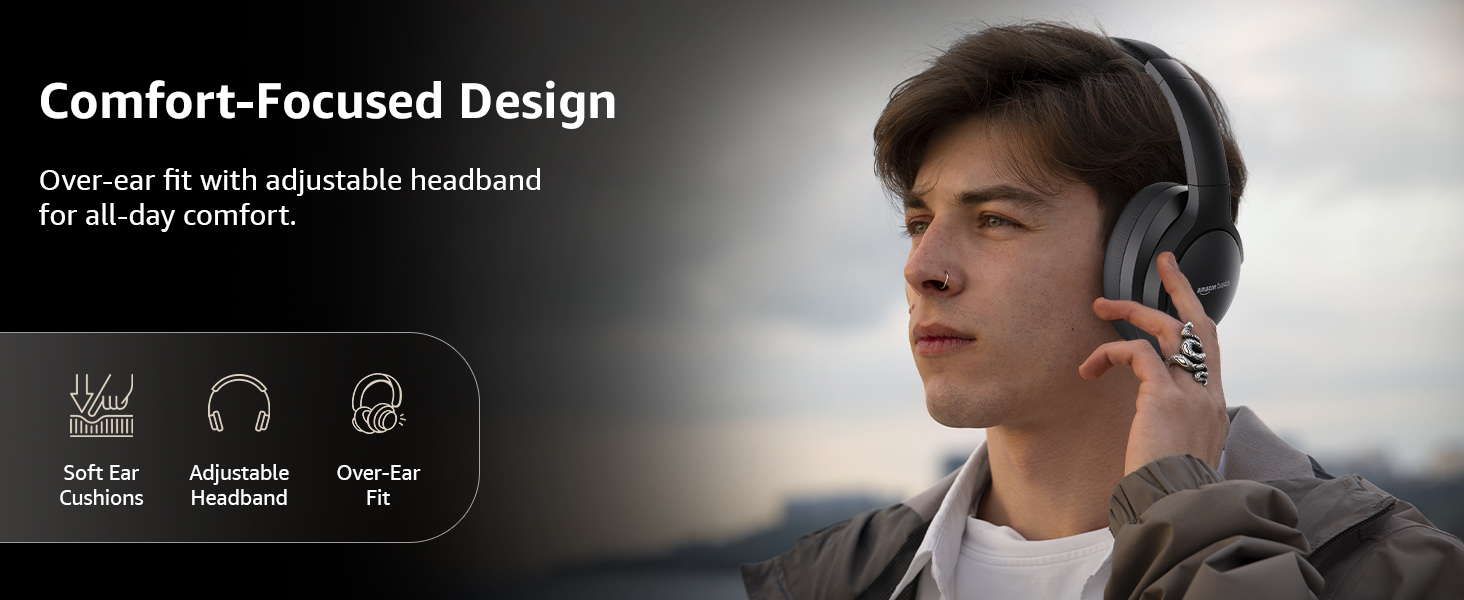
Image: A graphic detailing the comfort-focused design elements, including soft ear cushions and an adjustable headband.
Garanzia è Supportu
Warranty information for your Amazon Basics Pro Series Wireless Noise Cancelling ANC Over Ear Headphones is typically provided with the product packaging or can be found on the Amazon Basics official website. For technical support or warranty claims, please refer to the contact information provided with your purchase or visit the Amazon Basics support page.
Per piacè cunservate a vostra prova d'acquistu per ogni dumanda relativa à a garanzia.


