Introduzione
This manual provides essential information for setting up, operating, maintaining, and troubleshooting your HP 15-DY58 Slim Laptop. Please read this guide thoroughly to ensure proper use and to maximize the performance and longevity of your device.
Chì ci hè in u Box
Upon opening your HP 15-DY58 Slim Laptop package, you should find the following items:
- HP 15-DY58 Slim Laptop
- Adattatore di alimentazione CA è cavu di alimentazione
- Quick Start Guide (if included separately)
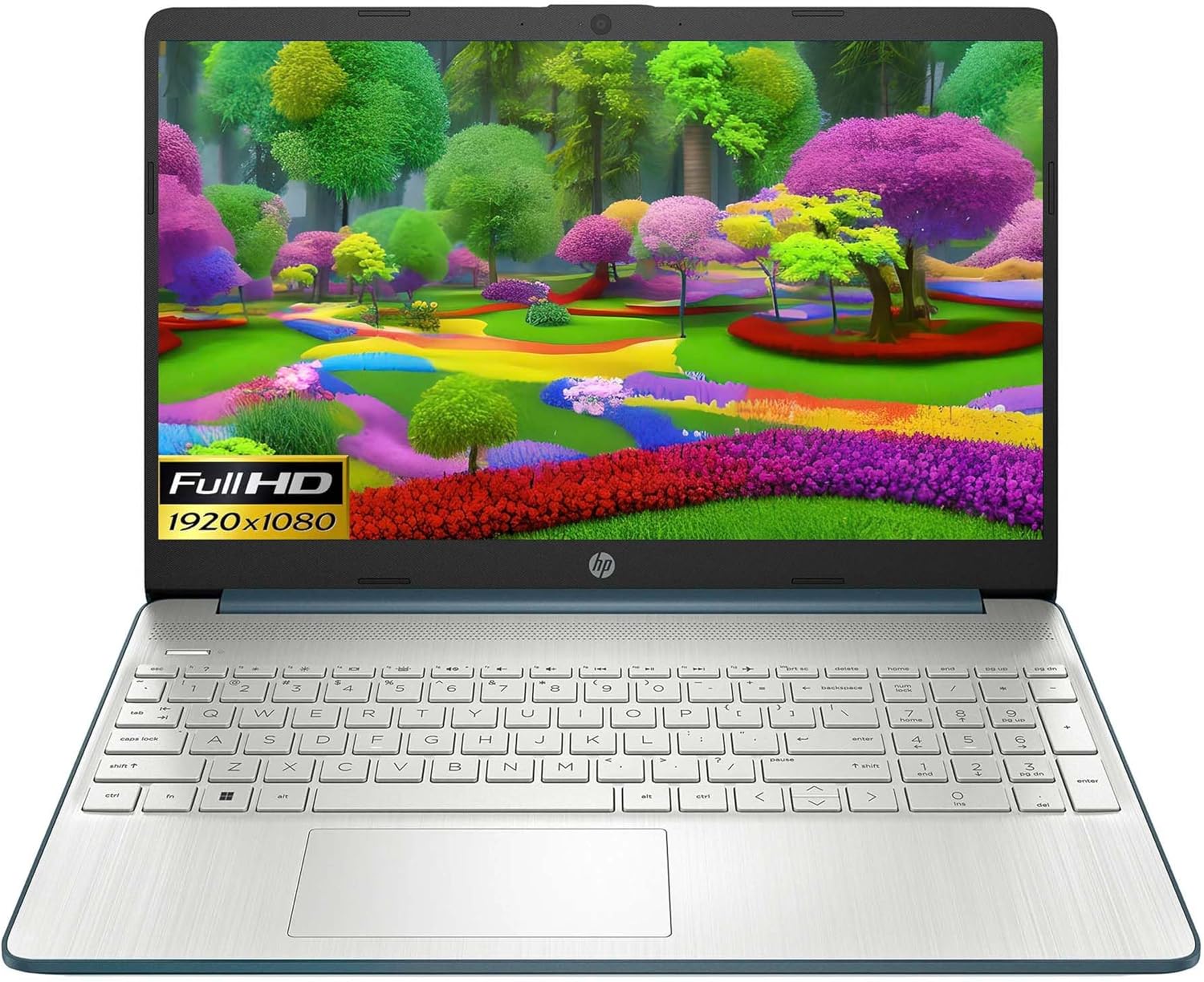
Image: HP 15 Slim Laptop, closed view, showing the blue lid with HP logo.
Istituisci
1. Accensione iniziale
- Cunnette l'adattatore di alimentazione: Inserite l'adattatore di alimentazione CA in u portu smart pin CA di u laptop è dopu in una presa murale.
- Apri u laptop: Alzate cù cura u coperchio di u display.
- Power On: Press the power button, usually located on the keyboard deck. The laptop will begin the initial Windows 11 setup process.
- Segui l'istruzzioni nantu à u screnu: Complete the Windows 11 setup, including language selection, network connection, and user account creation.

Image: HP 15 Slim Laptop open, showcasing the Windows 11 operating system interface during initial setup.
2. Cunnessu Peripherals
Your HP 15-DY58 Slim Laptop offers various ports for connecting external devices:
- Porte USB di tipu A: Connect USB devices such as mice, keyboards, or external storage drives. There are two SuperSpeed USB Type-A 5Gbps ports.
- Port USB Type-C: Connect compatible USB-C devices. This laptop features one SuperSpeed USB Type-C 5Gbps signaling rate port.
- Portu HDMI: Connect an external monitor or TV using an HDMI cable for extended display. The laptop has one HDMI 1.4b port.
- Jack cumminatu per cuffie/microfonu: Cunnette cuffie, altoparlanti esterni, o un auricular cù un microfonu.
- SD Media Card Reader: Insert an SD card to transfer photos and files.

Image: Left side ports including SD card reader, headphone jack, USB-C, AC power, and HDMI.

Image: Right side ports featuring two USB Type-A ports.
Funziunà u vostru urdinatore purtatile
Funzioni basi
- Pulsante di putenza: Located on the keyboard deck, use it to turn the laptop on or off, or to put it to sleep.
- Tastiera: The full-size island-style keyboard provides comfortable typing. Familiarize yourself with function keys (Fn) for quick access to settings like volume, brightness, and Wi-Fi.
- Touchpad: Use the integrated touchpad for navigation. It supports multi-touch gestures for scrolling, zooming, and more.

Image: HP 15 Slim Laptop open, showcasing u so display è a so tastiera.
Connettività wireless
- Wi-Fi: Connect to wireless networks using Wi-Fi 5 (802.11ac). Access Wi-Fi settings through the Windows 11 taskbar or Settings app.
- Bluetooth: Pair Bluetooth-enabled devices such as headphones, speakers, or mice using Bluetooth 5. Manage Bluetooth devices in Windows 11 Settings.
Display è Audio
- Display: The 15.6-inch Full HD (1920 x 1080) micro-edge display offers clear visuals. Adjust brightness and display settings via Windows 11.
- Audio: The laptop features dual speakers for audio output. The headphone/microphone combo jack allows for private listening or communication.
- Camera: The HP True Vision 720p HD camera with integrated dual array digital microphones is suitable for video calls and online meetings.
Mantenimentu
Pulizia di u vostru urdinatore portatile
- Screen: Aduprate un pannu morbidu, senza pelucchi dampLavatu cù acqua o un detergente per schermi. Evitate i prudutti chimichi aggressivi.
- Tastiera è Chassis: Use a soft cloth to wipe surfaces. Compressed air can remove dust from between keys.
- Porti: Assicuratevi chì i porti sianu liberi da polvere è detriti. Aduprate aria compressa se necessariu.
L'aghjurnamenti di u software
Regularly update your Windows operating system and drivers to ensure optimal performance and security. Access Windows Update through the Settings app.
Cura di a batteria
- Evite temperature estreme.
- Ùn scaricate micca cumpletamente a batteria spessu.
- Per un almacenamentu à longu andà, caricate a batteria à circa 50-70%.
Risoluzione di prublemi
This section addresses common issues you might encounter with your HP 15-DY58 Slim Laptop.
U laptop ùn s'accende micca
- Assicuratevi chì l'adattatore CA sia cunnessu currettamente à u laptop è à una presa di corrente funzionante.
- Verificate s'è a presa di corrente funziona cunnettendu un altru apparechju.
- Sè a batteria hè cumpletamente scarica, lasciatela carica per uni pochi di minuti prima di pruvà à accendela.
Problemi di visualizazione
- No Display: If the laptop powers on but the screen remains black, try connecting an external monitor via the HDMI port to check if the issue is with the laptop's internal display.
- Dim Display: Adjust screen brightness using the function keys (usually F2/F3 or similar, look for sun icons) or through Windows 11 display settings.
Prublemi di cunnessione (Wi-Fi/Bluetooth)
- Wi-Fi: Ensure Wi-Fi is enabled in Windows 11 settings. Restart your router and modem. Run the Windows Network Troubleshooter.
- Bluetooth: Ensure Bluetooth is enabled. Try unpairing and re-pairing the device. Update Bluetooth drivers if necessary.
Specificazioni
| Feature | Detail |
|---|---|
| Mudellu | HP 15-DY58 Slim Laptop |
| Processore | Intel 12th Gen Core i5-1235U (up to 4.2 GHz, 10-core) |
| Grafica | Grafica Intel Iris Xe integrata |
| Sistema upirativu | Windows 11 Home (64-bit) |
| Memoria (RAM) | 8 GB DDR4 |
| Storage | SSD M.2 PCIe NVMe da 256 GB |
| Mostra | 15.6-inch Full HD (1920 x 1080), Micro-edge, Anti-glare, 250 nits |
| Connettività wireless | Wi-Fi 5 (802.11ac), Bluetooth 5 |
| Porti | 1x SuperSpeed USB Type-C 5Gbps, 2x SuperSpeed USB Type-A 5Gbps, 1x HDMI 1.4b, 1x AC Smart Pin, 1x Headphone/Microphone Combo, 1x Multi-format SD Media Card Reader |
| Camera | Camera HP True Vision 720p HD cù microfoni digitali à doppia matrice integrati |
| Audio | Dual Speakers |
| Tastiera | Full-size Island-style Keyboard |
| Dimensioni (LxPxH) | 14 x 10 x 1 inch |
| Pesu | 3.3 liri |

Image: HP 15 Slim Laptop, emphasizing its energy efficiency certifications.
Garanzia è Supportu
For detailed warranty information, please refer to the warranty card included with your product or visit the official HP support websitu. HP furnisce diverse risorse di supportu, cumprese:
- Supportu in ligna: Access drivers, software updates, and troubleshooting guides.
- Assistenza tecnica: Contact HP customer service for assistance with technical issues.
- Registrazione di u Produttu: Registrate u vostru pruduttu per riceve aghjurnamenti è assistenza.
Visita support.hp.com per più infurmazione.