Introduzione
This manual provides comprehensive instructions for the MoKo 10X Rechargeable Magnifying Glass with 21 LED Lights. Designed for enhanced visual clarity, this device is ideal for reading, inspection, and exploring small details. It features a powerful 10X magnification, adjustable LED lighting, and a comfortable ergonomic design for extended use.
Leghjite attentamente stu manuale prima di utilizà u pruduttu per assicurà un funziunamentu è una manutenzione curretta.
Chì ci hè in u Box
- MoKo 10X Rechargeable Magnifying Glass
- Cavu di carica USB
- Pannu di pulizia
- Borsa di almacenamento
- Manuale d'usu
Istituisci
1. Carica iniziale
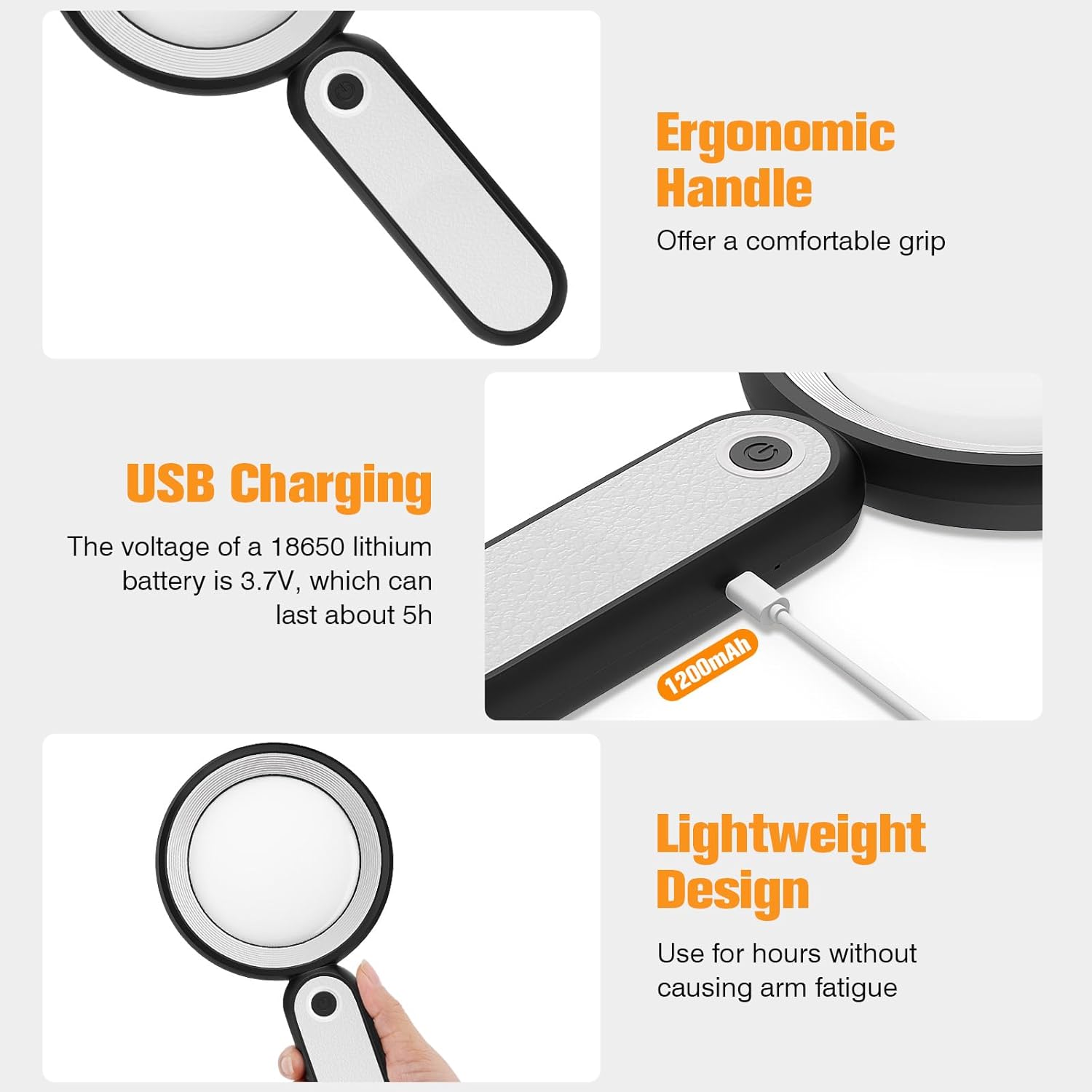
Before first use, fully charge the magnifying glass. Locate the USB charging port on the handle of the device.

Image: USB charging port on the handle.
- Connect the provided USB charging cable to the charging port on the magnifying glass.
- Inserite l'altra estremità di u cavu USB in un adattatore di alimentazione USB cumpatibile (micca inclusu) o in a porta USB di un urdinatore.
- The charging indicator lights (if present) will show the charging status. Allow the device to charge until fully powered, typically around 5 hours for a full charge.
2. Ajustamentu di a maniglia
The magnifying glass features an adjustable handle for comfortable use.

Image: Ergonomic handle design.
- Gently pivot the handle to your desired angle for handheld use.
- The handle can be folded for compact storage or extended for a comfortable grip during use.
Istruzzioni di funziunamentu
1. Ingrandimentu
The MoKo Magnifying Glass provides 10X magnification for clear viewing of small text and objects.

Image: Magnifying glass in use, showing 10X magnification on text.
- Hold the magnifying glass approximately 3-5 inches (7.5-12.5 cm) above the object you wish to magnify.
- Adjust the distance slightly until the object comes into clear focus.
2. Modi d'illuminazione LED
The device is equipped with 21 LED lights and three lighting modes to suit various environments and reduce eye strain.

Image: Three adjustable lighting modes (cool, warm, mixed) for the LED lights.
- Locate the power button on the handle.
- Press the power button once to activate the Luce fresca modu.
- Press the power button a second time to switch to Luce calda modu.
- Press the power button a third time to activate the Luce mista modu.
- Press the power button a fourth time to turn off the LED lights.
Choose the lighting mode that provides the most comfortable and clear viewing experience for your specific task and ambient light conditions.
Mantenimentu
1. Pulizia di a lente
To maintain optimal clarity, keep the optical glass lens clean.
- Use the provided soft cleaning cloth to gently wipe the lens surface.
- Avoid using abrasive materials, paper towels, or chemical cleaners, as these can scratch or damage the lens.
- Per e macchie ostinate, spruzzate leggermenteampen the cleaning cloth with a small amount of lens cleaning solution or water, then gently wipe and dry.
2. Storage
When not in use, store the magnifying glass in the provided storage pouch to protect it from dust and scratches.

Image: Magnifying glass being stored in its protective pouch.
- A conserver dans un endroit frais et sec à l'abri de la lumière directe du soleil et des températures extrêmes.
Risoluzione di prublemi
| Prublemu | Causa Possibile | Soluzione |
|---|---|---|
| Luci chì ùn si accendenu micca. | Batteria bassa o dispusitivu hè spento. | Charge the device using the provided USB cable. Ensure the power button is pressed correctly to cycle through modes. |
| Magnification is blurry or distorted. | Incorrect distance from object or dirty lens. | Adjust the distance between the lens and the object. Clean the lens with the provided cleaning cloth. |
| Handle is stiff or difficult to adjust. | Minor friction in the hinge. | Apply gentle, consistent pressure. Avoid forcing the hinge. |
Specificazioni
| Feature | Detail |
|---|---|
| Marca | MoKo |
| Numero di mudellu | 10X |
| Forza di ingrandimentu | 10X |
| Materiale di lente | Optical Glass |
| Luci LED | 21 perle LED |
| Modi d'illuminazione | 3 (Cool, Warm, Mixed) |
| Fonte d'energia | Rechargeable USB (1200mAh battery, 3.7V) |
| Durata di a Batteria (Usu Continuu) | Circa 5 ore |
| Dimensioni di u produttu | 9.57 x 4.72 x 1.02 inch (24.3 x 12 x 2.6 cm) |
| Pesu di l'articulu | 7.05 once (200 g) |
| UPC | 840401442876 |
Imagine: Dimensioni di u pruduttu.
Garanzia è Supportu
MoKo products are designed for reliability and performance. For warranty information or technical support, please refer to the contact details provided with your purchase or visit the official MoKo websitu.
Conservate a vostra ricevuta d'acquistu cum'è prova d'acquistu per qualsiasi reclamu di garanzia.
Importante infurmazione di sicurezza
- Do not expose the magnifying glass to direct sunlight for extended periods, as this may cause fire or damage to surfaces.
- Mantene fora di a portata di i zitelli.
- Evitate di abbandunà u dispusitivu o di sottumessu à forti impatti.
- Do not attempt to disassemble or modify the magnifying glass.


