1. Introduzione
The MCHOSE G75 Pro is a versatile 75% layout wireless mechanical keyboard designed for optimal performance and user experience. It features a gasket-mounted structure with 5 layers of sound and shock-absorbing dampening, vibrant RGB backlighting, and tri-mode connectivity (2.4GHz wireless, Bluetooth, and wired USB-C). The keyboard also supports hot-swappable switches, allowing for easy customization and maintenance.
2. Cuntenutu di u pacchettu
Verificate chì tutti l'articuli sò presenti in u vostru pacchettu:
- MCHOSE G75 Pro Wireless Mechanical Keyboard
- Cavo USB-C à USB-A
- Ricevitore wireless 2.4 GHz
- Estrattore Keycap
- Manuale d'uso (stu documentu)
3. Produttu Finituview
The MCHOSE G75 Pro features a compact 75% layout, which includes function keys, arrow keys, and a navigation cluster, while minimizing desk space. Its robust construction incorporates a gasket-mounted design for a flexible and comfortable typing feel.

Image: The MCHOSE G75 Pro keyboard showcasing its compact 75% layout.
Internally, the keyboard utilizes a 5-layer dampening system, including Poron foam, IXPE foam, and a PET film, to enhance typing acoustics and reduce vibrations, providing a satisfying sound profile.

Image: Diagram illustrating the 5-layer gasket-mounted dampening structure of the keyboard.
The keyboard offers flexible connectivity options through a mode switch located on the side, allowing seamless transitions between wired, 2.4GHz wireless, and Bluetooth modes.
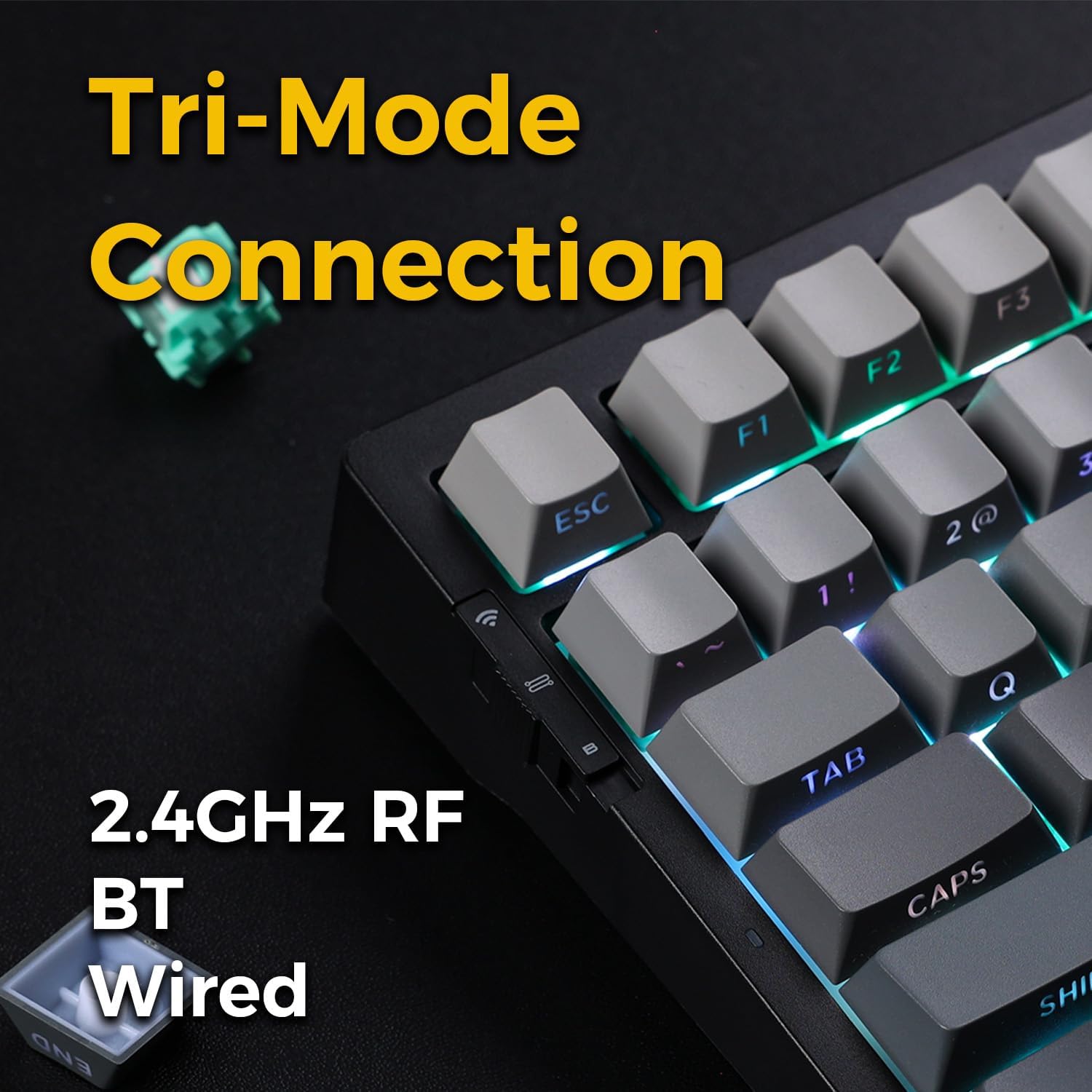
Image: Close-up of the tri-mode connection switch and USB-C port on the keyboard's side.
4. Setup
4.1 Carica iniziale
Before first use, connect the keyboard to a USB power source using the provided USB-C cable. The keyboard is equipped with 2 Lithium Polymer batteries. A full charge ensures optimal wireless performance.
4.2 Modi di cunnessione
The MCHOSE G75 Pro supports three connection modes: Wired, 2.4GHz Wireless, and Bluetooth. Use the switch on the side of the keyboard to select your desired mode.
4.2.1 Cunnessione Fila
- Pone l'interruttore di modu nantu à a tastiera in a pusizione "Wired".
- Cunnette l'estremità USB-C di u cavu à a tastiera è l'estremità USB-A à u vostru urdinatore.
- A tastiera serà ricunnisciuta automaticamente da u vostru sistema operativu.
4.2.2 Cunnessione senza filu 2.4GHz
- Impostate l'interruttore di modalità nantu à a tastiera in a pusizione "2.4G".
- Insert the 2.4GHz wireless receiver into an available USB port on your computer.
- The keyboard should connect automatically. If not, press and hold the Fn key + the 2.4G key (usually indicated by a wireless icon) for 3 seconds to initiate pairing.
4.2.3 Cunnessione Bluetooth
- Pone l'interruttore di modu nantu à a tastiera in a pusizione "BT".
- Nant'à u vostru urdinatore o dispusitivu, attivate Bluetooth è cercate novi dispusitivi.
- Nant'à a tastiera, tene premutu fn+1, fn+2, o fn+3 for 3 seconds to enter pairing mode for one of the three available Bluetooth channels. The indicator light will flash rapidly.
- Select 'MCHOSE G75 Pro' from the list of available devices on your computer.
- Once paired, the indicator light will stop flashing. You can switch between paired Bluetooth devices by pressing fn+1, fn+2, o fn+3 brevemente.
5. Operating Instructions
5.1 Funzioni chjave
The MCHOSE G75 Pro utilizes an Fn (Function) key for accessing secondary key functions, including multimedia controls, lighting adjustments, and system shortcuts. Refer to the keycap legends for specific Fn combinations.
Cumbinazioni cumuni di i tasti Fn:
- Fn+F1-F12: Access multimedia controls or system functions (e.g., volume, play/pause, brightness).
- Fn + Arrow Keys: Adjust RGB lighting effects (e.g., brightness, speed, direction).
- Fn + Backspace: Delete.
- Fn + Win: Blocca/Sblocca a chjave Windows.
5.2 Retroilluminazione RGB
The keyboard features customizable RGB backlighting with south-facing LEDs for enhanced visibility and compatibility with various keycap profiles. You can adjust lighting modes, colors, and brightness.
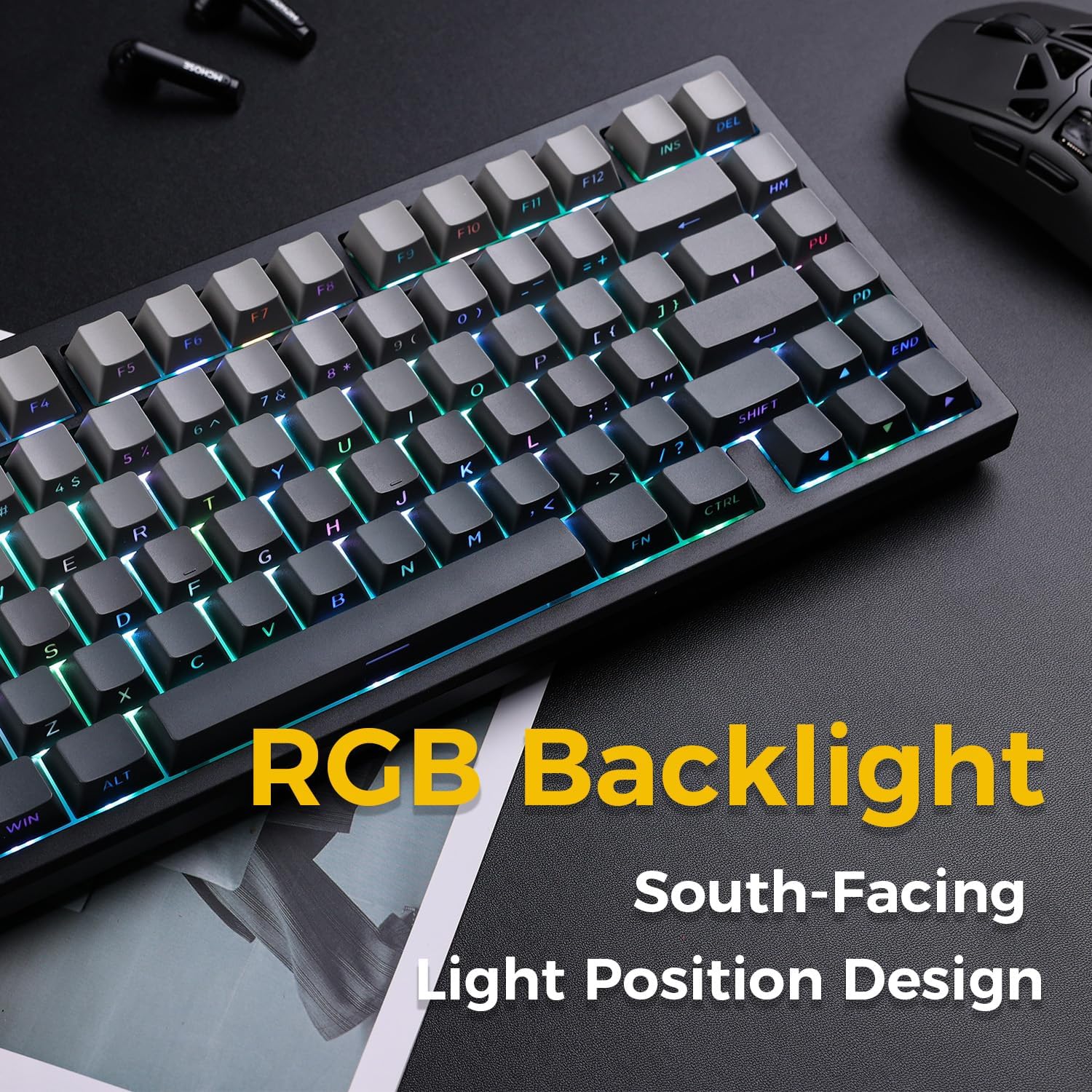
Image: The MCHOSE G75 Pro keyboard displaying its vibrant RGB backlighting.
Adjusting RGB Effects:
- Fn + \|: Scorre trà diversi effetti di luce.
- Fn +: Decrease lighting speed.
- Fn +>: Increase lighting speed.
- Fn + Freccia su: Aumentà a luminosità.
- Fn + Freccia giù: Diminuisce a luminosità.
5.3 Interruttori scambiabili à caldu
The MCHOSE G75 Pro is equipped with hot-swappable sockets, allowing you to easily change mechanical switches without soldering. This feature enables customization of typing feel and sound.
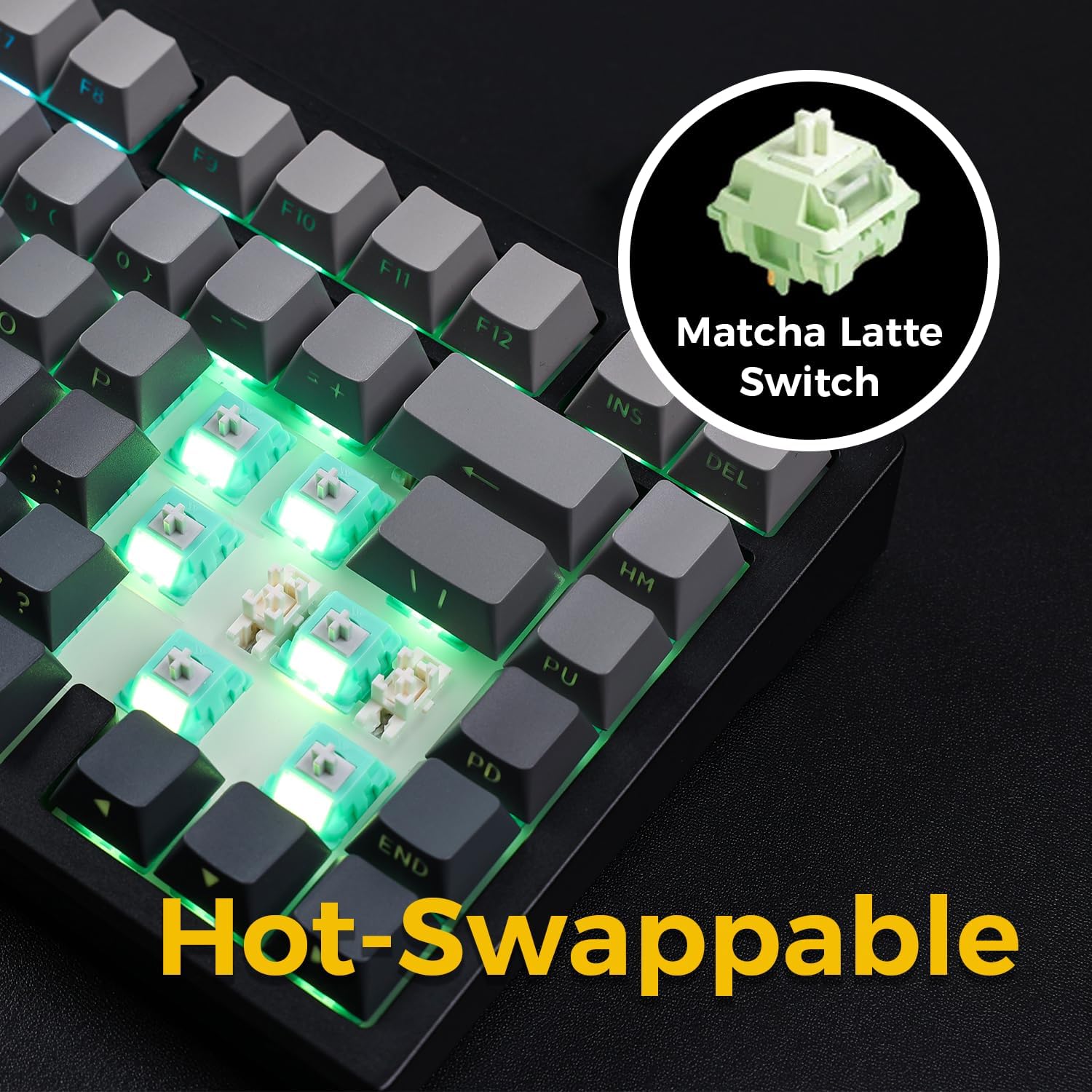
Image: The keyboard with several keycaps and switches removed, demonstrating the hot-swappable feature.
Specificazioni di l'interruttore:
The keyboard may come with Matcha Latte Switch V2 or Cabbage Tofu Switch V2, depending on the variant.
- Matcha Latte Switch V2:
Forza operativa: 45 ± 8gf
Pre-corsa: 2.0 ± 0.4 mm
Corsa tutale: 3.6 ± 0.2 mm - Cabbage Tofu Switch V2:
Forza operativa: 45 ± 5gf
Pre-viaghju: 1.9±0.3mm
Travel distance: 4.0±0.5mm
6. Mantenimentu
6.1 Pulizia
Per mantene l'aspettu è a funziunalità di a tastiera:
- Scollegate a tastiera da u vostru urdinatore prima di pulisce.
- Aduprate un panno morbido e senza pelucchi leggermente dampsciacquate cù acqua o una soluzione detergente dolce per pulisce i tasti è casing.
- For dust and debris between keycaps, use compressed air or the provided keycap puller to remove keycaps and clean thoroughly.
- Evite l'usu di sustanzi chimichi duri o materiali abrasivi.
6.2 Sustituzione di i tasti è di l'interruttore
The included keycap puller can be used to carefully remove keycaps. For switch replacement, use a switch puller (not included unless specified) to gently remove the existing switch. Align the new 3-pin or 5-pin mechanical switch with the hot-swap socket and press firmly until it clicks into place. Ensure pins are not bent during installation.
7. Risoluzione di prublemi
7.1 A tastiera ùn risponde micca
- Assicuratevi chì a tastiera sia sufficientemente carica.
- Check the mode switch to confirm it is set to the correct connection type (Wired, 2.4G, or BT).
- Per una cunnessione cablata, pruvate una porta USB o un cavu differente.
- For 2.4GHz wireless, ensure the receiver is securely plugged in and try re-pairing (Fn + 2.4G key).
- For Bluetooth, ensure Bluetooth is enabled on your device and try re-pairing (Fn + 1/2/3).
- Restart u vostru urdinatore.
7.2 RGB Backlighting Not Working/Incorrect
- Assicuratevi chì u teclatu hè alimentatu.
- Use Fn key combinations (e.g., Fn + Up/Down Arrow) to adjust brightness.
- Cycle through lighting effects using Fn + \|.
- If specific keys are not lighting up, check if the switch is properly seated or if the LED is damaged.
7.3 Software Compatibility (Windows/macOS)
While the keyboard functions plug-and-play, some advanced customization may require dedicated software. Please note that official software might have limited language support or compatibility issues, particularly with macOS. For optimal functionality, ensure you have the latest drivers or software from the MCHOSE official websitu se dispunibule.
8. Specificazioni
| Feature | Detail |
|---|---|
| Numero di mudellu | MC-G75 |
| Disposizione | 75% |
| Connettività | 2.4GHz Wireless, Bluetooth, Wired (USB-C) |
| Tipu di tastiera | Mecànicu |
| Stile di muntatura | Guarnizione muntata |
| DampStrati di finitura | 5 Layers (Poron Foam, IXPE Foam, PET Film) |
| Retroilluminazione | RGB, South-Facing LEDs |
| Tasti di tasti | PBT à doppiu colpu |
| Cambia | Sostituibile à caldu (compatibile cù 3 pin/5 pin) |
| Batteria | 2 batterie di polimeru di litio (incluse) |
| Dispositivi compatibles | PC |
| Pesu di l'articulu | 3.05 libbre (circa 1.38 kg) |
| Dimensioni di u pacchettu | 14.96 x 7.17 x 2.17 pollici (circa 38 x 18.2 x 5.5 cm) |
9. Garanzia è Support
Per infurmazioni nantu à a garanzia è l'assistenza tecnica, vi pregu di cunsultà u situ ufficiale di MCHOSE. websitu o cuntattate u vostru rivenditore. Cunservate a vostra ricevuta d'acquistu per e richieste di garanzia.


