Introduzione
Thank you for choosing the iJoy Squishmallows Bluetooth Over-Ear Headphones. This manual provides essential information for setting up, operating, and maintaining your new headphones. Please read these instructions carefully before use to ensure optimal performance and longevity of your device.

iJoy Squishmallows Bluetooth Over-Ear Headphones, Black/White - Multi color variant.
Chì ci hè in u Box
Assicuratevi chì tutti l'articuli sò presenti prima di cuntinuà cù a cunfigurazione:
- Cuffie Bluetooth
- Cavu di carica USB
- Cavo Aux di backup
- Manuale d'uso (stu documentu)
Funzioni di u produttu
- Connettività wireless Bluetooth: Enjoy audio freedom with Bluetooth 4.0.
- Cuncepimentu sopra l'arechja: Comfortable earcups for extended listening.
- Cuntrolli integrati: 5-button control for playback, calls, and equalizer.
- Long Life Battery: Finu à 15 ore di ghjocu cù una sola carica.
- Design Pieghevole: Compact and portable for travel and storage.
- Opzioni di riproduzione multiple: Supports Bluetooth, Micro SD card, FM radio, and wired Aux connection.
- Microfonu integratu: Per chjamate senza mani.

Enjoy up to 15 hours of continuous audio playback.

Features noise cancelling technology and includes an Aux cable for wired use.
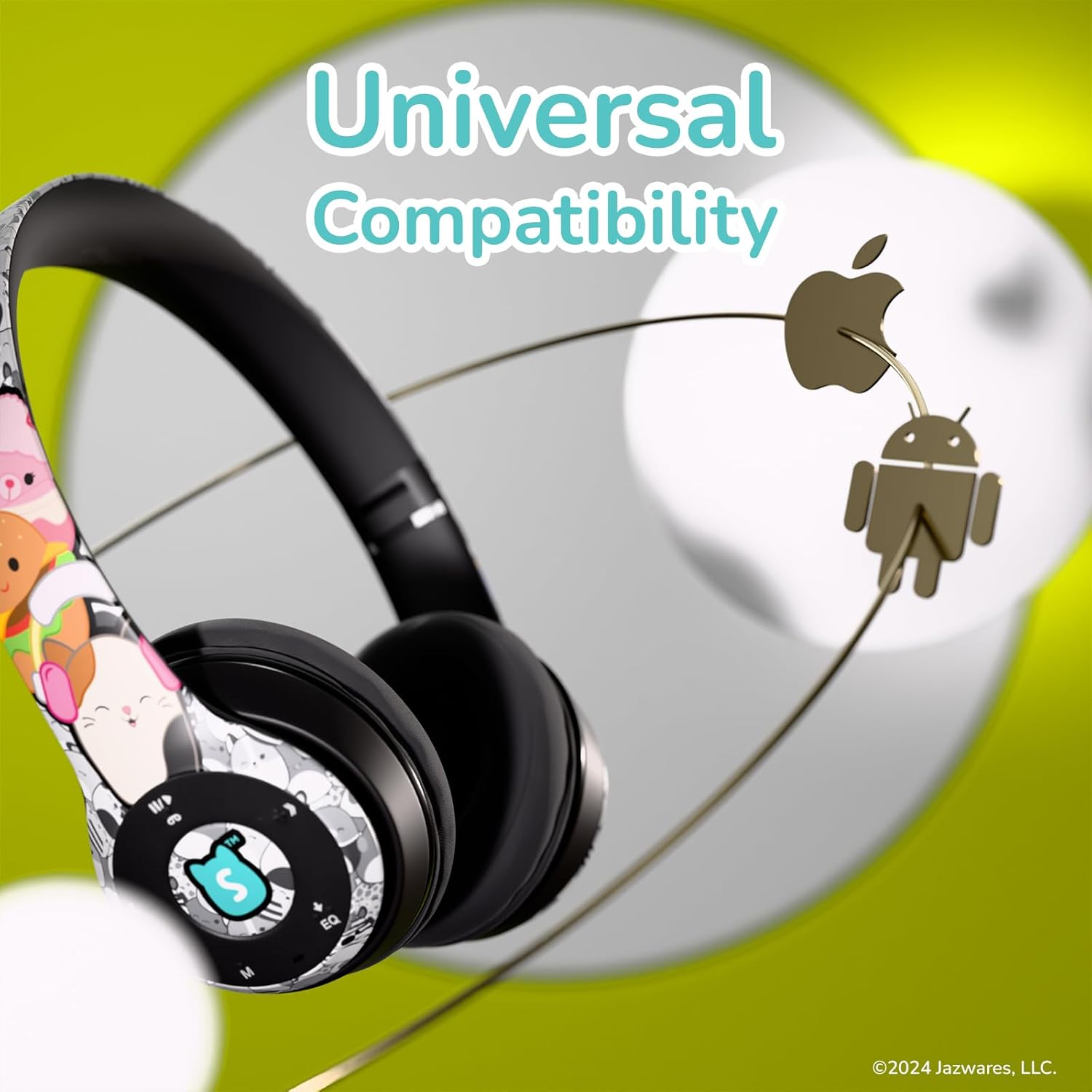
Universally compatible with Bluetooth-enabled devices.

Convenient foldable design for easy storage and transport.
Istituisci
1. Charging the Headphones
- Locate the USB charging port on the headphones.
- Connect the provided USB charging cable to the headphones and a compatible USB power source (e.g., computer USB port, wall adapter).
- The LED indicator will illuminate during charging and turn off or change color when fully charged.
- Una carica cumpleta dura di solitu circa 2-3 ore.
2. Abbinamentu Bluetooth
- Assicuratevi chì l'auricolari sianu cumpletamente cariche.
- Press and hold the Power button (usually the Play/Pause button) until the LED indicator flashes blue and red, indicating pairing mode.
- Nant'à u vostru apparechju (smartphone, tableta, urdinatore), attivate Bluetooth è cercate l'apparechji dispunibili.
- Select "iJoy Squishmallows" from the list of devices.
- Una volta cunnessu, l'indicatore LED mostrarà tipicamente una luce blu fissa o lampeggiarà blu lentamente.
Istruzzioni di funziunamentu
Cuntrolli Overview

Control buttons located on the earcup for easy access.
- Play/Pause/Answer Call Button: Press once to play/pause music or answer/end a call. Press and hold to reject a call.
- Volume Up / Next Track Button (+ / >>): Press once to increase volume. Press and hold to skip to the next track.
- Volume Down / Previous Track Button (- / <<): Press once to decrease volume. Press and hold to go to the previous track.
- Mode Selector Button (M): Press to switch between Bluetooth, FM Radio, and Micro SD card modes.
- Equalizer Switcher Button (EQ): Press to cycle through available equalizer presets.
Utilizà a carta Micro SD
- Inserite una carta Micro SD (cù audio MP3 files) into the designated slot on the headphones.
- Press the 'M' button to switch to Micro SD card mode.
- Use the Play/Pause and track skip buttons to control playback.
Utilizendu a Radio FM
- Appughjà u buttone "M" per passà à a modalità Radio FM.
- Tenite premutu u buttone Play/Pause per scansà automaticamente è salvà e stazioni FM dispunibili.
- Aduprate i buttoni Pista Seguente/Precedente per navigà trà e stazioni salvate.
Wired Connection (Aux Cable)
- Insert the provided 3.5mm Aux cable into the Aux-in port on the headphones.
- Connect the other end of the Aux cable to your audio device's 3.5mm audio output.
- The headphones will automatically switch to wired mode. Note that controls on the headphones may be limited in wired mode, and playback will be controlled by your connected device.
Rispondi à i Chjami
- Quandu una chjama ghjunghje, a musica si metterà in pausa.
- Press the Play/Pause/Answer Call button once to answer the call.
- Press the Play/Pause/Answer Call button once again to end the call.
- Press and hold the Play/Pause/Answer Call button to reject an incoming call.
Mantenimentu
- Pulizia: Aduprate un pannu dolce è asciuttu per pulisce l'auricolari. Ùn aduprate micca detergenti abrasivi o solventi.
- Conservazione: Quandu ùn sò micca in usu, cunservate l'auricolari in un locu frescu è asciuttu, luntanu da a luce diretta di u sole è da temperature estreme. U disignu pieghevole permette un almacenamentu compattu.
- Cura di a batteria: To preserve battery life, charge the headphones regularly, even if not used frequently. Avoid fully discharging the battery for extended periods.
- Evita l'umidità: Tenite l'auricolari luntanu da l'acqua è da l'umidità eccessiva.
Risoluzione di prublemi
| Issue | Soluzione Possibile |
|---|---|
| L'auricolari ùn s'accendenu micca. | Assicuratevi chì l'auricolari sianu cumpletamente cariche. Appughjà è tene premutu u buttone di accensione per uni pochi secondi. |
| Ùn si pò micca accoppià via Bluetooth. | Ensure headphones are in pairing mode (flashing blue/red LED). Turn off and on Bluetooth on your device. Move closer to the headphones. |
| Nisun sonu o un vulume bassu. | Check volume levels on both headphones and connected device. Ensure headphones are properly paired or Aux cable is fully inserted. |
| A ricezione di a radio FM hè scarsa. | Ensure you are in an area with good signal strength. Re-scan for stations. |
| Carta Micro SD micca ricunnisciuta. | Ensure the card is inserted correctly and contains compatible audio files (MP3). Try reinserting the card. |
Specificazioni
| Feature | Detail |
|---|---|
| Nome di mudellu | Squishmallows Bluetooth Headphones |
| Numero di mudellu | SQ-BTHP |
| Tecnulugia di cunnessione | Senza filu (Bluetooth), Cablatu (Jack 3.5 mm) |
| Versione Bluetooth | 4.0 |
| Gamma Bluetooth | Finu à 33 piedi (10 metri) |
| A vita di a batteria | Finu à 15 ore |
| Tipu di cuntrollu | Pulsante |
| Posizionamentu di l'arechja | Over Ear |
| Materiale | Tessutu di peluche |
| Pesu di l'articulu | 5 once (circa 142 grammi) |
| U fabricatore | Quest USA Corp |
| UPC | 810146467779 |
Garanzia è Supportu
iJoy products are designed for quality and reliability. For information regarding warranty coverage, technical support, or customer service, please refer to the contact details provided on the product packaging or visit the official iJoy websitu. Per piacè cunservate a vostra prova d'acquistu per qualsiasi reclamu di garanzia.