1. Produttu Finituview
The HP OfficeJet Pro 9125e is a versatile All-in-One printer designed for office and hybrid workspace environments. This certified refurbished unit offers print, scan, copy, and fax functionalities, along with advanced features like a color touchscreen and HP Wolf Pro Security. It is engineered for professional-quality color documents and efficient operation.
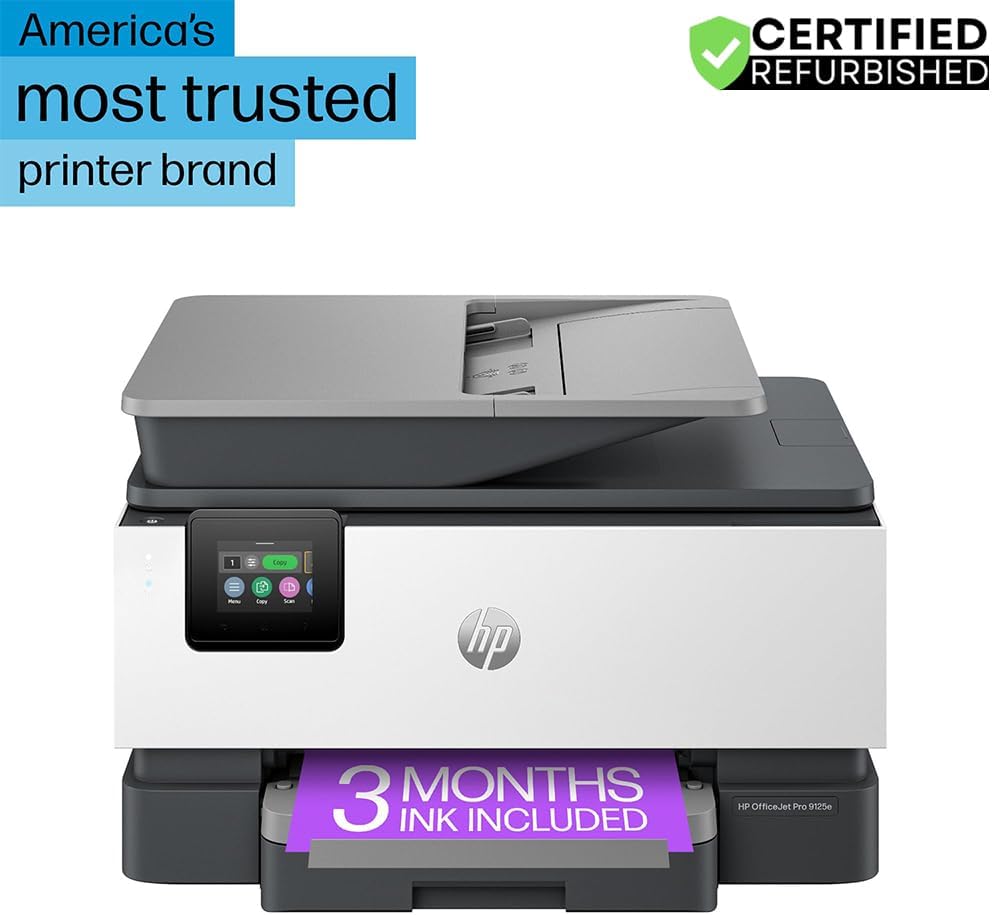
Figura 1: Fronte view of the HP OfficeJet Pro 9125e All-in-One Printer.
Funzioni chjave:
- Funzionalità All-in-One: Print, copy, scan, and fax capabilities.
- Stampa ad alta velocità: Up to 22 pages per minute (ppm) for black and 18 ppm for color.
- Connettività Wireless: Reliable dual-band Wi-Fi with automatic connection issue resolution.
- Applicazione intelligente HP: Enables printing, scanning, copying, and faxing directly from a smartphone.
- HP Wolf Pro Security: Integrated security tools to protect data and networks.
- Touchscreen à culore di 2.7 inch: Intuitive user interface for easy navigation.
- Alimentatore automaticu di documenti (ADF): For efficient multi-page scanning and copying.
- Stampa duplex: Automatic two-sided printing.
- Disegnu sustenibile: Constructed with over 40% recycled plastic.

Figura 2: Overview of the HP OfficeJet Pro 9125e's primary functions and features.
2. Setup Instructions
2.1 Disimballaggio è cuntenutu
Carefully unpack the printer and ensure all components are present. The package should contain the following:
- HP OfficeJet Pro 9125e All-in-One Printer
- HP 936 Setup Black Ink Cartridge
- HP 936 Setup Cyan Ink Cartridge
- HP 936 Setup Magenta Ink Cartridge
- HP 936 Setup Yellow Ink Cartridge
- Cordone d'alimentazione
- Flyer Regulatori
- Flyer d'attention à l'encre
- Poster d'installazione
- Guida di riferimentu

Figure 3: Included items in the HP OfficeJet Pro 9125e package.
2.2 Initial Printer Setup
- Cunnessione di putenza: Cunnette u cavu di alimentazione à a stampante è dopu à una presa murale.
- Power On: Press u buttone di putenza per accende a stampante.
- Installazione di a cartuccia d'inchiostru: Follow the on-screen instructions on the 2.7-inch touchscreen to install the HP 936 setup ink cartridges. Ensure each cartridge clicks into place.
- Carica di carta: Load plain paper into the 250-sheet input tray. Adjust the paper guides to fit the paper size.
- Lingua è Regione: Select your preferred language and region on the touchscreen.
- Cunnessione di Rete: Connect the printer to your wireless network using the touchscreen. The dual-band Wi-Fi will help ensure a stable connection.
- HP Smart App Installation: Download the HP Smart App on your smartphone or computer for guided setup and advanced features.
- HP+ Activation (Optional): If you wish to enroll in the Instant Ink delivery service and extend your warranty, activate HP+ during the setup process. This may include 3 months of Instant Ink.
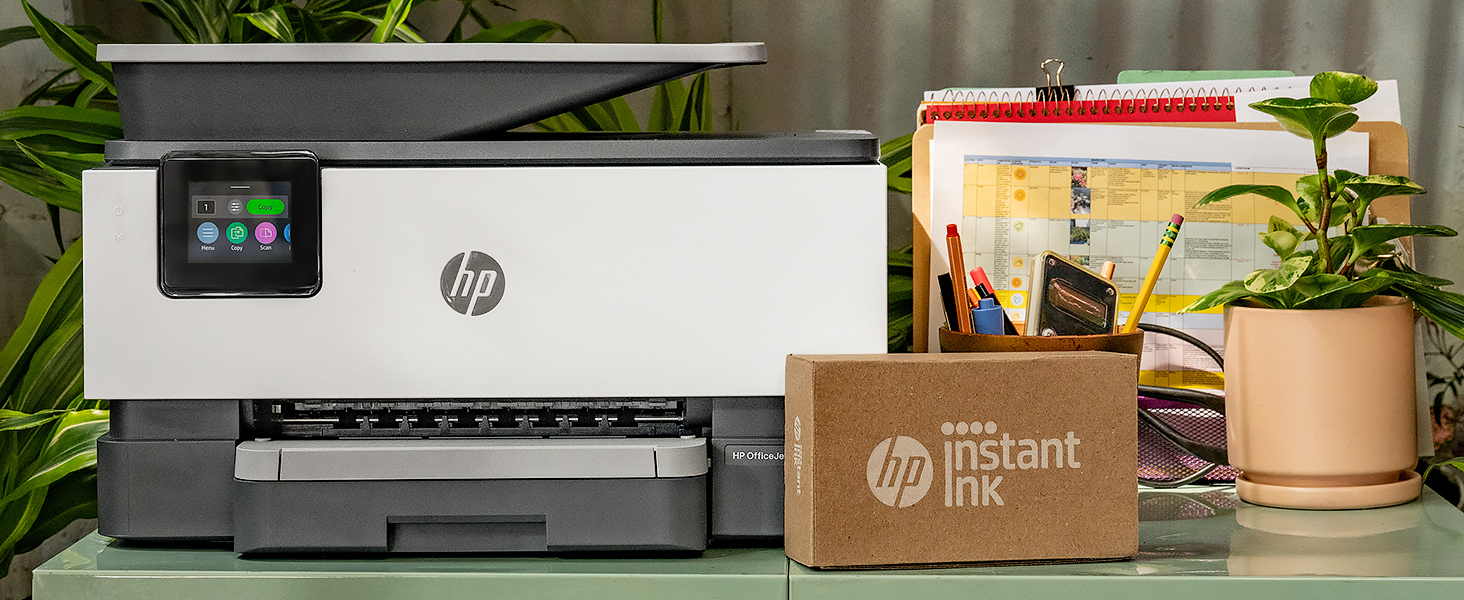
Figure 4: Printer ready for setup, showing the Instant Ink box.
3. Operating Instructions
3.1 Stampa di documenti
The HP OfficeJet Pro 9125e supports printing from various devices, including computers and smartphones.
- Da un urdinatore: Ensure the printer drivers are installed. Select "Print" from your application, choose the HP OfficeJet Pro 9125e, and adjust settings as needed (e.g., color, black and white, duplex printing).
- Da un dispositivu mobile (applicazione HP Smart): Open the HP Smart App, select "Print Documents" or "Print Photos," choose the file, and send it to the printer.
- Velocità di stampa: Up to 22 ppm for black and 18 ppm for color.
- Stampa duplex: The printer supports automatic two-sided printing. This option can be selected in your print settings.
3.2 Scansione di documenti
Documents can be scanned using the flatbed scanner or the Automatic Document Feeder (ADF).
- Utilizendu u Flatbed: Place a single document face down on the scanner glass. Close the lid. Select "Scan" on the printer's touchscreen or through the HP Smart App.
- Utilizendu l'ADF: Load multiple pages face up into the ADF. The ADF supports dual-pass 2-sided scanning. Select "Scan" on the printer's touchscreen or through the HP Smart App and choose the ADF option.
- Destinazioni di scansione: Scanned documents can be sent to a computer, email, or cloud services via the HP Smart App.
3.3 Copia di documenti
The printer allows for quick and efficient copying.
- Initiate Copy: Press the "Copy" icon on the printer's touchscreen.
- Documentu di u locu: Pone u documentu nant'à u scanner pianu o in l'ADF.
- Aghjustate i paràmetri: Select the number of copies (up to 99), color or black and white, and other options like resizing or quality.
- Principià a copia: Press the "Start Copy" button on the touchscreen.
3.4 Inviu di documenti per fax
The HP OfficeJet Pro 9125e includes fax functionality.
- Caricà u documentu: Pone u documentu nant'à u scanner pianu o in l'ADF.
- Inserite u numeru: Press the "Fax" icon on the touchscreen and enter the recipient's fax number.
- Mandà Fax: Confirm settings and send the fax.
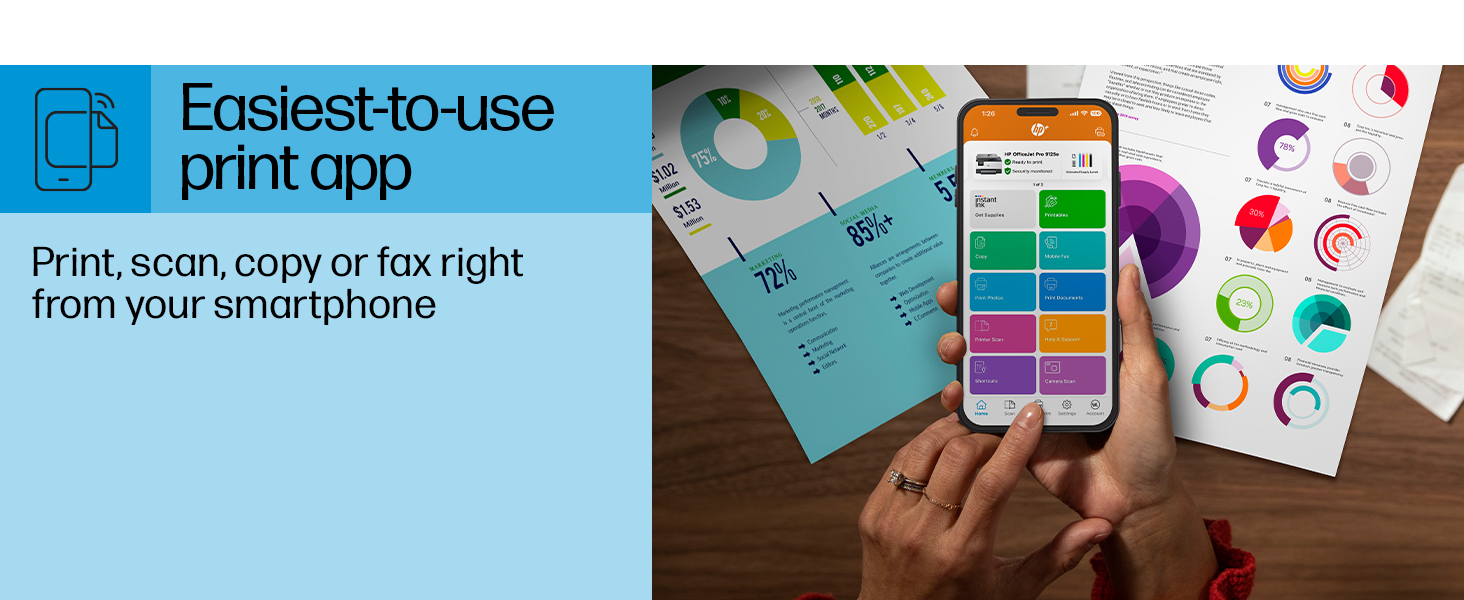
Figure 5: The HP Smart App allows control of print, scan, copy, and fax functions from a smartphone.
4. Mantenimentu
4.1 Sostituzione di a cartuccia d'inchiostru
The printer uses HP 936 series ink cartridges (Black, Cyan, Magenta, Yellow). The touchscreen will indicate when ink levels are low or when a cartridge needs replacement.
- Aprite a porta di accessu à i cartucce di tinta.
- Appughjà a linguetta di a vechja cartuccia per liberalla, poi tirala fora.
- Unpack the new HP 936 cartridge, being careful not to touch the electrical contacts or ink nozzles.
- Inserite a nova cartuccia in u so slot currispundente finu à chì si mette in u locu.
- Chiudere a porta di accessu à a cartuccia di tinta.
4.2 Manipolazione di a carta
- Input Tray: The printer features a 250-sheet input tray. Ensure paper is loaded correctly and paper guides are adjusted to prevent jams.
- Vassoio di output: The output tray has a capacity of 60 sheets.
- Media supportati: The printer supports various paper types and sizes, including plain paper, photo paper, and envelopes. Supported sizes range from 3 x 5 inches to 8.5 x 14 inches.
- Envelope Stopper: Utilize the built-in envelope stopper to prevent jams when printing envelopes.
4.3 Pulizia
Una pulizia regulare aiuta à mantene a qualità di stampa è a longevità di a stampante.
- Esternu: Asciugate l'esternu di a stampante cù un pannu dolce èamp, pannu senza pelucchi.
- Scanner Glass: Pulite u vetru di u scanner cù un pannu dolce è un detergente per vetri non abrasivu.
- Rulli ADF: Cunsultate l'assistenza HP website or the HP Smart App for instructions on cleaning ADF rollers if paper feed issues occur.
5. Risoluzione di prublemi
This section provides solutions to common printer issues. For more detailed troubleshooting, refer to the HP support website or the HP Smart App.
5.1 Prublemi di cunnessione
- Stampante fora di linea: Ensure the printer is powered on and connected to the correct Wi-Fi network. Restarting both the printer and your router can often resolve temporary network glitches.
- Disconnection Wi-Fi: The printer's dual-band Wi-Fi is designed to automatically resolve connection issues. If problems persist, try reconnecting through the printer's touchscreen or the HP Smart App.
- USB/Ethernet Connection: If using a wired connection, ensure cables are securely plugged into both the printer and the computer/router.
5.2 Prublemi di qualità di stampa
- Stampe sbiadite o striate: Check ink levels and replace any low or empty cartridges. Perform a printhead cleaning cycle through the printer's maintenance menu.
- Culori sbagliati: Ensure you are using genuine HP ink cartridges. Run a printhead alignment from the printer's maintenance menu.
- Inceppamenti di carta: Follow the on-screen instructions to clear any jammed paper. Ensure paper is loaded correctly and not overfilled in the input tray.
5.3 Scanning/Copying Issues
- Blank Scans/Copies: Ensure the document is placed correctly on the scanner glass or in the ADF.
- Lines on Scans/Copies: Clean the scanner glass and the ADF rollers.
6. Specifiche tecniche
| Feature | Specificazione |
|---|---|
| Nome di mudellu | HP OfficeJet Pro 9125e |
| Funzioni | Stampa, Copia, Scansione, Fax |
| Tecnulugia di stampa | Inkjet (Four-color inkjet cartridges) |
| Velocità massima di stampa (neru) | 22 ppm |
| Velocità massima di stampa (culore) | 18 ppm |
| Risoluzione massima di stampa (neru) | 1200 x 1200 dpi |
| Risoluzione massima di stampa (culore) | Finu à 4800 x 1200 dpi ottimizzati |
| Stampa duplex | autumàticu |
| Tipu di scanner | Easy slide-off glass, dual pass 2-sided ADF |
| Risoluzione massima di copia | 600 x 600 dpi (Black & Color) |
| Max Copies per Run | 99 |
| Connettività | Ethernet, USB, Wi-Fi (Dual-band) |
| Metudu di cuntrollu | Applicazione, Schermu tattile |
| Dimensione touchscreen | 2.7 inch |
| Capacità di u fogliu d'entrata | 250 fogli |
| Capacità di fogli di uscita | 60 fogli |
| Dimensioni Media Supportate | 3 x 5 pollici à 8.5 x 14 pollici |
| Capacità di almacenamiento di memoria | 512 MB |
| Dimensioni di u produttu (P x L x A) | 13.48" x 17.3" x 10.94" |
| Pesu di l'articulu | 20.5 liri |
| Cunsumu d'energia | 5.06 Watt |

Figure 6: Physical dimensions of the HP OfficeJet Pro 9125e.
7. Garanzia è Support
7.1 Garanzia infurmazione
- Certified Refurbished Warranty: This unit comes with a 90-day manufacturer warranty, ensuring reliable, like-new performance.
- Extended Protection Pack: The product bundle includes a 2-year CPS Enhanced Protection Pack.
- HP+ Offer Warranty: A one-year limited hardware warranty is provided, with an option to extend to two years upon acceptance of the HP+ Offer during setup.
For specific terms and conditions regarding your warranty, please refer to the documentation included with your product or visit the official HP support websitu.
7.2 Assistenza Clienti
For further assistance, technical support, or to access detailed user guides and drivers, please visit the official HP support websitu:
You can also utilize the HP Smart App for troubleshooting and accessing support resources directly from your mobile device.