Introduzione
The Joyroom JR-JH1 Wireless Bluetooth Headphones with Active Noise Cancellation are designed to provide high-quality audio, advanced noise cancellation, and exceptional comfort. With a sleek, foldable design and long-lasting battery, these headphones are suitable for various environments, including home, office, and travel. Enjoy an immersive audio experience with the JR-JH1, featuring intuitive controls and powerful 40mm drivers.
Cuntenutu di u pacchettu
- Joyroom JR-JH1 Wireless Bluetooth Headphones
- Manuale d'usu
- Cuscinetti per l'arechje (preinstallati)
- Charging Cable (USB-C, not explicitly listed but implied for charging)
- Travel Case (implied from description)
Product Overview
Familiarize yourself with the components of your Joyroom JR-JH1 headphones.
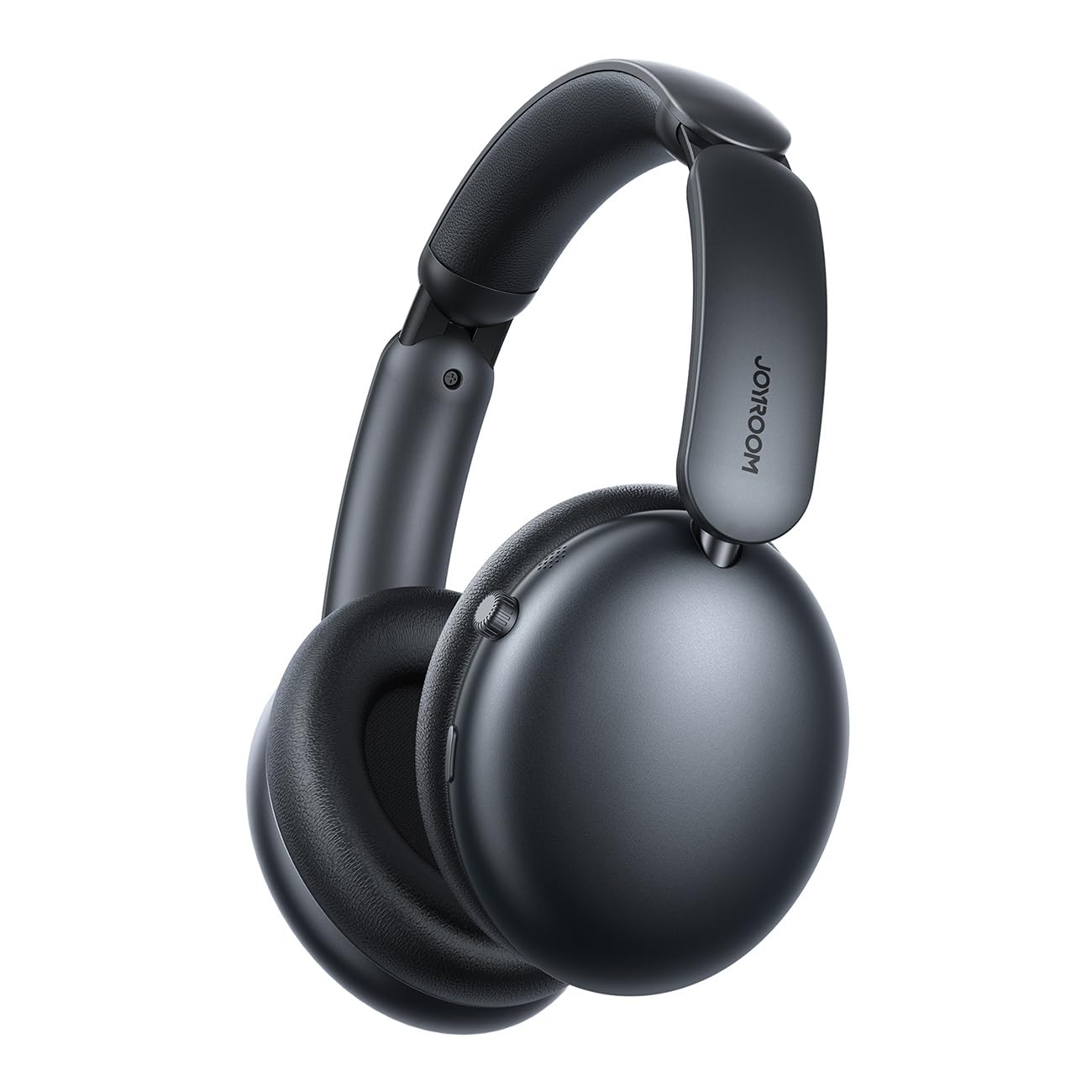
Figura 1: Fronte view of the Joyroom JR-JH1 headphones, showcasini padiglioni auricolari è a fascia regolabile.
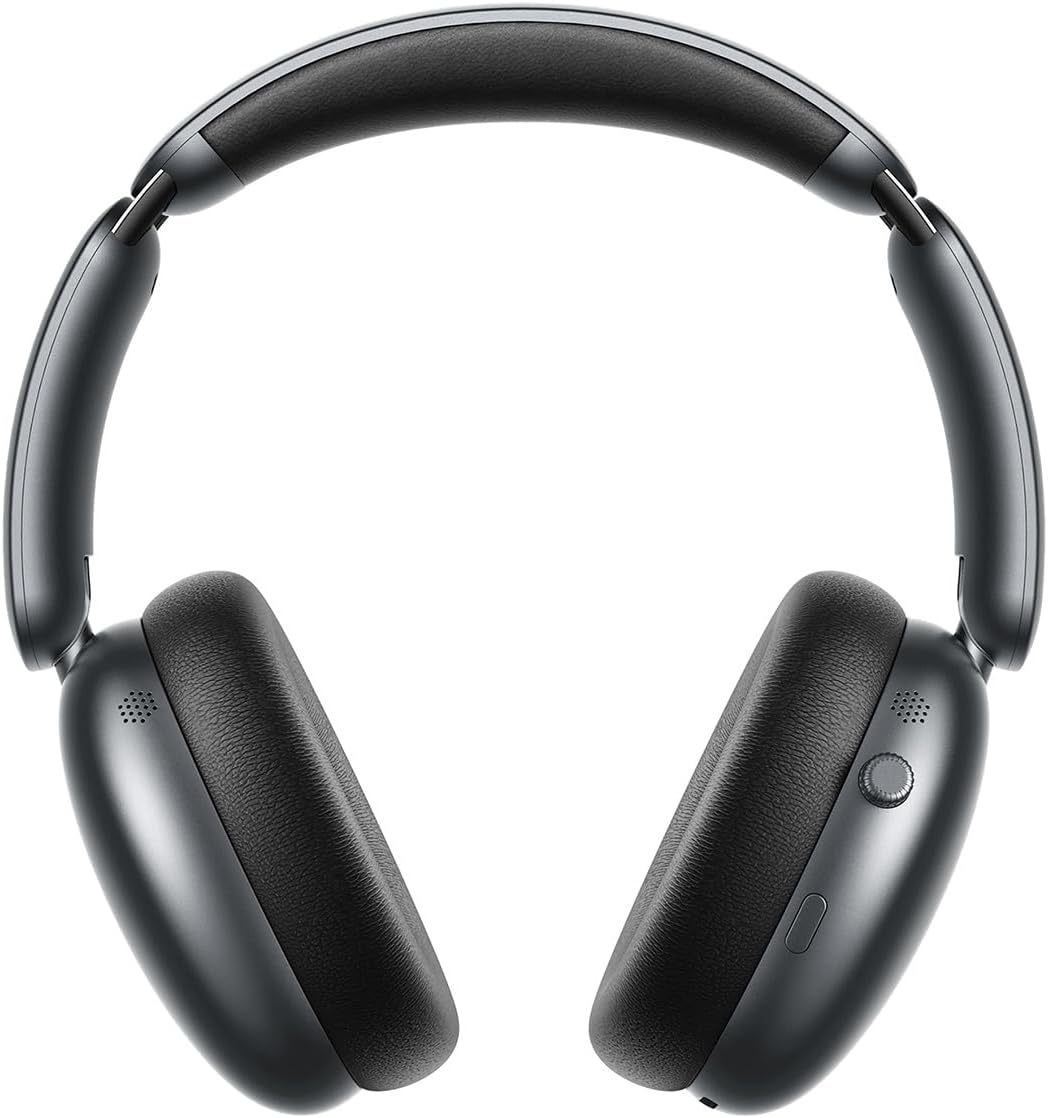
Figura 2: Latu view of the Joyroom JR-JH1 headphones, highlighting the digital crown and other control buttons on the earcup.

Figura 3: U fondu view of the Joyroom JR-JH1 headphones, illustrating the charging port and any auxiliary input ports.
The headphones feature soft memory foam ear cushions and an automatically adjustable headband for extended comfort. The foldable design allows for easy portability and storage in the included travel case.
Istituisci
1. Charging the Headphones
Prima di u primu usu, caricate cumpletamente e vostre cuffie. Una carica cumpleta dura circa 1.5 à 2 ore.
- Connect the charging cable to the charging port on the headphones (refer to Figure 3 for port location).
- Cunnette l'altra estremità di u cavu à una fonte d'alimentazione USB (per esempiu, adattatore murale, porta USB di l'urdinatore).
- L'indicatore LED mostrerà u statu di carica (per esempiu, rossu per a carica, blu / spento per cumpletamente carica).
2. Abbinamentu Bluetooth
Pair your headphones with your device to enable wireless audio.
- Assicuratevi chì l'auricolari sianu cariche è spente.
- Press and hold the Power button (usually located on one of the earcups) until the LED indicator flashes rapidly (e.g., blue and red alternately), indicating pairing mode.
- On your device (smartphone, tablet, laptop, etc.), go to Bluetooth settings and turn Bluetooth on.
- Cerca available devices. Select "JR-JH1" from the list.
- Una volta cunnessu, l'indicatore LED nantu à l'auricolari mostrarà tipicamente una luce blu fissa o lampeggia lentamente.
The headphones use Bluetooth 5.4 for a stable and efficient connection. They are compatible with desktop computers, tablet computers, laptops, mobile phones, and game controllers.
Istruzzioni di funziunamentu
Power On/Off
- Power On: Tenite premutu u buttone di accensione per circa 3 secondi finu à chì l'indicatore LED s'illumina.
- Spegnimentu: Appughjà è tene premutu u buttone di accensione per circa 5 secondi finu à chì l'indicatore LED si spegne.
Riproduzione musicale
- Play/Pause: Press the Multi-function button (often the Power button or a dedicated play/pause button).
- Volume su / giù: Rotate the digital crown upwards to increase volume, downwards to decrease volume.
- Prussima pista: Doppiu pressu u buttone Multi-funzione.
- Pista Precedente: Triple-pressu u buttone Multi-funzione.
Gestione di Chjamate
- Rispondi / Finisce a chjama: Pulsà u buttone Multi-funzione una volta.
- Reject Call: Mantene premutu u buttone multifunzione per 2 seconde.
Annullamentu di u Rumore Attivu (ANC)
The JR-JH1 features Hybrid Active Noise Cancellation, reducing ambient noise by up to -40dB.
- Attivà/Disattivà ANC: Press the dedicated ANC button (refer to product diagram for location). The LED indicator for ANC will illuminate when active.
- Modu di trasparenza: Some models may feature a transparency mode. If available, a short press of the ANC button might cycle through ANC On, Transparency Mode, and ANC Off.
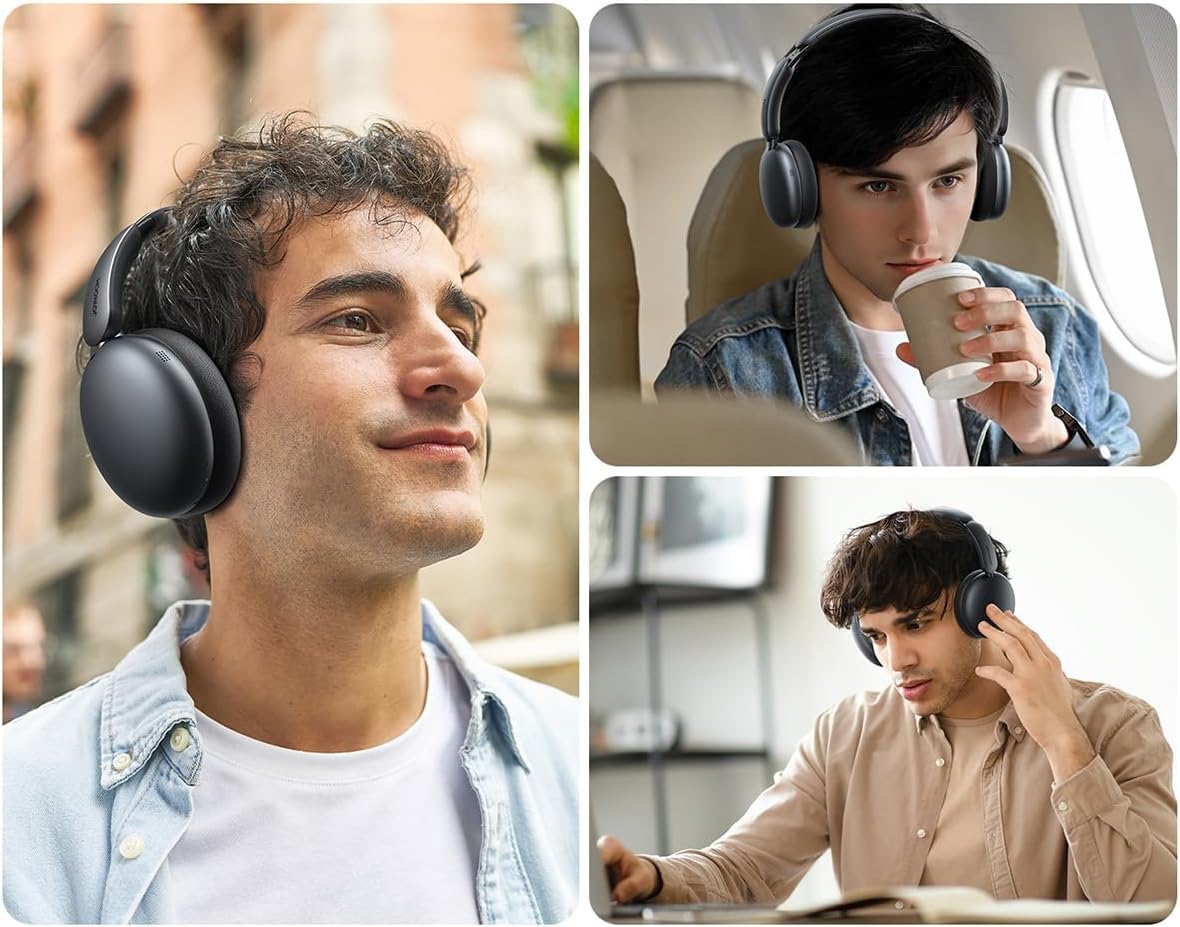
Figura 4: Esplosu view illustrating the internal components, including the 40mm drivers and ANC technology.
Mantenimentu
Pulizia
- Use a soft, dry cloth to clean the exterior of the headphones.
- Per i cuscinetti di l'arechje, asciugate delicatamente cù un pannu ligeramente d.amp pannu è lasciate asciugà cumpletamente à l'aria prima di l'usu. Ùn aduprate micca prudutti chimichi aggressivi o materiali abrasivi.
Storage
- When not in use, store the headphones in their travel case to protect them from dust and damage.
- Evite u almacenamentu in temperature estreme o alta umidità.
Risoluzione di prublemi
| Prublemu | Causa Possibile | Soluzione |
|---|---|---|
| L'auricolari ùn s'accendenu micca. | Batteria bassa. | Caricà l'auriculare cumplettamente. |
| Nisun sonu. | Not paired, volume too low, device issue. | Ensure headphones are paired. Increase headphone and device volume. Check device audio output settings. |
| Ùn si pò micca accoppià cù u dispusitivu. | Headphones not in pairing mode, device Bluetooth off, interference. | Put headphones in pairing mode. Ensure device Bluetooth is on. Move closer to the device. Turn off other Bluetooth devices. |
| L'ANC ùn hè micca efficace. | ANC not activated, improper fit. | Ensure ANC is turned on. Adjust headphones for a snug fit over your ears. |
Specificazioni
| Feature | Detail |
|---|---|
| Mudellu | JR-JH1 |
| Tecnulugia di cunnessione | Wireless |
| Comunicazione wireless | Bluetooth 5.4 |
| Controlu di u rumore | Cancellazione attiva di u rumore ibrida (finu à -40dB) |
| Drivers | 40 mm |
| Impedenza | 32 Ohm |
| Sensibilità | 110 dB |
| Risposta di Frequency | 2480 MHz |
| Tempu di carica | Circa 1.5 - 2 ore |
| Autonomia di a batteria (Modu nurmale) | Finu à 120 ore |
| Battery Life (ANC Mode) | Finu à 70 ore |
| Tipu di cuntrollu | Button Control, Digital Crown |
| Posizionamentu di l'arechja | Over-Ear |
| Materiale | Acrilonitrile Butadiene Stirene (ABS) |
| Pesu di l'articulu | 234 grammi |
| Livellu di resistenza à l'acqua | Ùn hè micca resistente à l'acqua |
| Dimensioni di u produttu | 19.6 x 18.26 x 8 cm |
| U fabricatore | Joyroom |
| Paese d'origine | Cina |
Informazioni di sicurezza
- Ùn espone micca l'auricolari à temperature estreme, umidità o liquidi.
- Evitate l'ascolta à volumi elevati per periodi estesi per prevene danni à l'udito.
- Ùn pruvate micca di smuntà o mudificà l'auricolari. Questu puderia annullà a garanzia è causà danni.
- Mantene fora di a portata di i zitelli.
Garanzia è Supportu
For warranty information and customer support, please refer to the warranty card included in your product packaging or visit the official Joyroom websitu. Conservate a vostra ricevuta d'acquistu cum'è prova d'acquistu per e richieste di garanzia.


