1. Introduzione
Welcome to the user manual for your new TECNO POVA Curve 5G smartphone. This guide provides essential information on setting up, operating, maintaining, and troubleshooting your device. Please read this manual carefully to ensure optimal performance and longevity of your smartphone.

Figure 1: TECNO POVA Curve 5G smartphone, front and back.
2. Ciò chì hè in a scatula
Upon unboxing your TECNO POVA Curve 5G, please verify that all the following items are included:
- TECNO POVA Curve 5G Smartphone
- Adattatore di alimentazione (caricatore rapidu 45 W)
- Cavu USB
- Ejector di vassoi SIM
- Cuffie
- Guida d'iniziu rapidu (stu documentu)

Figure 2: Key features of the TECNO POVA Curve 5G.
3. Setup
3.1 Inserimentu di a carta SIM è di a carta SD
- Truvate u cassettu di a carta SIM à u latu di u vostru dispositivu.
- Inserite u strumentu d'espulsione di u vassoio SIM in u picculu foru accantu à u vassoio è appughjà delicatamente finu à chì u vassoio esce fora.
- Pone a vostra carta Nano-SIM è/o carta microSD in l'appositi slot nantu à u vassoio. Assicuratevi chì i cuntatti d'oru sianu rivolti versu u bassu.
- Riinserite cù cura u vassoio in u dispusitivu finu à chì si sente un clic in u so postu.
3.2 Accensione iniziale è cunfigurazione basica
- Press and hold the Power button until the TECNO logo appears.
- Segui l'istruzzioni nantu à u screnu per selezziunà a vostra lingua, cunnette vi à una rete Wi-Fi è cunfigurà u vostru contu Google.
- You will be guided through setting up security features such as fingerprint unlock or facial recognition.

Figura 3: Bottom view of the device, illustrating port and SIM tray location.
4. Operating Your Device
4.1 Schermu è navigazione
The TECNO POVA Curve 5G features a 144Hz Curved AMOLED display for smooth visuals and vibrant colors. Navigate the interface using touch gestures:
- Tap: Selezziunate un articulu o aprite una applicazione.
- Swipe: Scorri trà schermi o liste.
- Pizzicà: Zoom avanti o indietro nantu à l'imagine è web pagine.
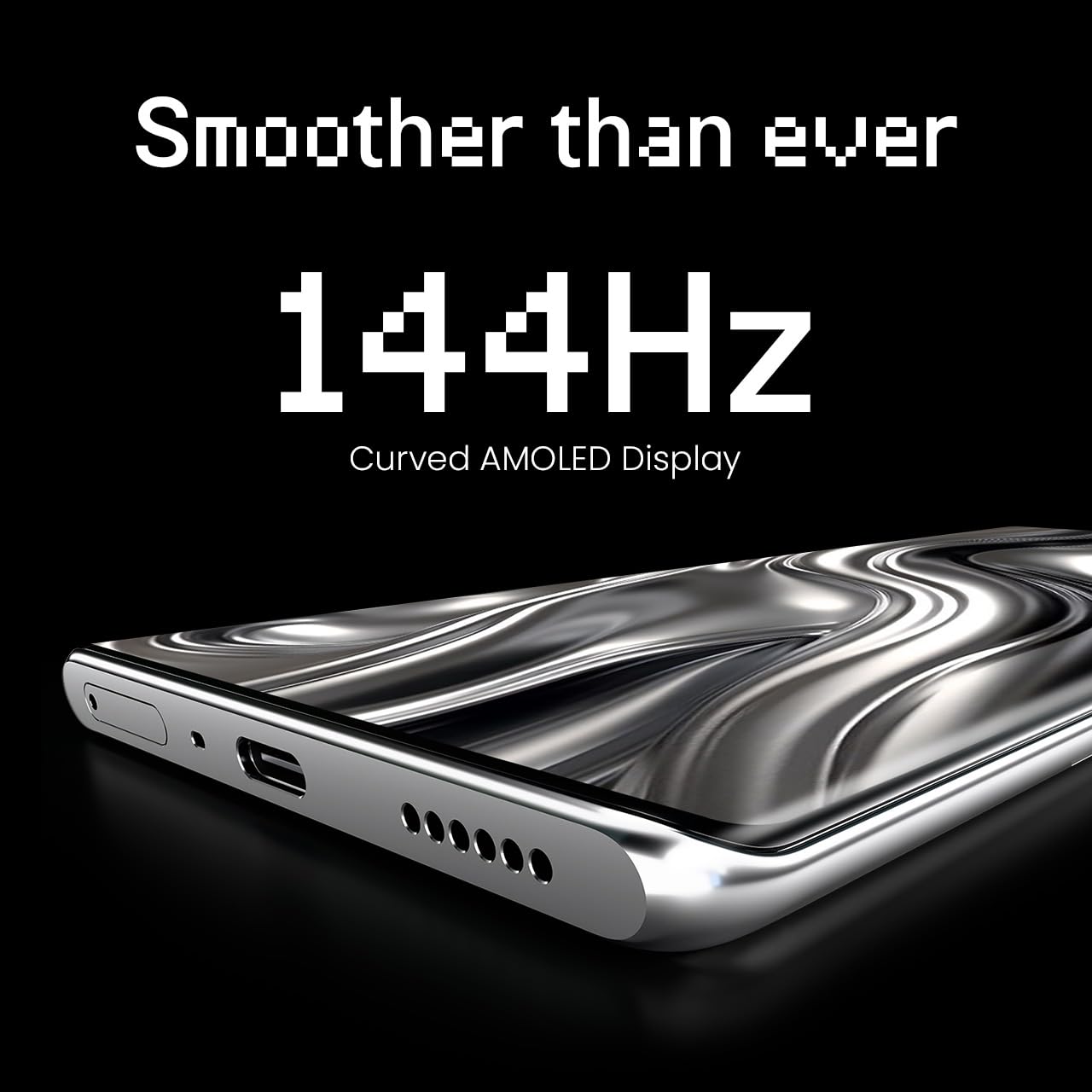
Figure 4: The 144Hz Curved AMOLED Display.
4.2 Funzioni di a Camera
Your device is equipped with a 64MP IMX682 Rear Camera. To access the camera, tap the Camera icon on your home screen or lock screen. Key features include:
- Modu Foto: Fotografia standard.
- Modu Video: Registrate video di alta qualità.
- Modu Ritrattu: Create professional-looking photos with blurred backgrounds.
- Modu di notte: Enhance photos taken in low-light conditions.
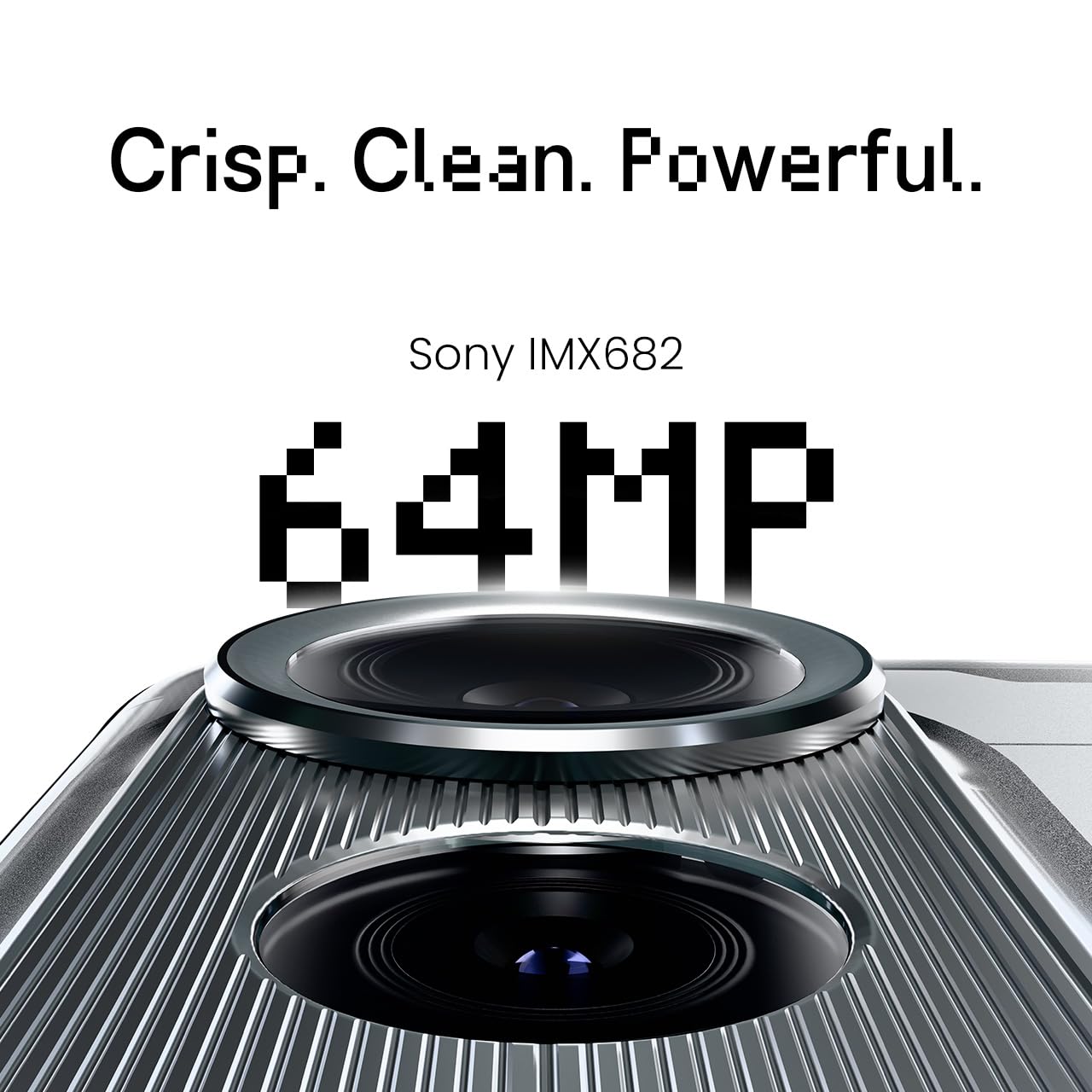
Figure 5: The 64MP IMX682 Rear Camera.
4.3 Funzioni di l'IA
The TECNO POVA Curve 5G integrates advanced AI capabilities, including support for Indian languages and an AI Call Assistant. These features are designed to enhance user experience and productivity.
- AI with Indian Language Support: Access various functions and communicate in multiple Indian languages.
- AI Call Assistant: Manage calls intelligently, including features like AI Auto Call Answering and AI Voiceprint Suppression.

Figure 6: AI with Indian Language Support.

Figura 7: Overview of AI features.
4.4 Battery Management and Charging
The device is powered by a 5500mAh battery and supports 45W fast charging. Use the provided power adapter and USB cable for optimal charging speed.
- To charge, connect the USB cable to the phone's USB-C port and the power adapter, then plug into a wall outlet.
- Avoid using non-certified chargers or cables to prevent damage.
4.5 Connettività
Your TECNO POVA Curve 5G supports 5G cellular networks, Wi-Fi, and Bluetooth. It also features an Intelligent Signal Hub System for improved network reception.
- Wi-Fi: Andate à Impostazioni > Rete è internet > Wi-Fi per cunnettevi à e rete dispunibili.
- Bluetooth: Andate à Impostazioni > Dispositivi cunnessi > Bluetooth per accoppià cù altri dispositivi Bluetooth.
- Dati mobili: Assicuratevi chì a vostra carta SIM sia attiva è chì i dati mobili sianu attivati in Impostazioni > Rete è internet > Rete mobile.

Figure 8: Intelligent Signal Hub System for enhanced network communication.
5. Mantenimentu
5.1 Pulizia di u vostru dispositivu
Per mantene u vostru smartphone pulitu è funziunale:
- Aduprate un pannu dolce è senza pelu per asciugà u schermu è u corpu.
- Evitate l'usu di prudutti chimichi aggressivi, materiali abrasivi o spray aerosol.
- Ùn espone micca u dispusitivu à l'umidità eccessiva.
5.2 Actualizazioni di u Software
Verificate è installate regularmente l'aghjurnamenti di u software per assicurà chì u vostru dispositivu abbia l'ultime funzionalità, patch di sicurezza è miglioramenti di e prestazioni. Andate à Impostazioni > Sistema > Aghjurnamentu di u sistema.
5.3 Cura di a batteria
Per prolongà a vita di a bateria:
- Evite temperature estreme.
- Ùn lasciate micca chì a batteria si scarichi cumpletamente spessu.
- Scollegate u caricatore una volta chì a bateria hè completamente carica.
6. Risoluzione di prublemi
This section addresses common issues you might encounter with your TECNO POVA Curve 5G.
| Issue | Soluzione Possibile |
|---|---|
| U dispusitivu ùn accende micca | Assicuratevi chì a batteria sia carica. Appughjà è tene premutu u buttone d'accensione per almenu 10 secondi per furzà un riavviu. |
| L'applicazioni si bloccanu o si bloccanu | Svuotate a cache di l'applicazione problematica (Impostazioni > Applicazioni > [Nome di l'applicazione] > Archiviazione > Svuotate a cache). Riavviate u dispusitivu. |
| Pauvre signalu di rete | Check if your SIM card is properly inserted. Move to an area with better network coverage. Restart the device. |
| A batteria si scarica rapidamente | Reduce screen brightness, close unused apps, disable unnecessary background processes, and check for power-intensive apps in battery settings. |
| U touchscreen ùn risponde micca | Riavviate u dispusitivu. Sè u prublema persiste, cuntattate l'assistenza clienti. |
7. Specificazioni
Key technical specifications for the TECNO POVA Curve 5G (Model: LJ8K):
- Sistema Operativu: Android 15
- RAM: 8 GB (expandable with memory fusion)
- Conservazione: 128 GB / 256 GB ROM
- Processore: MediaTek Dimensity 7300 Ultimate 5G
- Display: 144Hz Curved AMOLED
- Camera posteriore: 64MP IMX682
- Batteria: 5500mAh cù carica rapida di 45W
- Dimensioni: 16.4 x 7.5 x 0.7 cm
- Pesu: 177 g
- Connettività: Bluetooth, Infrared, USB, Wi-Fi, 5G

Figure 9: Processor and Memory details.
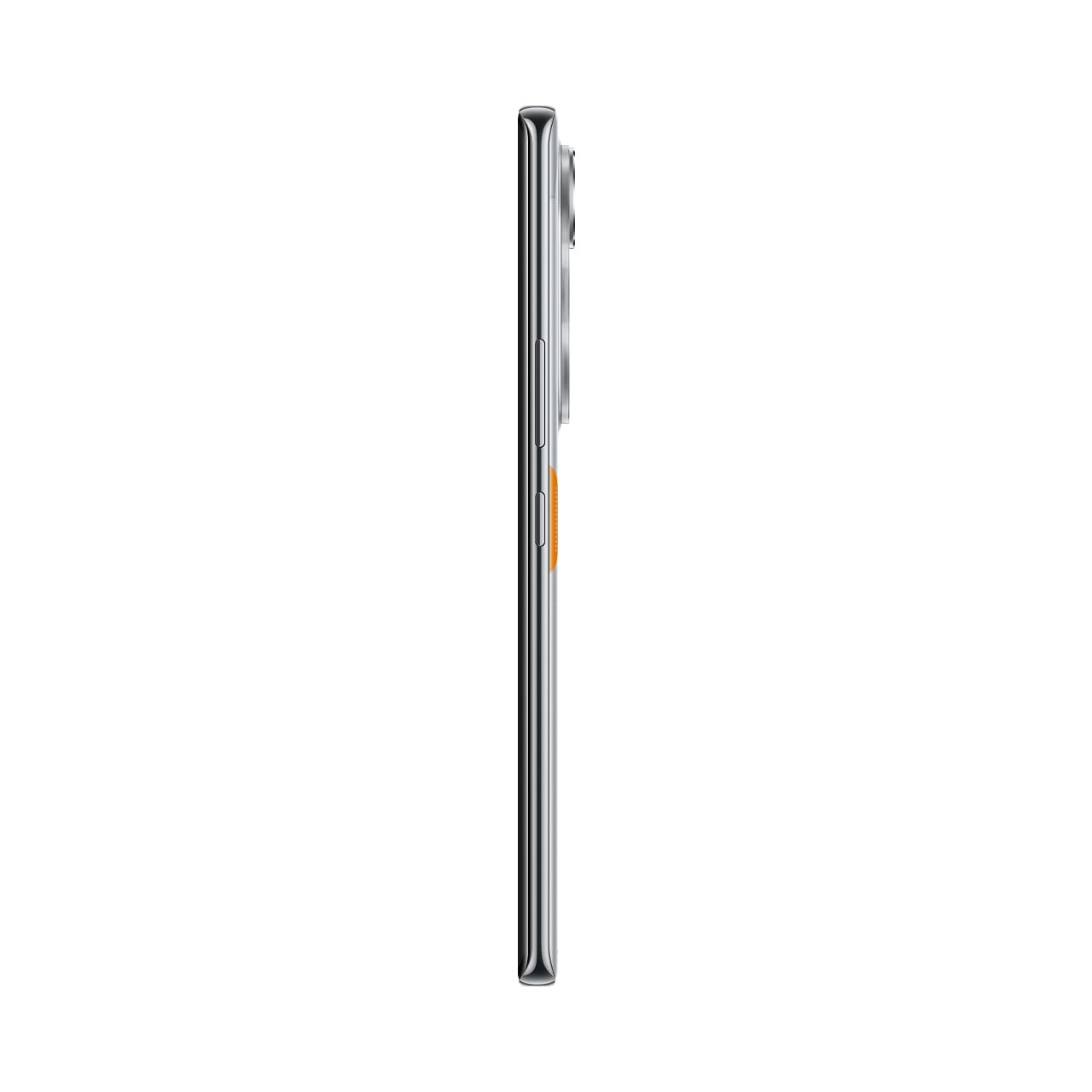
Figure 10: Slim design of the TECNO POVA Curve 5G.
8. Garanzia è Support
8.1 Garanzia infurmazione
Your TECNO POVA Curve 5G smartphone comes with a limited manufacturer's warranty. Please refer to the warranty card included in your product packaging for specific terms, conditions, and duration. Keep your proof of purchase for warranty claims.
8.2 Assistenza Clienti
For technical assistance, service, or further inquiries, please visit the official TECNO website or contact their customer support. Details can typically be found on the manufacturer's webin situ o in a ducumentazione di garanzia.


