Introduzione
The LeapFrog Preschool Game and Go is a handheld video game toy designed to introduce young children to fundamental concepts such as numbers, letters, and shapes through engaging mini-games and music. This device offers a portable and interactive learning experience for children aged 2 years and older.
Chì ci hè in u Box
- LeapFrog Preschool Game and Go Handheld Toy
- Guida Quick Start
Note: 3 AAA batteries are included for demo purposes only. New batteries are recommended for regular use.
Istituisci
Installazione di batterie
- Truvate u compartmentu di a bateria in u spinu di u dispusitivu.
- Utilizendu un cacciavite, apre u coperchiu di u compartimentu di a batteria.
- Inserite 3 batterie AAA nove, assicurendu a polarità curretta (+/-).
- Sustituite a tappa di u compartmentu di a bateria è assicuratelu cù a vite.
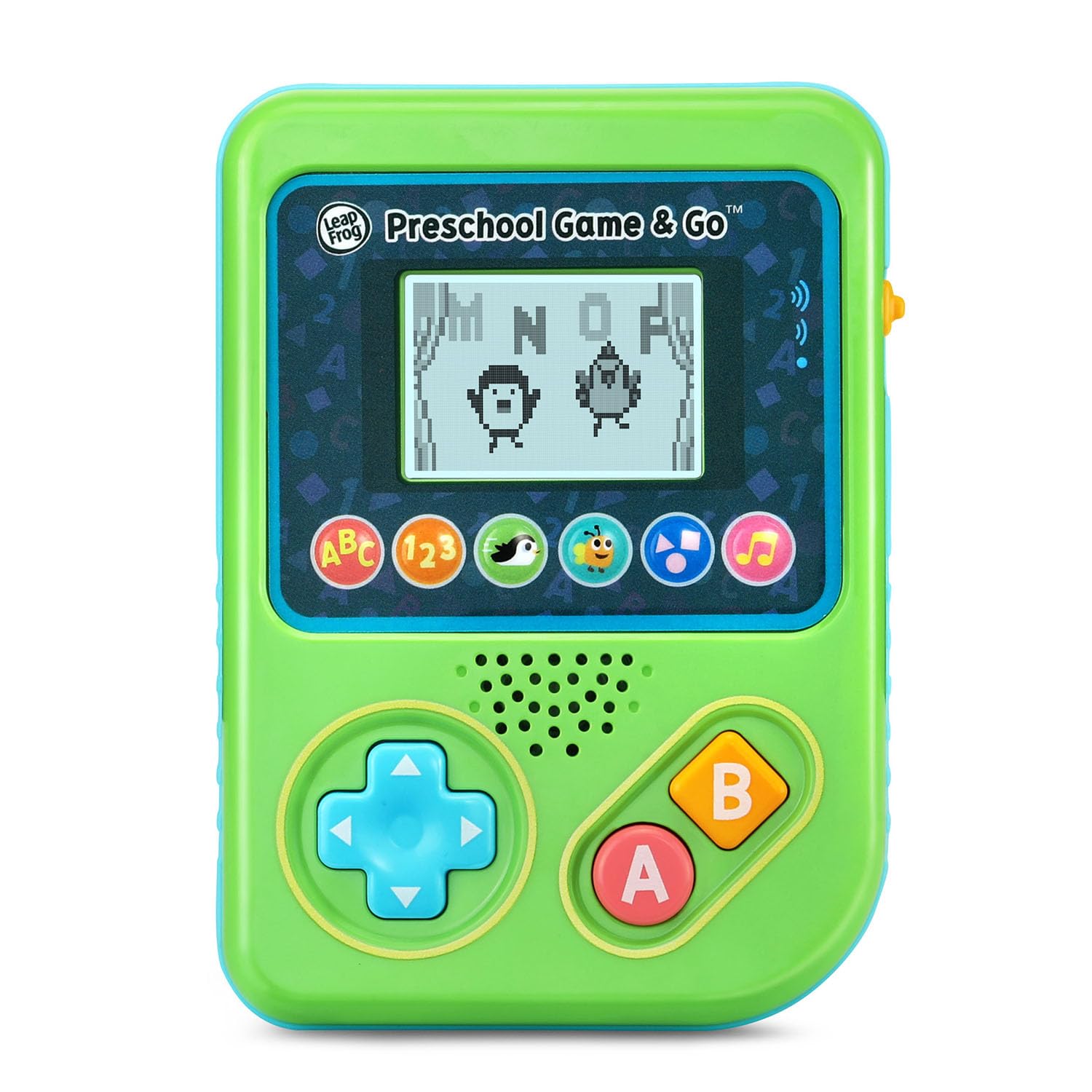
Figura 1: Fronte view of the LeapFrog Preschool Game and Go.
Power On/Off
- To power on the device, slide the orange power switch located on the right side of the unit upwards.
- To power off the device, slide the orange power switch downwards.
Volume Control
- The device features two volume settings.
- Adjust the volume using the dedicated switch or button, typically located near the power switch, to select between a lower or higher sound output.
Istruzzioni di funziunamentu
Cuntrolli
- Pad Direzionale (D-Pad): Located on the left side, use this to navigate menus and control characters within games.
- Un Pulsante: Typically used for selection or action within games.
- Pulsante B: Typically used for secondary actions or going back in menus.
Selezzione di ghjocu
The device features six distinct game icons below the screen. Press the corresponding icon to select a game:
- ABC Icon: Activates the ABC Swim game.
- 123 Icon: Activates the 123 Treasure game.
- Penguin Icon: Activates the Letter Slide game.
- Bug Icon: Activates the Snack Track game.
- Shapes Icon: Activates the Shape Ape game.
- Icona di nota musicale: Activates the Song Shuffle feature.
Personalizing Game Play
You can personalize the experience by adding a child's name (up to 10 characters). The child's name will appear in certain games, such as the Letter Slide game, where they collect letters to spell their name.
Ghjochi di Imparera
The LeapFrog Preschool Game and Go includes six exciting learning games:
- ABC Swim: Pop bubbles to explore letter sounds.
- 123 Treasure: Collect coins and count hearts to introduce numbers.
- Letter Slide: Help a penguin slide and jump to collect letters, including those in the child's personalized name.
- Snack Track: Feed a hungry bug by eating and counting snacks.
- Shape Ape: Catch various shapes as they fall from trees.
- Song Shuffle: Dance along to three engaging learning songs.
Video 1: Presentazione video ufficiale di u pruduttuasing the LeapFrog Preschool Game & Go features and gameplay.
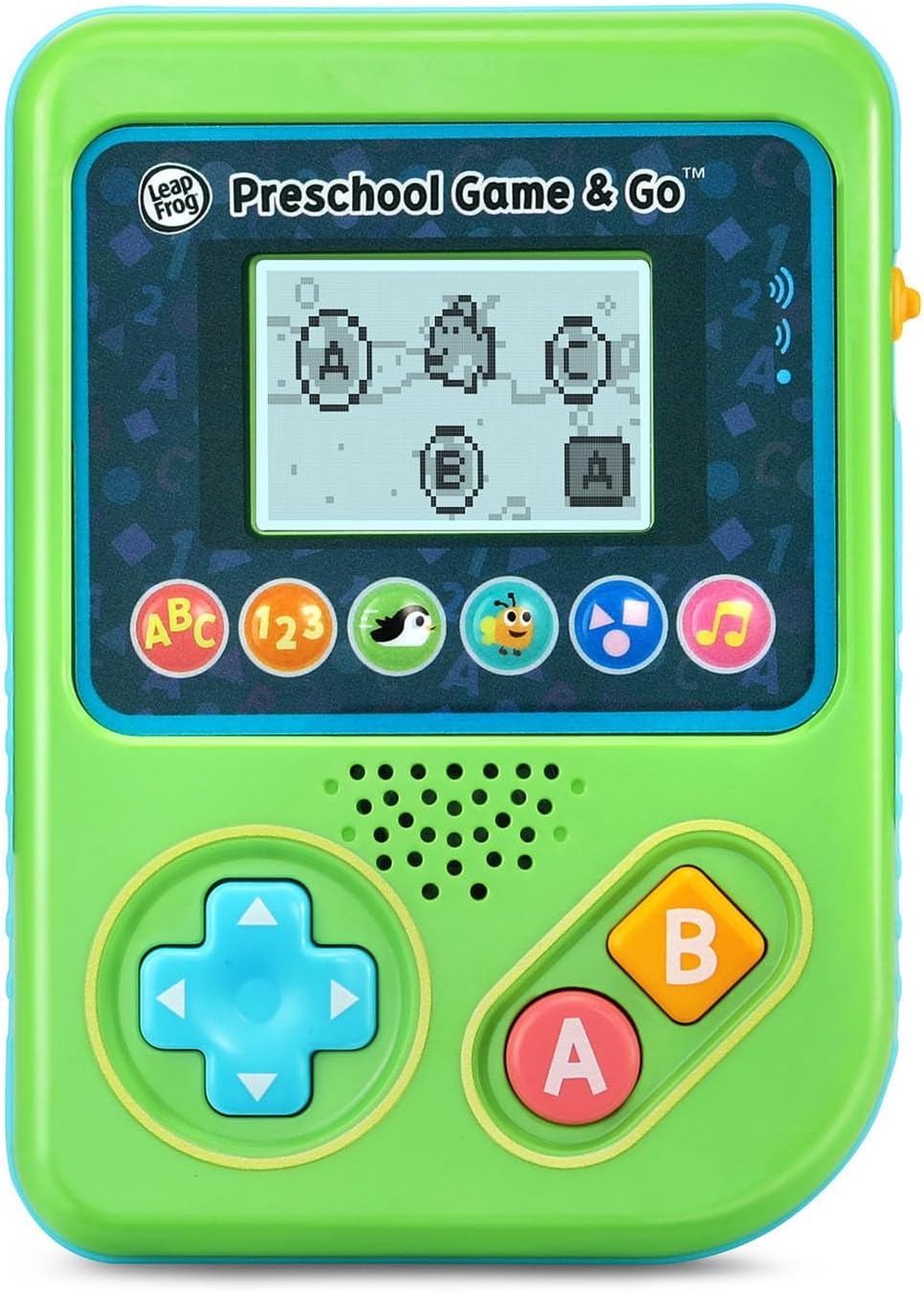
Figure 2: The ABC Swim game interface on the device screen.
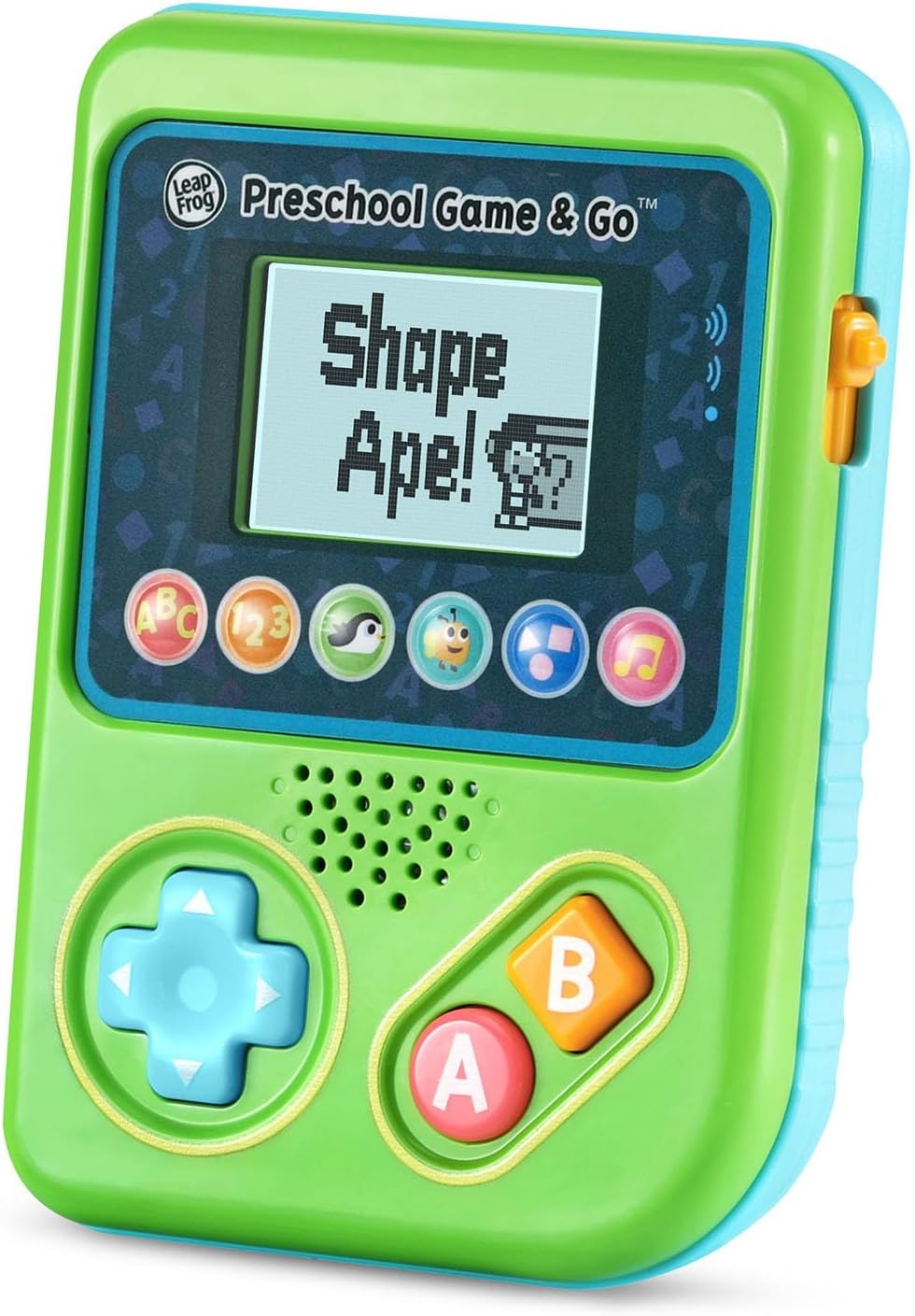
Figure 3: The Shape Ape game interface on the device screen.
Mantenimentu
- Per pulisce l'apparechju, asciugallu ligeramente cù un pannu d.amp tela. Ùn immerse micca in acqua.
- Évitez d'exposer l'appareil à des températures extrêmes ou à la lumière directe du soleil.
- Eliminate e batterie se u dispusitivu ùn serà micca adupratu per un periodu prolongatu per impedisce perdite.
Risoluzione di prublemi
- U dispositivu ùn si accende micca: Ensure fresh batteries are correctly installed. Check the power switch position.
- No sound or low sound: Adjust the volume switch. Replace batteries if sound is distorted or very low.
- Prublemi di schermu: If the screen is blank or flickering, try turning the device off and on again. Replace batteries if the issue persists.
- Buttuni chì ùn rispondenu micca: Ensure the device is powered on. If a specific button is unresponsive, try cleaning around it. If the issue continues, replace batteries.
Specificazioni
| Feature | Detail |
|---|---|
| Numero di mudellu | 80-621200 |
| Fascia d'età | 2+ anni |
| Fonte d'energia | Alimentatu à batteria |
| Batterie necessarie | 3 AAA batteries (included for demo) |
| Tipu di cuntrollu | Button Control |
| Tipu di visualizazione | Digitale |
| Materiale | Plastica |
| Dimensioni di u produttu | 1.3 x 4.1 x 5.6 inch |
| Pesu di l'articulu | 6.4 once |
Garanzia è Supportu
For warranty information, product registration, or additional support, please refer to the contact information provided in the Quick Start Guide included with your product or visit the official LeapFrog websitu. Mantene a vostra ricevuta di compra per i rivendicazioni di garanzia.


