1. Introduzione
Grazie per l'acquistuasing the xdobo SINOBAND 3 Kingdoms Portable Bluetooth Speaker. This manual provides essential information for setting up, operating, and maintaining your device. Please read it carefully before use.
1.1 Cuntenuti di u pacchettu
- xdobo SINOBAND 3 Kingdoms Portable Bluetooth Speaker
- Cavu di carica USB-C
- Manuale d'usu
1.2 Funzioni chjave
- Powerful 40W stereo sound with enhanced bass.
- Up to 20 hours of continuous playtime.
- IPX6 waterproof and rugged design for outdoor use.
- Advanced Bluetooth 5.3 for stable and fast connectivity.
- Dynamic RGB lighting effects.
- Cuncepimentu compactu è ligeru per a portabilità.
2. Produttu Finituview
Familiarizatevi cù i cumpunenti è i cuntrolli di l'altoparlante.

Image 1: Front view of the xdobo SINOBAND 3 Kingdoms speaker, showing the control panel and active RGB lighting.
2.1 Pannellu di cuntrollu
- Pulsante di putenza: Appughjà è tene premutu per accende/spegne. Appughjà brevemente per ghjucà/mette in pausa.
- Volume Up (+): Appughjà brevemente per aumentà u vulume. Appughjà longu per a prossima traccia.
- Volume giù (-) : Appughjà brevemente per diminuisce u vulume. Appughjà longu per a traccia precedente.
- Button Bluetooth: Short press to enter Bluetooth pairing mode. Long press to disconnect current device.
- Pulsante di luce RGB: Short press to cycle through RGB lighting modes. Long press to turn lights on/off.
- Pulsante Mode (M): Short press to switch between Bluetooth, AUX, USB, and MicroSD modes.
2.2 Porti è Indicatori
- Portu di carica USB-C: Per carica l'altoparlante.
- Port USB-A: Per a riproduzione da unità USB.
- Slot per Schede MicroSD: Per a lettura di carte MicroSD.
- Porta AUX-in: Per cunnessione audio cablata.
- Indicatore LED: Shows charging status, Bluetooth connection, and mode.
3. Setup
3.1 Caricamentu di l'altoparlante
- Cunnette u cavu di carica USB-C furnitu à u portu USB-C di l'altoparlante.
- Connect the other end of the cable to a compatible USB power adapter (5V/2A recommended).
- L'indicatore LED mostrerà u statu di carica è si spegnerà quandu hè cumpletamente carica. Una carica cumpleta dura circa 4 ore.
3.2 Accensione / spegnimentu
- To power on, press and hold the Power button for 2-3 seconds until you hear an audible prompt and the RGB lights activate.
- To power off, press and hold the Power button for 2-3 seconds until you hear an audible prompt and the lights turn off.
3.3 Accoppiamentu Bluetooth
- Ensure the speaker is powered on and in Bluetooth mode (the LED indicator will flash blue). If not, short press the Mode button to switch.
- Attivate u Bluetooth nant'à u vostru dispusitivu (smartphone, tablet, ecc.).
- Cerca 'xdobo SINOBAND 3 Kingdoms' in your device's Bluetooth list and select it to connect.
- Una volta cunnessu, l'indicatore LED diventerà blu fissu, è sentirete un sonu di cunferma.
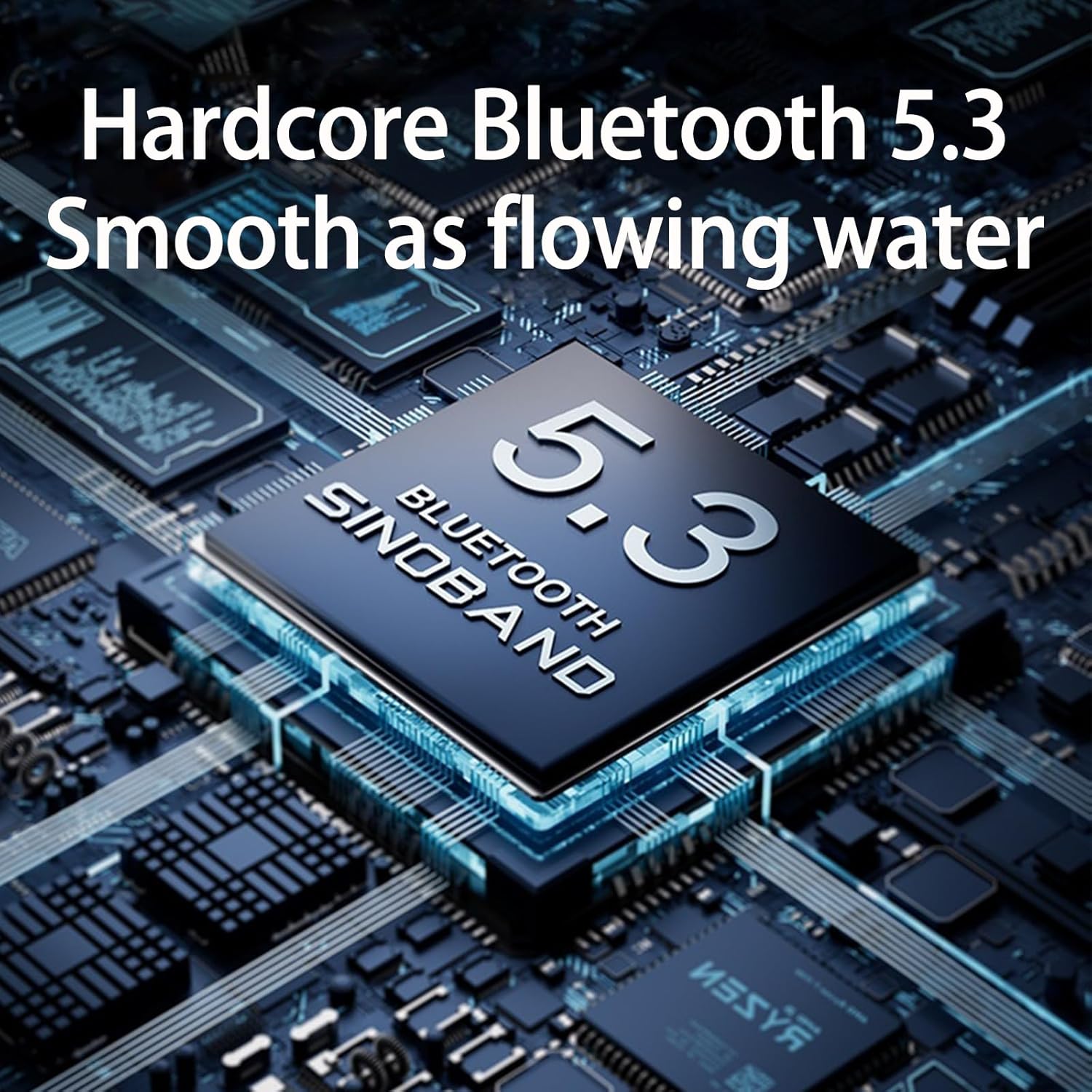
Image 2: Illustration of the Bluetooth 5.3 chip, highlighting the speaker's stable and fast wireless connection.
3.4 Accoppiamentu Stereo True Wireless (TWS)
To pair two xdobo SINOBAND 3 Kingdoms speakers for a stereo sound experience:
- Ensure both speakers are powered on and in Bluetooth pairing mode (LED flashing blue).
- On one of the speakers (this will be the primary speaker), long press the Bluetooth button. You will hear a sound indicating TWS pairing mode.
- I dui altoparlanti si cunnetteranu automaticamente trà di elli. Una volta cunnessi, u LED di l'altoparlante primariu lampeggerà in blu, è u LED di l'altoparlante secundariu serà in blu fissu.
- Avà, cunnette u vostru dispusitivu à l'altoparlante principale via Bluetooth cum'è descrittu in a sezione 3.3.
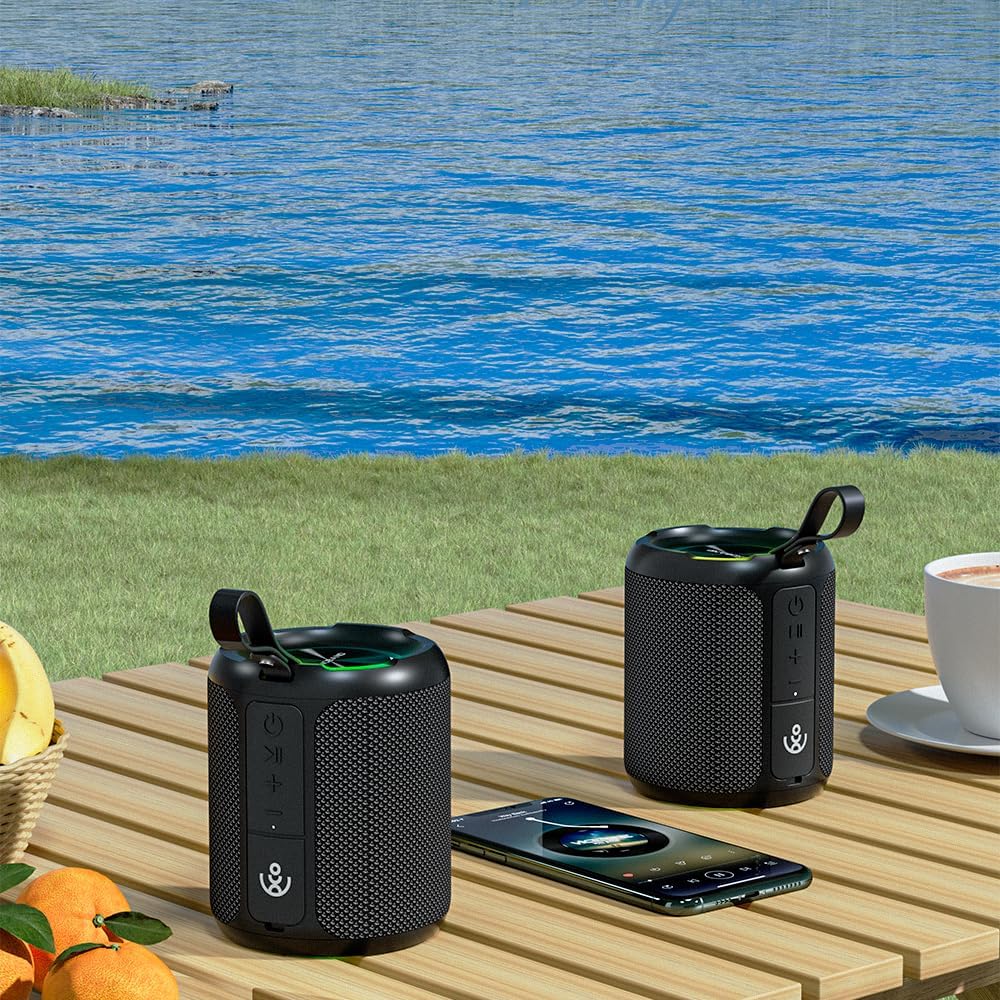
Image 3: Two xdobo SINOBAND 3 Kingdoms speakers demonstrating True Wireless Stereo (TWS) pairing for enhanced audio.
4. Operazione
4.1 Riproduzione musicale
- Play/Pause: Appughjà breve u buttone Power.
- Aument du volume : Appughjà brevemente u buttone "+".
- Volume Imbruglia: Appughjà brevemente u buttone '-'.
- Prussima pista: Appughjà longu u buttone '+'.
- Pista Precedente: Appughjà longu u buttone '-'.
4.2 Modi d'Illuminazione RGB
Short press the RGB Light button to cycle through various lighting effects. Long press to turn the lights on or off.
4.3 Modu AUX-in
Connect an audio device to the speaker's AUX-in port using a 3.5mm audio cable. The speaker will automatically switch to AUX mode, or you can manually select it by short pressing the Mode button.
4.4 Riproduzione USB / MicroSD
Insert a USB drive or MicroSD card into the respective port. The speaker will automatically switch to the corresponding mode and begin playing audio files, or you can manually select the mode by short pressing the Mode button.
5. Mantenimentu
5.1 Resistenza à l'acqua (IPX6)
The xdobo SINOBAND 3 Kingdoms speaker is IPX6 waterproof, meaning it can withstand powerful water jets. It is suitable for use in wet environments like poolside or beach. However, it is micca designed for submersion in water.

Image 4: The speaker enduring water splashes, illustrating its IPX6 waterproof rating.
5.2 Pulizia è Conservazione
- Pulite u parlante cun un soffiu, damp tela. Ùn aduprate micca sustanzi chimichi duri o materiali abrasivi.
- Assicuratevi chì tutti i coperchi di i porti sianu chjusi bè per mantene a resistenza à l'acqua.
- Conservate l'altoparlante in un locu frescu è asciuttu, luntanu da a luce diretta di u sole è da temperature estreme.
- For long-term storage, charge the battery to approximately 50% every three months to prolong battery life.
6. Risoluzione di prublemi
| Prublemu | Causa Possibile | Soluzione |
|---|---|---|
| L'altoparlante ùn s'accende micca | Batteria bassa; U buttone d'accensione ùn hè micca statu premutu abbastanza longu | Caricate cumpletamente l'altoparlante; Appughjà è tene premutu u buttone di accensione per 2-3 secondi. |
| Nisun sonu | Vulume troppu bassu; Dispositivu micca cunnessu; Modu incorrectu | Increase volume on speaker and device; Re-pair Bluetooth; Ensure correct input mode (Bluetooth, AUX, USB, MicroSD). |
| Bluetooth ùn hè micca cunnessu | L'altoparlante ùn hè micca in modu di accoppiamentu; Bluetooth di u dispusitivu spento; Interferenza | Short press Bluetooth button to enter pairing mode; Ensure device Bluetooth is on; Move closer to speaker; Disconnect other Bluetooth devices. |
| L'accoppiamentu TWS hà fiascatu | Speakers too far apart; Incorrect pairing procedure | Ensure speakers are within 1 meter; Follow TWS pairing steps carefully. |
7. Specificazioni
| Feature | Detail |
|---|---|
| Nome di mudellu | XD-3KD |
| Marca | xdobo |
| Tipu di parlante | Portable |
| Tecnulugia di cunnessione | Bluetooth 5.3, USB, AUX, MicroSD |
| Tecnulugia di cumunicazione wireless | Bluetooth |
| Potenza massima di output di Speaker | 40 Watt |
| Modu Output Audio | Stereo |
| Risposta di Frequency | 20 Hz - 20 kHz (typical) |
| Livellu di resistenza à l'acqua | IPX6 Impermeabile |
| U tempu di ghjocu | Finu à 20 Hours (à u 50% di u voluminu) |
| Tempu di carica | Circa 4 ore |
| Input Voltage | 5 Volts |
| Pesu di l'articulu | 718 grammi (1.58 libbra) |
| Dimensioni di u produttu | 3.7"P x 8.87"L x 3"A (circa 9.4cm P x 22.5cm L x 7.6cm A) |
| Materiale | Tissu |
| Dispositivi compatibles | Dispositivi Bluetooth Abilitati |
8. Garanzia è Support
The xdobo SINOBAND 3 Kingdoms Portable Bluetooth Speaker comes with a limited warranty. Please refer to the warranty card included in your package for specific terms and conditions. For technical support or customer service, please contact the retailer or visit the official xdobo websitu.