1. Introduzione
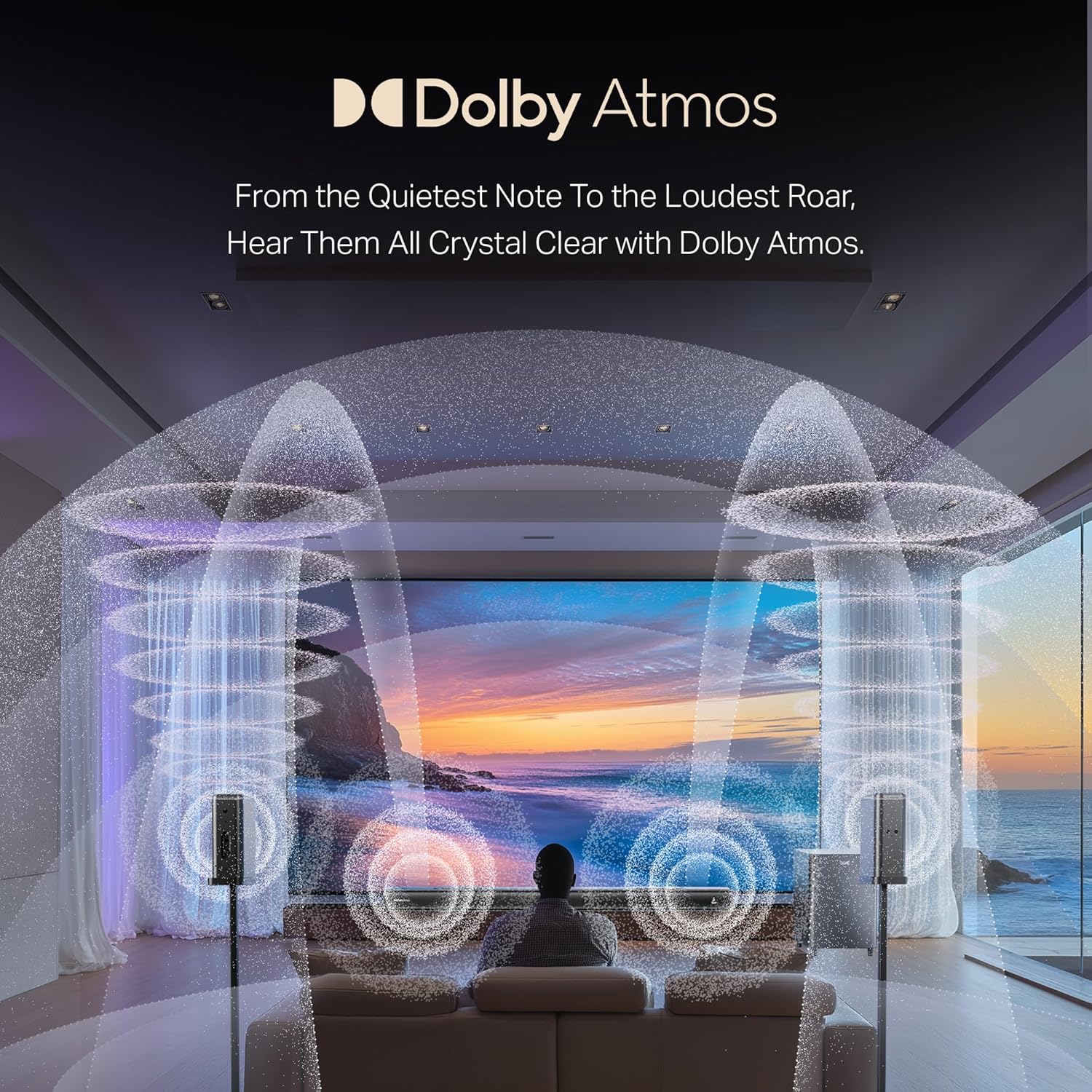
The boAt Aavante Prime 7.1.4 7050DA Soundbar system is designed to enhance your home entertainment audio experience. This system features a 7.1.4 channel configuration with Dolby Atmos technology, providing immersive surround sound. It includes a main soundbar unit, a wireless subwoofer, and two satellite speakers, offering multiple connectivity options for various devices.
2. Informazioni di sicurezza
- Leghjite tutte e struzzioni prima di uperà u pruduttu.
- Ùn espone micca l'unità à a pioggia, à l'umidità o à temperature estreme.
- Assicuratevi una ventilazione curretta intornu à l'unità per prevene u surriscaldamentu.
- Ùn aprite micca u casing; affidà tutta a manutenzione à persunale qualificatu.
- Mantene l'unità luntanu da campi magnetichi forti.
- Aduprate solu l'adattatore di alimentazione furnitu cù l'unità.
3. Ciò chì hè in a scatula
Verificate chì tutti i cumpunenti sò presenti in l'imballu:
- Unità Soundbar
- Subwoofer
- Altoparlanti satellitari (2 unità)
- Telecomandu (cù 2 batterie AA)
- Cavu Aux
- Cavi di alimentazione
- Manuale d'uso (stu documentu)
Imagine: Più diview of the boAt Aavante Prime 7.1.4 7050DA Soundbar system, showing the soundbar, subwoofer, and two satellite speakers.
4. Setup
4.1 Placement
- Soundbar: Place the soundbar centrally below your television. Ensure it is on a stable, flat surface or mounted securely to a wall.
- Subwoofers: Position the wireless subwoofer on the floor, preferably in the front corner of the room for optimal bass response.
- Altoparlanti satellitari: Place the satellite speakers behind your listening position, one on the left and one on the right, for effective surround sound.

Image: A visual representation of a 7.1.4 channel sound setup, illustrating the placement of the soundbar, subwoofer, and satellite speakers in a room for an immersive audio experience.
4.2 Cunnessu Power
- Cunnette u cavu di alimentazione à l'entrata di alimentazione di a soundbar.
- Connect the power cable to the subwoofer's power input.
- Connect the power cables to the satellite speakers' power inputs.
- Inserite tutti i cavi di alimentazione in una presa di corrente CA adatta.
4.3 Connecting to a TV/Source Device
Sceglite unu di i seguenti metudi di cunnessione:
- HDMI e-ARC (Recommended): Connect an HDMI cable from the soundbar's HDMI e-ARC port to your TV's HDMI e-ARC/ARC port. This allows for high-quality audio transmission and TV remote control integration.
- otticu: Cunnette un cavu otticu da u portu OPTICAL IN di a soundbar à l'uscita audio digitale ottica di u vostru televisore.
- AUX IN: Use the provided AUX cable to connect the soundbar's AUX IN port to your TV's 3.5mm audio output or another audio source.
- Coassiale: Connect a coaxial cable from the soundbar's COAXIAL IN port to your TV's coaxial digital audio output.
- USB: Insert a USB drive into the soundbar's USB port to play audio files direttamente.
4.4 Accoppiamentu senza filu (Subwoofer è satelliti)
The subwoofer and satellite speakers are designed to pair automatically with the soundbar upon power-up. If pairing does not occur automatically:
- Assicuratevi chì tutte l'unità sianu accese.
- Refer to the specific pairing instructions in the full manual if a manual pairing button is present on the units.
5. Operating Instructions
5.1 Power On/Off
Press u putenza buttone nantu à a barra sonora o u telecomandu per accende o spegne u sistema.
5.2 Selezzione di input
Press u Input / Fonte button on the soundbar or remote control to cycle through available input modes: HDMI e-ARC, Optical, AUX, USB, Coaxial, and Bluetooth.
5.3 Volume Control
Aduprà u Aumenta u volume (+) è Volume Imbruglia (-) buttons on the soundbar or remote control to adjust the master volume.
5.4 Accoppiamentu Bluetooth
- Select Bluetooth mode on the soundbar. The indicator will flash, indicating pairing mode.
- On your mobile device, enable Bluetooth and search for "boAt Aavante Prime 7050DA".
- Select the device to pair. Once connected, the indicator will stop flashing.
5.5 modi EQ
The soundbar offers various Equalizer (EQ) modes to optimize audio for different content types. Press the EQ button on the remote control to switch between modes:
- Filmi: Migliora i dialoghi è l'effetti cinematografici.
- Musica: Ottimizatu per a riproduzione musicale.
- Notizie: Si cuncentra nantu à a chiarezza vocale.
- Sport: Accentuates ambient sounds and commentary.

Image: The soundbar's remote control, displaying buttons for power, volume, input selection, and EQ modes. Below it, icons represent various connectivity options including Optical, Bluetooth v5.3, AUX IN, HDMI e-ARC, USB, and Coaxial.
6. Mantenimentu
- Pulizia: Aduprate un pannu dolce è asciuttu per pulisce e superfici di a barra sonora, di u subwoofer è di l'altoparlanti satellitari. Ùn aduprate micca detergenti liquidi o materiali abrasivi.
- Conservazione: Sè vo almacenate l'unità per un periodu prolongatu, scollegatela da a rete elettrica è almacenatela in un locu frescu è asciuttu.
- Ventilazione: Assicuratevi chì e aperture di ventilazione ùn sò micca bluccate per prevene u surriscaldamentu.
7. Risoluzione di prublemi
| Prublemu | Causa Possibile | Soluzione |
|---|---|---|
| Nisun putere | Cavu d'alimentazione micca cunnessu; Presa di corrente micca attiva | Verificate e cunnessione di l'alimentazione; Pruvate una presa diversa |
| Nisun sonu | Ingressu incorrectu sceltu; Volume troppu bassu; Cavi micca cunnessi currettamente | Select correct input source; Increase volume; Check all audio cable connections |
| Subwoofer/Satelliti micca accoppiati | Units too far apart; Interference; Pairing issue | Ensure units are within range; Reduce interference; Power cycle all units |
| U cuntrollu remoto ùn funziona micca | Batterie scariche; Ostruzione trà u telecomandu è a soundbar | Replace batteries (2 AA); Remove obstructions; Point remote directly at soundbar |
| Audio distortu | Source audio quality is poor; Volume too high; Incorrect EQ mode | Check source audio; Reduce volume; Try a different EQ mode |
8. Specificazioni
| Feature | Detail |
|---|---|
| Nome di mudellu | Aavante Prime 7.1.4 7050DA |
| Numeru di mudellu di l'articulu | HA0085 |
| Tipu di parlante | Soundbar |
| Cunfigurazione di u Canale Sonu Surround | 7.1.4 |
| Tecnulugia di cunnessione | Bluetooth v5.3, HDMI e-ARC, Optical, AUX, USB, Coaxial |
| Metudu di cuntrollu | Toccate, Telecomandu |
| Usi cunsigliati | For Televisions, Home Theater, Home Entertainment Systems |
| Dimensioni di u produttu | 111P x 12L x 8A Centimetri |
| Pesu di l'articulu | 16 kg |
| Batterie necessarie | 2 AA batteries (for remote, included) |
| U fabricatore | Imagine Marketing Ltd |
9. Garanzia è Support
This boAt Aavante Prime 7.1.4 7050DA Soundbar comes with a 1-Annu di Garanzia from the date of purchase. For warranty claims, technical support, or service inquiries, please contact the manufacturer, Imagine Marketing Ltd, at info@imaginemarketingindia.com. Please retain your purchase receipt for warranty validation.


