Introduzione
This manual provides essential information for setting up, operating, maintaining, and troubleshooting your HP 15 Laptop. Please read this guide thoroughly to ensure proper use and to maximize the performance and longevity of your device.

Imagine: Più diview of the HP 15 Laptop highlighting its main components and features.
Istituisci
1. Initial Power-On and Windows 11 Pro Setup
- Connect the provided AC power adapter to the laptop and a power outlet.
- Aprite u coperchio di u laptop è appughjate u buttone di accensione.
- Segui l'istruzzioni nantu à u screnu per compie a cunfigurazione di Windows 11 Pro. Questu include a selezzione di a vostra regione, lingua, cunnessione à una rete Wi-Fi è creazione di un contu utilizatore.
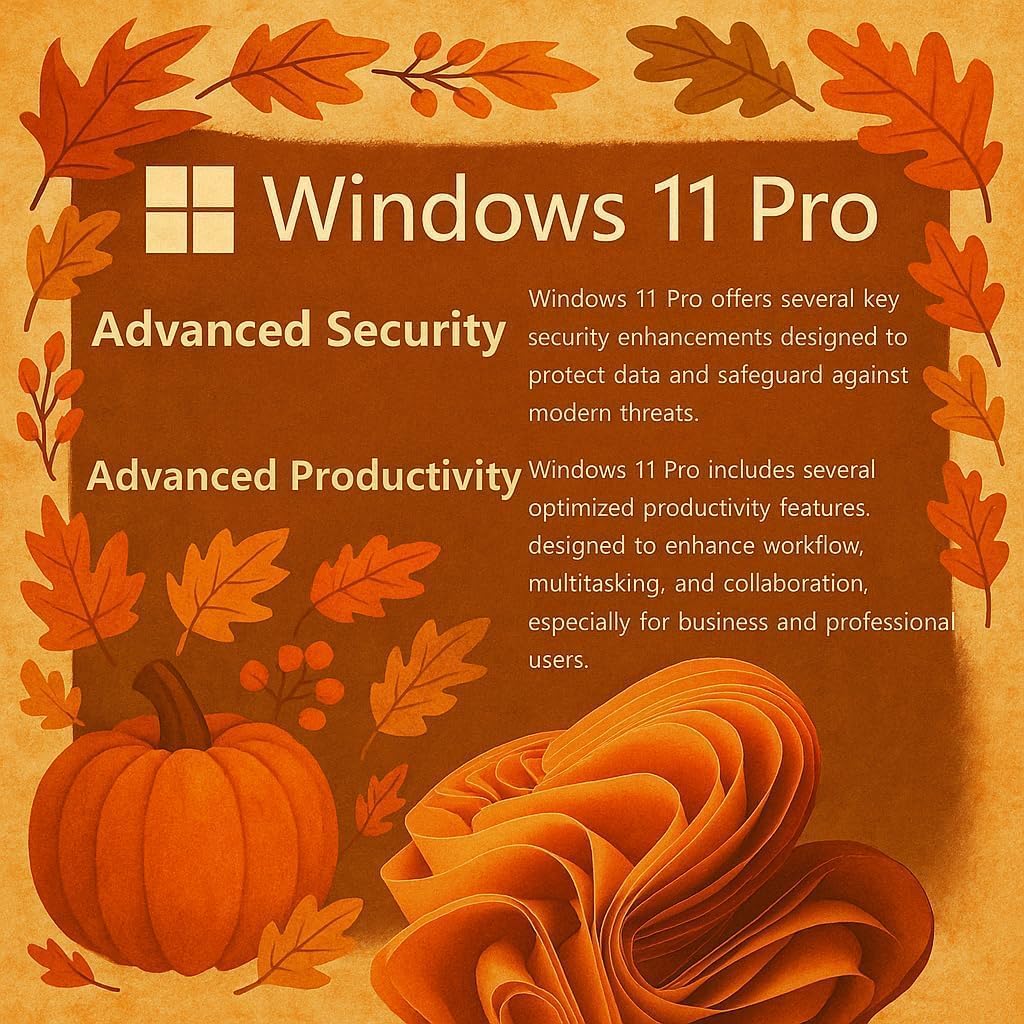
Image: Visual representation of Windows 11 Pro features, emphasizing security and productivity.
2. Microsoft Office 365 Activation
Your laptop includes Microsoft Office 365. To activate it:
- Locate the instructions included in your package for redeeming your Microsoft Office license key.
- Follow the provided steps to install and activate Word, Excel, PowerPoint, Outlook, and other Office applications.
3. Connecting Peripherals and External Devices
The HP 15 Laptop offers various ports for connectivity:
- USB Tipu C (5 Gbps): For modern USB-C devices and data transfer.
- USB Tipu A (5 Gbps): Two ports for standard USB devices like mice, keyboards, or external drives.
- HDMI 1.4b: Cunnette si à schermi esterni o prughjettori.
- SD Media Card Reader: Per u trasferimentu files da carte SD.
- Headphone / Microphone Combo Jack: Per l'entrata/uscita audio.
- Portu d'alimentazione AC: Per cunnette l'adattatore di corrente.

Imagine: Dettagliata view of the laptop's side profiles, indicating the location and type of each port and slot.
Funziunamentu di u vostru urdinatore portatile HP 15
1. Funzioni di visualizazione
The 15.6-inch Full HD (1920 x 1080) IPS display features narrow bezels and an anti-glare coating for comfortable viewing. It provides clear and vibrant visuals for various tasks.

Image: Visual comparison demonstrating the superior clarity of the 1080p Full HD display.
2. Prestazione è Multitasking
Your HP 15 Laptop is equipped with an Intel N4120 Quad-Core Processor, capable of turbo boosting up to 2.6 GHz, and Intel UHD Graphics. With 16GB DDR4 RAM and a 512GB SSD, it delivers responsive performance for daily computing tasks, multitasking, and quick application loading.

Imagine: Dettagliata view of the Intel Celeron N4120 Processor specifications.
3. Using Copilot AI
The laptop is Copilot AI-ready, integrating an AI assistant within Windows and Microsoft 365. Copilot helps streamline tasks, generate content, and enhance productivity. Access it through the Windows interface to utilize its features.

Image: The Copilot AI interface on the Windows desktop.
4. Connectivity Wireless
The laptop supports Realtek RTL8822CE 802.11ac (2x2) Wi-Fi for internet access and Bluetooth 5.0 for connecting wireless peripherals like headphones or speakers.
Mantenimentu
1. Pulizia di u vostru urdinatore purtatile
- Aduprate un panno morbido e senza pelucchi leggermente dampinnaffiatu cù acqua o un pulitore di schermu per pulisce u display.
- Per a tastiera è u chassis, aduprate un pannu dolce. Evitate i prudutti chimichi aggressivi o i materiali abrasivi.
- Assicuratevi chì u laptop sia spento è scollegatu prima di pulisce.
2. Cura di batterie
- Per prolongà a durata di a batteria, evitate temperature estreme.
- Periodically allow the battery to discharge to around 20% before recharging.
- Sè vo almacenate u laptop per un periodu prolongatu, assicuratevi chì a batteria sia carica à circa 50%.
3. Updates Software
Verificate è installate regularmente l'aghjurnamenti di Windows per assicurà chì u vostru sistema abbia l'ultimi patch di sicurezza è miglioramenti di prestazioni. Andate à Impostazioni > Aggiornamentu di Windows per gestisce l'aghjurnamenti.
Risoluzione di prublemi
Problemi cumuni è Soluzioni
- U laptop ùn s'accende micca: Ensure the AC adapter is securely connected and the power outlet is functional. Try a different outlet. If using battery, ensure it has sufficient charge.
- Prublemi di visualizazione (nisuna imagine, sfarfallamentu): Restart the laptop. If connected to an external monitor, try disconnecting it. Check display settings in Windows.
- Nisuna cunnessione Wi-Fi: Verify Wi-Fi is enabled in Windows settings. Restart your router and modem. Check for updated Wi-Fi drivers.
- Prestazione lenta: Close unnecessary applications. Check Task Manager for resource-intensive processes. Ensure sufficient free space on the SSD. Run a disk cleanup.
For more detailed troubleshooting or issues not covered here, please refer to the official HP support websitu o cuntattate u serviziu clienti HP.
Specificazioni
| Feature | Detail |
|---|---|
| Marca | HP |
| Nome di mudellu | G9 |
| Size Screen | 15.6 inch |
| Risoluzione di u screnu | 1920 x 1080 pixel (Full HD) |
| Processore | Intel N4120 (2.6 GHz Celeron, 4 Cores) |
| RAM | 16 GB DDR4 |
| Un discu duru | SSD di 512 GB (PCIE x 4) |
| Coprocessore graficu | Grafica Intel UHD (Integrata) |
| Sistema upirativu | Windows 11 Pro |
| Tipu wireless | 802.11ac, Bluetooth 5.0 |
| Porti USB | 1 x USB Tipu-C, 2 x USB Tipu-A |
| Port HDMI | 1 x HDMI 1.4b |
| Lettore di carte | SD Media Card Reader |
| Funzioni spiciali | Anti Glare Coating, HD Audio, Memory Card Slot, Numeric Keypad |
| Culore | Argentu |
| Pesu di l'articulu | 6 liri |
| Dimensioni di u produttu | 14.09 x 0.78 x 9.53 inch |
Garanzia è Supportu
1. Garanzia di u produttu
Your HP 15 Laptop is covered by a standard manufacturer's warranty. Please refer to the warranty documentation included with your product for specific terms, conditions, and duration. Keep your proof of purchase for warranty claims.
2. Support tecnicu
Per assistenza tecnica, scaricamentu di driver o ulteriore supportu, visitate u situ ufficiale di supportu HP. website. You may need your product's serial number, typically found on a label on the bottom of the laptop or in the system information within Windows.
Support HP Websitu: support.hp.com