1. Produttu Finituview
The NICGIGA 16 Port 2.5Gb Ethernet Switch (Model S25-1600) is an unmanaged network switch designed to expand your network capacity with high-speed 2.5 Gigabit Ethernet ports. It features a fanless metal design for quiet operation and efficient heat dissipation, supporting both desktop and 19-inch rack mounting. This plug-and-play device requires no software configuration, making it suitable for home and small office environments requiring enhanced network performance.
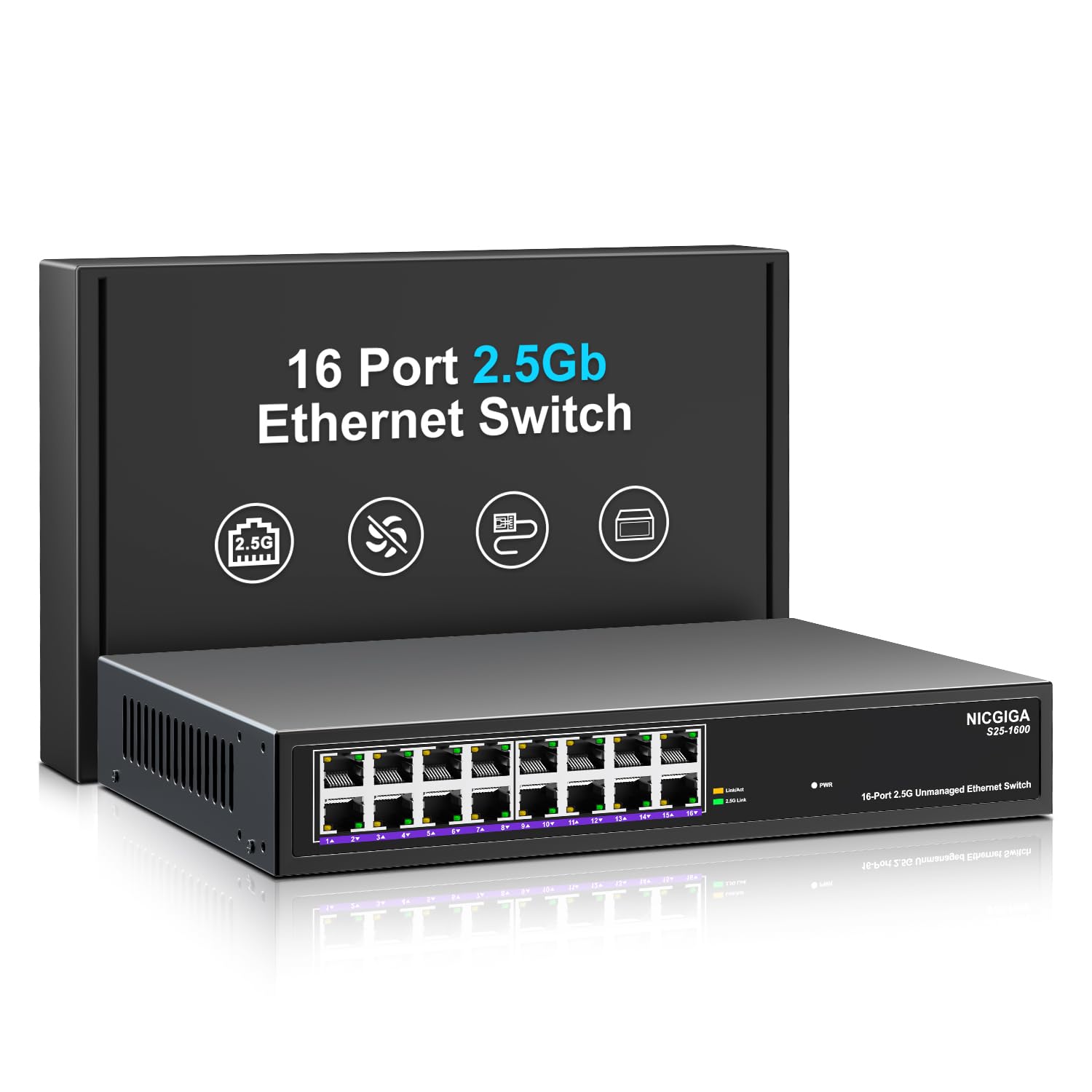
Figura 1: Fronte view of the NICGIGA S25-1600 switch, highlighting the 16 RJ45 ports and LED indicators for power and link status.
2. Cuntenutu di u pacchettu
Verificate chì i seguenti elementi sò inclusi in u vostru pacchettu:
- NICGIGA 16 Port 2.5Gb Ethernet Switch (Model S25-1600)
- Adattatore di putenza
- Kit di montaggio in rack (se applicabile)
- Manuale d'uso (stu documentu)
3. Caratteristiche di u produttu
- 16 porti RJ45 2.5 Gbps: Provides high-speed connectivity for multiple devices.
- Capacità di commutazione di 80 Gbps: Ensures high-performance data transfer without bottlenecks.
- Negoziazione automatica: Automatically detects and adjusts to optimal link speeds (100Mbps, 1Gbps, 2.5Gbps) for connected devices.
- Plug and Play: Nisun software o cunfigurazione hè necessariu per un usu immediatu.
- Cuncepimentu di metallu senza ventilatore: Offers silent operation and robust heat dissipation.
- Desktop or 19-inch Rack Mount: Opzioni d'installazione flessibili.
- Prutezzione da i fulmini 4KV: Enhances device durability against electrical surges.
- Automatic MDI/MDIX: Eliminates the need for crossover cables.
- Non-blocking Data Forwarding: Ensures full wire-speed throughput on all ports simultaneously.

Figure 2: Key features of the NICGIGA S25-1600 switch, including its 2.5Gbps ports, rack-mountable design, fanless operation, plug-and-play functionality, metal casing, and 4KV lightning protection.
4. Setup Instructions
The NICGIGA 16 Port 2.5Gb Ethernet Switch is designed for simple plug-and-play installation. Follow these steps to set up your switch:
- Cunnessione di putenza: Connect the provided power adapter to the switch's power input port and then plug the adapter into a standard electrical outlet. The Power LED on the front panel should illuminate.
- Cunnessione di u dispositivu: Connect your network devices (e.g., computers, NAS, WiFi 6 APs, routers) to any of the 16 RJ45 ports on the switch using standard Ethernet cables. The switch will automatically detect the link speed and establish a connection.
- Verificazione: Observe the LED indicators on the front panel. A green light indicates a 2.5G link, while a yellow light indicates a 100Mb/1G link. A flashing yellow light signifies data transmission.

Figure 3: Simplified setup process: connect power, connect devices, and the network is ready.
Opzioni di montaggio:
The switch supports both desktop placement and 19-inch rack mounting. Use the included rack mount kit for rack installations.

Figure 4: The NICGIGA S25-1600 switch installed in a 19-inch rack, showing its compact dimensions suitable for enterprise and data center use.
5. Operating Instructions
As an unmanaged switch, the NICGIGA S25-1600 operates automatically once connected. There is no software configuration required.
Indicatori LED:
- LED di putenza:
- On: L'interruttore hè alimentatu.
- Off: L'interruttore hè spento.
- Port Link/Activity LEDs (Green/Yellow):
- Luce verde accesa: Indicates a 2.5G network link is established.
- Luce gialla accesa: Indicates a 100Mb/1G network link is established.
- Yellow Light Flashing: Indicates data transmission activity on the port.
- Off: No link is established or the connected device is powered off.
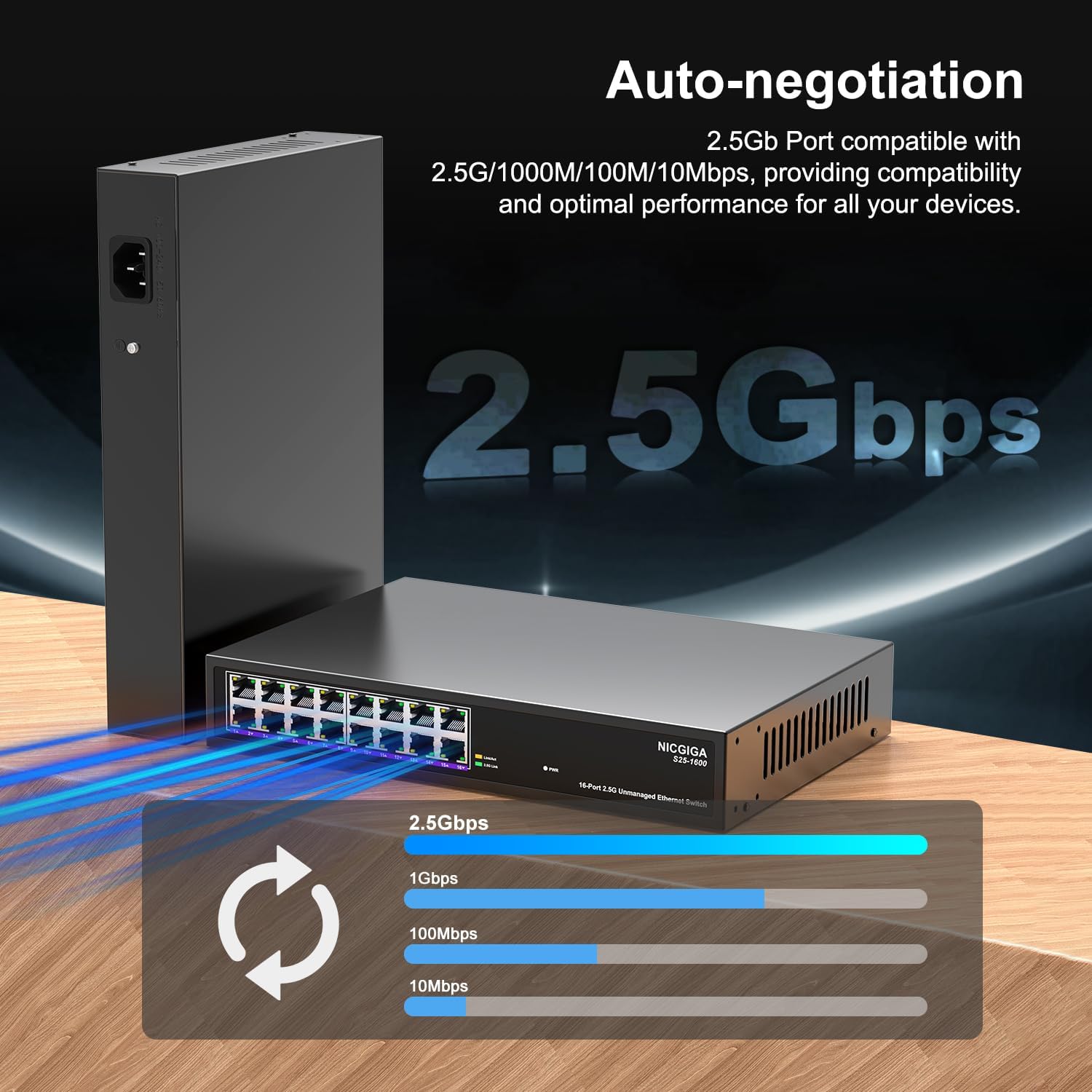
Figure 5: The auto-negotiation function ensures compatibility and optimal performance across various network speeds.
6. Mantenimentu
The NICGIGA S25-1600 switch is designed for minimal maintenance.
- Pulizia: Aduprate un pannu dolce è asciuttu per pulisce l'esternu di l'interruttore. Ùn aduprate micca detergenti liquidi o aerosol.
- Ventilazione: Ensure the switch is placed in a well-ventilated area. Although fanless, proper airflow helps maintain optimal operating temperatures. Do not block ventilation openings.
- Cundizioni Ambientali: Operate the switch within the recommended temperature and humidity ranges specified in the technical specifications.
7. Risoluzione di prublemi
If you encounter issues with your NICGIGA S25-1600 switch, refer to the following troubleshooting tips:
| Prublemu | Causa Possibile | Soluzione |
|---|---|---|
| Nisuna indicazione LED di alimentazione. | Nisuna alimentazione o adattatore di corrente difettuosu. |
|
| No Link/Activity LED for a connected device. |
|
|
| Velocità di rete lenta. |
|
|
8. Specificazioni
| Feature | Descrizzione |
|---|---|
| Mudellu | S25-1600 |
| Porti | 16x Porti RJ100 1000/2500/45Mbps |
| Capacità di cambià | 80 Gbps |
| Tariffa di spedizione di pacchetti | 89.28 Mpps |
| Tabella di indirizzu MAC | 16K |
| Cornice Jumbo | 12K |
| Cache di memoria | 12Mbit |
| Auto-Negotiation | 100Mb/1G/2.5G |
| MDI/MDIX | Supportatu |
| Design senza Fan | Iè |
| Alloghju | Metallu |
| Opzioni di muntatura | Desktop, 19-inch Rack Mount |
| Prutezzione di fulmini | 4KV |
| Dimensioni di u pacchettu | 13.62 x 10.51 x 3.5 inch |
| Pesu di l'articulu | 4.09 liri |
| UPC | 790885830181 |
9. Garanzia è Support Tecnicu
NICGIGA provides a one-year warranty for this product. For technical assistance or warranty claims, please contact NICGIGA customer support. Lifetime technical support is available for the product.
For further information, please visit the official NICGIGA websitu o riferitevi à i dettagli di cuntattu furniti cù u vostru acquistu.


